跳至主要內容
Motioncase

Product launch videos

Make a product launch video with your agent

150 editable scenes for every beat of a launch. Describe what you ship, add your screens and numbers, and render it on your own machine.

launch scenes
150
launch scenes
launch workflows & scenes
41
launch workflows & scenes
aspect ratios
4
aspect ratios
project after render
Editable
project after render

Formats: 16:9 landscape, 9:16 vertical, 3:2 landscape, 2:3 portrait

Storyboard

Build a launch video beat by beat

A tight launch runs 30–45 seconds with one scene per beat. Pick a scene for each step.
  1. 0134 scenesHookStop the scroll with one line, typed or set in motion.
  2. 0226 scenesProduct demoShow the product working with real screens and steps.
  3. 0312 scenesHow it worksExplain the flow, the dependencies or the rollout.
  4. 0468 scenesProofOne number or comparison that makes the claim believable.
  5. 0523 scenesCloseState the offer or next step and ask for one action.

The launch library

Every product launch skill, filterable by family, access, aspect ratio and role.
More filters

Product launches

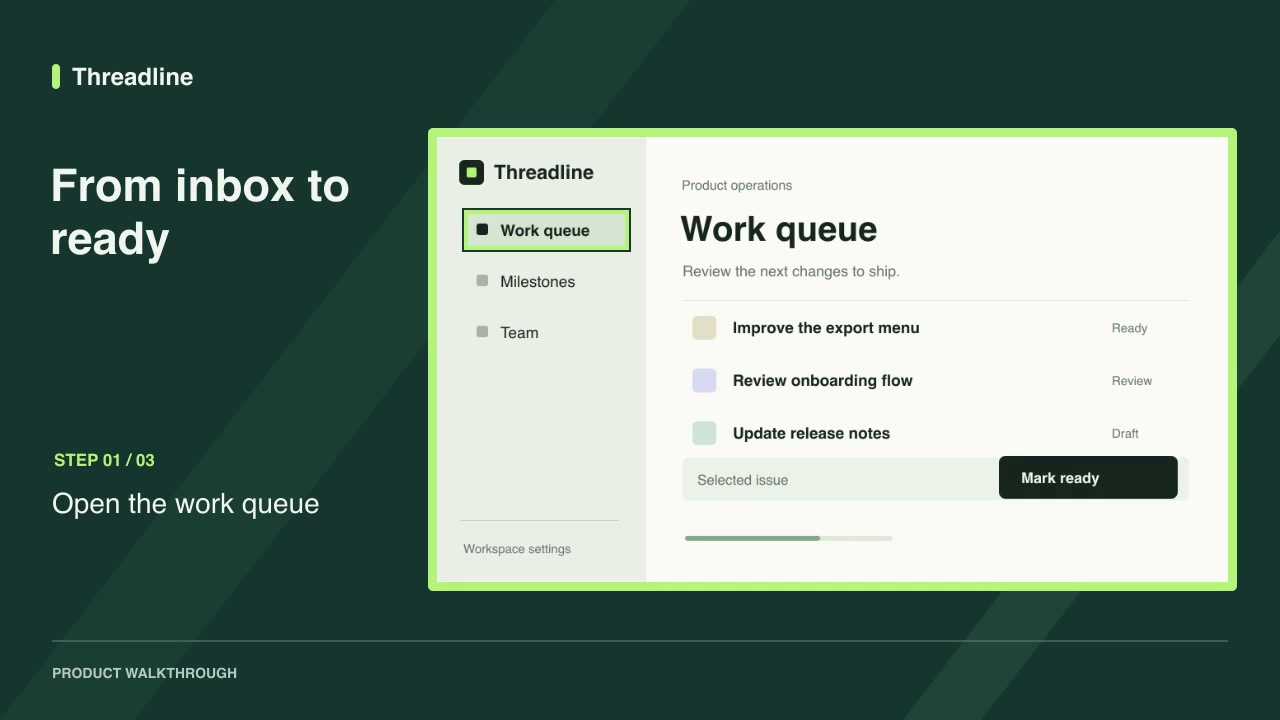
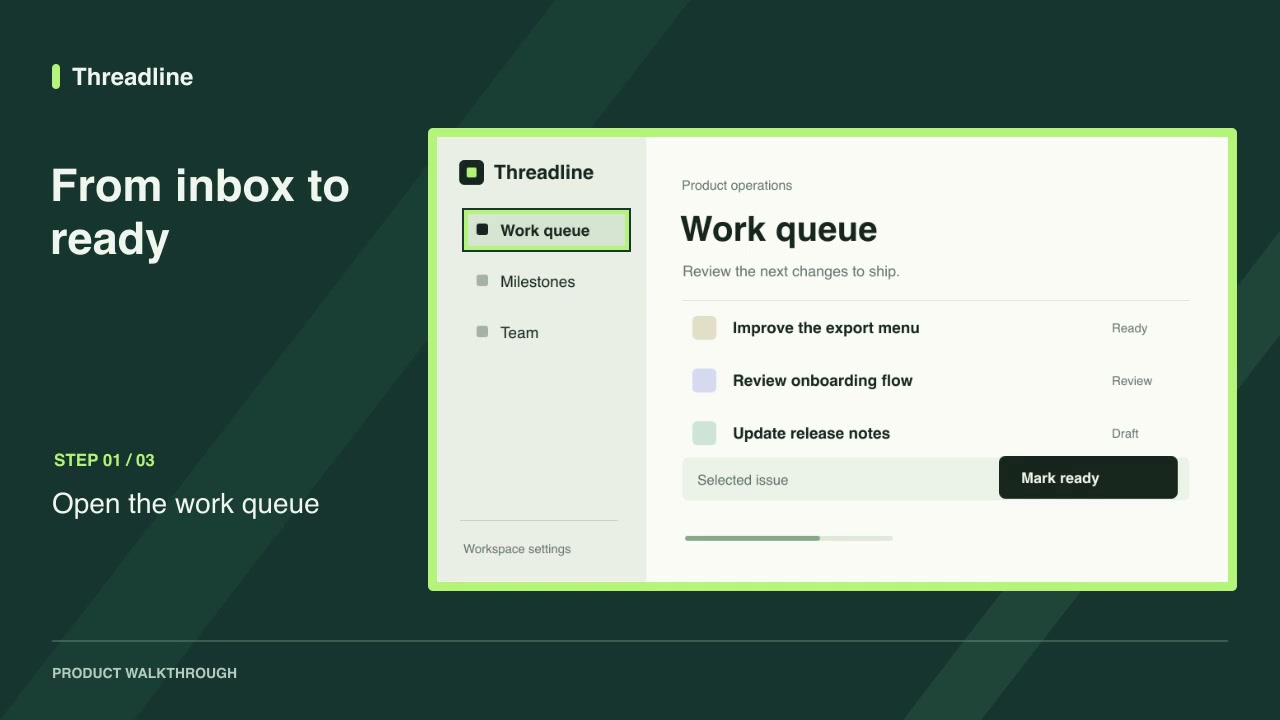
Software demosFreeScreenshot walkthroughTurn product screenshots into a guided video with step labels and a timed highlight on each control.Complete workflow16:9 · 0:09Verified: CodexOpen skill
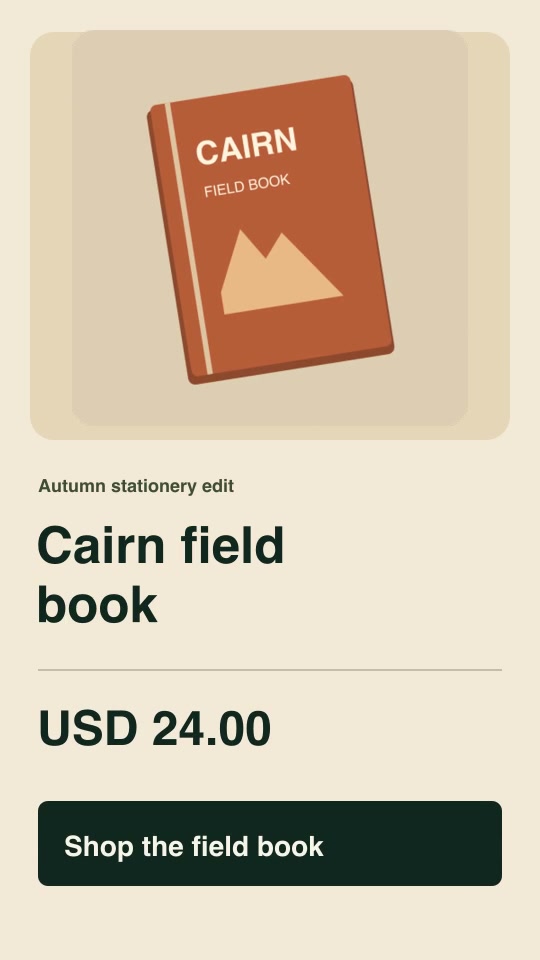
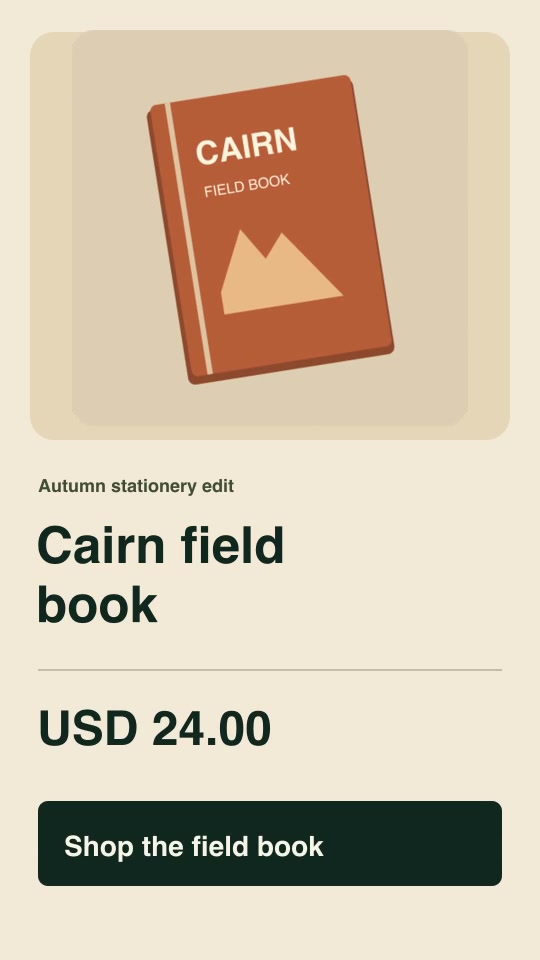
Social adsProProduct offer spotBuild a vertical five-second promotion from your product image, exact offer, currency, price and call to action.Complete workflow9:16 · 0:05Verified: CodexOpen skill
Product launchesProRelease-note videoTurn two approved release notes and their matching product screenshots into a seven-second announcement.Complete workflow16:9 · 0:07Verified: CodexOpen skill
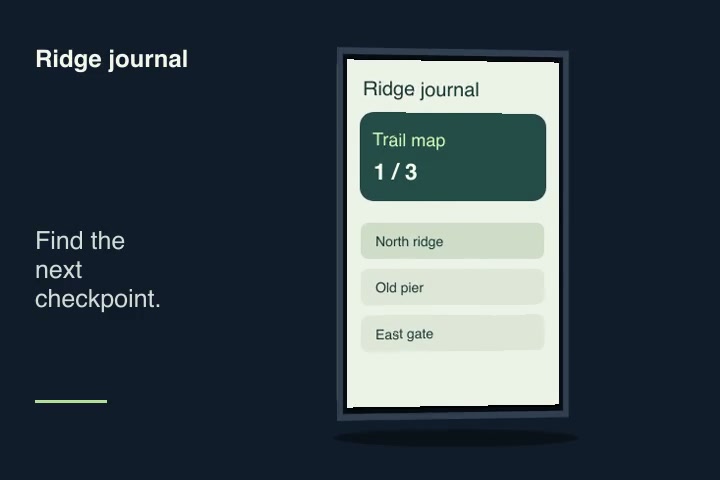
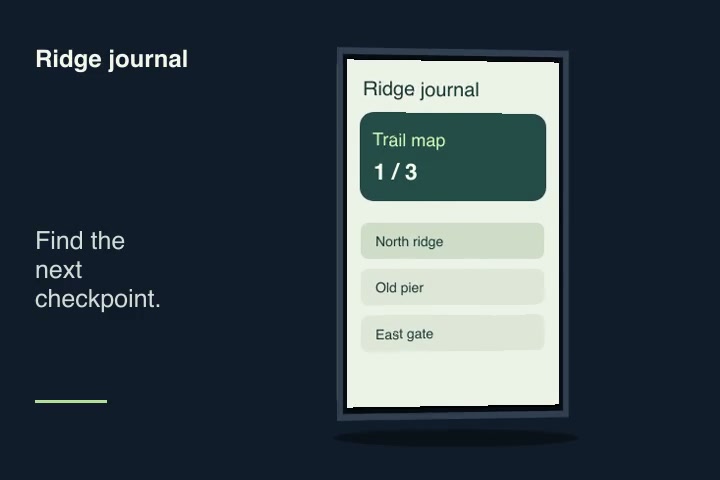
Motion graphics & 3DPro3D screen showcaseMap a screenshot or short screen recording onto an original unbranded device with an editable camera turn.Component3:2 · 0:04Verified: CodexOpen skill
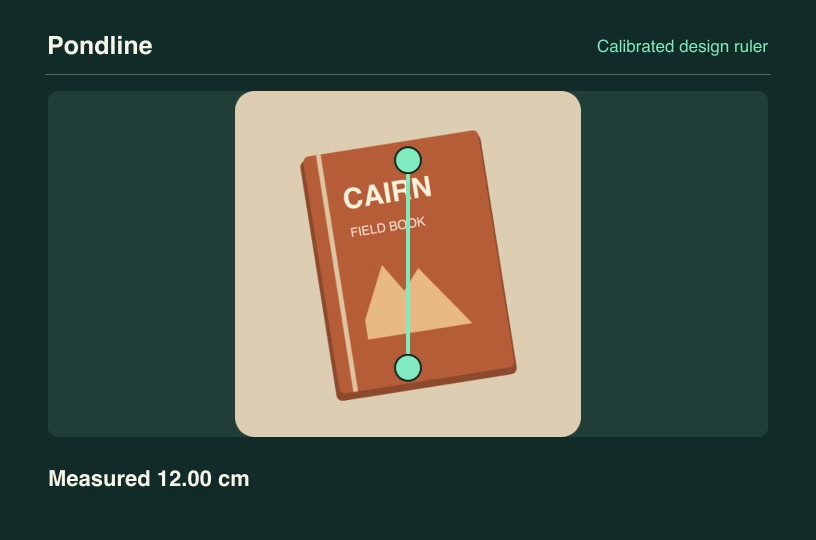
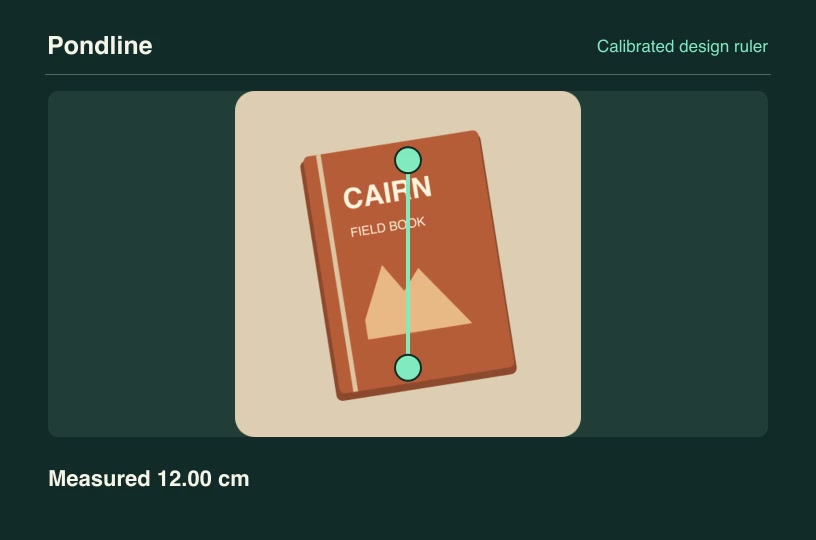
Product launchesProCalibrated design rulerUse a known reference segment to measure a second feature in a real product drawing and animate both dimensions.Component3:2 · 0:04Verified: CodexOpen skill
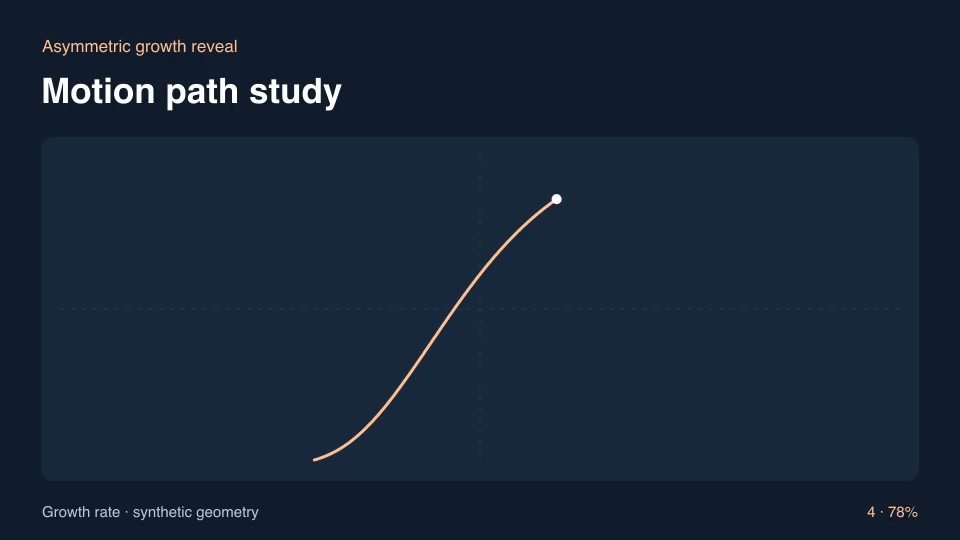
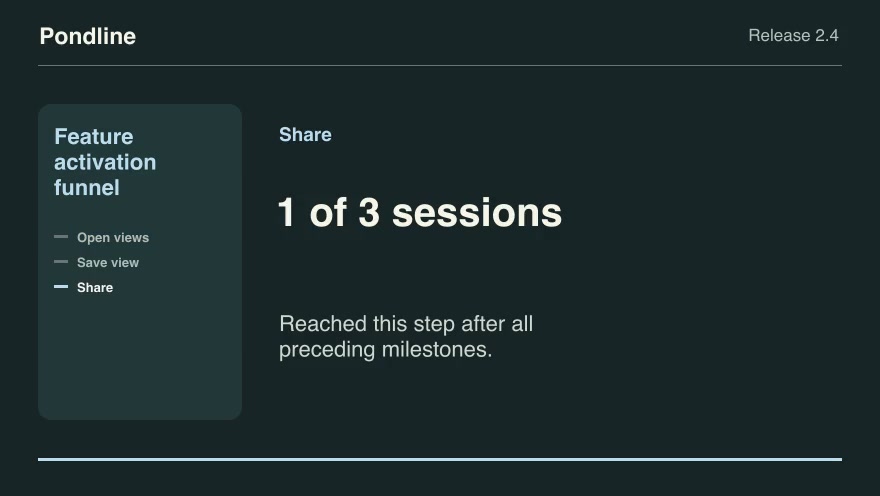
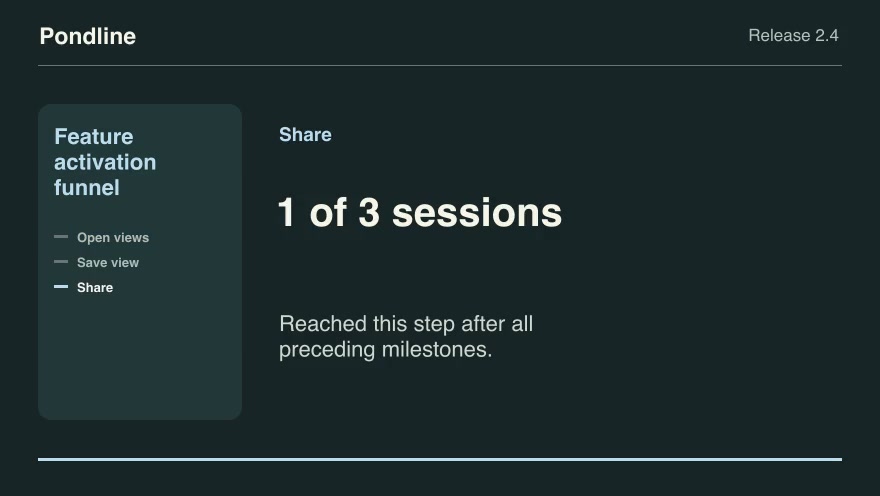
Product launchesProFeature activation funnelTrace a product’s ordered activation milestones per anonymous session and show where completion stops.Component16:9 · 0:09Verified: CodexOpen skill
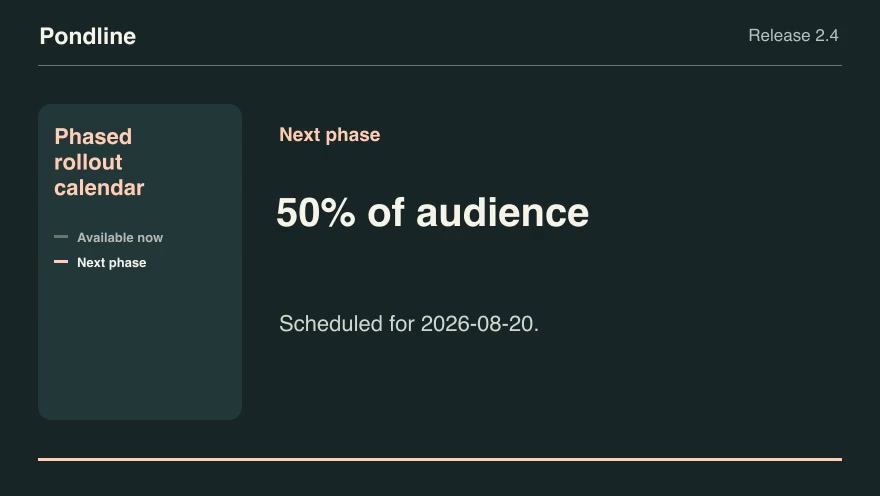
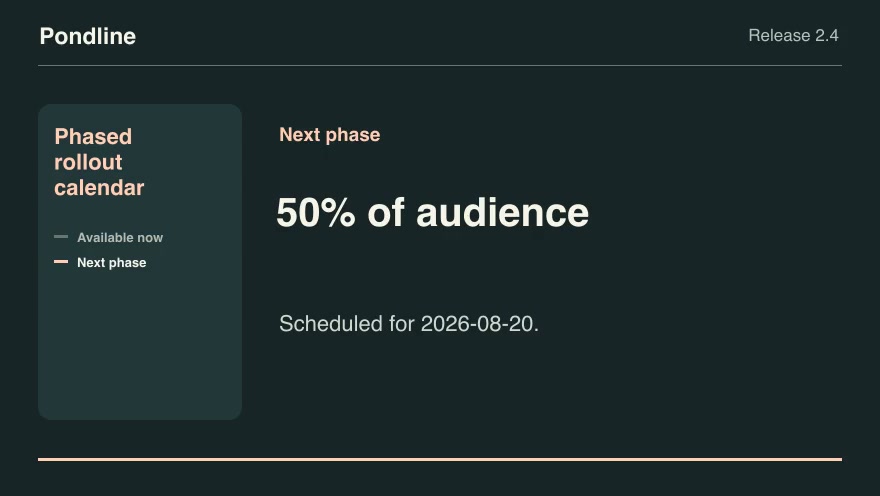
Product launchesProPhased rollout calendarTurn a phased rollout schedule into the currently released share and the next dated increase.Component16:9 · 0:07Verified: CodexOpen skill
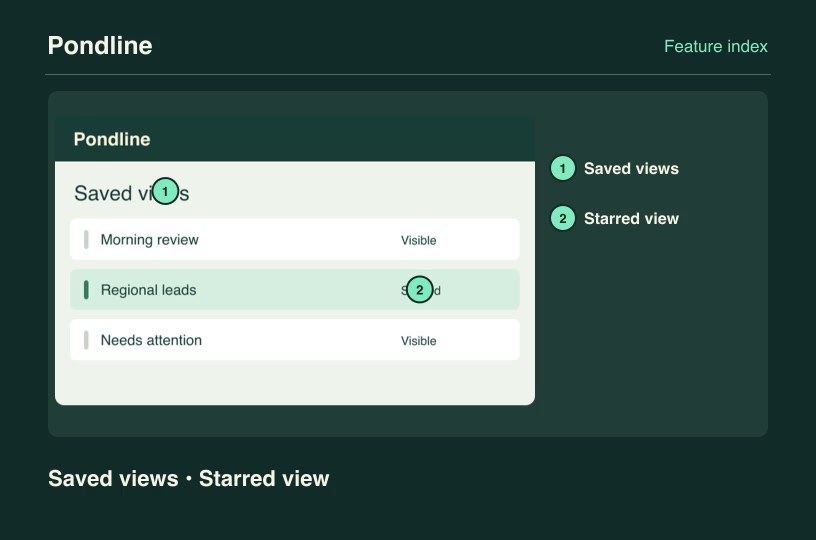
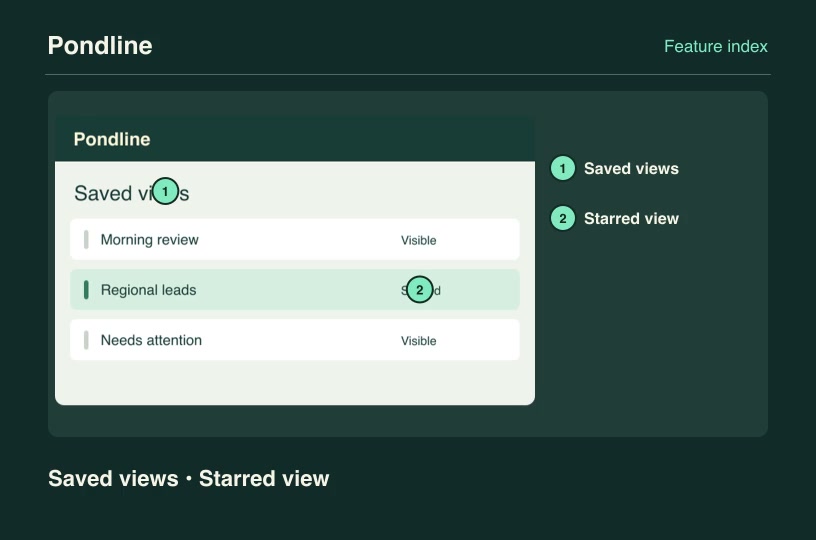
Software demosProAnnotated feature mapTurn a screenshot into a numbered feature index while preserving the actual position of every named product control.Component3:2 · 0:04Verified: CodexOpen skill
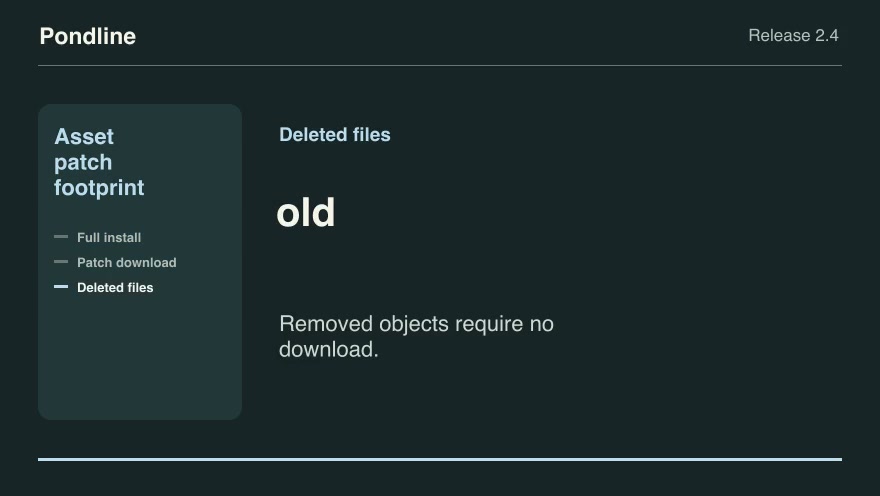
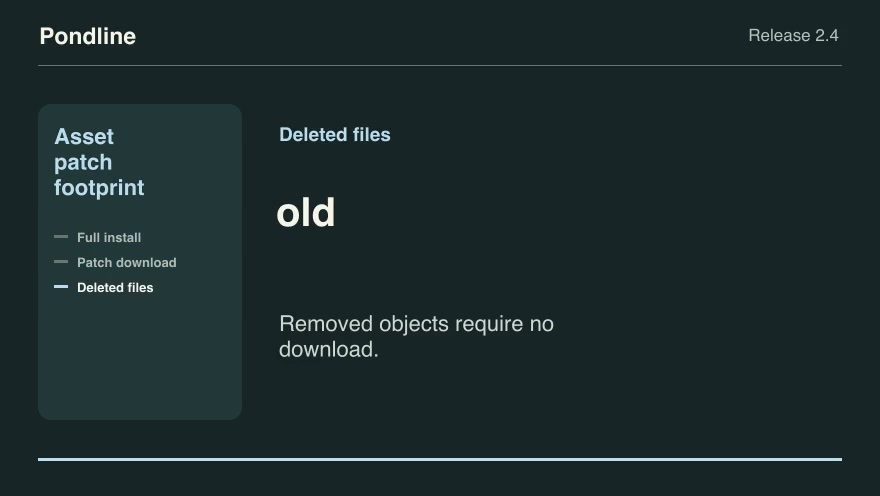
Product launchesProAsset patch footprintExplain the bytes a customer needs for a differential update by comparing release object hashes.Component16:9 · 0:09Verified: CodexOpen skill
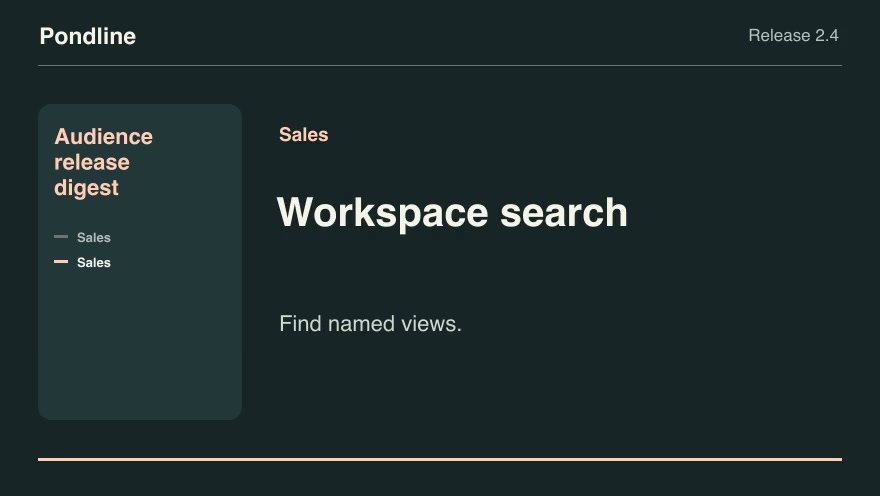
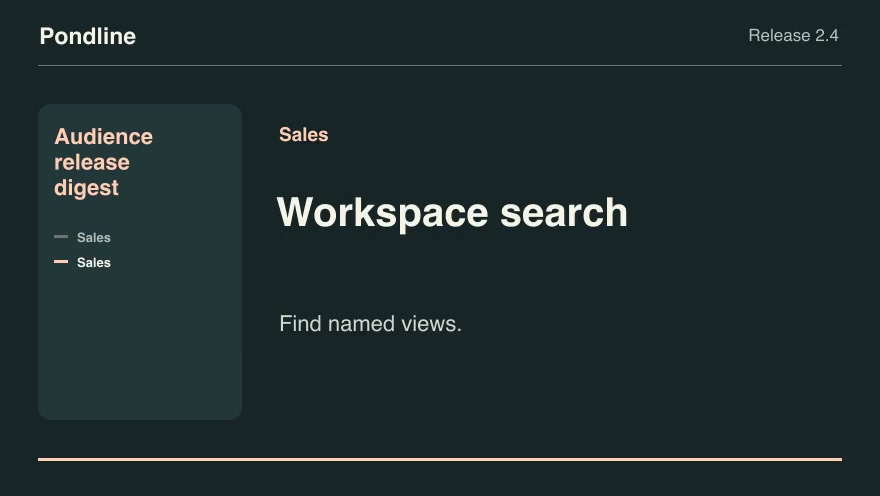
Product launchesProAudience release digestCut a customer-specific release digest from a tagged change list using the selected audience and public notes.Component16:9 · 0:07Verified: CodexOpen skill
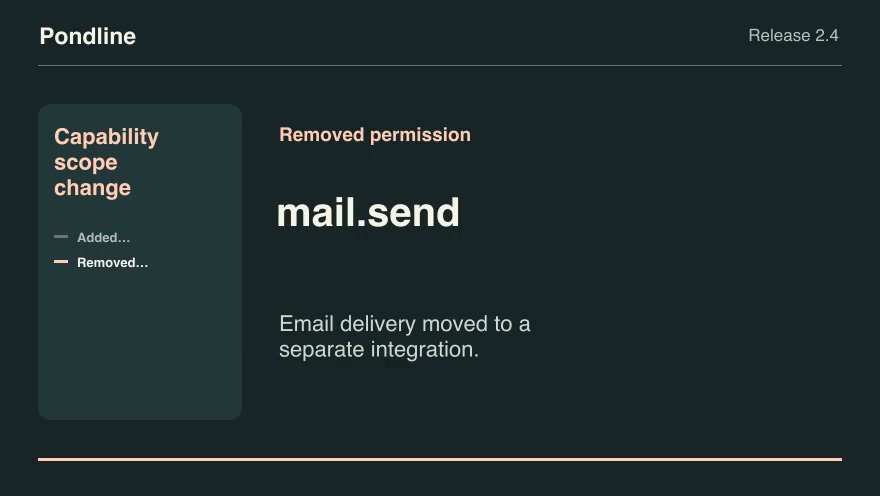
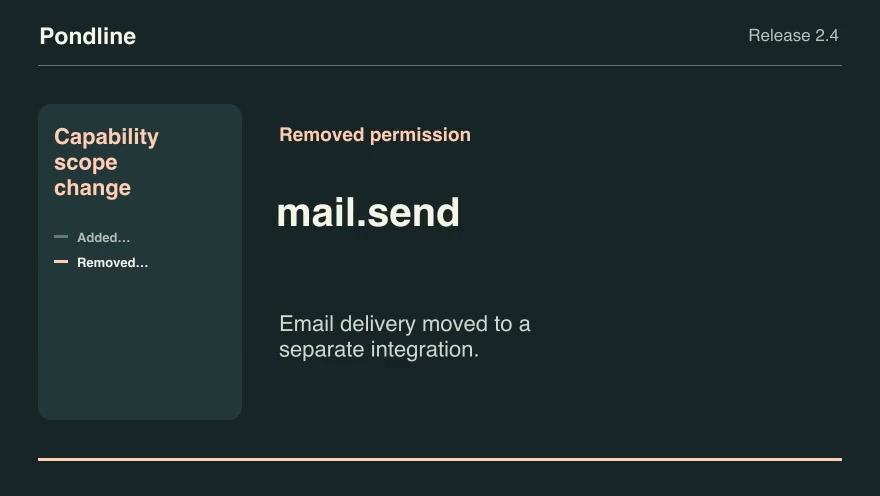
Product launchesProCapability scope changeExplain newly requested and removed permission scopes between two product versions.Component16:9 · 0:07Verified: CodexOpen skill
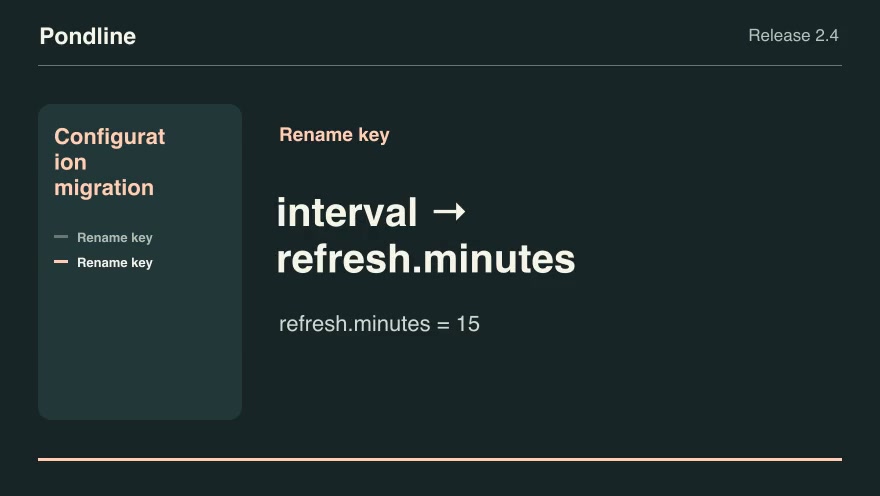
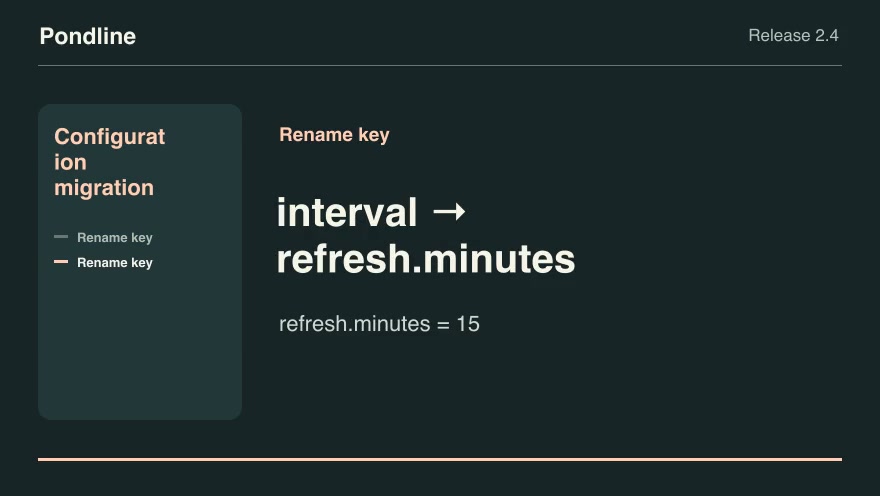
Product launchesProConfiguration migrationShow how to migrate replaced configuration keys while preserving the actual customer values.Component16:9 · 0:07Verified: CodexOpen skill
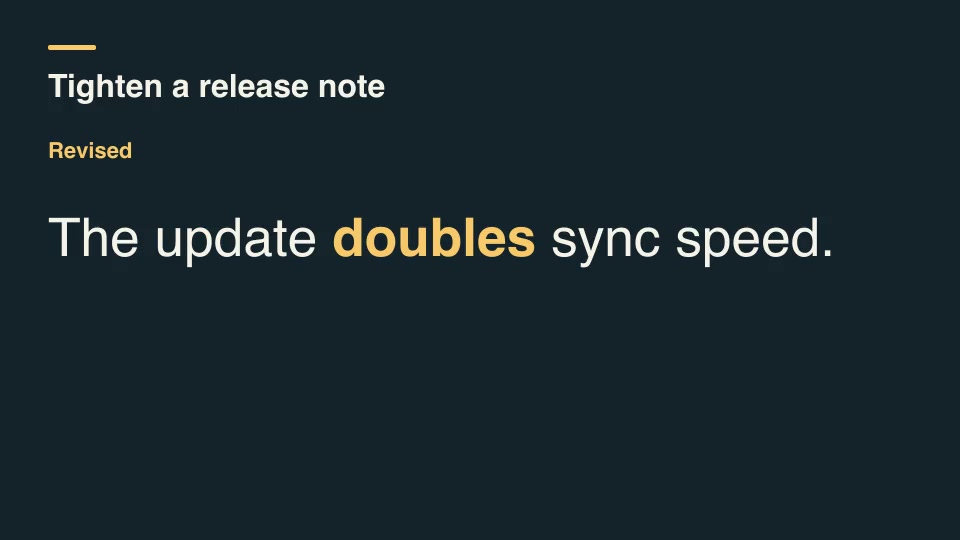
Kinetic typographyProCopyedit diff revealCompare two lines of copy, identify added and removed words, and reveal the revised line with the changed words highlighted.Component16:9 · 0:04Verified: CodexOpen skill
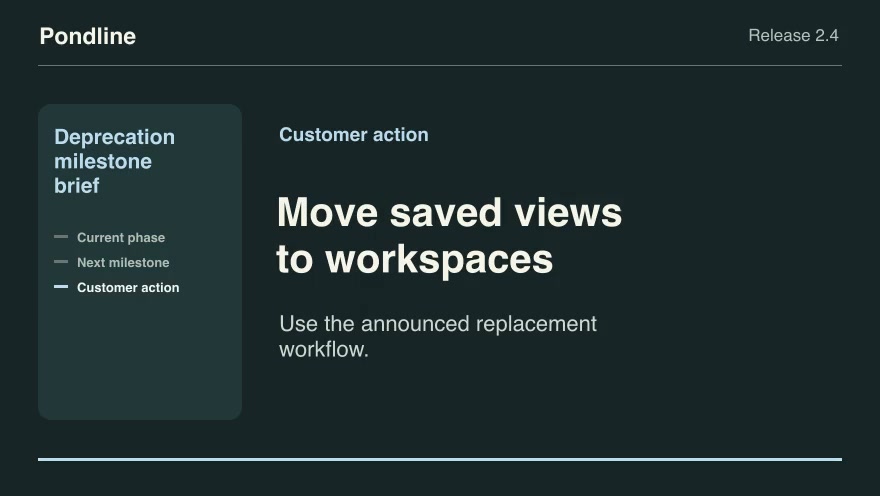
Product launchesProDeprecation milestone briefPlace an as-of date on the announced warning, read-only and retirement timeline, then identify the next customer action.Component16:9 · 0:09Verified: CodexOpen skill
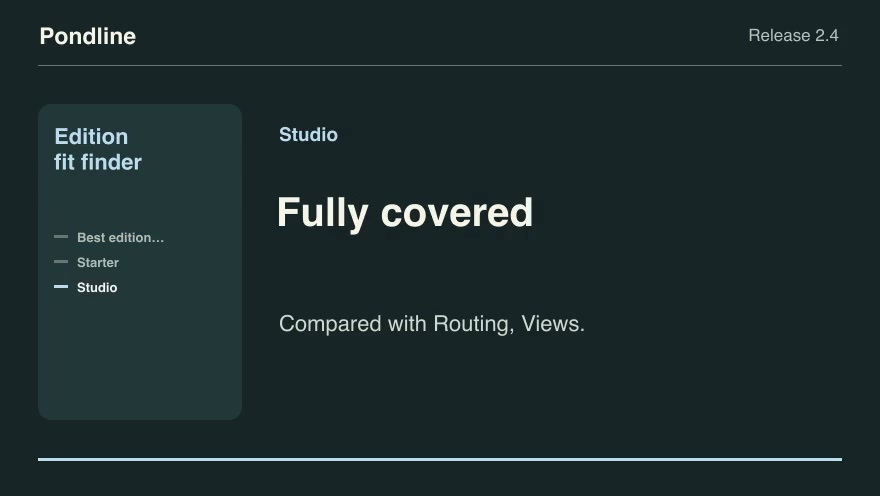
Product launchesProEdition fit finderTurn the requested features into the least expensive published edition that includes all of them, and name the missing features for other editions.Component16:9 · 0:09Verified: CodexOpen skill
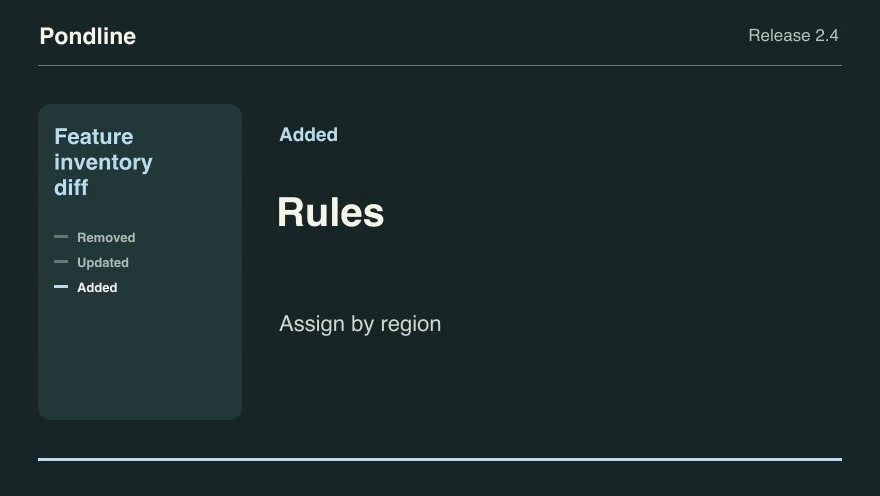
Product launchesProFeature inventory diffBuild a release announcement by comparing the previous and current feature descriptions.Component16:9 · 0:09Verified: CodexOpen skill
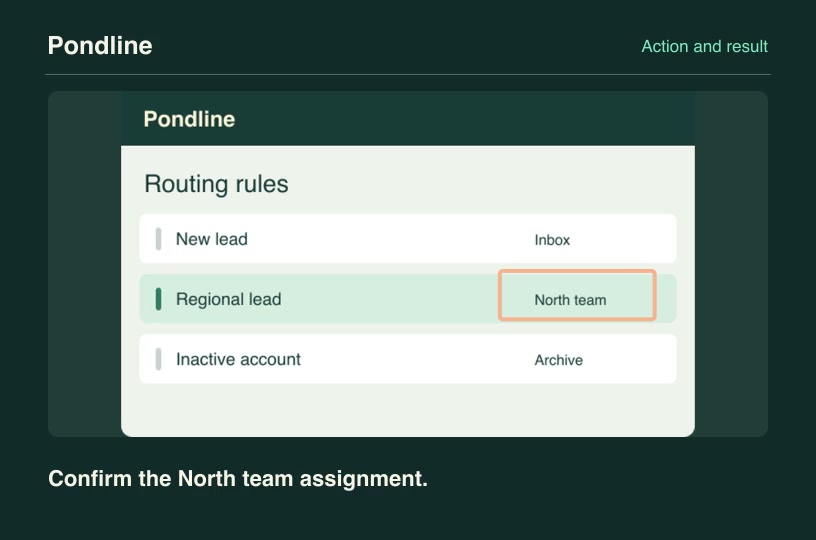
Software demosProFeature state confirmationShow a deliberate tap on a control, cut to its corresponding result screenshot and identify the verified response.Component3:2 · 0:04Verified: CodexOpen skill
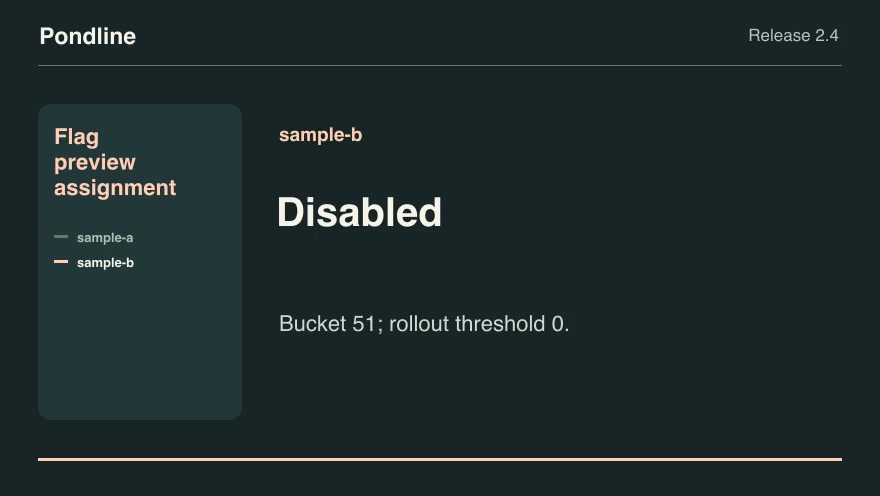
Product launchesProFlag preview assignmentReproduce the product's deterministic feature-flag assignment for anonymized preview identities, including explicit overrides.Component16:9 · 0:07Verified: CodexOpen skill
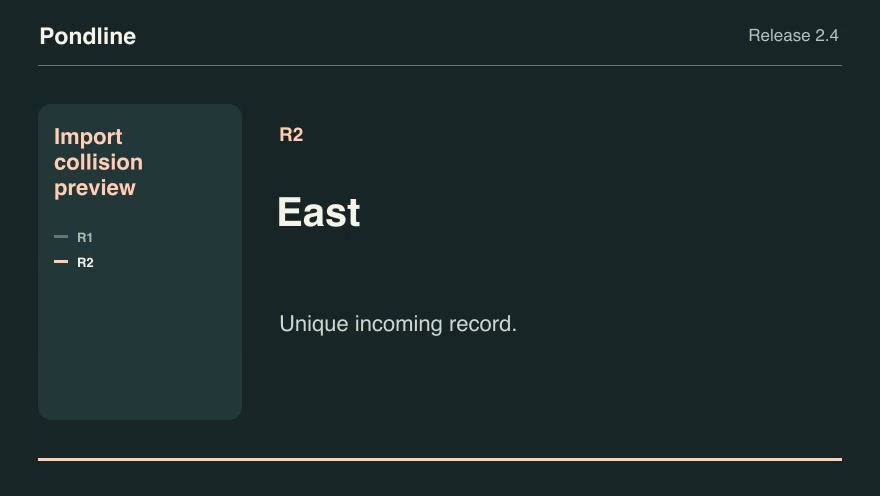
Software demosProImport collision previewGroup incoming records by external ID and apply the chosen collision policy before showing the import result.Component16:9 · 0:07Verified: CodexOpen skill
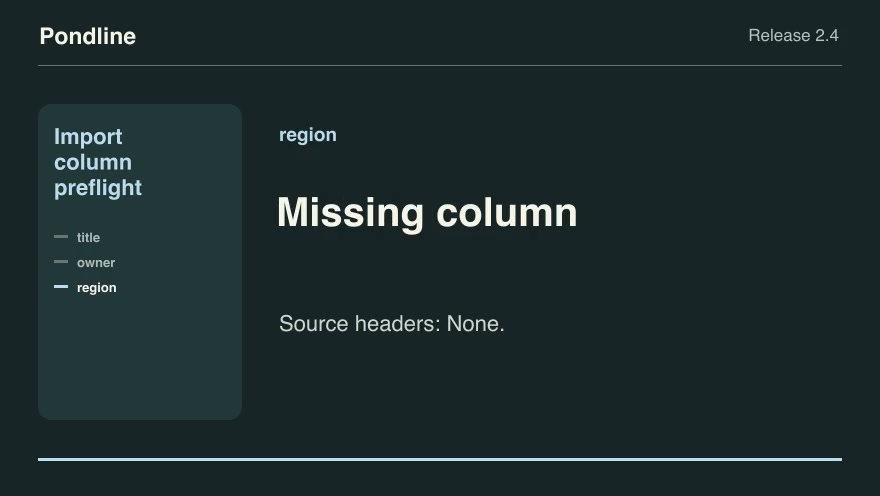
Product launchesProImport column preflightShow whether an incoming CSV header can satisfy the product's required fields through an approved alias map.Component16:9 · 0:09Verified: CodexOpen skill
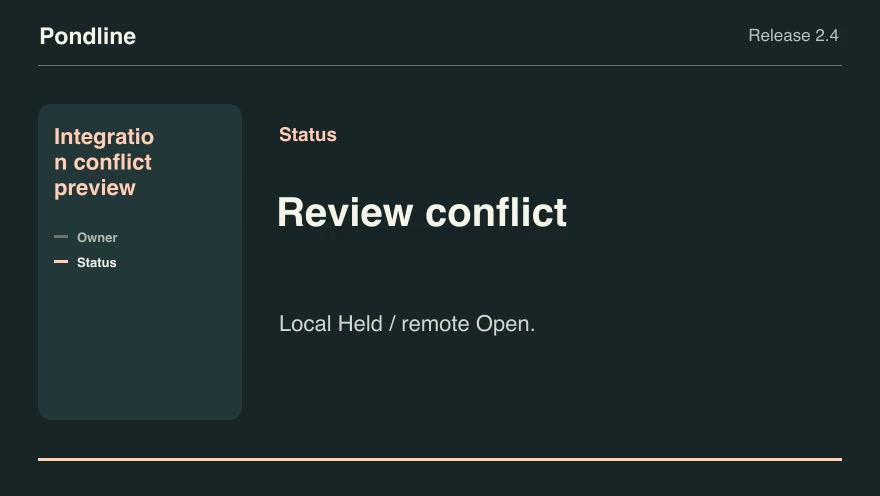
Product launchesProIntegration conflict previewCompare local and remote edits against a common baseline and show which values can sync automatically.Component16:9 · 0:07Verified: CodexOpen skill
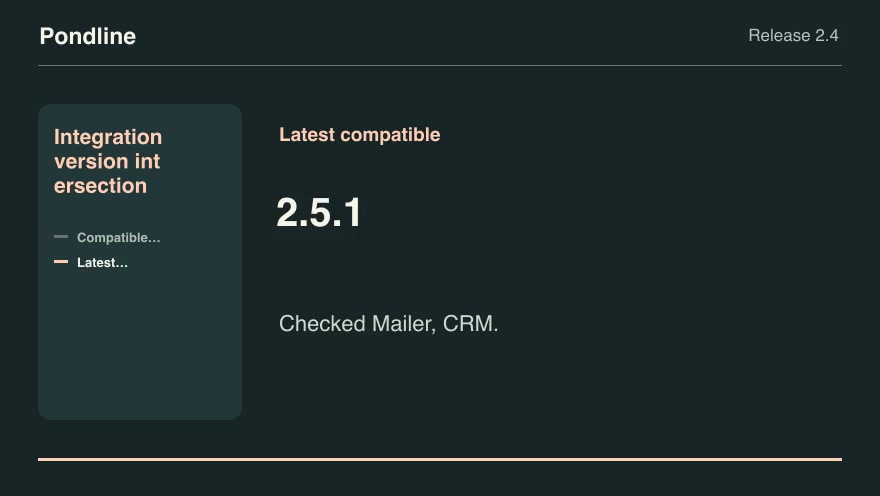
Product launchesProIntegration version intersectionFind product releases that satisfy every active integration's explicit version range and choose the latest compatible build.Component16:9 · 0:07Verified: CodexOpen skill
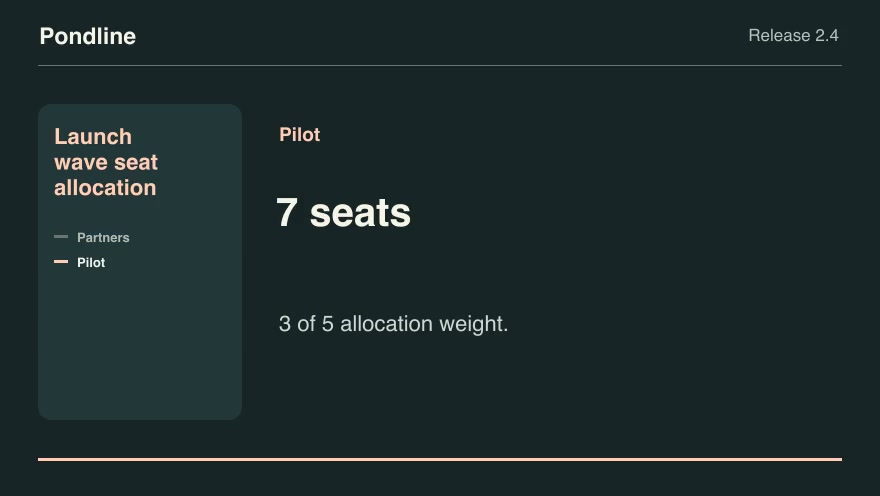
Product launchesProLaunch wave seat allocationApportion a limited invitation wave across named customer cohorts using largest remainders and deterministic tie breaks.Component16:9 · 0:07Verified: CodexOpen skill
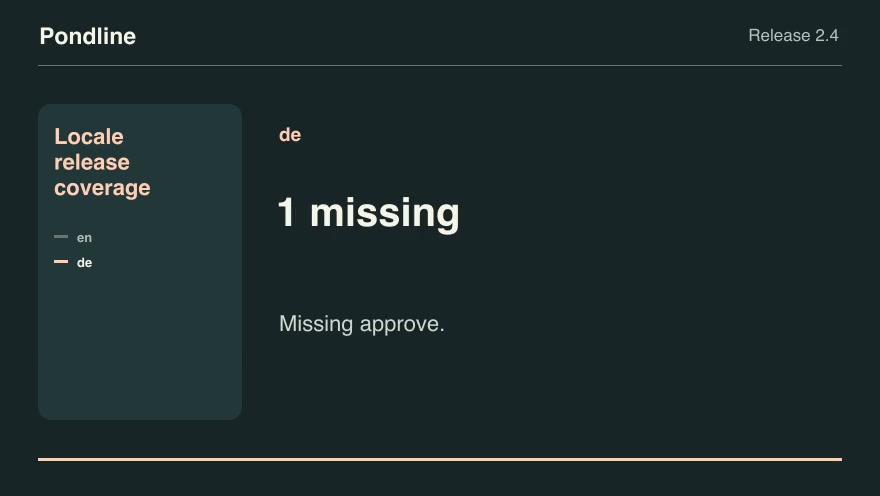
Product launchesProLocale release coverageHighlight missing public strings before enabling a new product locale.Component16:9 · 0:07Verified: CodexOpen skill

How to make it

  1. 1Install the scenes you pickedDownload each ZIP or ask your connected agent to install them over MCP.
  2. 2Brief your agentDescribe the release, paste your copy and point it at your screenshots and numbers.
  3. 3Render, review and shipRender each scene, review the first and last frames, then cut them together.

Questions

How long should a launch video be?

Most launch posts work at 30 to 45 seconds: one scene per beat. Each skill page lists its rendered duration so you can plan the cut.

Do I need design software?

No. Each skill renders from an editable project with your text, screenshots and numbers. You can still bring the MP4 into your editor.

Can I use my own brand colors?

Most launch scenes accept an accent color and your own screenshots. The customized render on each skill page shows what you can change.

Is any of it free?

Yes. Free launch-related skills download without an account. Pro unlocks the full catalog with one subscription.

Pricing

Find the right plan for your videos

Start with free skills. Subscribe to Pro for new releases or buy founding access with one payment.

Save 33% with yearly billing

Free

$0

No charge

Free video skills
  • Free packages with example inputs
  • Public video previews and source credits
  • Render with your own software
Browse free skills

Pro

Save 33%

Regular monthly price $19.90/mo

$13.17/ month

$158.00 billed yearly

Full Pro skill catalog
  • New skills and updates while subscribed
  • Eligible creator resources
  • Pro downloads in your account and connected agent

Renews annually until canceled. Pro includes newly published skills and updates through the end of each paid term. Payments are non-refundable except where required by law. External software and rendering costs are separate.

Founding Lifetime

$169.00

One-time payment

Ongoing Pro access
  • Full Pro skill catalog
  • New skills and updates
  • One payment with no renewal

One payment grants ongoing Pro access, including newly published skills and updates, with no renewal charge. Payments are non-refundable except where required by law. External software and rendering costs are separate.

Prices are in USD. Applicable taxes are shown at checkout. Agent, model and rendering costs are separate. Read the terms of use and refund policy.