Product launches
Show an update, announce a release, or walk through a new feature.
Find a working video workflow. Add your own screens, footage, or copy and render it in your project.
Explore examplesBrowse by the work you need to do, from a first product demo through the final motion details.
Show an update, announce a release, or walk through a new feature.
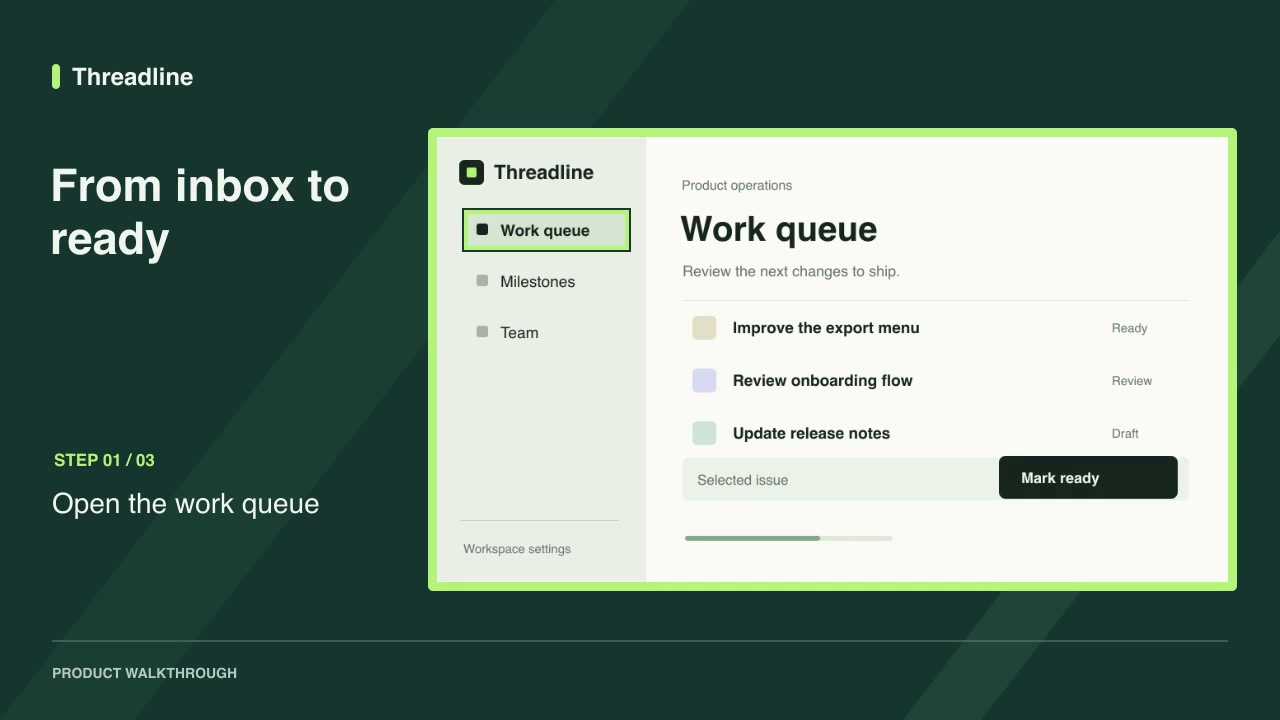
Turn your screenshots or recordings into a guided product walkthrough.
Animate titles, subtitles, and on-screen text with editable timing.
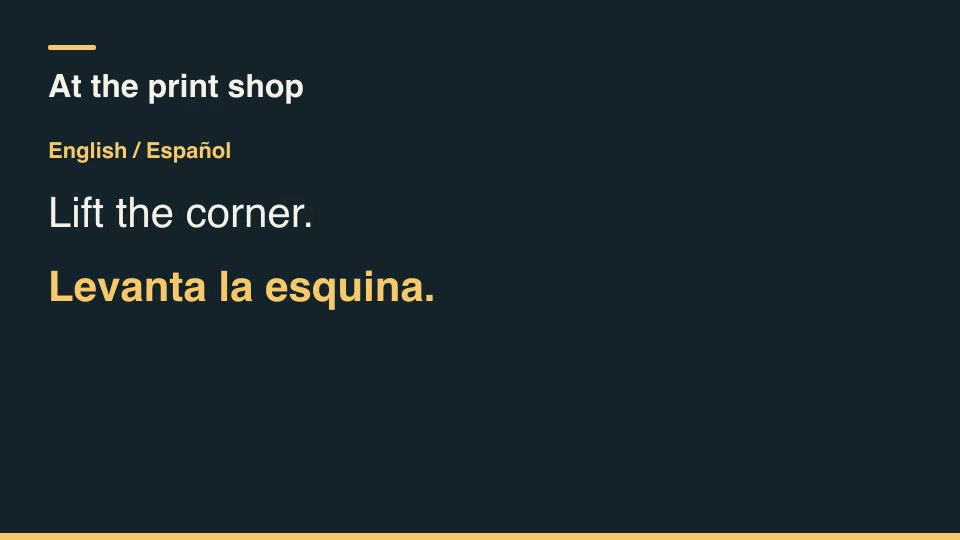
Add reusable camera moves, 3D scenes, and animation components.
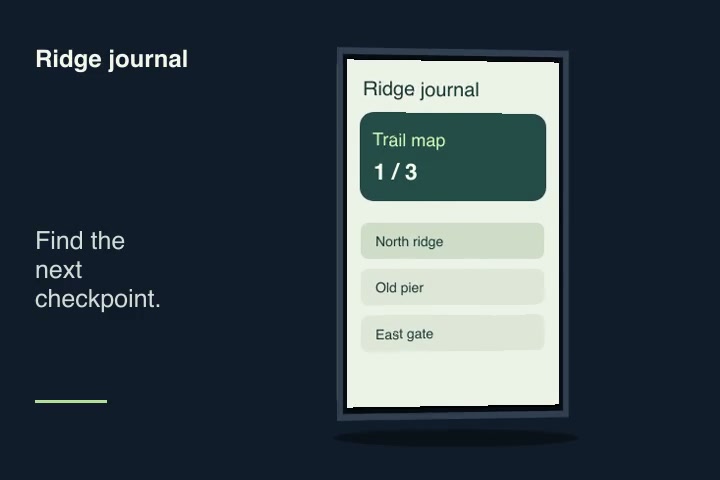
Find a skill by style, deliverable, access level, or verified agent.
Watch rendered examples or explore credited work in the Opus gallery.
Show what changed in a release, introduce a new feature, or turn a product update into a short announcement.
Make a clear walkthrough from your own screens and keep an editable project for the next update.
Reuse a campaign structure with new product details, prices, and creative for each offer.
Choose a skill with known inputs and outputs, then make it yours.
Starting from scratch
With a Motioncase skill
Start with free skills. Subscribe to Pro for new releases or buy founding access with one payment.
No charge
Regular monthly price $19.90/mo
$158.00 billed yearly
Billed monthly
Renews annually until canceled. Pro includes newly published skills and updates through the end of each paid term. Payments are non-refundable except where required by law. External software and rendering costs are separate.
Checkout coming soon
Renews monthly until canceled. Pro includes newly published skills and updates through the end of each paid term. Payments are non-refundable except where required by law. External software and rendering costs are separate.
Checkout coming soon
One-time payment
One payment grants ongoing Pro access, including newly published skills and updates, with no renewal charge. Payments are non-refundable except where required by law. External software and rendering costs are separate.
Checkout coming soon
Prices are in USD. Applicable taxes are shown at checkout. Agent, model and rendering costs are separate. Read the terms of use and refund policy.
A skill is a versioned package with a video workflow or component, instructions, test examples, and a license. Its catalog page shows the inputs, outputs, and requirements before you download it.
Still have questions?
Email hello@motioncase.dev
Start with a free download and customize it in your own project.