

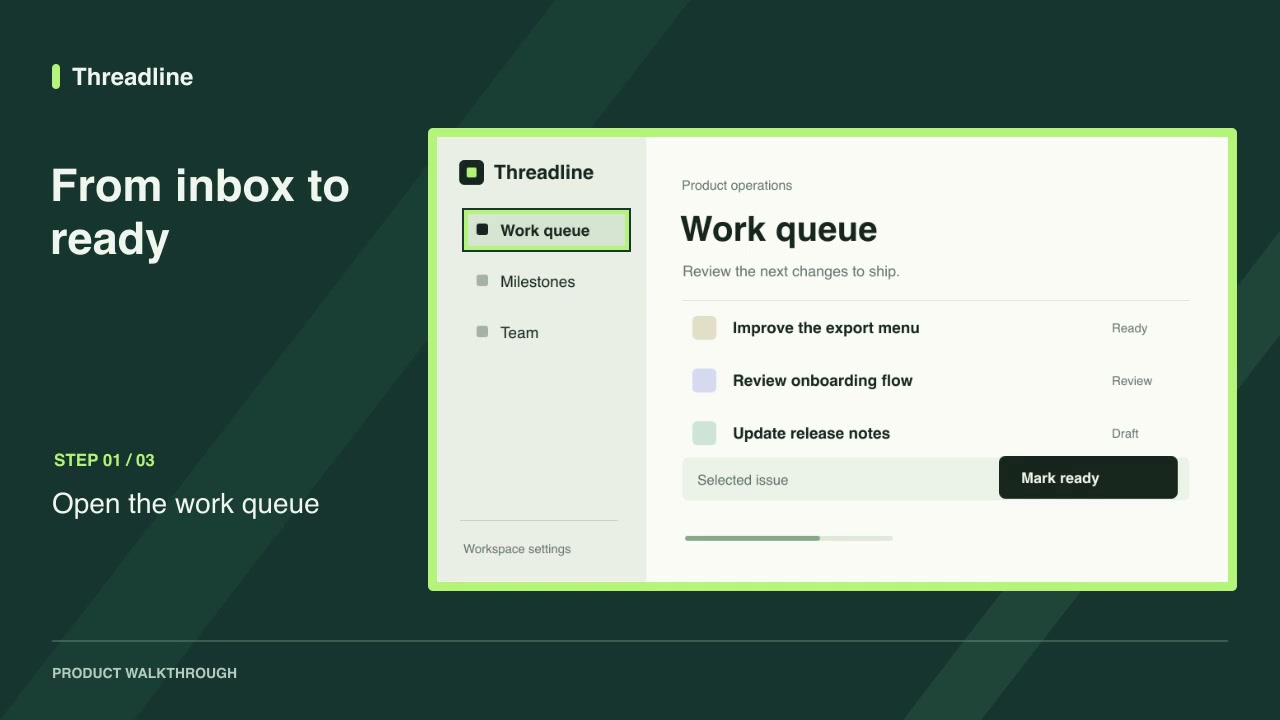
Codex is the agent with recorded install evidence for every Motioncase release. This walkthrough uses the free Screenshot walkthrough.
Install the skill
Download the ZIP from Screenshot walkthrough and compare its SHA-256 checksum with the release page. Extract the skill folder into .agents/skills/ at your project root, then open a new Codex session there.
Ask Codex to render the example
Ask Codex to use the skill by name and render its default example. It reads SKILL.md, checks the listed programs and runs the documented render command.
Check the result
Play the output and compare it with the default preview on the skill page. If the render fails, read the missing-program message, install the program and reopen the terminal so PATH updates.
Try the workflow
Next, customize the inputs with your own screenshots.
Frequently asked questions
Can I connect Codex over MCP instead?
Yes. Follow the [MCP setup](/mcp) and ask Codex to search for a skill and install it.