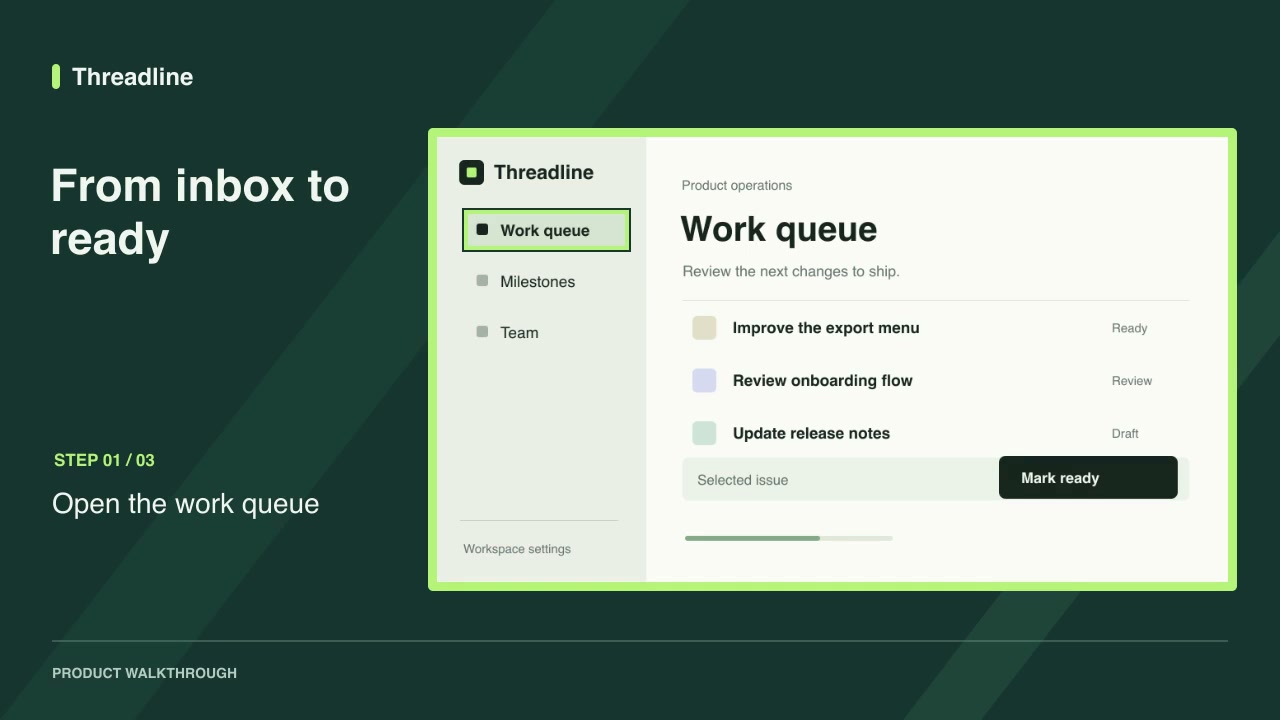
A walkthrough works best when the viewer can follow a single task from its starting screen to the result.
Pick one outcome
Start with one concrete action, such as inviting a teammate or exporting a report. Write a short step label for each screen. Show the final state so the viewer knows that the action worked.
Capture the steps
Use a consistent viewport and product theme. Remove personal data from the screenshots. The Screenshot walkthrough package accepts one to twelve PNGs with a label, highlight rectangle and duration for each step.
Review the pacing
Render the default example first, then substitute your screenshots and labels. Give a complex screen more reading time. Play the output at the size where people will watch and check that every highlight still lands on the intended control.
Try the workflow
Keep the editable project and screenshots together so you can refresh the walkthrough when the product changes.
Frequently asked questions
What does the walkthrough export?
The current release exports a silent 1280 × 720 H.264 MP4 at 24 fps. It also includes an editable JSON project.