
Video skills by use case
Titles, slates & credits
Build the text moments around your footage: chapters, slates, lower thirds, tickers and end credits.
- Skills
- 34
- Free
- 0
- Complete workflows
- 3
Complete workflows
Packages that take your inputs to a finished render.
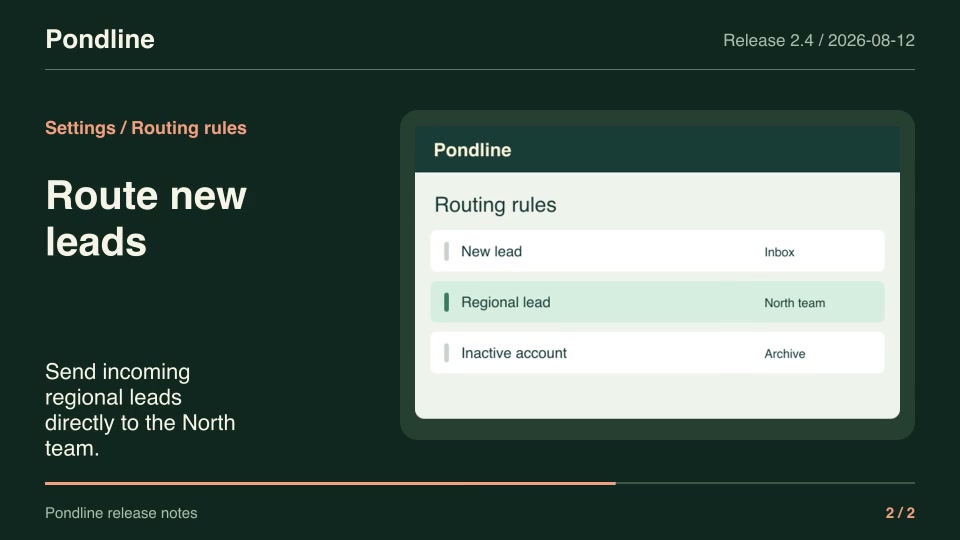
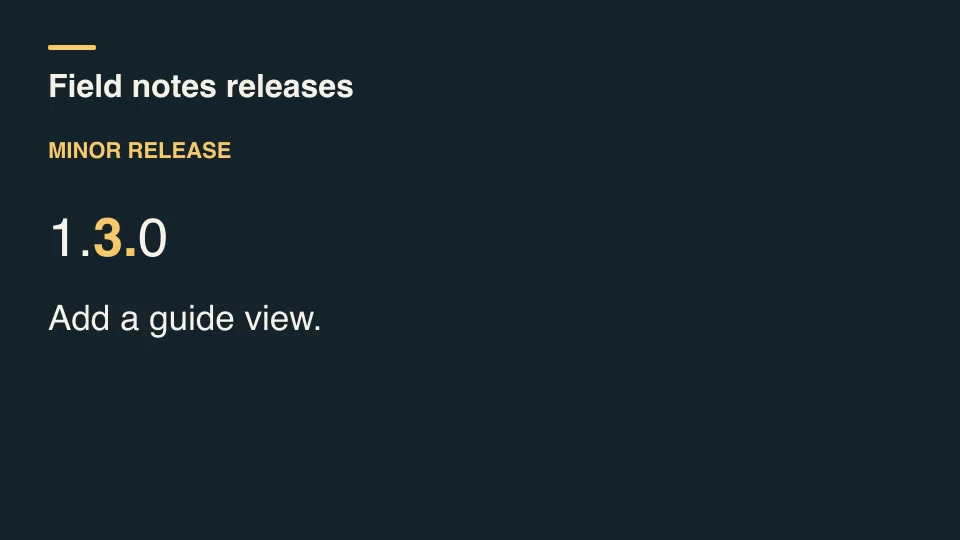
- Product launchesProRelease-note videoTurn two approved release notes and their matching product screenshots into a seven-second announcement.Complete workflow16:9 · 0:07Verified: CodexOpen skill
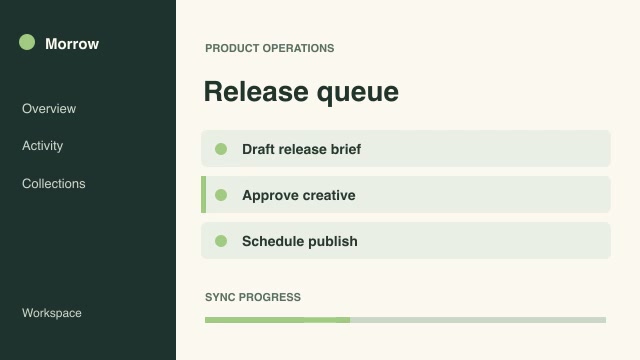
- Software demosProOrdered demo excerptsAssemble precisely selected ranges from multiple recordings into a new editorial sequence, including deliberate returns to earlier footage.Complete workflow16:9 · 0:04Verified: CodexOpen skill
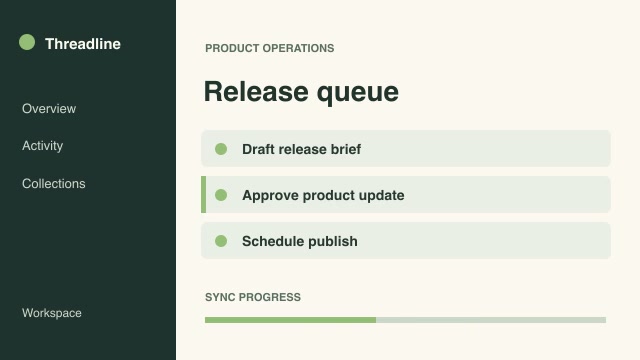
- ExplainersProSolve a process backwardsTurn a finished result into a reverse-step explainer by playing selected process stages in reverse stage order while preserving forward motion within each stage.Complete workflow16:9 · 0:03Verified: CodexOpen skill
Titles, slates & credits
34 skills

Before you run a skill
Common requirements in this collection. Each skill page lists its exact versions.
- Python 3.9+, FFmpeg with libx264, and librsvg available locally.
- No provider account required.
How to make it with a skill
- 1Pick and previewWatch the default and customized renders, then check the inputs and requirements.
- 2Install the ZIP or connect MCPFree skills download without an account. Your agent can also install them over MCP.
- 3Render with your inputsRun the included example first, then swap in your own screens, text, data or footage.
Questions
Do I need an account to try titles, slates & credits skills?
Every skill here is part of Pro. Preview each render publicly, then subscribe to download.
Where does the video render?
On your own machine or agent environment, using the tools listed on each skill. Motioncase does not charge for rendering; external tool costs are separate.
Can I change the look and the content?
Yes. Every package includes an editable project and a second, customized example that shows which inputs to change.