Ir para o conteúdo do painel
Motioncase

Video skills by role

Developer advocates

Explain configuration, versions, dependencies and integrations with diagrams that stay accurate.

Skills
63
Free
2
Complete workflows
7
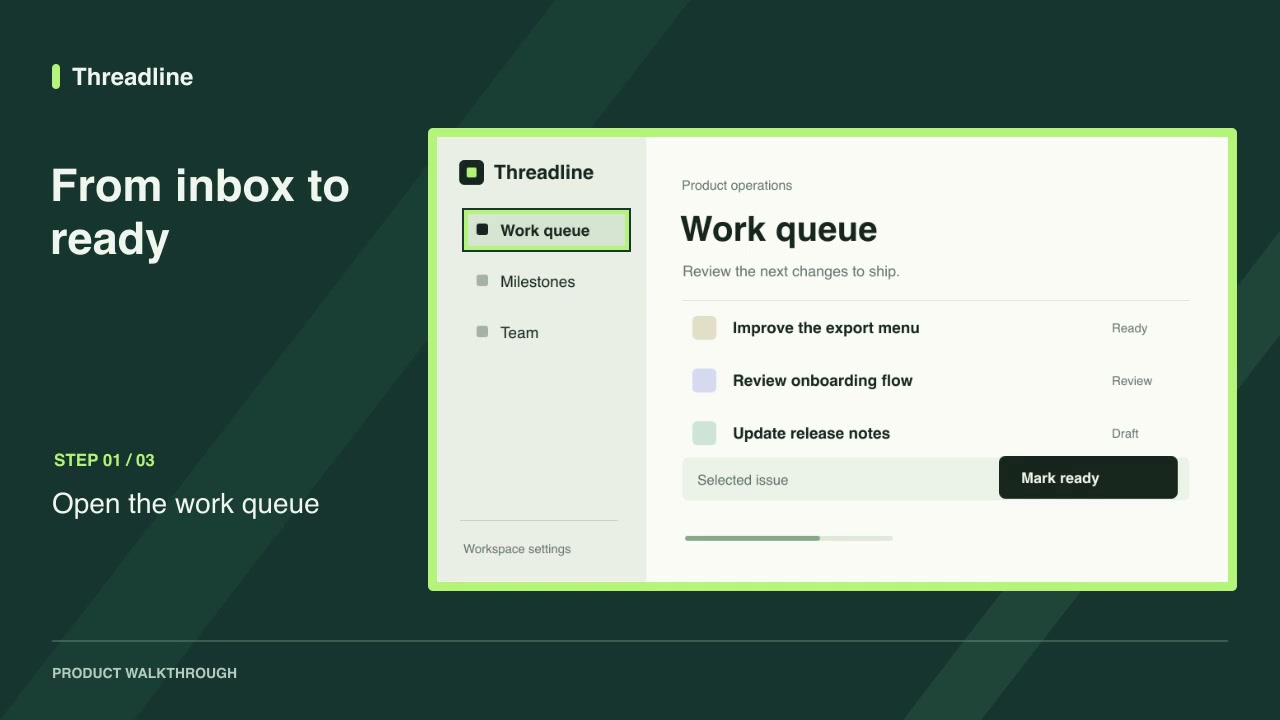
Free · Software demos · 0:09Screenshot walkthroughDownload ZIP

Complete workflows

Packages that take your inputs to a finished render.

View all
More filters

Skills for developer advocates

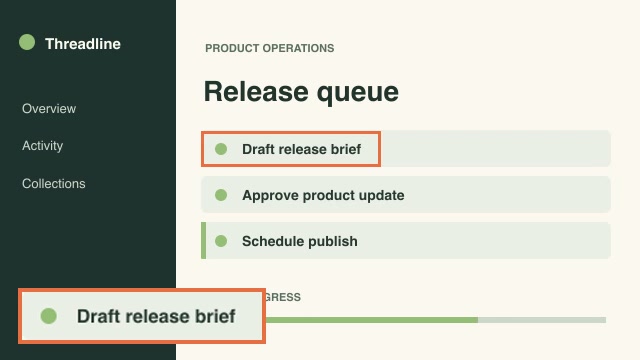
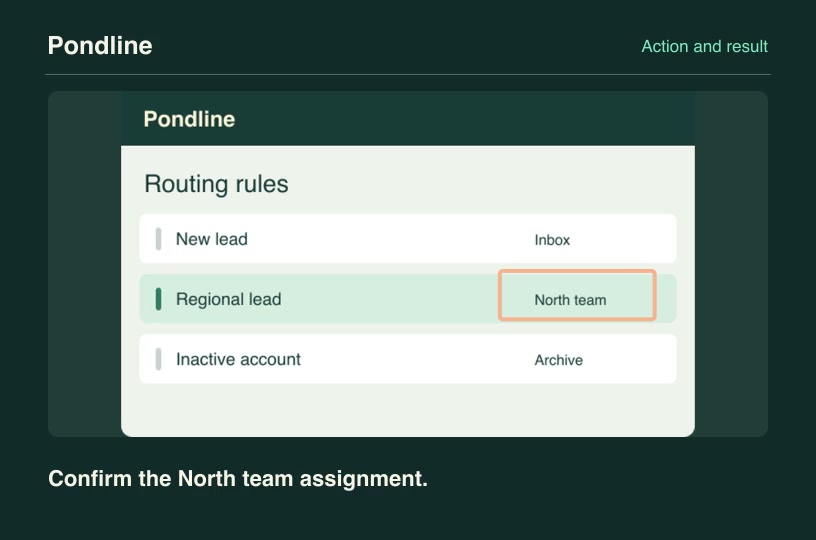
Software demosProFeature state confirmationShow a deliberate tap on a control, cut to its corresponding result screenshot and identify the verified response.Component3:2 · 0:04Verified: CodexOpen skill
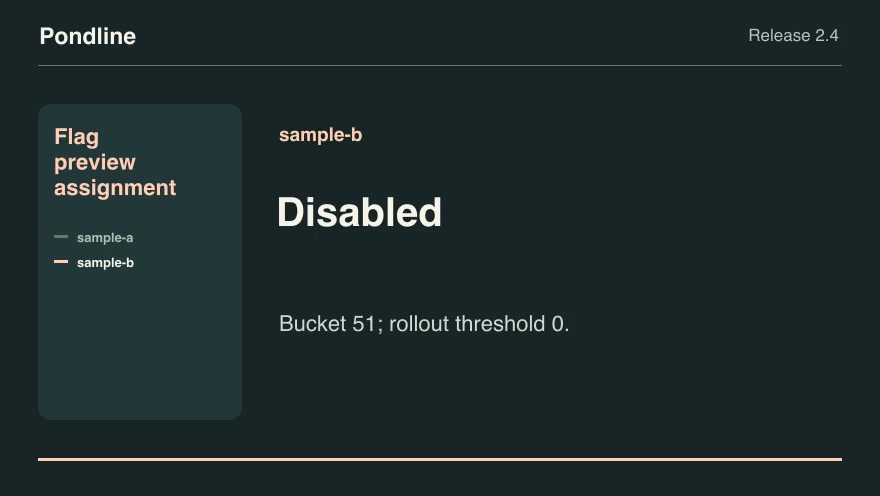
Product launchesProFlag preview assignmentReproduce the product's deterministic feature-flag assignment for anonymized preview identities, including explicit overrides.Component16:9 · 0:07Verified: CodexOpen skill
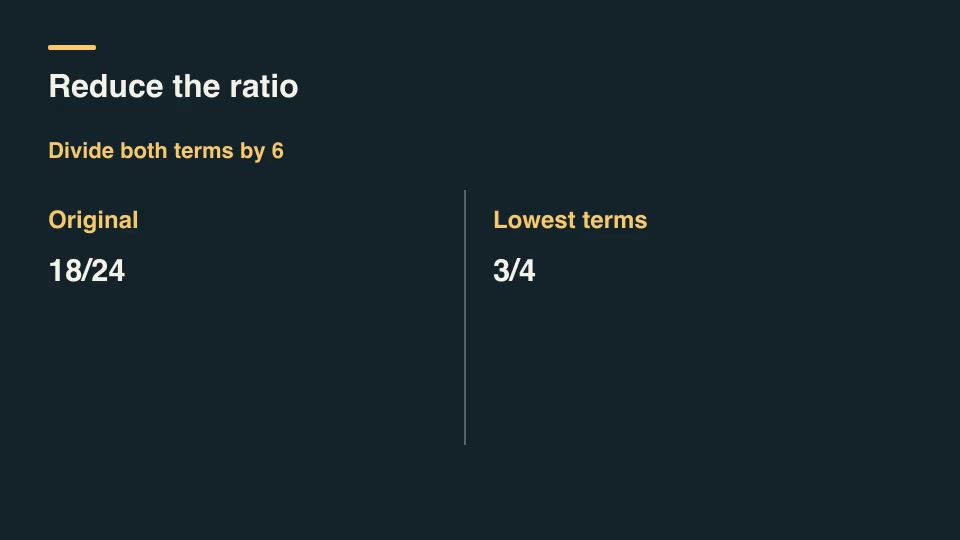
Kinetic typographyProFraction reduction walkthroughShow each Euclidean remainder step and the common divisor used to reduce a fraction to lowest terms.Component16:9 · 0:03Verified: CodexOpen skill
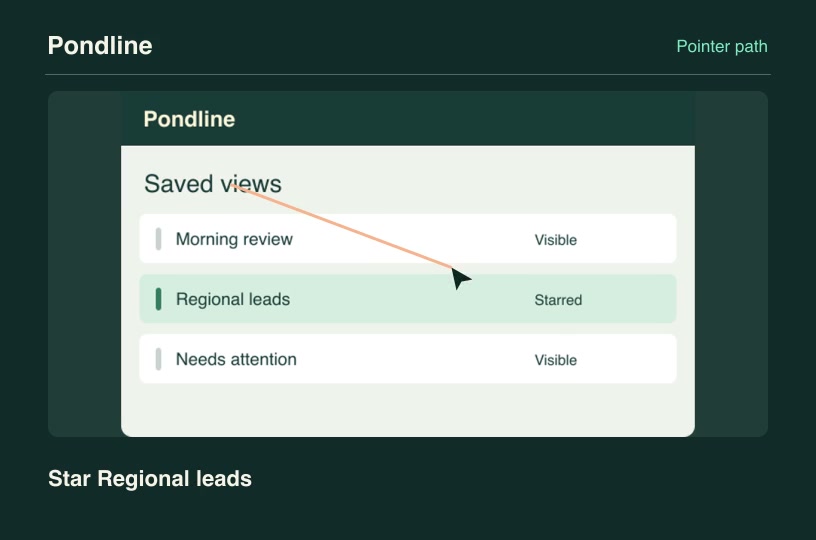
Software demosProGuided pointer routeDirect a cursor along the ordered controls in a screenshot while each authored action label appears.Component3:2 · 0:04Verified: CodexOpen skill
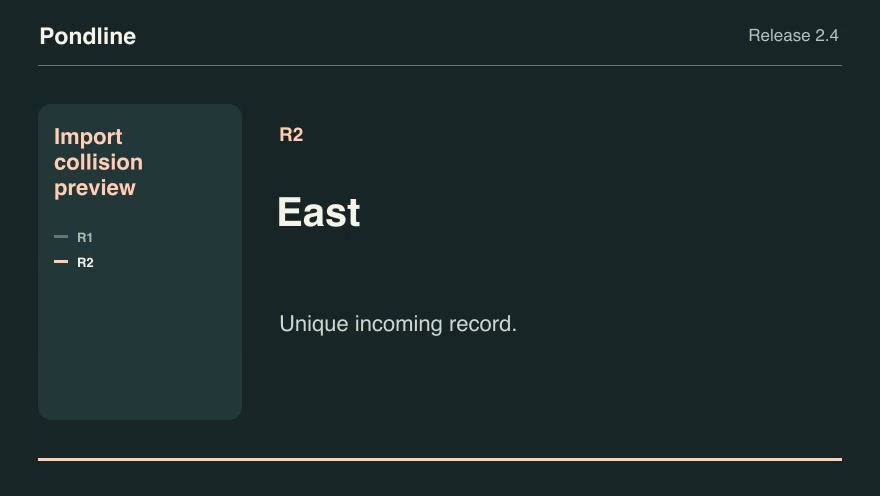
Software demosProImport collision previewGroup incoming records by external ID and apply the chosen collision policy before showing the import result.Component16:9 · 0:07Verified: CodexOpen skill
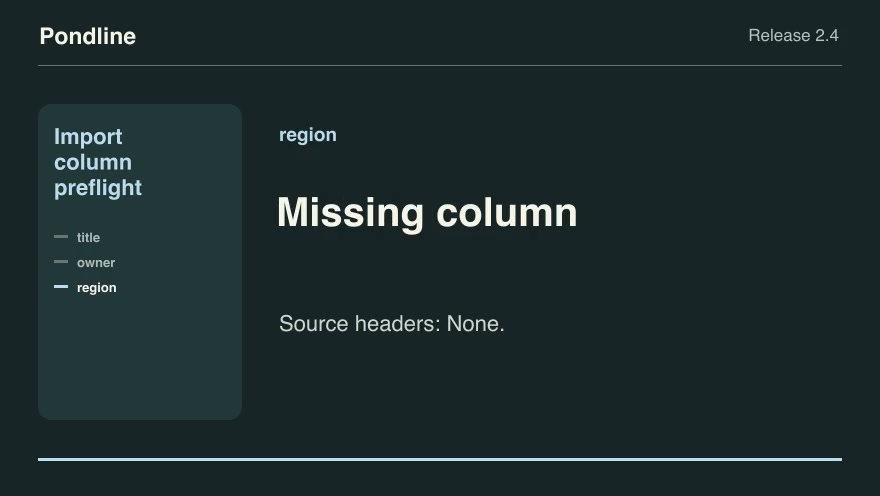
Product launchesProImport column preflightShow whether an incoming CSV header can satisfy the product's required fields through an approved alias map.Component16:9 · 0:09Verified: CodexOpen skill
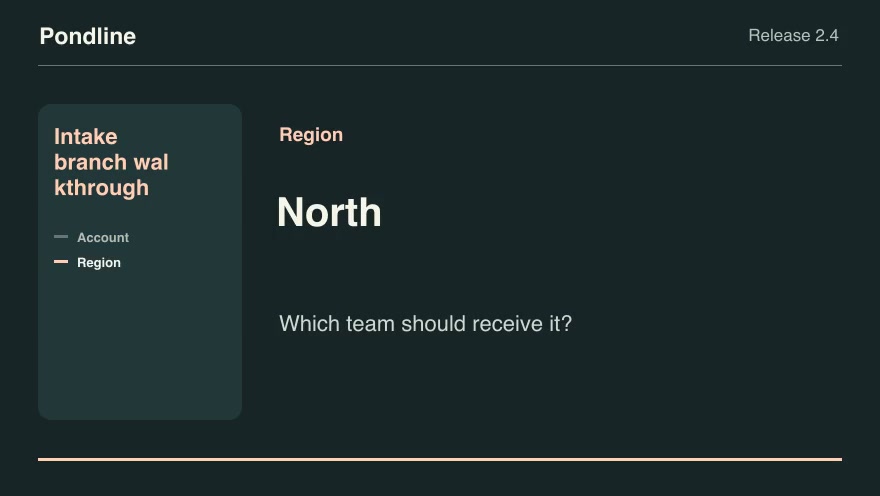
Software demosProIntake branch walkthroughTrace a customer's answers through an actual conditional form and display only the questions that the selected branches reach.Component16:9 · 0:07Verified: CodexOpen skill
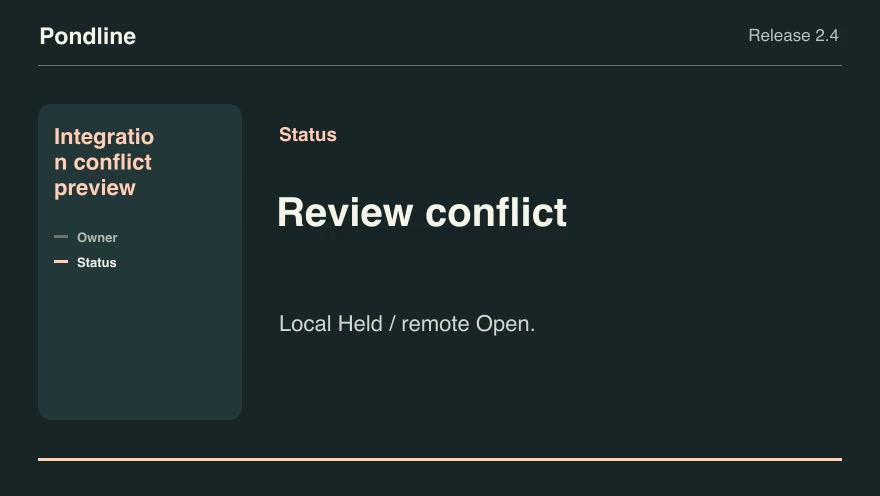
Product launchesProIntegration conflict previewCompare local and remote edits against a common baseline and show which values can sync automatically.Component16:9 · 0:07Verified: CodexOpen skill
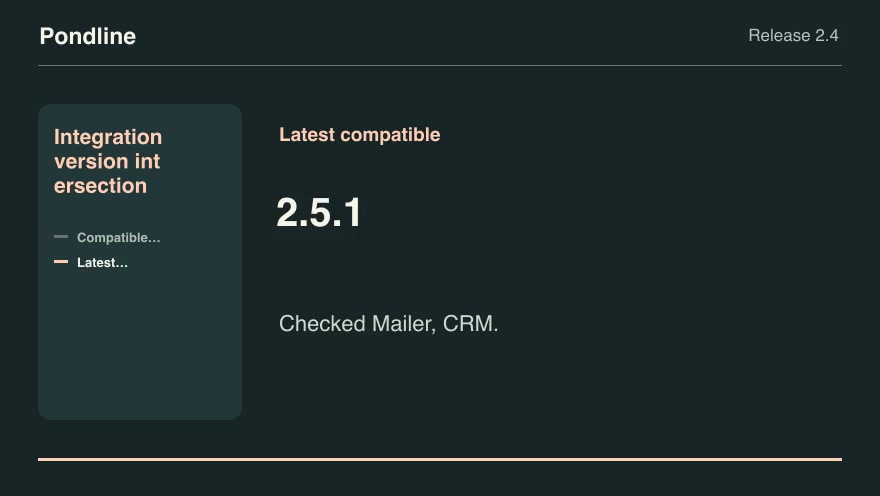
Product launchesProIntegration version intersectionFind product releases that satisfy every active integration's explicit version range and choose the latest compatible build.Component16:9 · 0:07Verified: CodexOpen skill
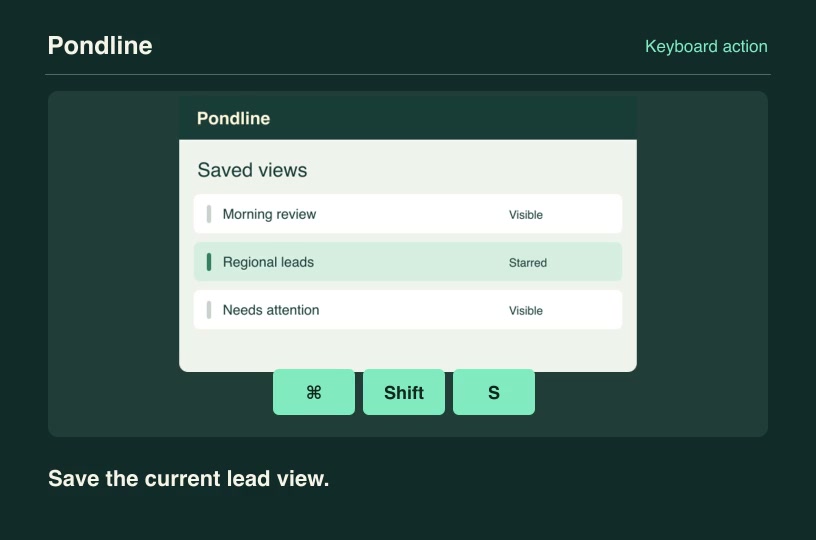
Software demosProKeyboard chord overlayTranslate an ordered shortcut into clear platform-specific keycaps alongside the product screen it controls.Component3:2 · 0:04Verified: CodexOpen skill
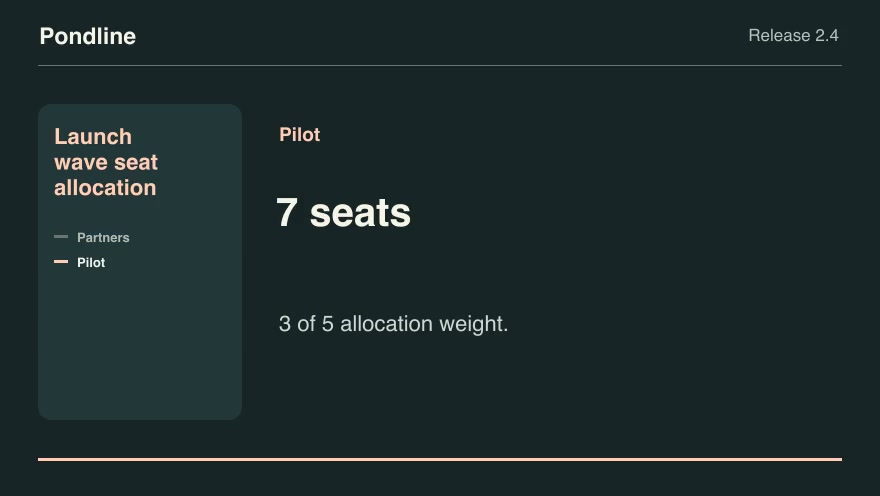
Product launchesProLaunch wave seat allocationApportion a limited invitation wave across named customer cohorts using largest remainders and deterministic tie breaks.Component16:9 · 0:07Verified: CodexOpen skill
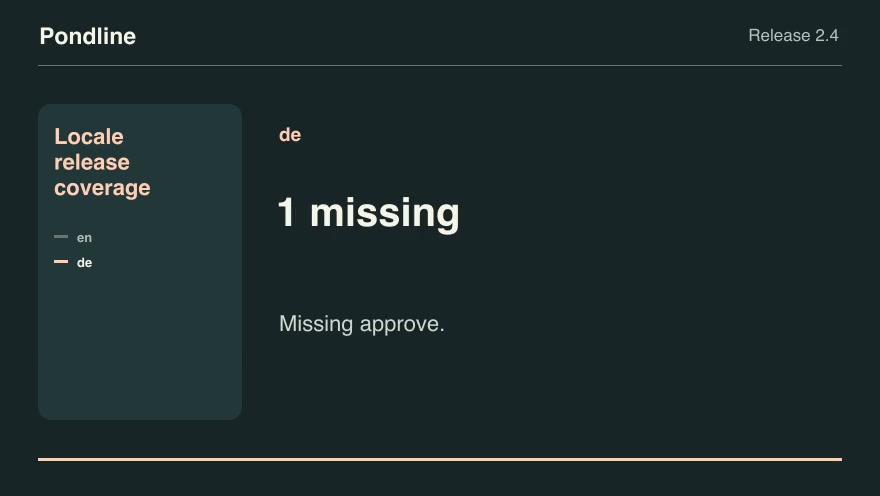
Product launchesProLocale release coverageHighlight missing public strings before enabling a new product locale.Component16:9 · 0:07Verified: CodexOpen skill
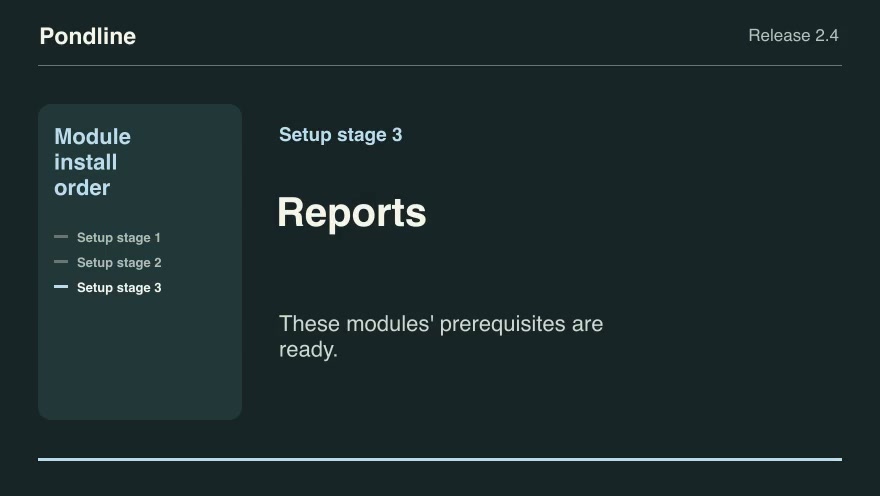
Product launchesProModule install orderTurn a release's prerequisite graph into parallelizable rollout stages before showing the product setup sequence.Component16:9 · 0:09Verified: CodexOpen skill
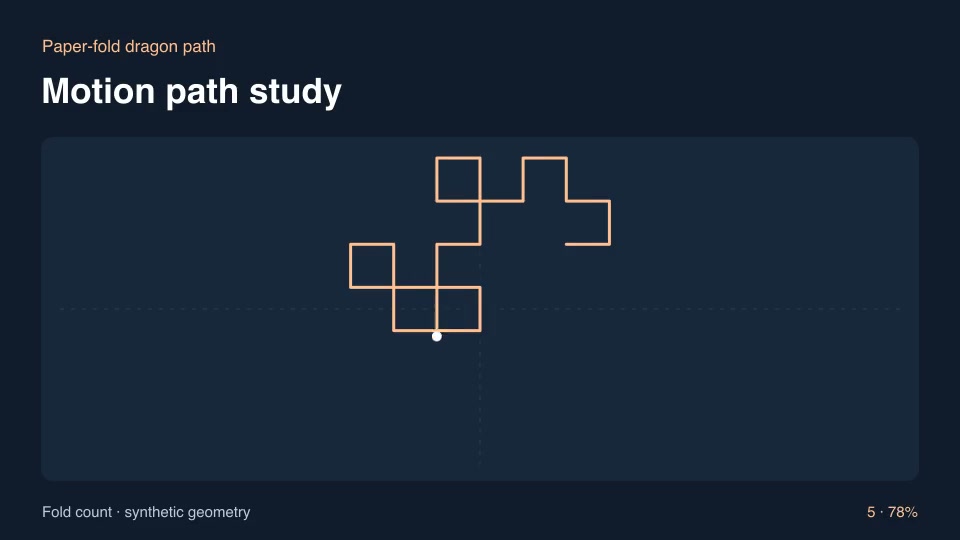
ExplainersProPaper-fold dragon pathUnfold a folded-paper curve by recursively appending rotated copies of the path.Component16:9 · 0:03Verified: CodexOpen skill
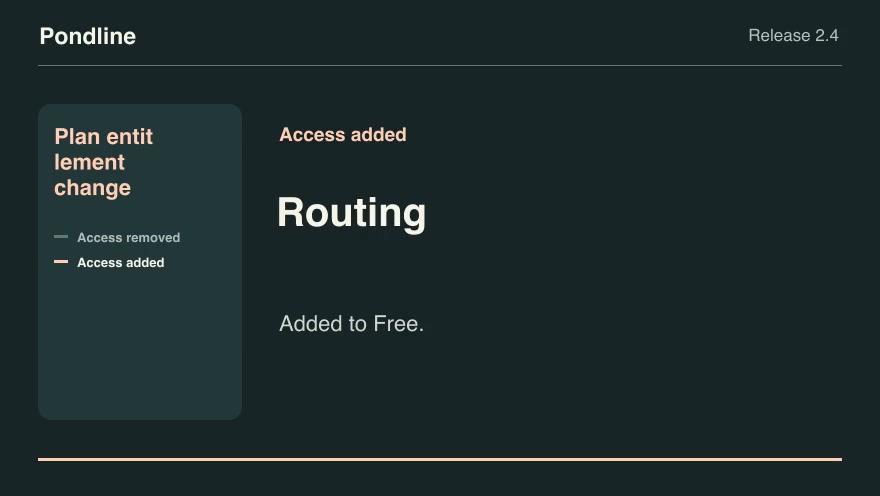
Product launchesProPlan entitlement changeCompare the old and new plan lists for each feature and show precisely which customer tiers gain or lose access.Component16:9 · 0:07Verified: CodexOpen skill
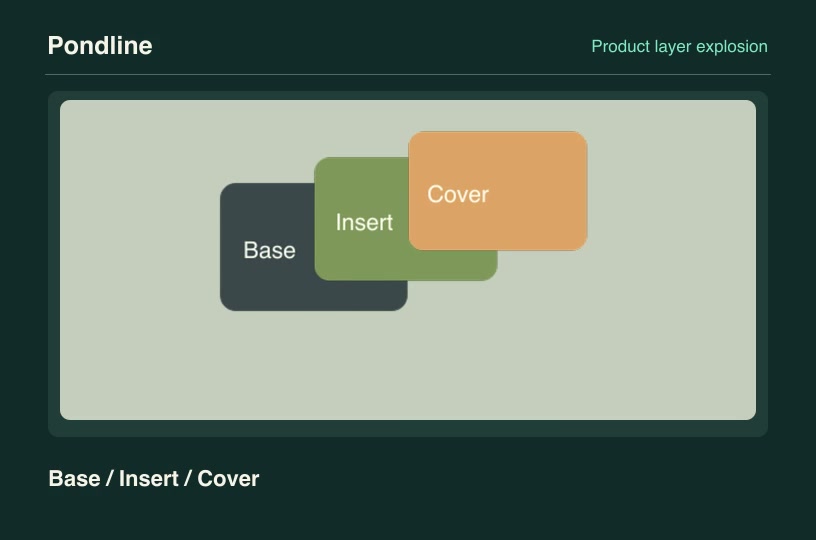
Product launchesProProduct layer explosionSeparate transparent customer product layers along independent vectors, then reassemble them in their declared depth order.Component3:2 · 0:04Verified: CodexOpen skill
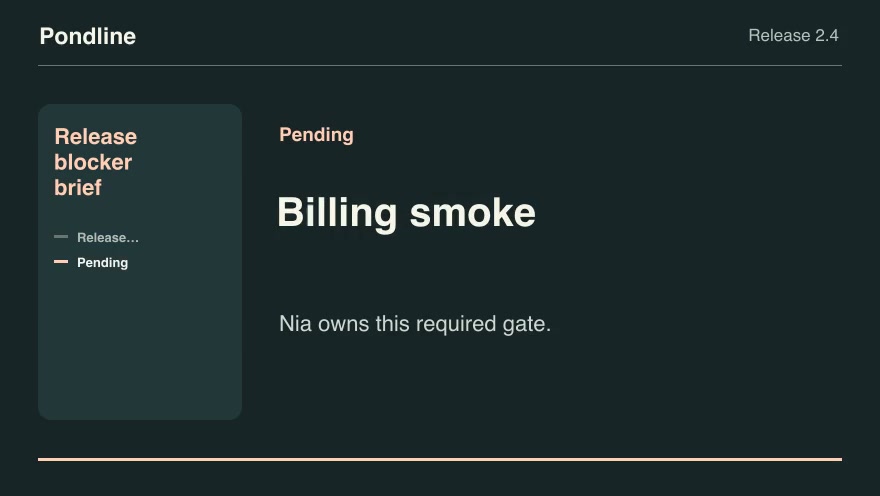
Product launchesProRelease blocker briefConvert a launch gate checklist into a concise owner-by-owner release decision.Component16:9 · 0:07Verified: CodexOpen skill
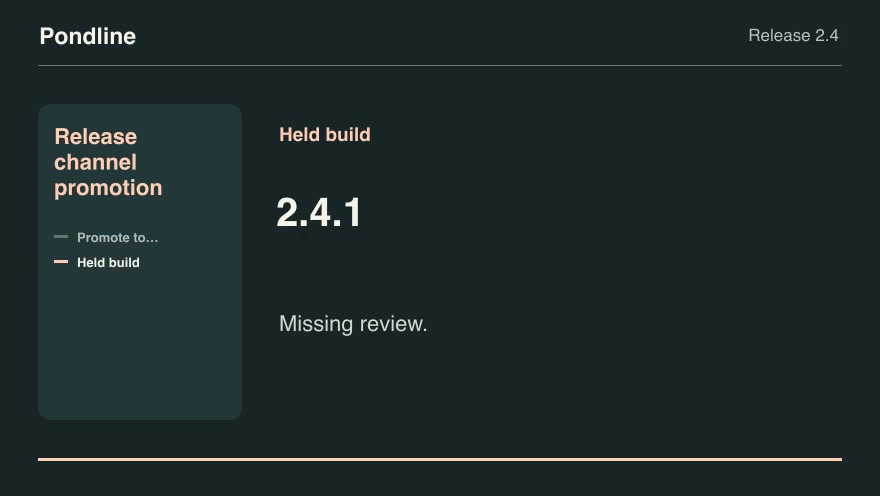
Product launchesProRelease channel promotionSelect the highest eligible tested build for a channel and show which required checks blocked newer candidates.Component16:9 · 0:07Verified: CodexOpen skill
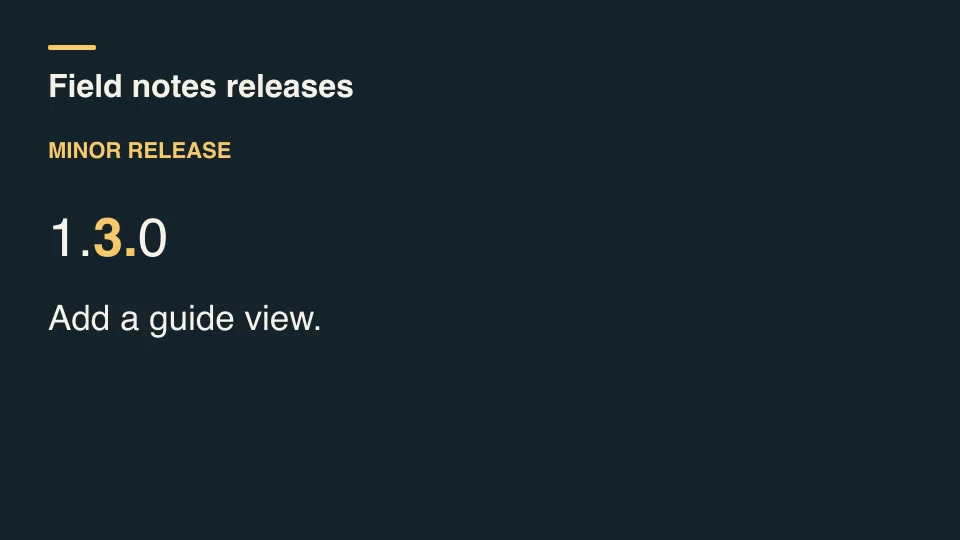
Kinetic typographyProRelease version titleCompare successive semantic versions, classify each increment, and display the changed version segment alongside its release note.Component16:9 · 0:03Verified: CodexOpen skill
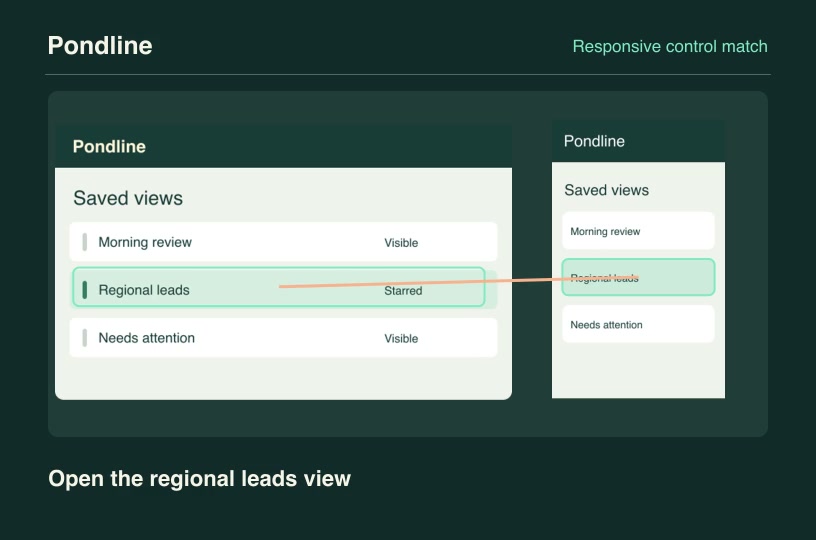
Software demosProResponsive control matchTrace the same product action between a desktop layout and its mobile layout using both original control locations.Component3:2 · 0:04Verified: CodexOpen skill
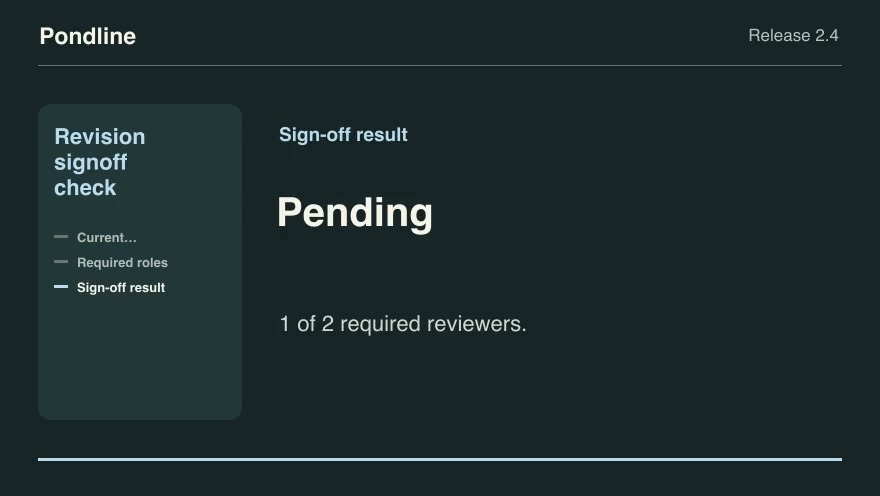
Product launchesProRevision signoff checkCount only approvals of the current product revision and identify the roles and quorum still needed to publish.Component16:9 · 0:09Verified: CodexOpen skill
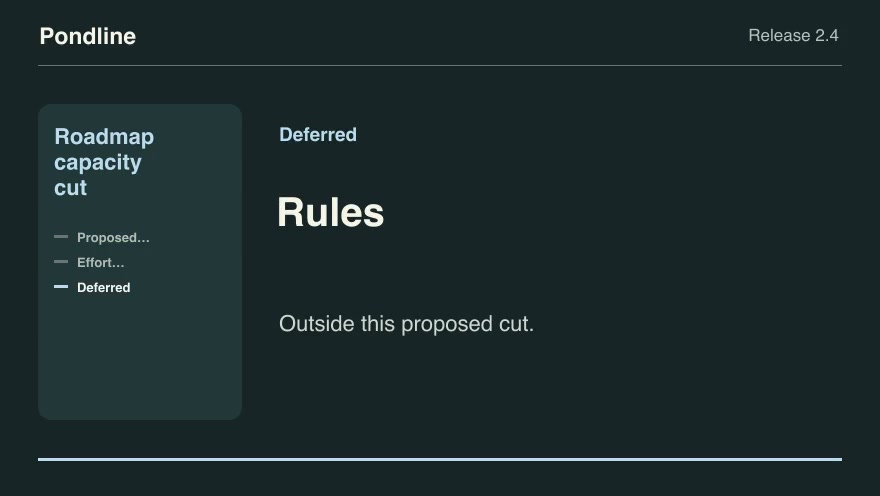
Product launchesProRoadmap capacity cutSelect the highest-scoring feasible set of proposed features within a release budget and explain the cut line.Component16:9 · 0:09Verified: CodexOpen skill
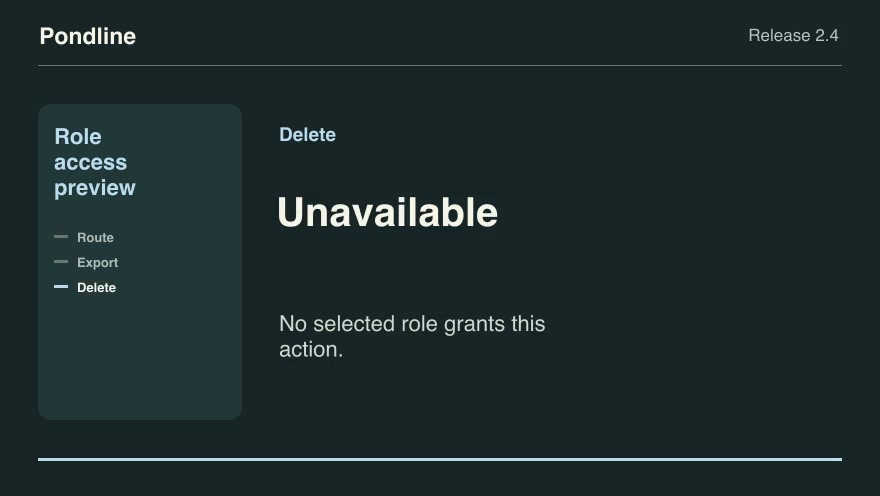
Software demosProRole access previewDemonstrate allowed and denied product actions after combining multiple roles and explicit account exceptions.Component16:9 · 0:09Verified: CodexOpen skill
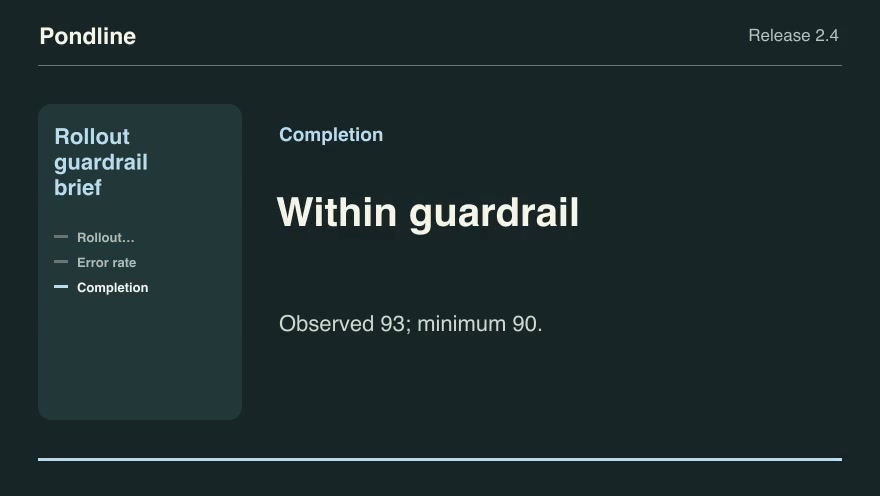
Product launchesProRollout guardrail briefExplain whether observed release health crosses the exact thresholds previously set by the release team.Component16:9 · 0:09Verified: CodexOpen skill

Before you run a skill

Common requirements in this collection. Each skill page lists its exact versions.

  • Python 3.9 or later
  • librsvg with rsvg-convert on your PATH
  • FFmpeg with the libx264 encoder on your PATH
  • Local tools only. No provider accounts or metered rendering.
  • Python 3.9+, FFmpeg with libx264, and librsvg available locally.

How to make it with a skill

  1. 1Pick and previewWatch the default and customized renders, then check the inputs and requirements.
  2. 2Install the ZIP or connect MCPFree skills download without an account. Your agent can also install them over MCP.
  3. 3Render with your inputsRun the included example first, then swap in your own screens, text, data or footage.

Questions

Do I need an account to try developer advocates skills?

No. 2 skills are free to download without an account. Pro skills need an active membership.

Where does the video render?

On your own machine or agent environment, using the tools listed on each skill. Motioncase does not charge for rendering; external tool costs are separate.

Can I change the look and the content?

Yes. Every package includes an editable project and a second, customized example that shows which inputs to change.