メインコンテンツへスキップ
Motioncase

Product launch videos

Make a product launch video with your agent

150 editable scenes for every beat of a launch. Describe what you ship, add your screens and numbers, and render it on your own machine.

launch scenes
150
launch scenes
launch workflows & scenes
41
launch workflows & scenes
aspect ratios
4
aspect ratios
project after render
Editable
project after render

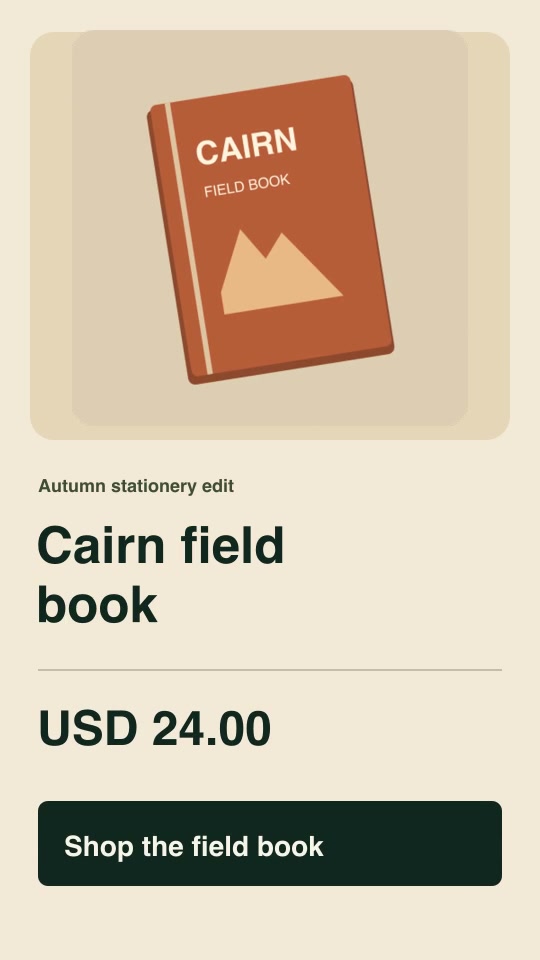
Formats: 16:9 landscape, 9:16 vertical, 3:2 landscape, 2:3 portrait

Storyboard

Build a launch video beat by beat

A tight launch runs 30–45 seconds with one scene per beat. Pick a scene for each step.
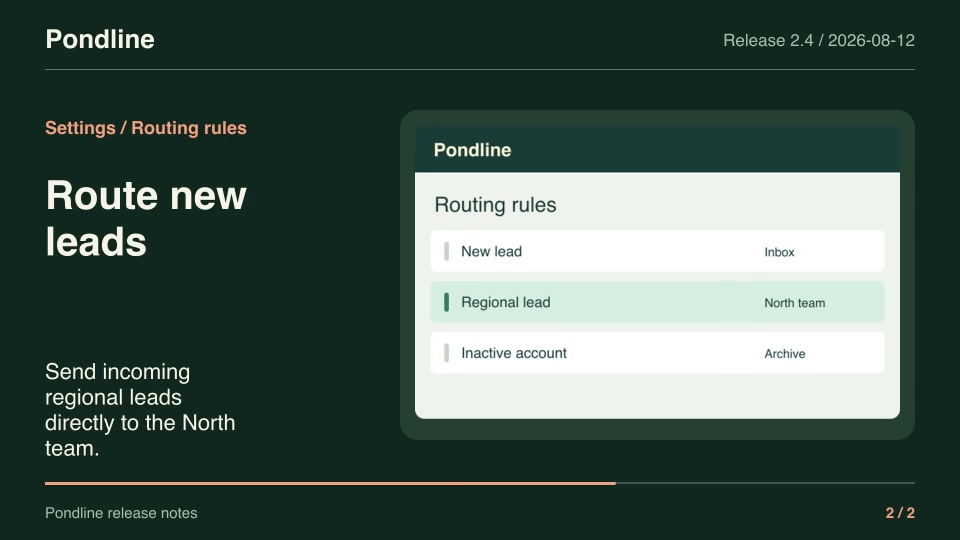
  1. 0134 scenesHookStop the scroll with one line, typed or set in motion.
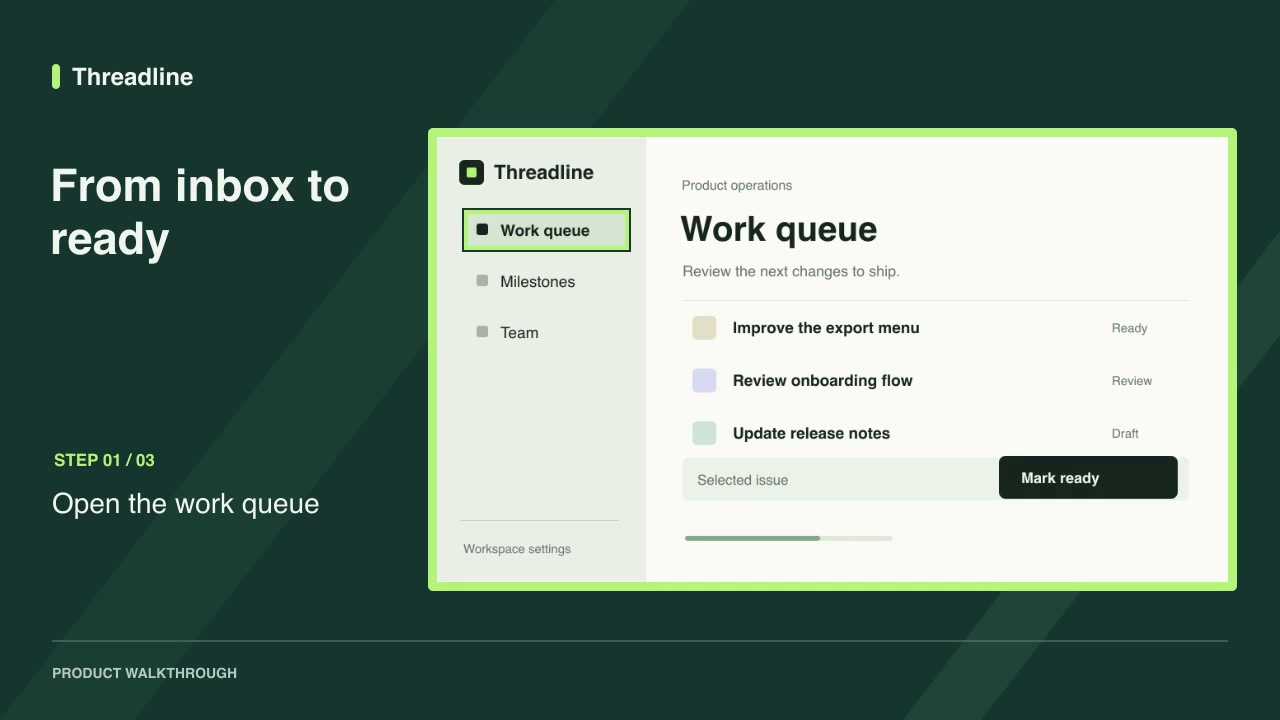
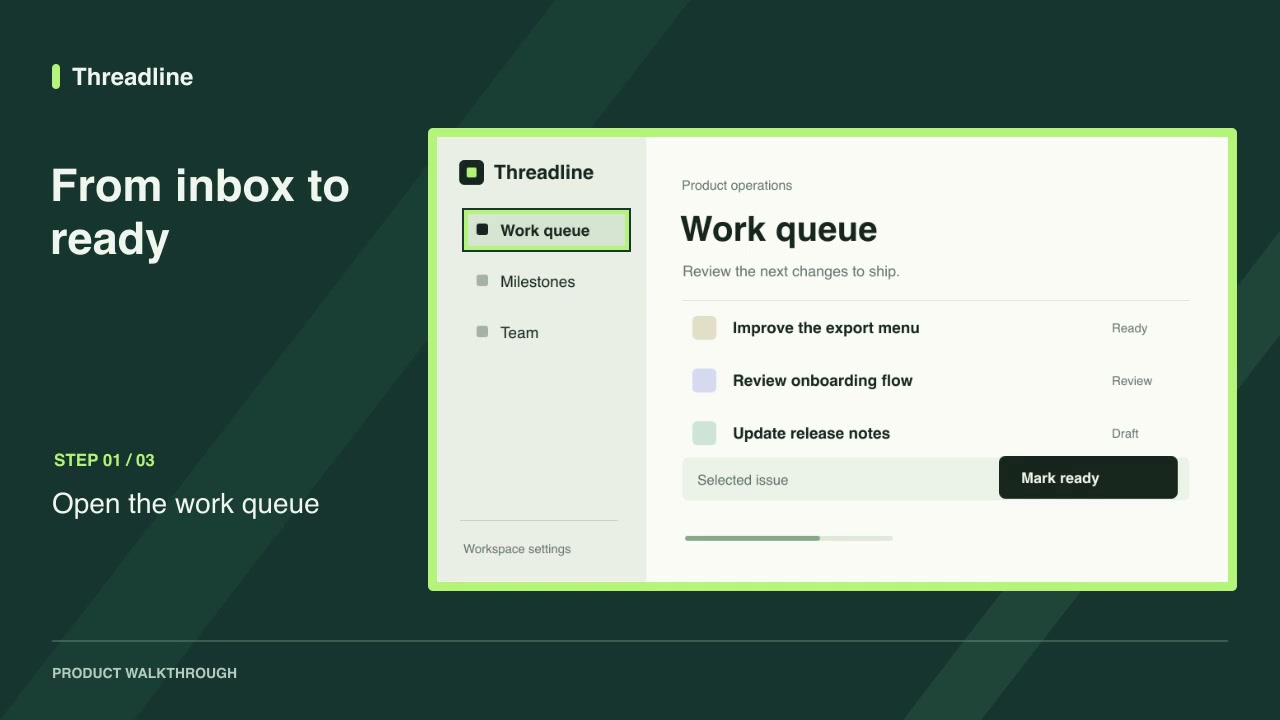
  2. 0226 scenesProduct demoShow the product working with real screens and steps.
  3. 0312 scenesHow it worksExplain the flow, the dependencies or the rollout.
  4. 0468 scenesProofOne number or comparison that makes the claim believable.
  5. 0523 scenesCloseState the offer or next step and ask for one action.

The launch library

Every product launch skill, filterable by family, access, aspect ratio and role.
More filters

Product launches

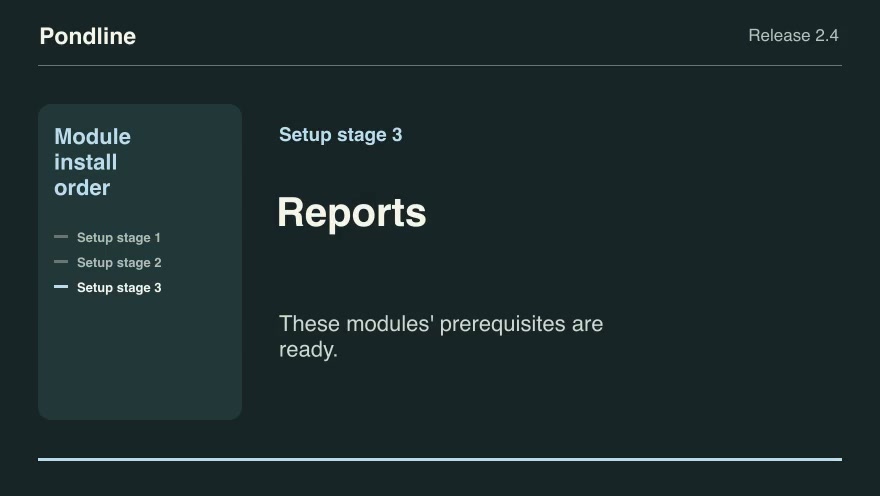
Product launchesProModule install orderTurn a release's prerequisite graph into parallelizable rollout stages before showing the product setup sequence.Component16:9 · 0:09Verified: CodexOpen skill
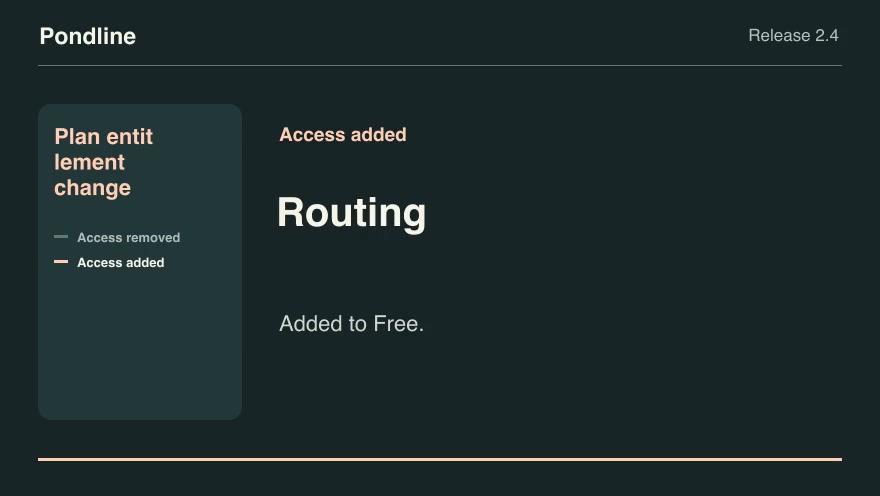
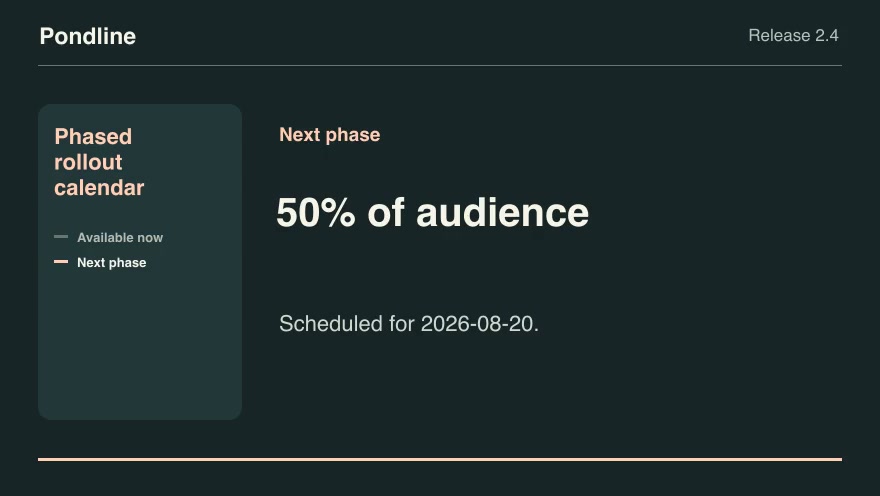
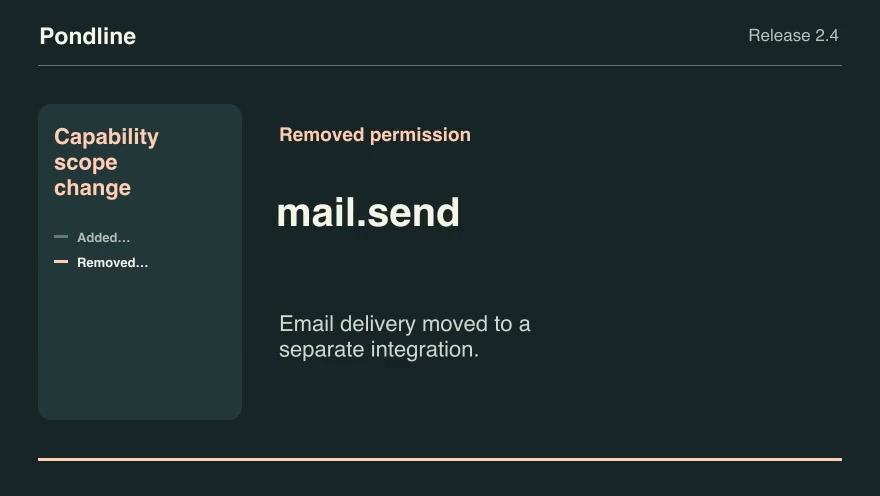
Product launchesProPlan entitlement changeCompare the old and new plan lists for each feature and show precisely which customer tiers gain or lose access.Component16:9 · 0:07Verified: CodexOpen skill
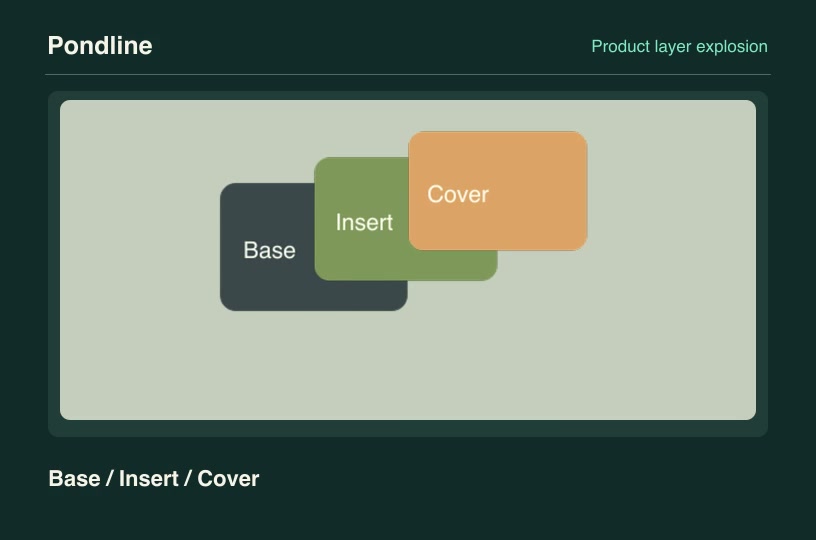
Product launchesProProduct layer explosionSeparate transparent customer product layers along independent vectors, then reassemble them in their declared depth order.Component3:2 · 0:04Verified: CodexOpen skill
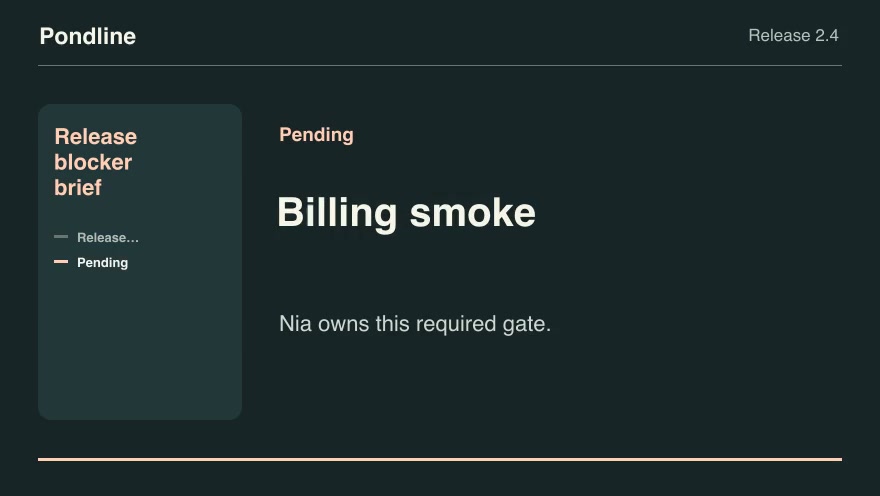
Product launchesProRelease blocker briefConvert a launch gate checklist into a concise owner-by-owner release decision.Component16:9 · 0:07Verified: CodexOpen skill
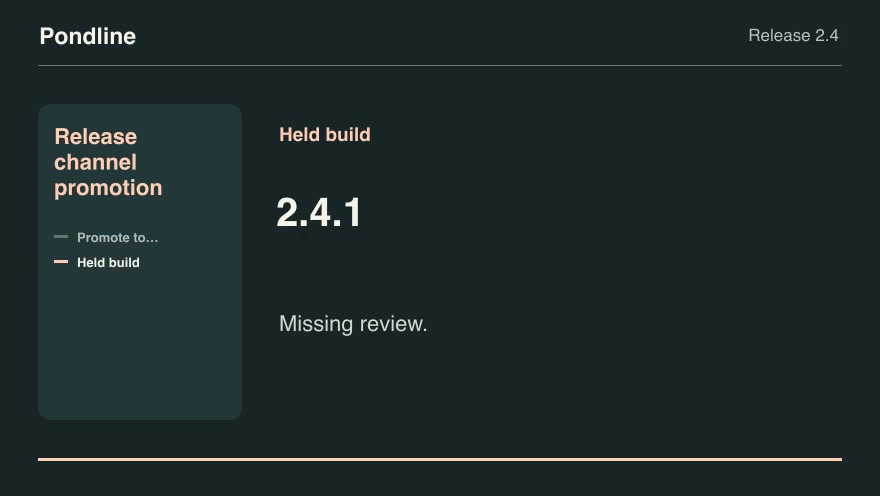
Product launchesProRelease channel promotionSelect the highest eligible tested build for a channel and show which required checks blocked newer candidates.Component16:9 · 0:07Verified: CodexOpen skill
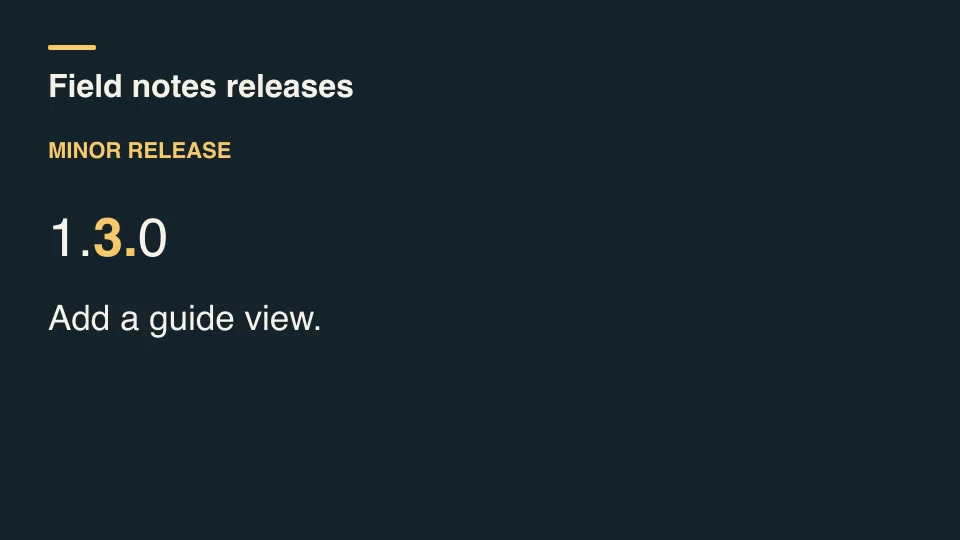
Kinetic typographyProRelease version titleCompare successive semantic versions, classify each increment, and display the changed version segment alongside its release note.Component16:9 · 0:03Verified: CodexOpen skill
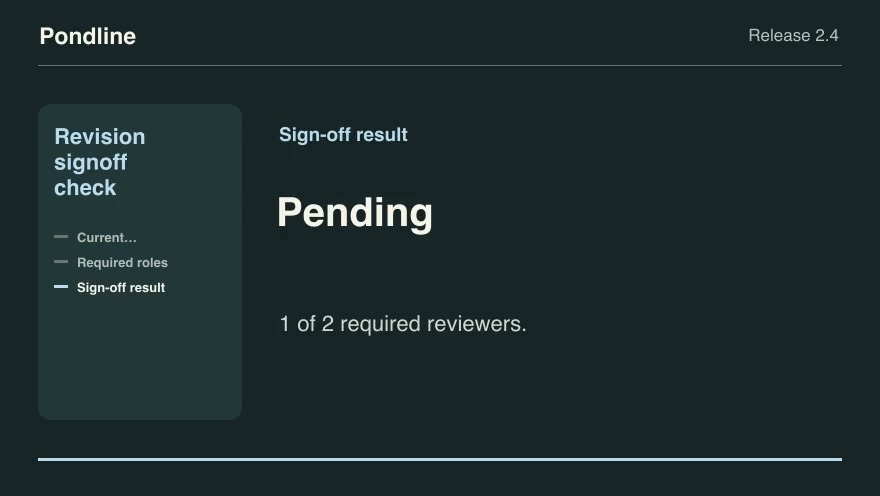
Product launchesProRevision signoff checkCount only approvals of the current product revision and identify the roles and quorum still needed to publish.Component16:9 · 0:09Verified: CodexOpen skill
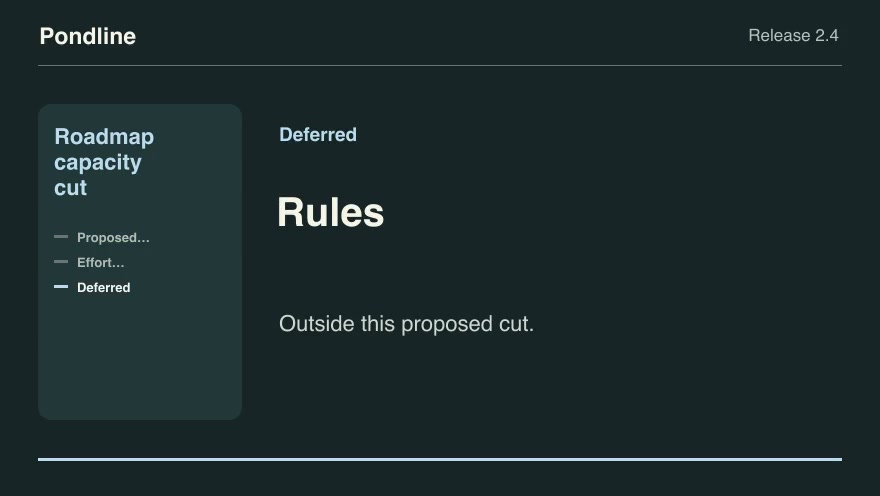
Product launchesProRoadmap capacity cutSelect the highest-scoring feasible set of proposed features within a release budget and explain the cut line.Component16:9 · 0:09Verified: CodexOpen skill
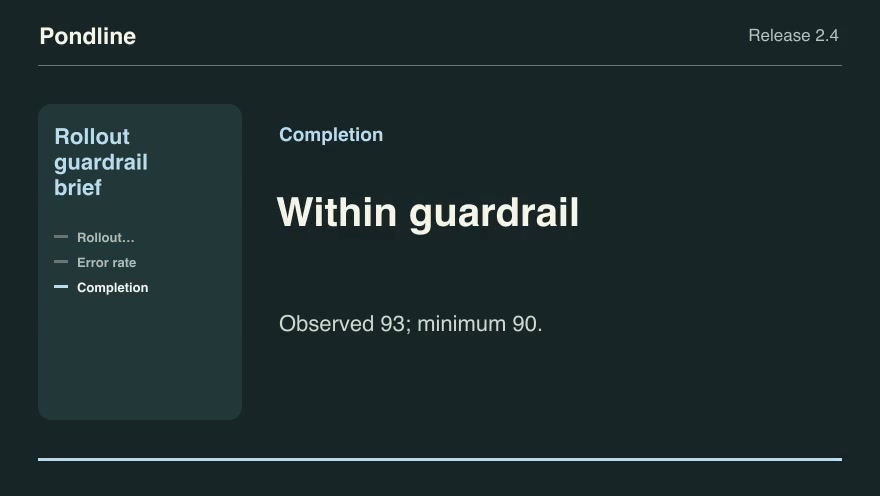
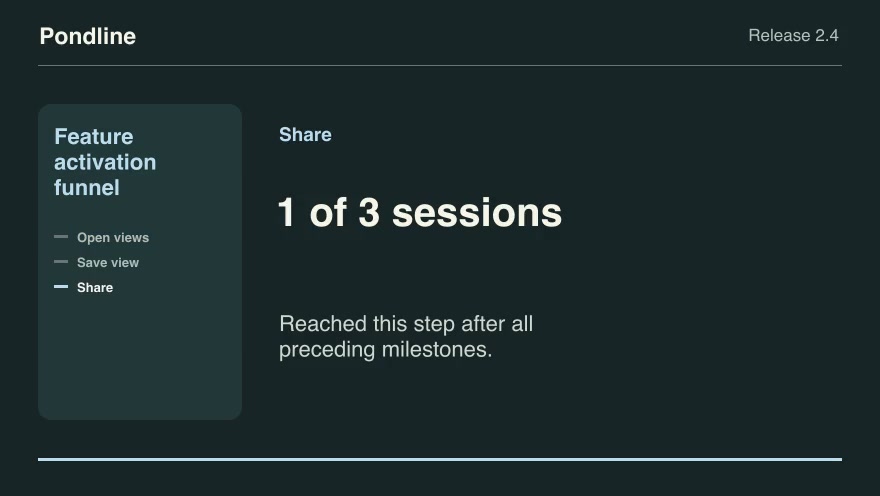
Product launchesProRollout guardrail briefExplain whether observed release health crosses the exact thresholds previously set by the release team.Component16:9 · 0:09Verified: CodexOpen skill
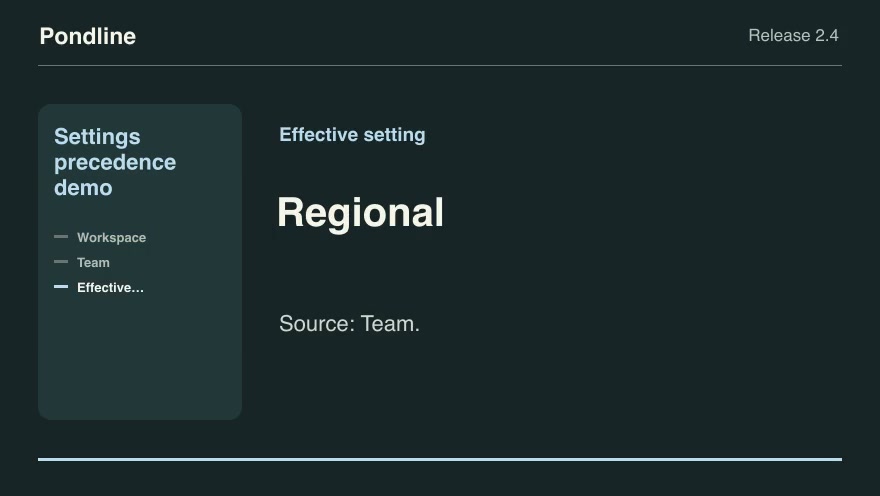
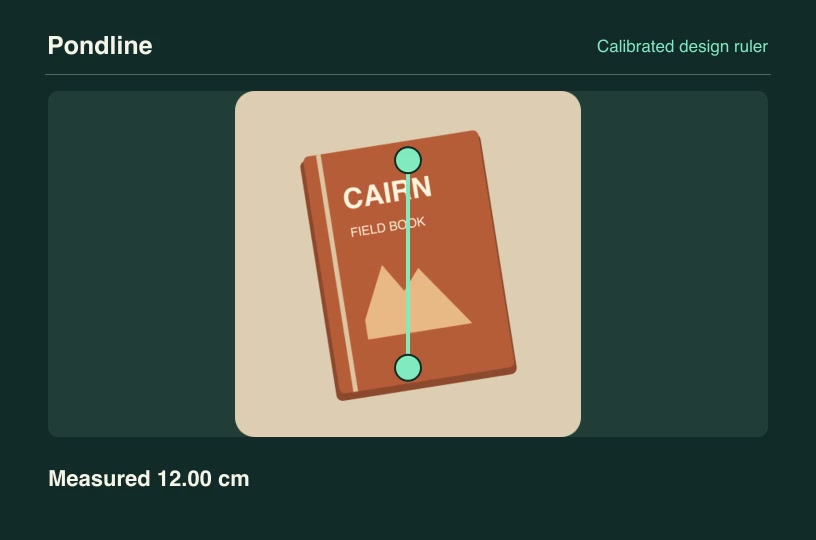
Product launchesProSettings precedence demoReveal the effective value and its source when workspace, team and user configuration layers overlap.Component16:9 · 0:09Verified: CodexOpen skill
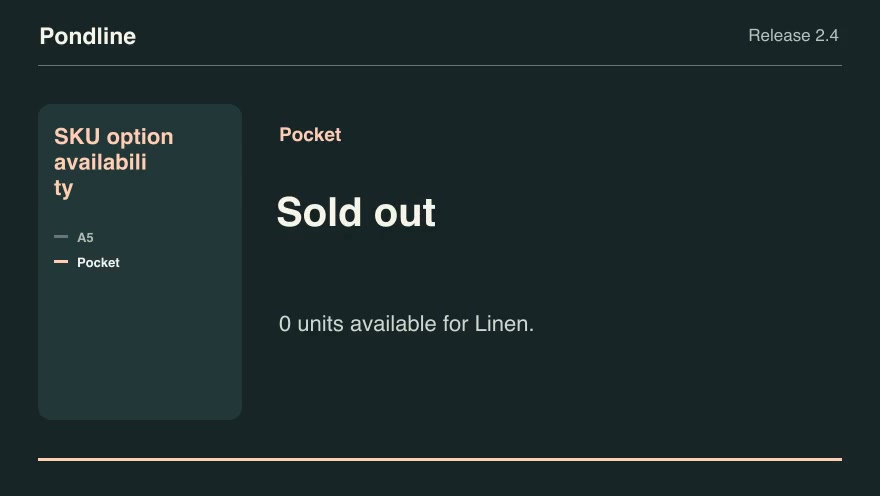
Product launchesProSKU option availabilityShow exactly which product options remain orderable after the buyer chooses a material, finish or edition.Component16:9 · 0:07Verified: CodexOpen skill
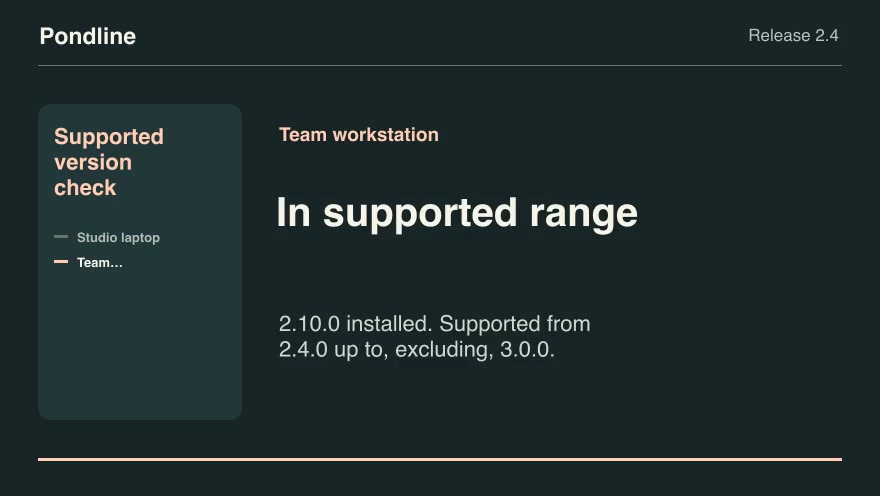
Product launchesProSupported version checkClassify installed client versions against a release's inclusive minimum and exclusive upper bound.Component16:9 · 0:07Verified: CodexOpen skill
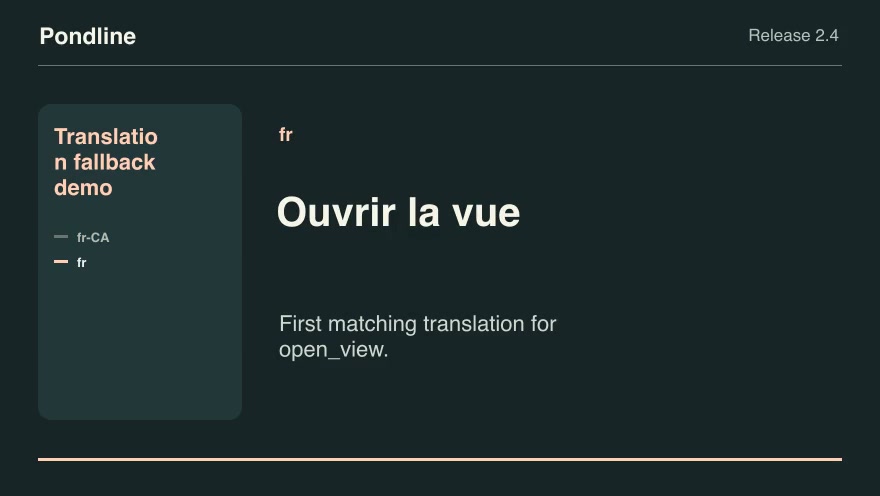
Product launchesProTranslation fallback demoExplain which verified translation a product actually shows as it walks an ordered fallback chain.Component16:9 · 0:07Verified: CodexOpen skill
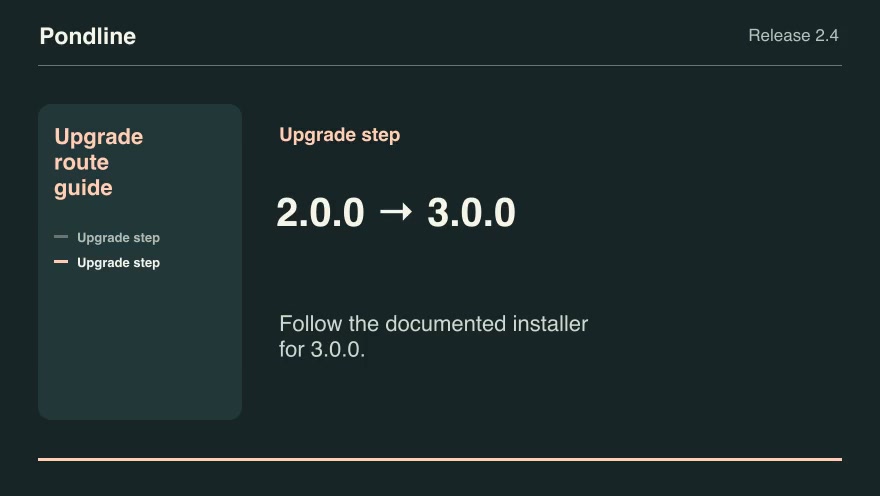
Product launchesProUpgrade route guideFind the fewest supported upgrade steps between two product versions and render each approved transition.Component16:9 · 0:07Verified: CodexOpen skill
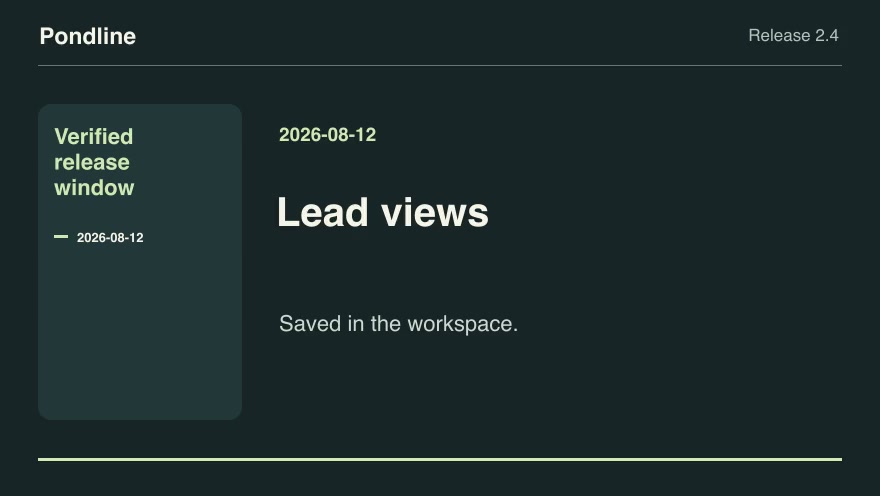
Product launchesProVerified release windowCreate a dated shipped-change reel by selecting only approvals whose release timestamps fall in a half-open reporting window.Component16:9 · 0:05Verified: CodexOpen skill
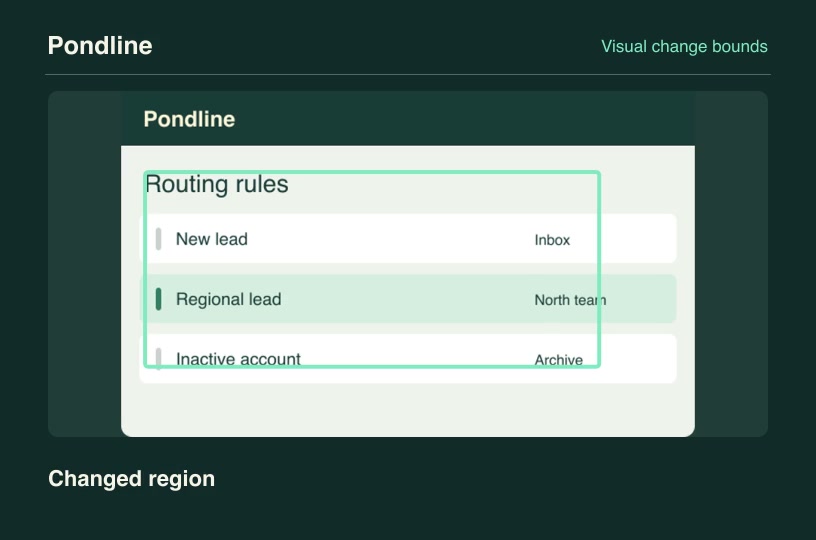
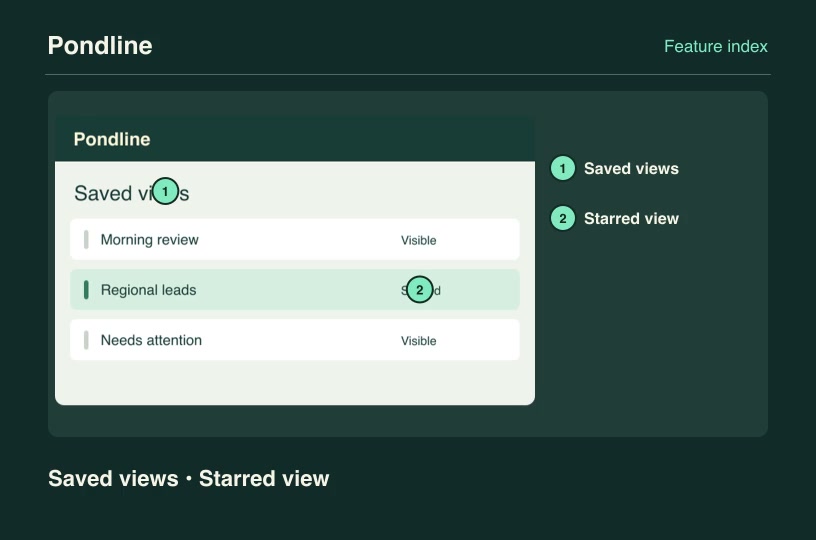
Software demosProVisual change boundsCompare two matched screenshots on a fixed sample grid and frame the bounding area that actually changed.Component3:2 · 0:04Verified: CodexOpen skill
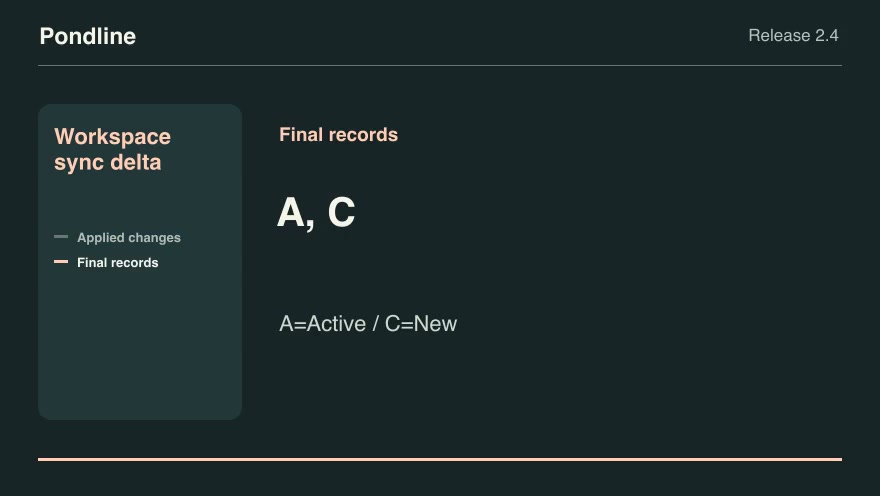
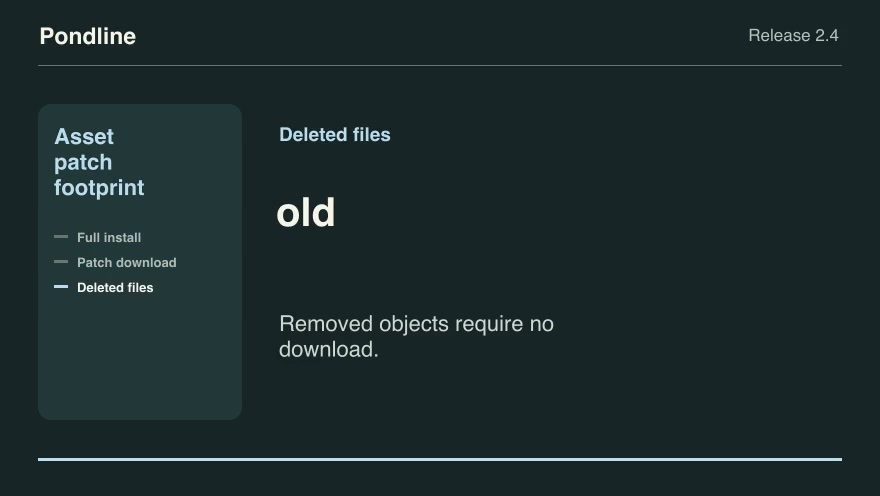
Product launchesProWorkspace sync deltaReplay a sequence of explicitly ordered upserts and deletions and reveal the final synchronized workspace records.Component16:9 · 0:07Verified: CodexOpen skill

How to make it

  1. 1Install the scenes you pickedDownload each ZIP or ask your connected agent to install them over MCP.
  2. 2Brief your agentDescribe the release, paste your copy and point it at your screenshots and numbers.
  3. 3Render, review and shipRender each scene, review the first and last frames, then cut them together.

Questions

How long should a launch video be?

Most launch posts work at 30 to 45 seconds: one scene per beat. Each skill page lists its rendered duration so you can plan the cut.

Do I need design software?

No. Each skill renders from an editable project with your text, screenshots and numbers. You can still bring the MP4 into your editor.

Can I use my own brand colors?

Most launch scenes accept an accent color and your own screenshots. The customized render on each skill page shows what you can change.

Is any of it free?

Yes. Free launch-related skills download without an account. Pro unlocks the full catalog with one subscription.

Pricing

Find the right plan for your videos

Start with free skills. Subscribe to Pro for new releases or buy founding access with one payment.

Save 33% with yearly billing

Free

$0

No charge

Free video skills
  • Free packages with example inputs
  • Public video previews and source credits
  • Render with your own software
Browse free skills

Pro

Save 33%

Regular monthly price $19.90/mo

$13.17/ month

$158.00 billed yearly

Full Pro skill catalog
  • New skills and updates while subscribed
  • Eligible creator resources
  • Pro downloads in your account and connected agent

Renews annually until canceled. Pro includes newly published skills and updates through the end of each paid term. Payments are non-refundable except where required by law. External software and rendering costs are separate.

Founding Lifetime

$169.00

One-time payment

Ongoing Pro access
  • Full Pro skill catalog
  • New skills and updates
  • One payment with no renewal

One payment grants ongoing Pro access, including newly published skills and updates, with no renewal charge. Payments are non-refundable except where required by law. External software and rendering costs are separate.

Prices are in USD. Applicable taxes are shown at checkout. Agent, model and rendering costs are separate. Read the terms of use and refund policy.