Salta al contenuto della dashboard
Motioncase

Video skills by use case

Titles, slates & credits

Build the text moments around your footage: chapters, slates, lower thirds, tickers and end credits.

Skills
34
Free
0
Complete workflows
3
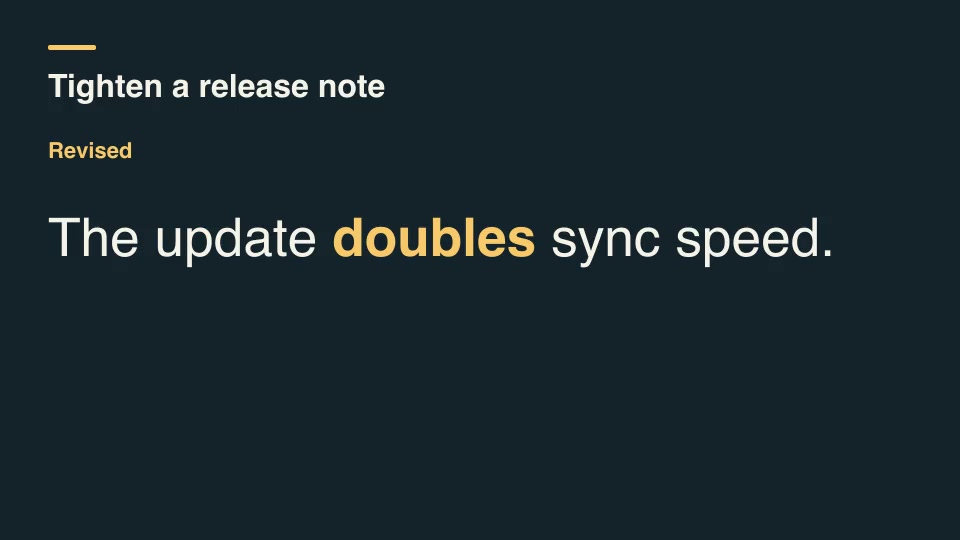
Pro · Product launches · 0:07Release-note videoOpen skill

Complete workflows

Packages that take your inputs to a finished render.

View all
More filters

Titles, slates & credits

Product launchesProRelease-note videoTurn two approved release notes and their matching product screenshots into a seven-second announcement.Complete workflow16:9 · 0:07Verified: CodexOpen skill
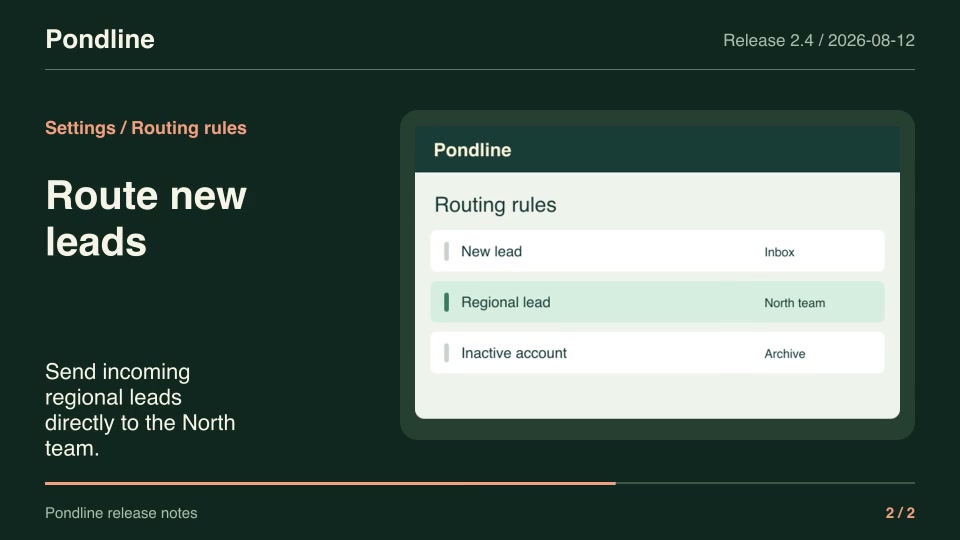
Kinetic typographyProBilingual subtitle cardsKeep source and translated subtitles together throughout each timed cue, with independent language labels.Component16:9 · 0:03Verified: CodexOpen skill
Software demosProOrdered demo excerptsAssemble precisely selected ranges from multiple recordings into a new editorial sequence, including deliberate returns to earlier footage.Complete workflow16:9 · 0:04Verified: CodexOpen skill
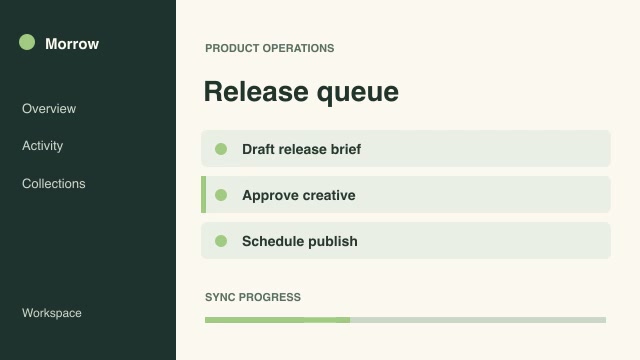
ExplainersProSolve a process backwardsTurn a finished result into a reverse-step explainer by playing selected process stages in reverse stage order while preserving forward motion within each stage.Complete workflow16:9 · 0:03Verified: CodexOpen skill
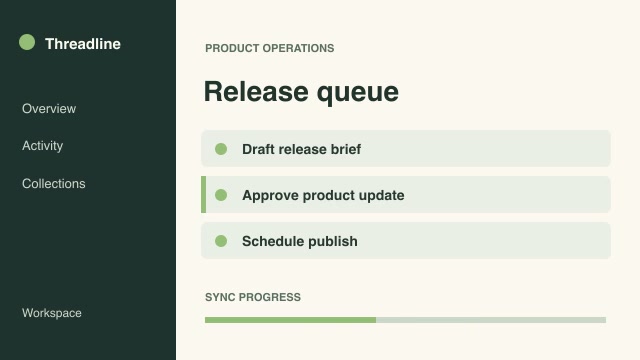
Kinetic typographyProAcronym expansion cardBuild an acronym letter by letter, pairing each initial with its expanded word and finishing on the full phrase.Component16:9 · 0:04Verified: CodexOpen skill
Kinetic typographyProAsset credit consolidationGroup reused media under its creator and license while preserving distinct licensing terms and omitting repeated asset credits.Component16:9 · 0:03Verified: CodexOpen skill
Kinetic typographyProBranching story pathResolve a chosen route through a branching story and render only the scenes encountered on that route, ending at its actual terminal scene.Component16:9 · 0:04Verified: CodexOpen skill
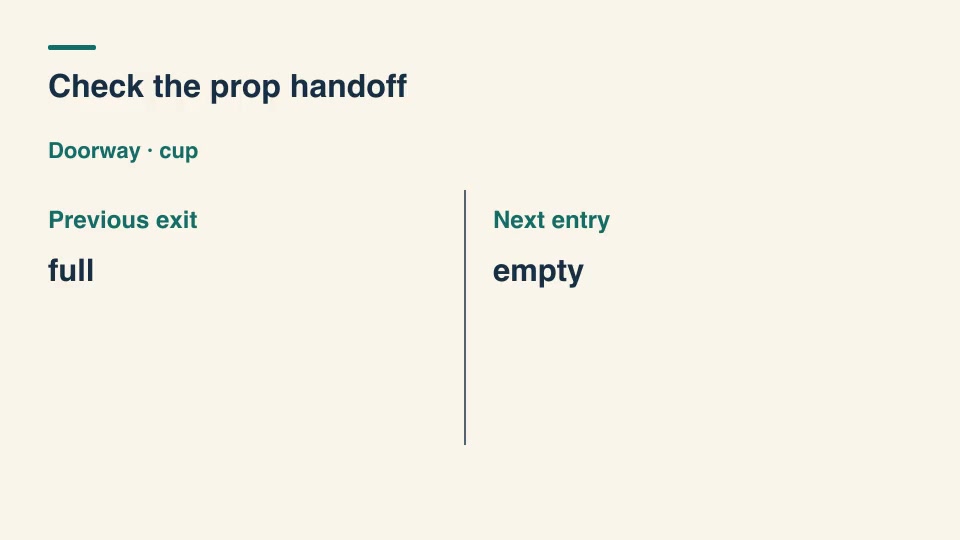
Kinetic typographyProContinuity prop handoffCompare tracked prop states at adjacent scene boundaries and call out unaccounted-for changes in a continuity review slate.Component16:9 · 0:01Verified: CodexOpen skill
Kinetic typographyProCopyedit diff revealCompare two lines of copy, identify added and removed words, and reveal the revised line with the changed words highlighted.Component16:9 · 0:04Verified: CodexOpen skill
Kinetic typographyProDepartment credit rollTurn department and contributor lists into rolling credit windows, carrying the active department label across consecutive names.Component16:9 · 0:03Verified: CodexOpen skill
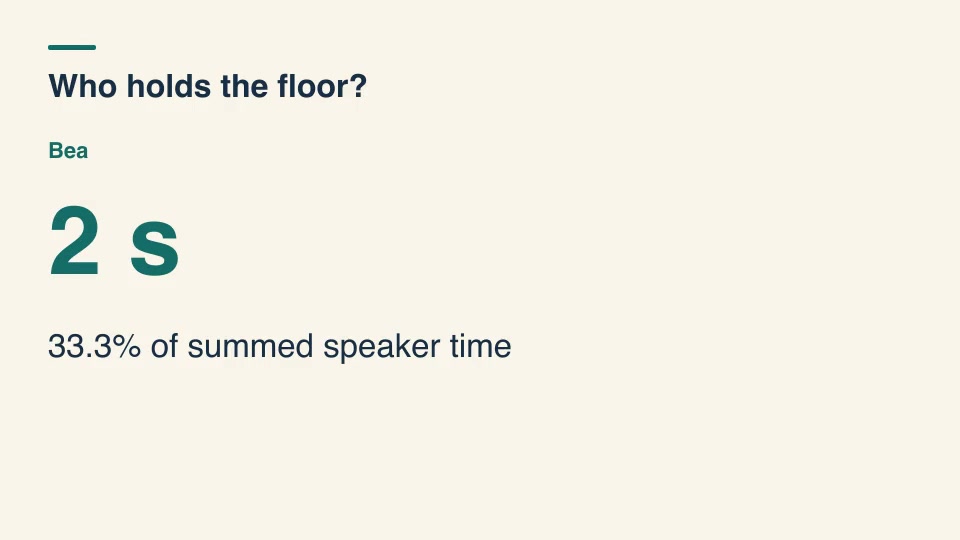
Kinetic typographyProDialogue time share titlesMeasure each speaker's voiced time from labeled cue intervals, merging overlaps within a speaker before displaying the results.Component16:9 · 0:03Verified: CodexOpen skill
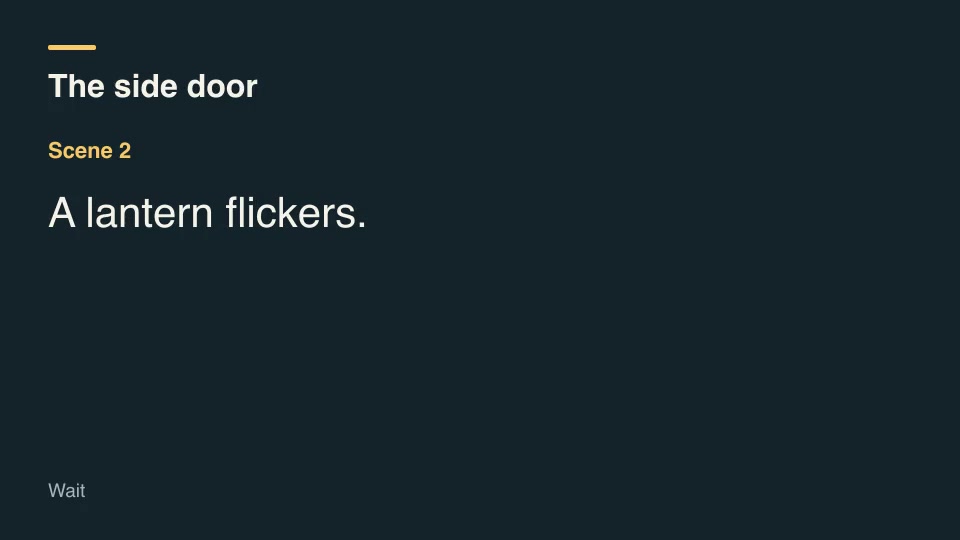
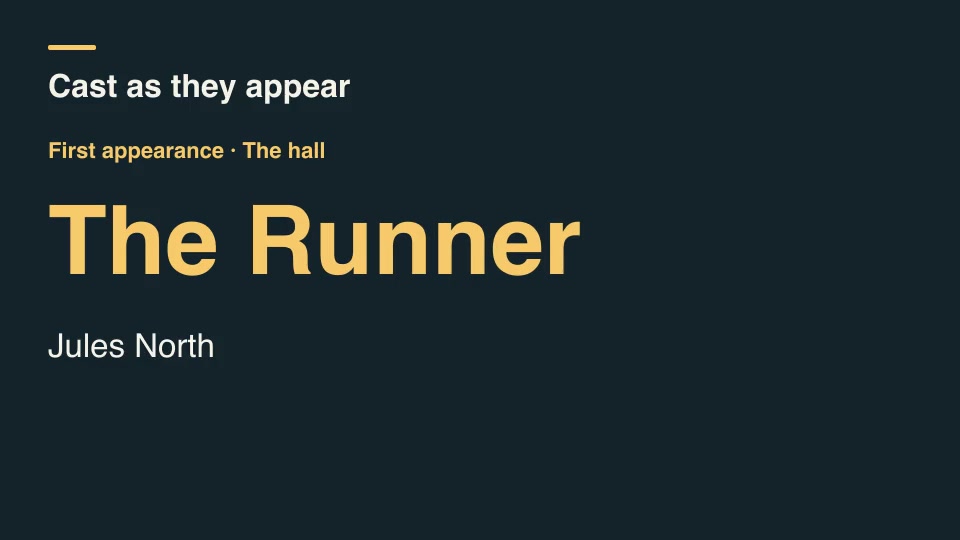
Kinetic typographyProFirst-appearance cast titlesGenerate cast-introduction titles only when a character first enters the ordered scene list, skipping repeat appearances.Component16:9 · 0:03Verified: CodexOpen skill
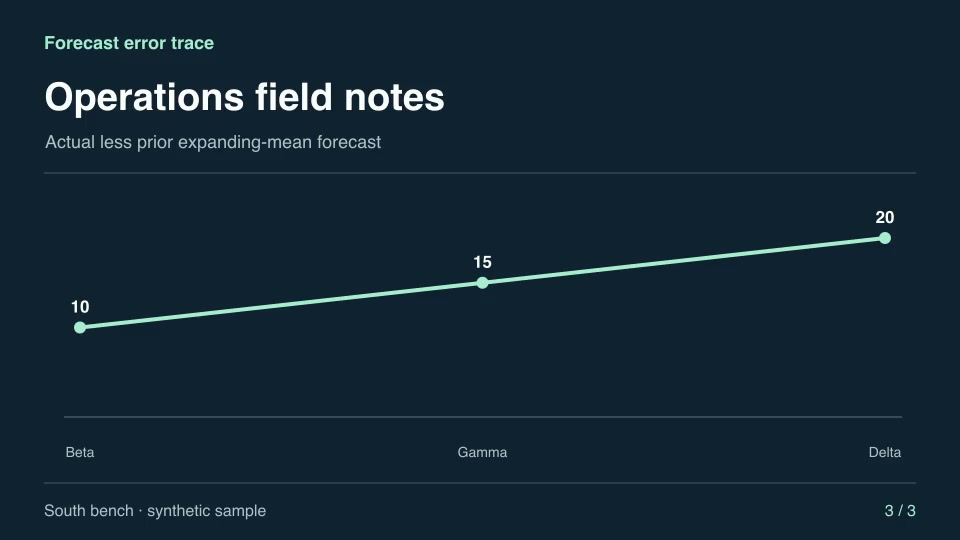
Motion graphics & 3DProForecast error traceCompare actual results with the preceding period’s historical mean forecast.Component16:9 · 0:04Verified: CodexOpen skill
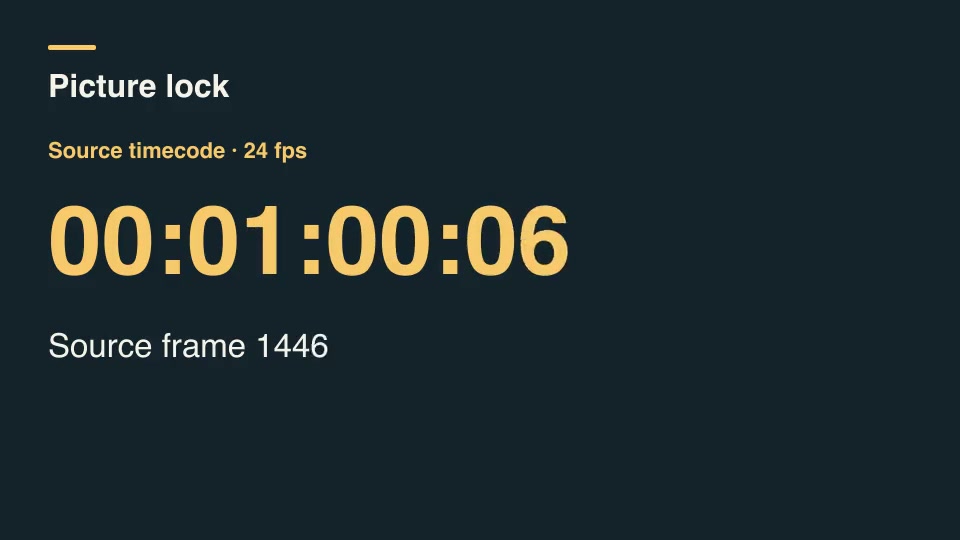
Kinetic typographyProFrame timecode slateBurn frame-accurate non-drop source timecode into a short slate, including hour, minute and second rollovers.Component16:9 · 0:01Verified: CodexOpen skill
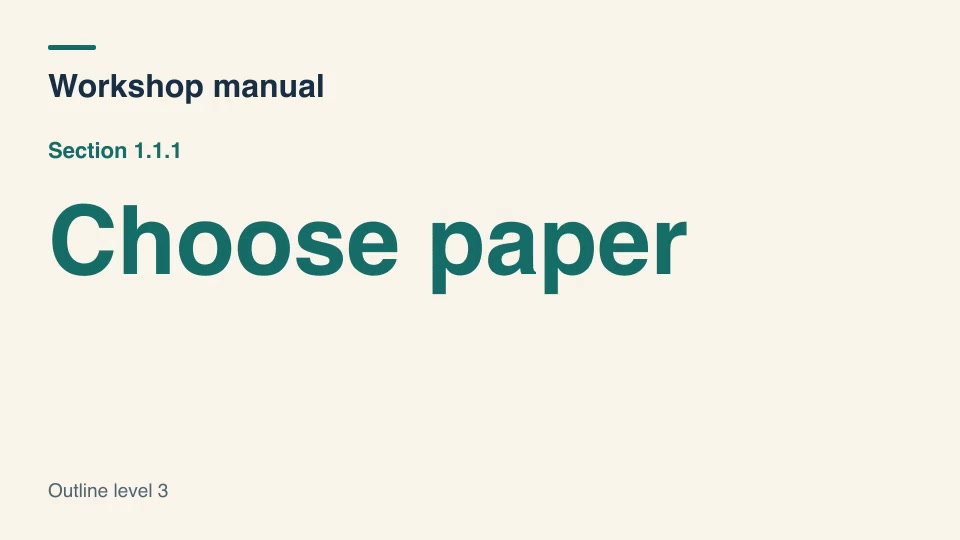
Kinetic typographyProHierarchical heading slatesAssign structured section numbers as a document changes depth, resetting nested counters when a new parent begins.Component16:9 · 0:05Verified: CodexOpen skill
Kinetic typographyProIndex heading sortBuild an alphabetical index by filing titles under the first substantive word while retaining articles in the displayed title.Component16:9 · 0:04Verified: CodexOpen skill
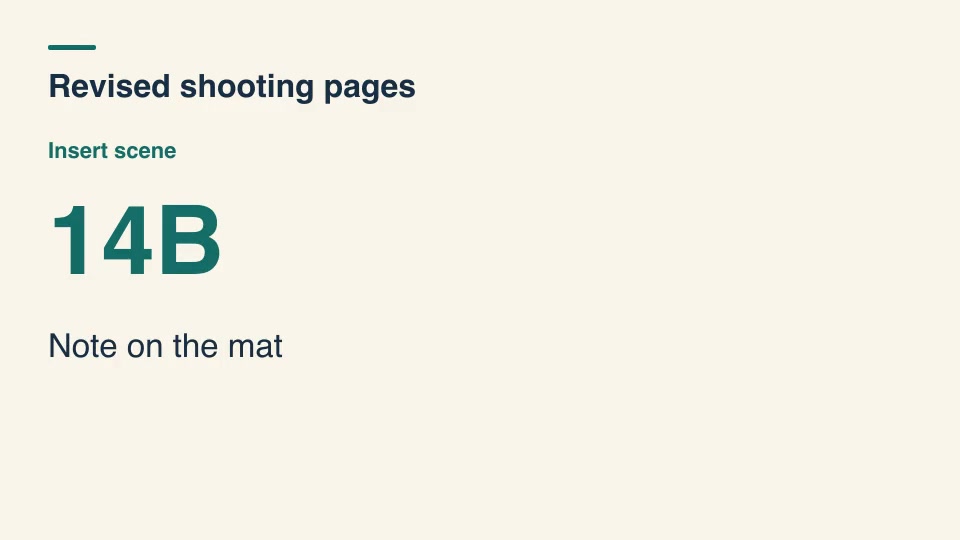
Kinetic typographyProLocked scene insert slatesAssign letter-suffixed insert scene IDs between locked numbered scenes so established call-sheet numbers stay stable.Component16:9 · 0:04Verified: CodexOpen skill
Kinetic typographyProLooping news tickerScroll a fixed-width character window through multiple headlines, connecting the last headline back to the first without dropping a message.Component16:9 · 0:03Verified: CodexOpen skill
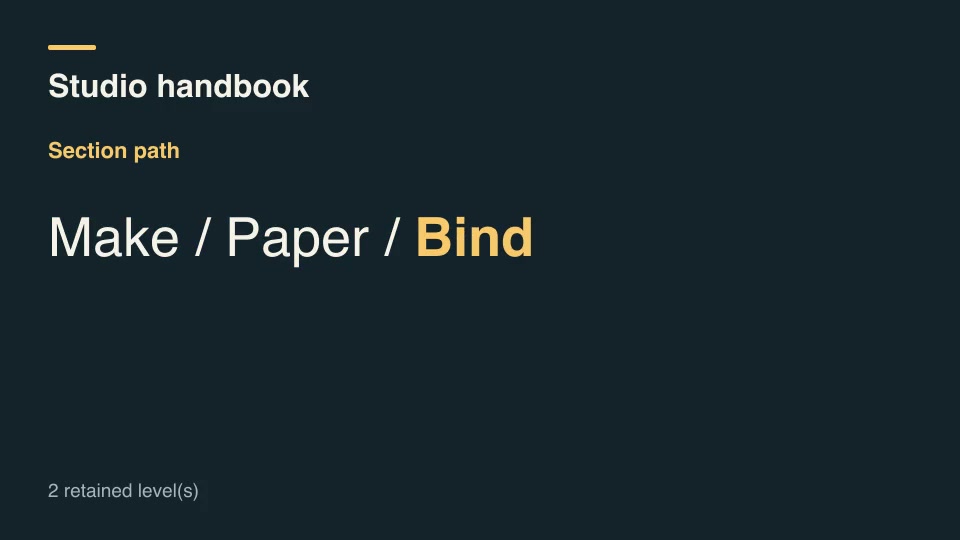
Kinetic typographyProOutline path breadcrumbsShow a nested editorial outline as a breadcrumb trail and distinguish the section retained when the next destination changes.Component16:9 · 0:04Verified: CodexOpen skill
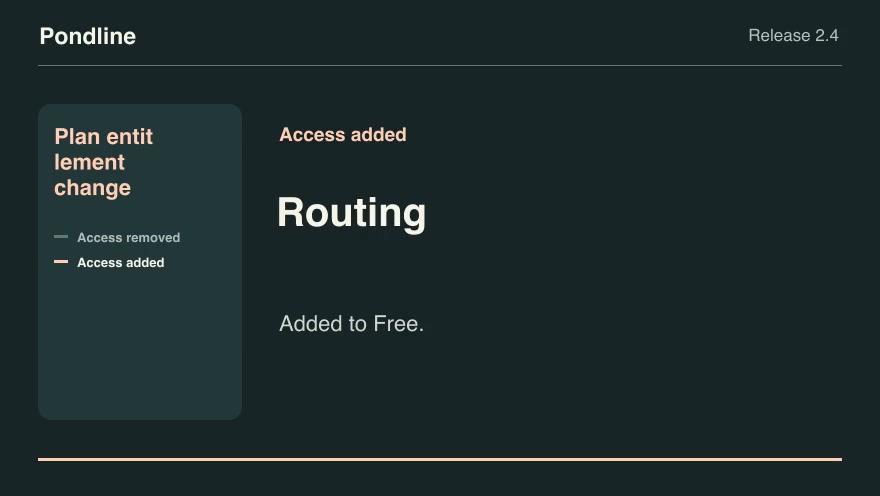
Product launchesProPlan entitlement changeCompare the old and new plan lists for each feature and show precisely which customer tiers gain or lose access.Component16:9 · 0:07Verified: CodexOpen skill
Kinetic typographyProPunctuation-paced titleType a title with timed punctuation pauses and a visible cursor, then hold the finished title without the cursor.Component16:9 · 0:03Verified: CodexOpen skill
Kinetic typographyProQuote source footnotesLink each quote excerpt to its numbered source and reveal the matching attribution in a dedicated reading beat.Component16:9 · 0:05Verified: CodexOpen skill
Kinetic typographyProRadio spelling titleSpell an alphanumeric identifier using the ICAO spelling alphabet, distinguishing numeric digits and grouping separators.Component16:9 · 0:02Verified: CodexOpen skill
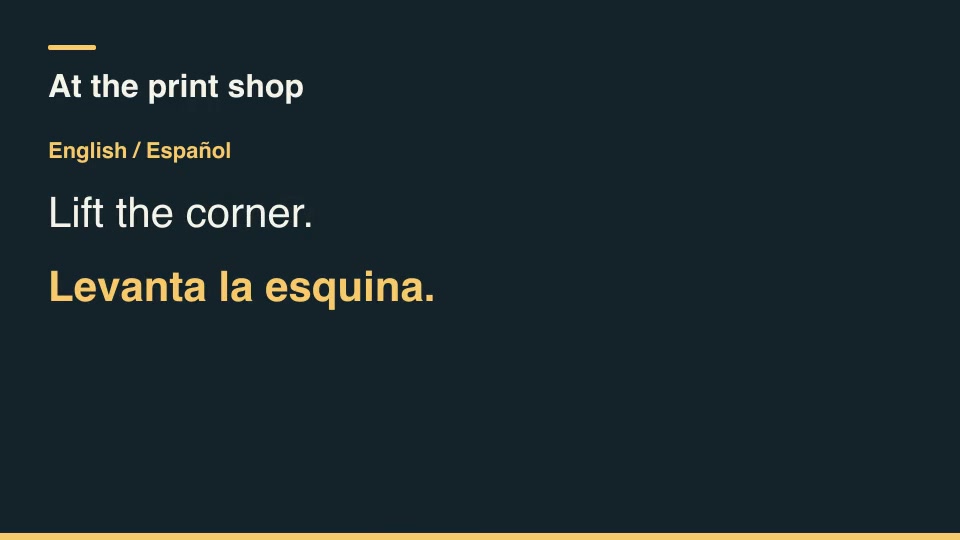
Kinetic typographyProRecord-bound title cardsMerge a reusable title pattern with structured records and render one personalized card per record, rejecting missing fields.Component16:9 · 0:03Verified: CodexOpen skill

Before you run a skill

Common requirements in this collection. Each skill page lists its exact versions.

  • Python 3.9+, FFmpeg with libx264, and librsvg available locally.
  • No provider account required.

How to make it with a skill

  1. 1Pick and previewWatch the default and customized renders, then check the inputs and requirements.
  2. 2Install the ZIP or connect MCPFree skills download without an account. Your agent can also install them over MCP.
  3. 3Render with your inputsRun the included example first, then swap in your own screens, text, data or footage.

Questions

Do I need an account to try titles, slates & credits skills?

Every skill here is part of Pro. Preview each render publicly, then subscribe to download.

Where does the video render?

On your own machine or agent environment, using the tools listed on each skill. Motioncase does not charge for rendering; external tool costs are separate.

Can I change the look and the content?

Yes. Every package includes an editable project and a second, customized example that shows which inputs to change.