
Video skills by use case
Editing & cleanup
Hand repetitive edit work to a tested workflow: trims, holds, crops, mattes, exposure and shot selection.
- Skills
- 62
- Free
- 1
- Complete workflows
- 47
Complete workflows
Packages that take your inputs to a finished render.
- ExplainersFreeFreeze-frame control focusPause a recorded process on a chosen frame, outline the exact control, then resume at the next original frame.Complete workflow16:9 · 0:06Verified: CodexOpen skill
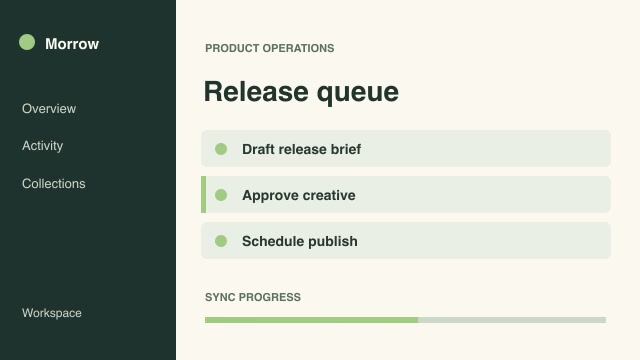
- Software demosProAccelerated wait in a demoCompress a wait state by a precise speed factor while keeping the preceding action and final result at their recorded pace.Complete workflow16:9 · 0:03Verified: CodexOpen skill
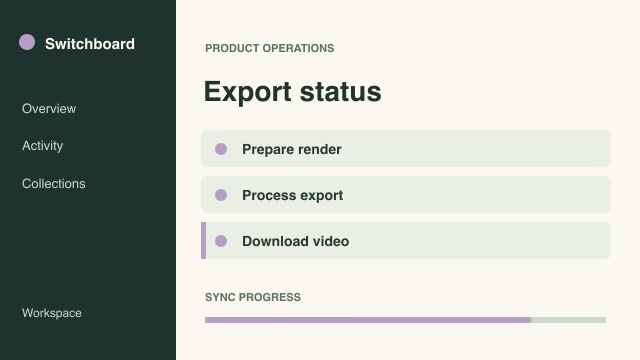
- Software demosProB-roll coverage cutawayCover a selected section of the main recording with B-roll, then return to the original program at the correct moment.Complete workflow16:9 · 0:04Verified: CodexOpen skill
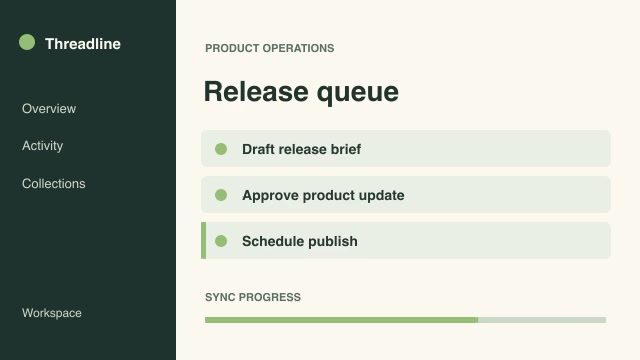
- Software demosProBrightest moment per shotChoose the brightest genuinely visible frame inside each source interval and hold the selected moments as a review reel.Complete workflow16:9 · 0:02Verified: CodexOpen skill

- Motion graphics & 3DProChroma vectorscope reviewPair moving footage with a chroma vectorscope so a colorist can inspect saturation and hue direction over time.Complete workflow16:9 · 0:04Verified: CodexOpen skill

- Software demosProControl magnifierMagnify a small control alongside its original context and mark its source rectangle throughout a tutorial.Complete workflow16:9 · 0:04Verified: CodexOpen skill
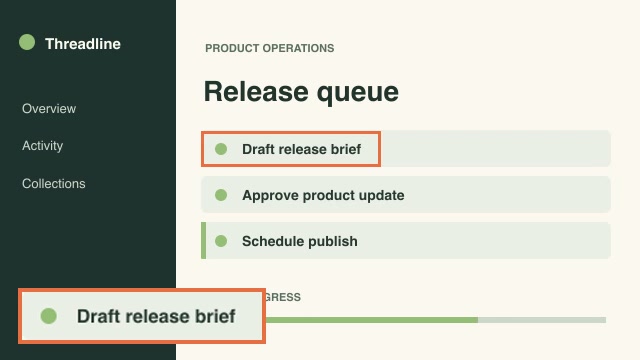
- Software demosProCue-driven multicamera cutSelect camera angles at exact program frames while preserving continuous synchronized time across all recordings.Complete workflow16:9 · 0:04Verified: CodexOpen skill
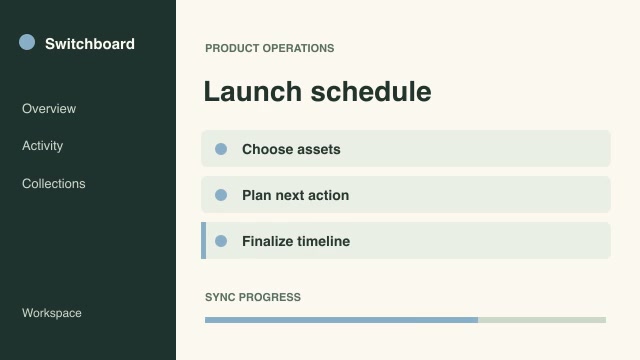
- Social adsProCut to beat markersPlace shot changes at supplied musical or editorial beat frames and offset each source to its own designated starting moment.Complete workflow16:9 · 0:04Verified: CodexOpen skill
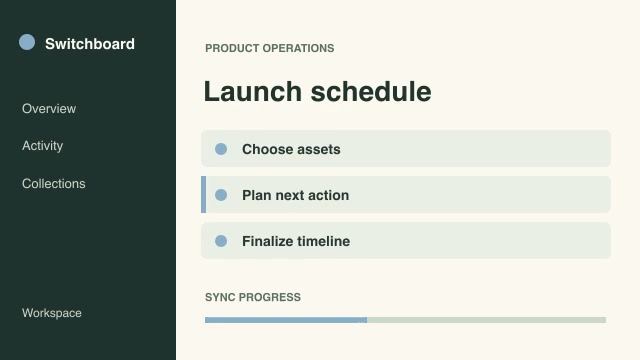
- Software demosProDissolve two takesBuild one continuous edit from two takes by blending the overlapping outgoing and incoming frames over an exact duration.Complete workflow16:9 · 0:07Verified: CodexOpen skill
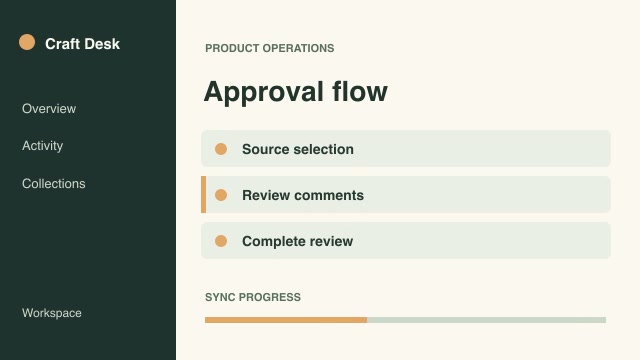
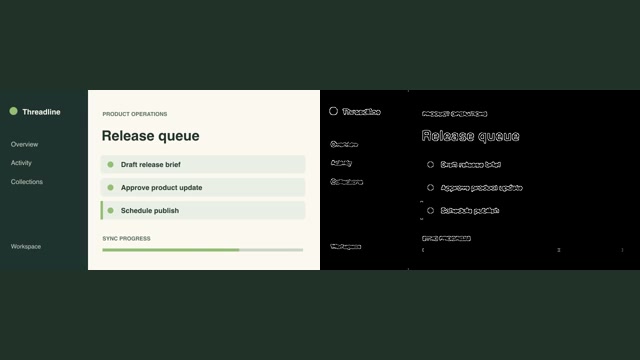
- Motion graphics & 3DProEdge inspection with referenceShow a source capture beside its edge map to inspect silhouette, fine detail and interface legibility in motion.Complete workflow16:9 · 0:04Verified: CodexOpen skill
Editing & cleanup
33 skills







Before you run a skill
Common requirements in this collection. Each skill page lists its exact versions.
- Python 3.9+, FFmpeg with libx264, and librsvg available locally.
- No provider account required.
How to make it with a skill
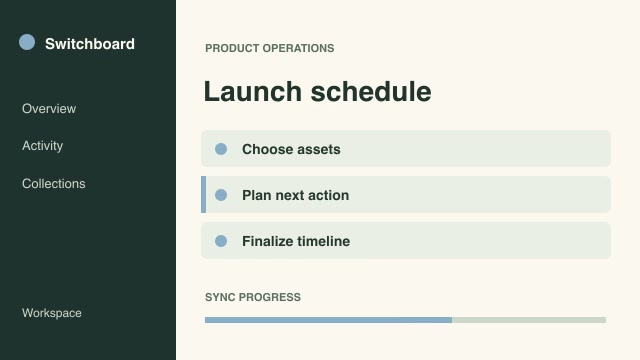
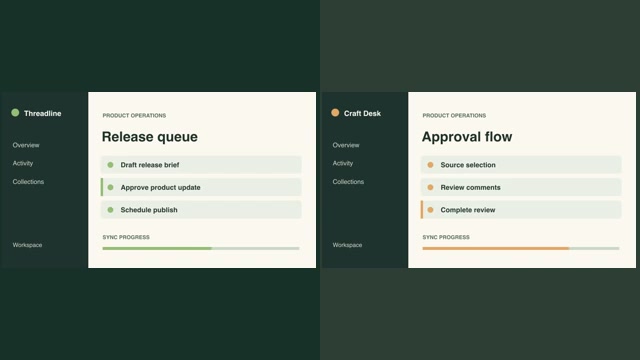
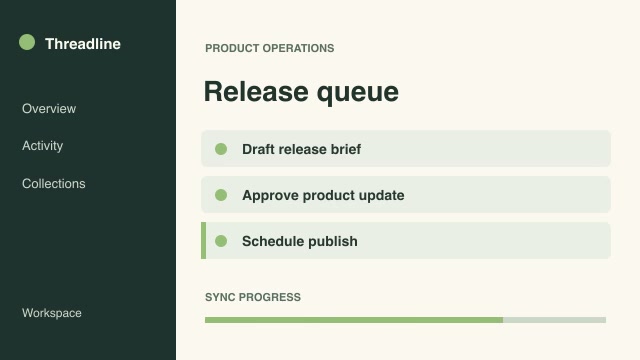
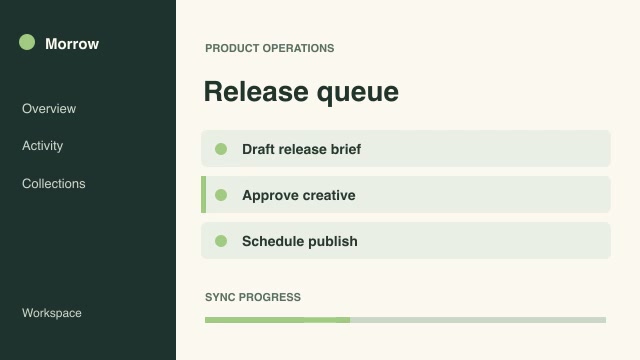
- 1Pick and previewWatch the default and customized renders, then check the inputs and requirements.
- 2Install the ZIP or connect MCPFree skills download without an account. Your agent can also install them over MCP.
- 3Render with your inputsRun the included example first, then swap in your own screens, text, data or footage.
Questions
Do I need an account to try editing & cleanup skills?
No. 1 skill is free to download without an account. Pro skills need an active membership.
Where does the video render?
On your own machine or agent environment, using the tools listed on each skill. Motioncase does not charge for rendering; external tool costs are separate.
Can I change the look and the content?
Yes. Every package includes an editable project and a second, customized example that shows which inputs to change.