Salta al contenuto della dashboard
Motioncase

Video skills by role

Founders

Ship a launch film, a product demo and a metric story yourself, with a workflow you can rerun next release.

Skills
97
Free
5
Complete workflows
3
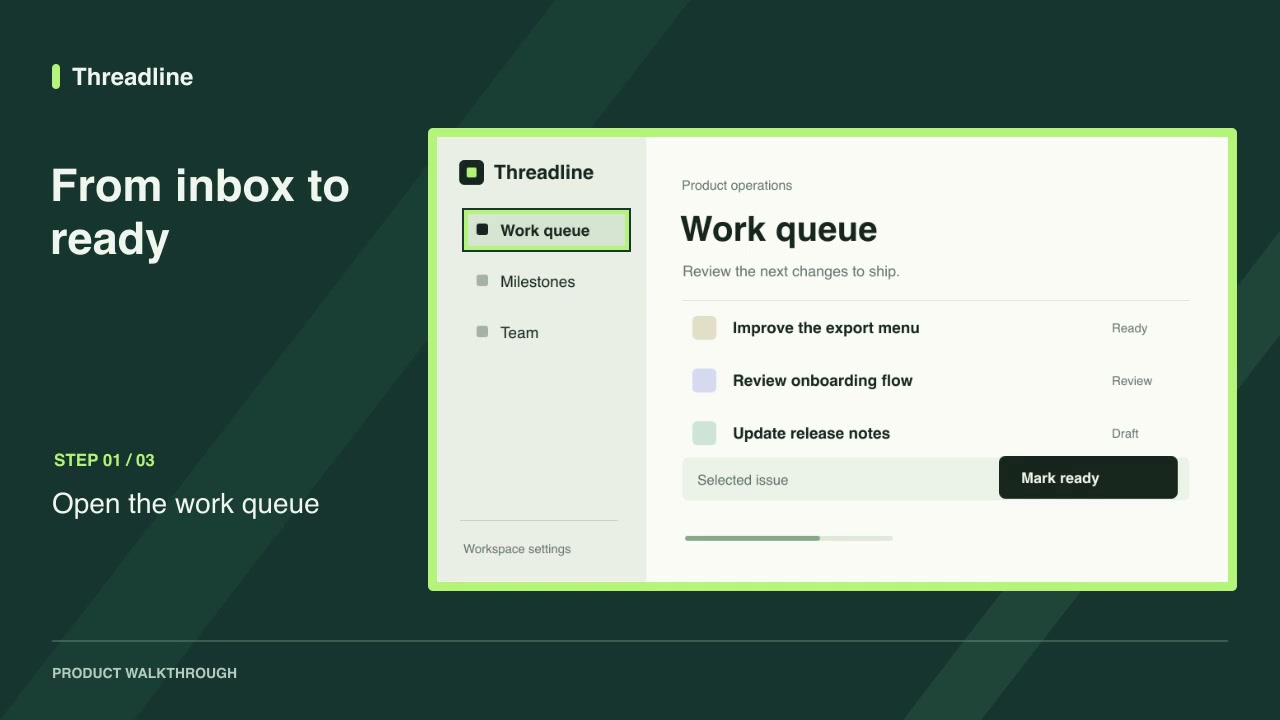
Free · Software demos · 0:09Screenshot walkthroughDownload ZIP

Complete workflows

Packages that take your inputs to a finished render.

View all
More filters

Skills for founders

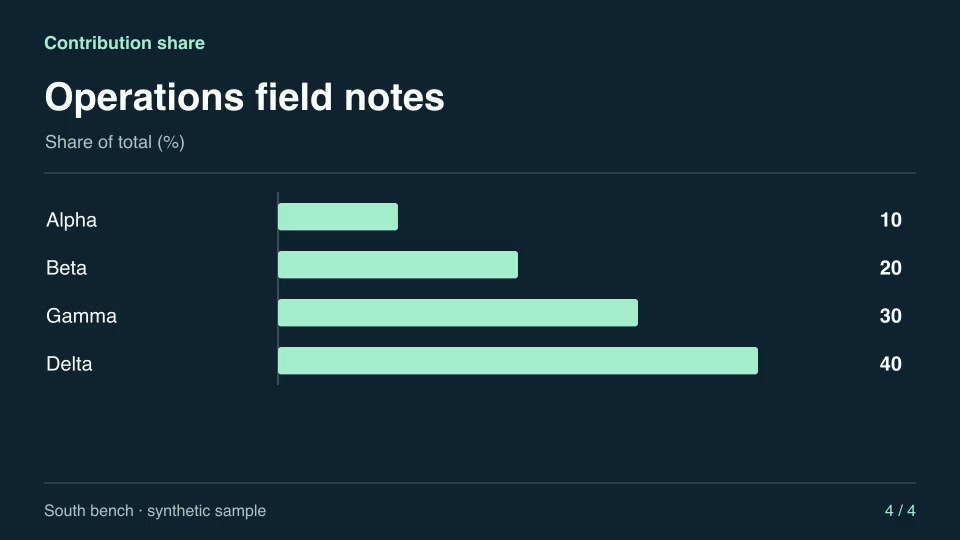
Motion graphics & 3DProContribution shareReveal the percentage each category contributes to a total, preserving the supplied order.Component16:9 · 0:04Verified: CodexOpen skill
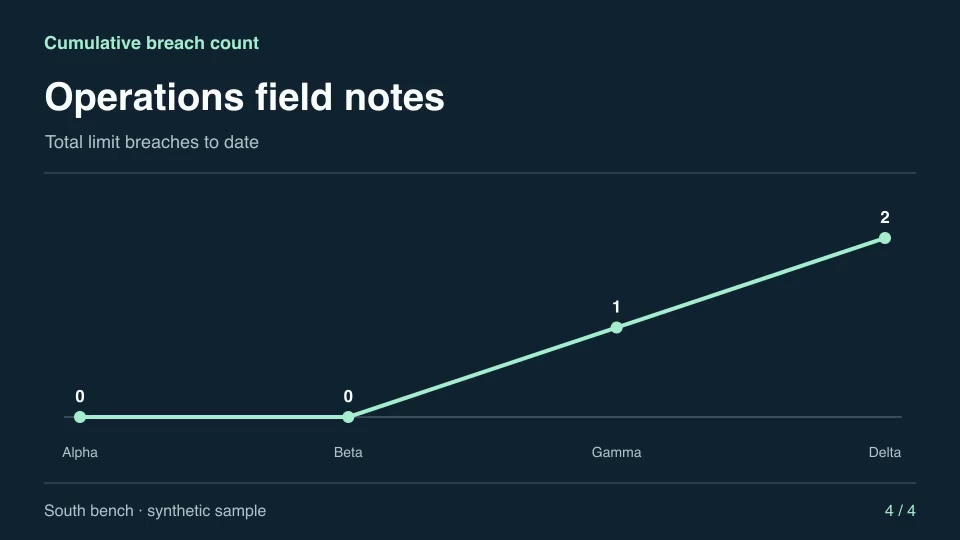
Motion graphics & 3DProCumulative breach countCount the total occurrences above an upper limit over an observation period.Component16:9 · 0:04Verified: CodexOpen skill
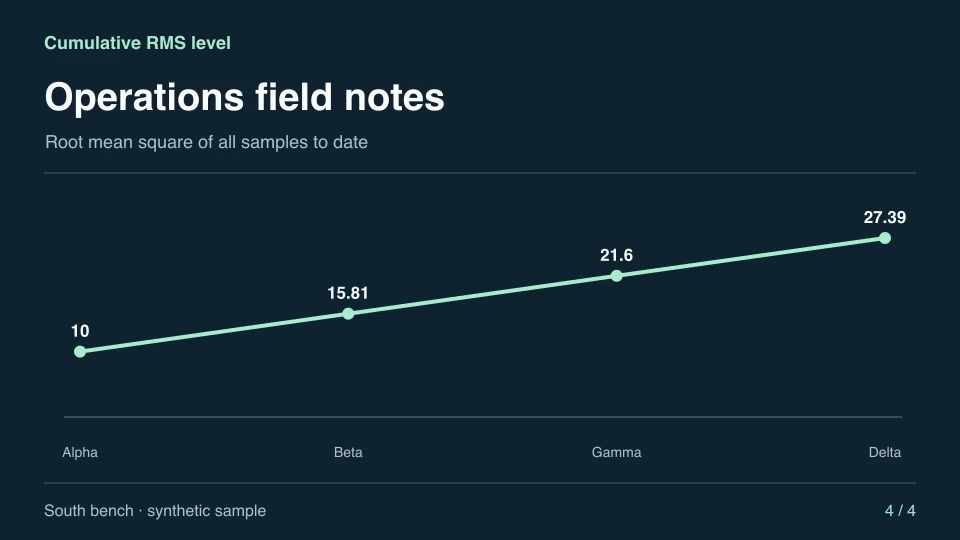
Motion graphics & 3DProCumulative RMS levelRender how the root-mean-square level evolves as signed samples accumulate.Component16:9 · 0:04Verified: CodexOpen skill
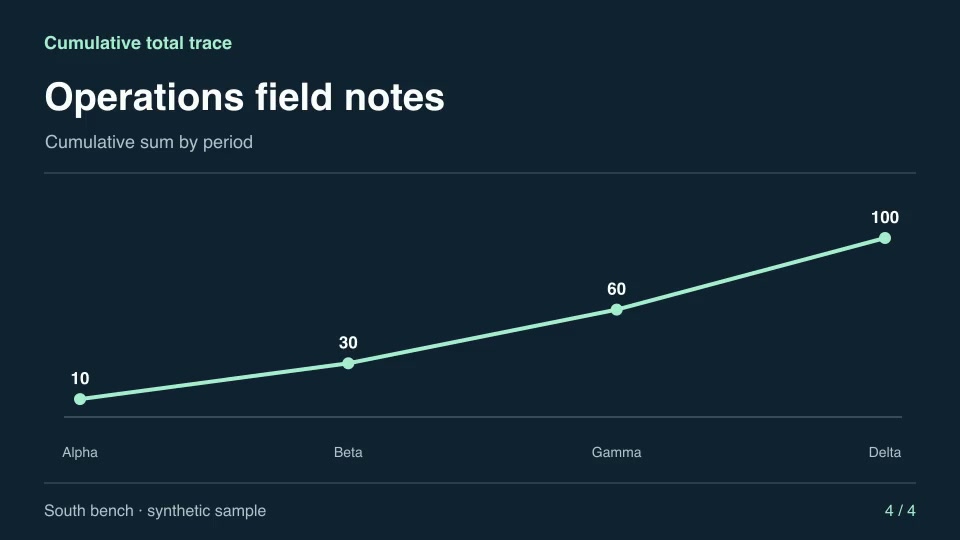
Motion graphics & 3DProCumulative total traceBuild a running total from ordered observations and reveal each addition.Component16:9 · 0:04Verified: CodexOpen skill
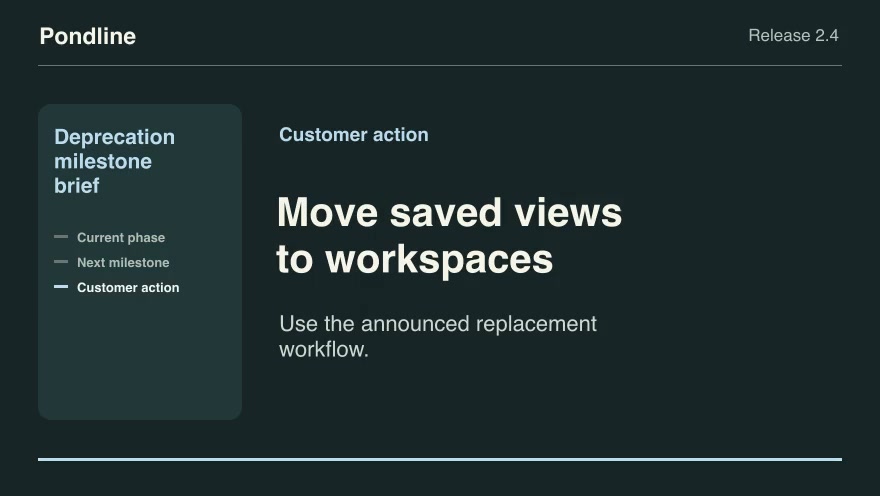
Product launchesProDeprecation milestone briefPlace an as-of date on the announced warning, read-only and retirement timeline, then identify the next customer action.Component16:9 · 0:09Verified: CodexOpen skill
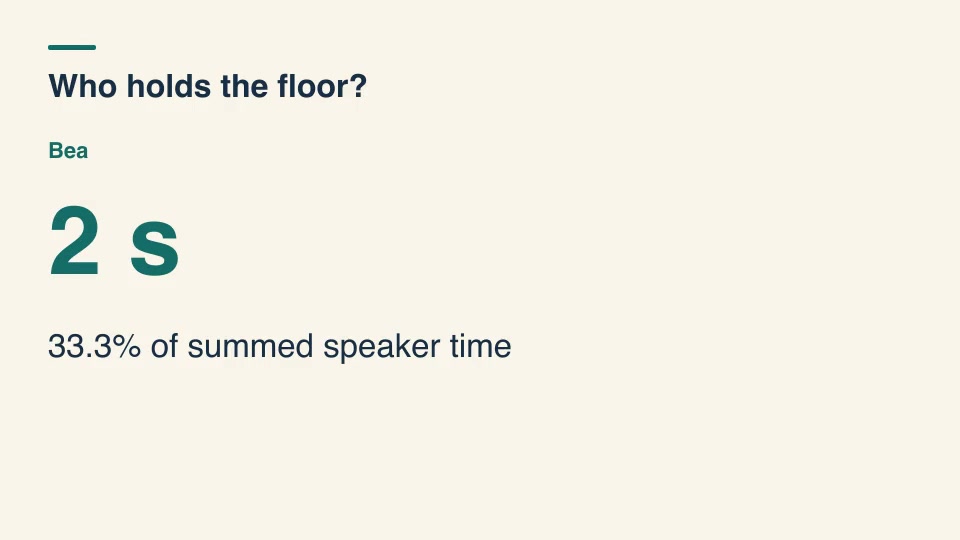
Kinetic typographyProDialogue time share titlesMeasure each speaker's voiced time from labeled cue intervals, merging overlaps within a speaker before displaying the results.Component16:9 · 0:03Verified: CodexOpen skill
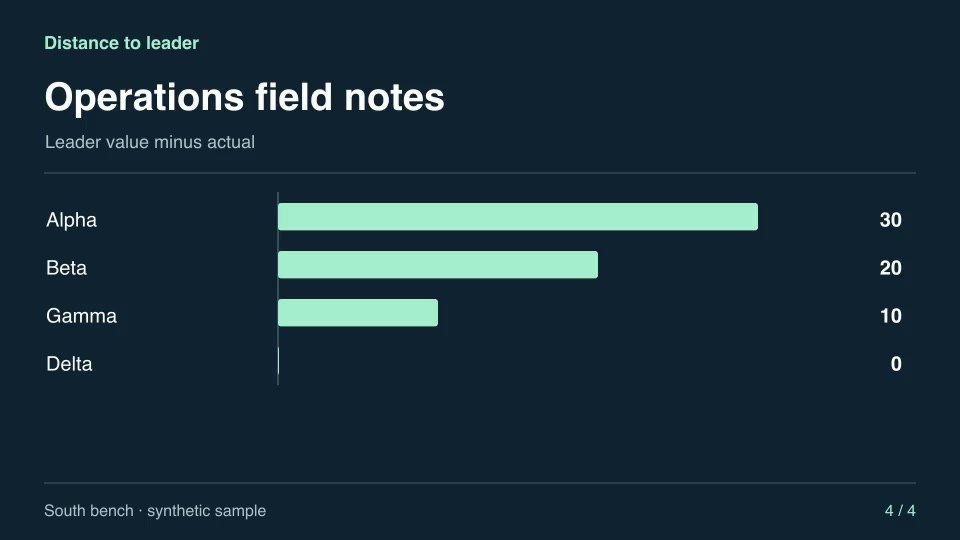
Motion graphics & 3DProDistance to leaderCompare each category against the best result and reveal the gap to first place.Component16:9 · 0:04Verified: CodexOpen skill
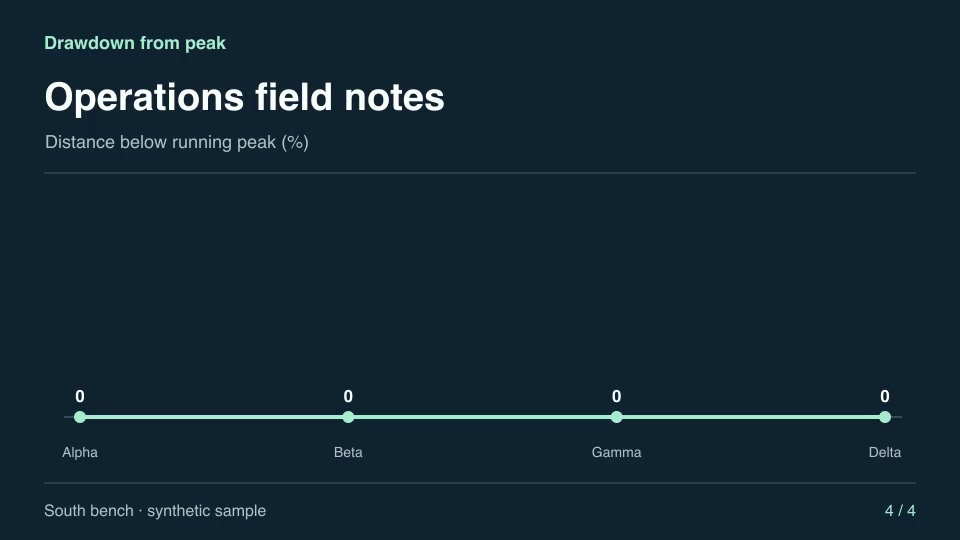
Motion graphics & 3DProDrawdown from peakMeasure how far each observation sits below the highest preceding level.Component16:9 · 0:04Verified: CodexOpen skill
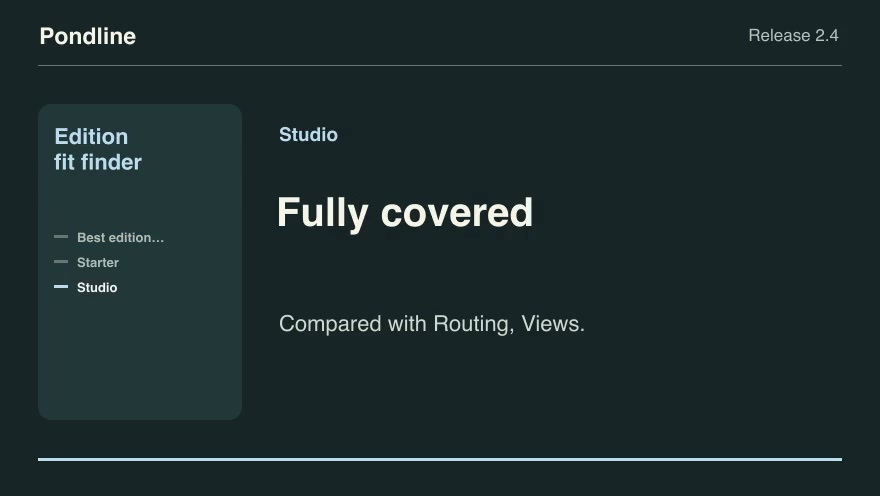
Product launchesProEdition fit finderTurn the requested features into the least expensive published edition that includes all of them, and name the missing features for other editions.Component16:9 · 0:09Verified: CodexOpen skill
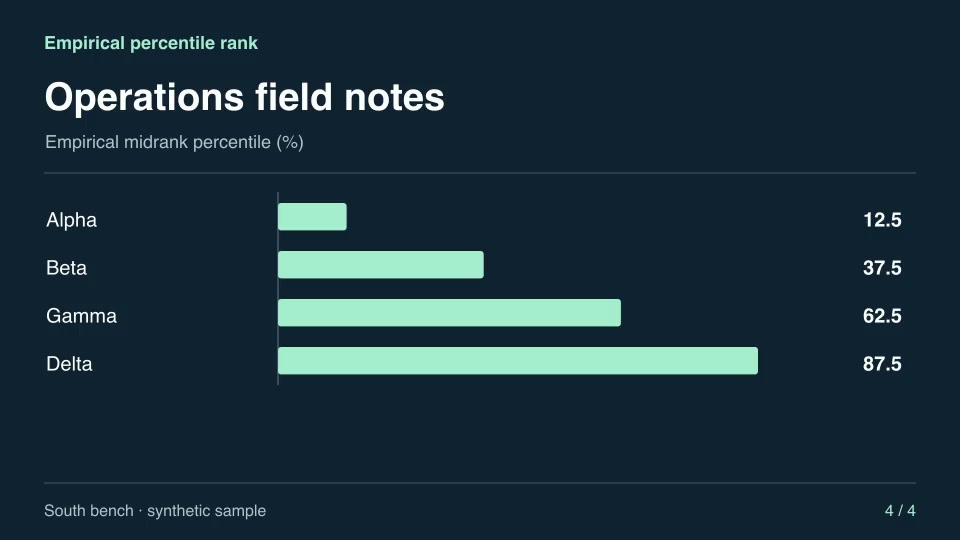
Motion graphics & 3DProEmpirical percentile rankEstimate each observation’s percentile using midranks, including tied measurements.Component16:9 · 0:04Verified: CodexOpen skill
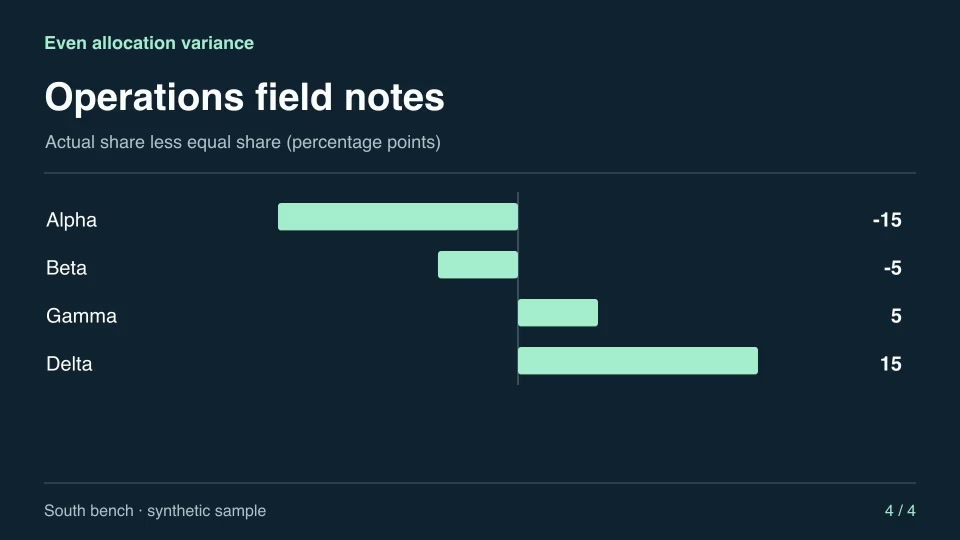
Motion graphics & 3DProEven allocation varianceShow each contribution’s deviation in percentage points from an equal split of the total.Component16:9 · 0:04Verified: CodexOpen skill
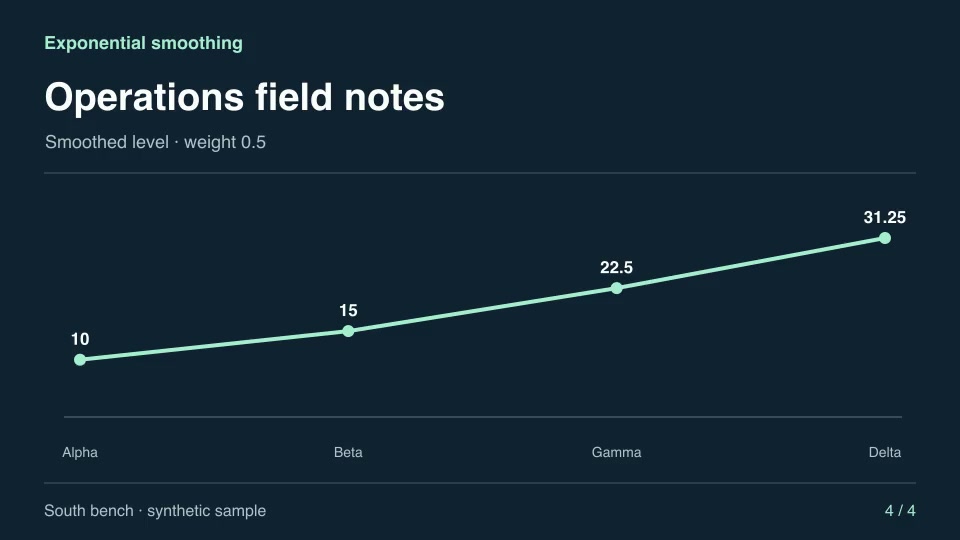
Motion graphics & 3DProExponential smoothingSmooth a time series recursively, giving recent samples half the weight at every step.Component16:9 · 0:04Verified: CodexOpen skill
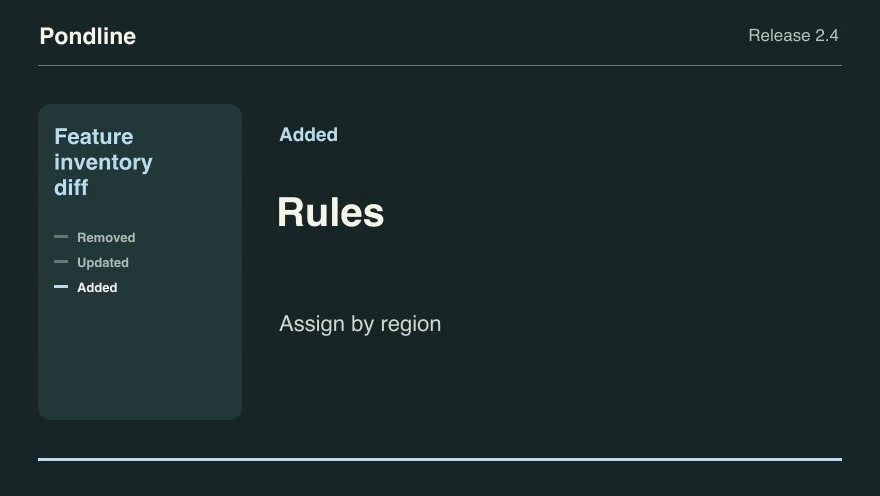
Product launchesProFeature inventory diffBuild a release announcement by comparing the previous and current feature descriptions.Component16:9 · 0:09Verified: CodexOpen skill
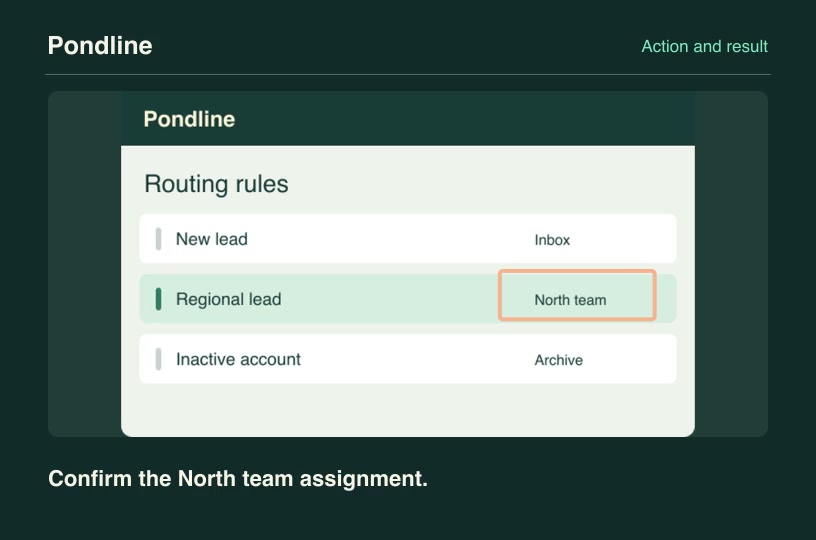
Software demosProFeature state confirmationShow a deliberate tap on a control, cut to its corresponding result screenshot and identify the verified response.Component3:2 · 0:04Verified: CodexOpen skill
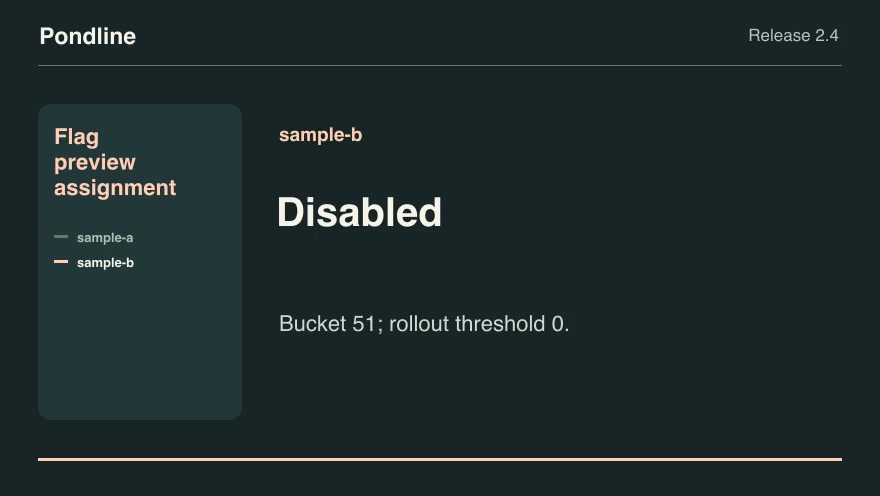
Product launchesProFlag preview assignmentReproduce the product's deterministic feature-flag assignment for anonymized preview identities, including explicit overrides.Component16:9 · 0:07Verified: CodexOpen skill
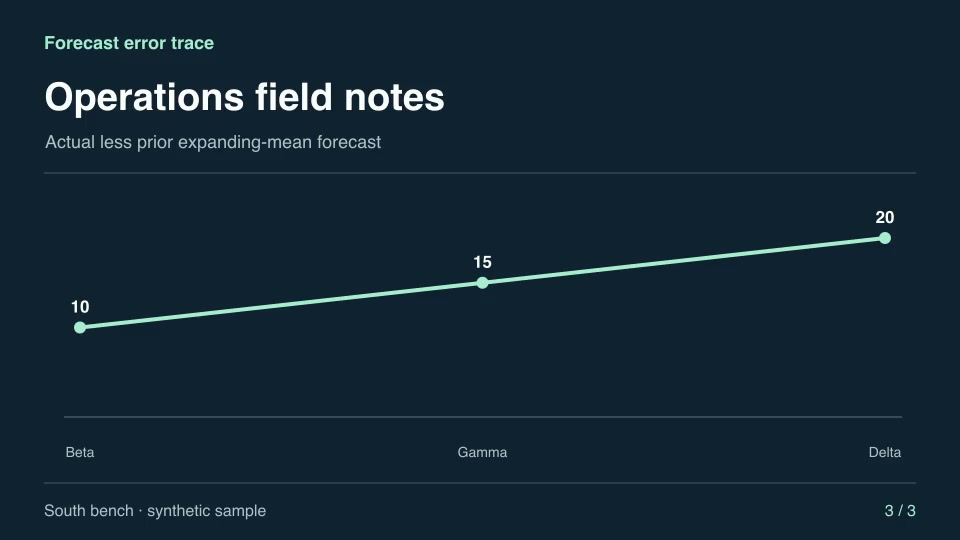
Motion graphics & 3DProForecast error traceCompare actual results with the preceding period’s historical mean forecast.Component16:9 · 0:04Verified: CodexOpen skill
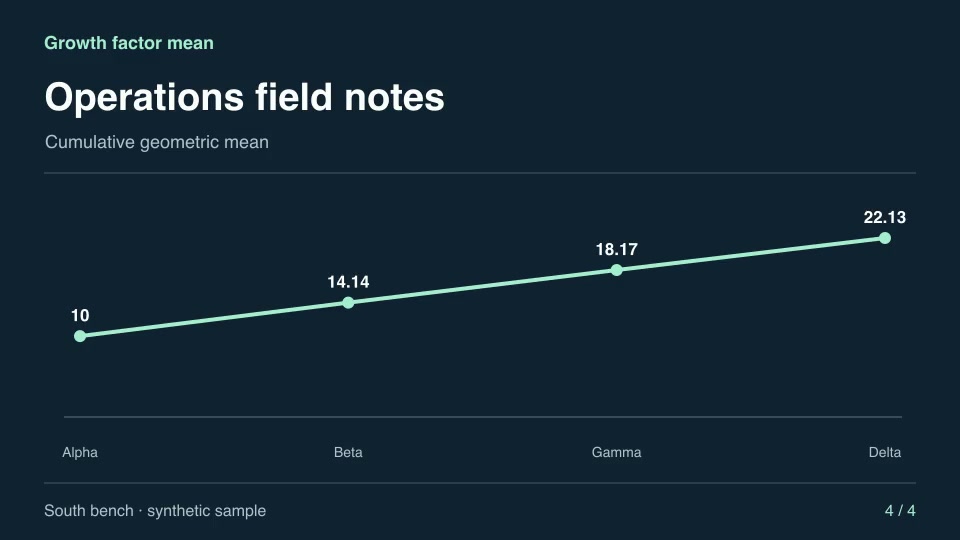
Motion graphics & 3DProGrowth factor meanFind the compounded equivalent average of a sequence of strictly positive factors.Component16:9 · 0:04Verified: CodexOpen skill
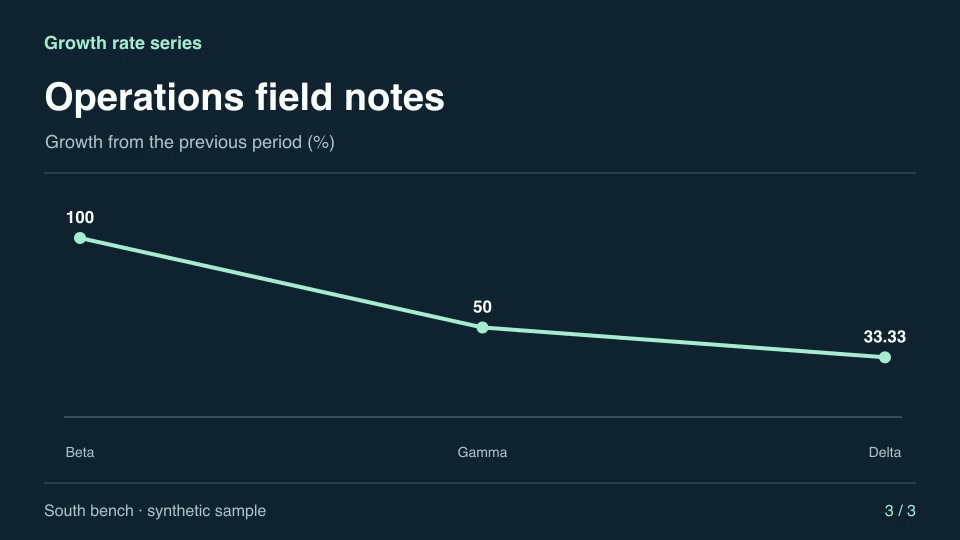
Motion graphics & 3DProGrowth rate seriesCalculate and animate period-over-period percentage changes from a series of positive readings.Component16:9 · 0:04Verified: CodexOpen skill
Motion graphics & 3DProGrowth shellBuild an expanding coiled shell with editable tube thickness.Component16:9 · 0:02Verified: CodexOpen skill
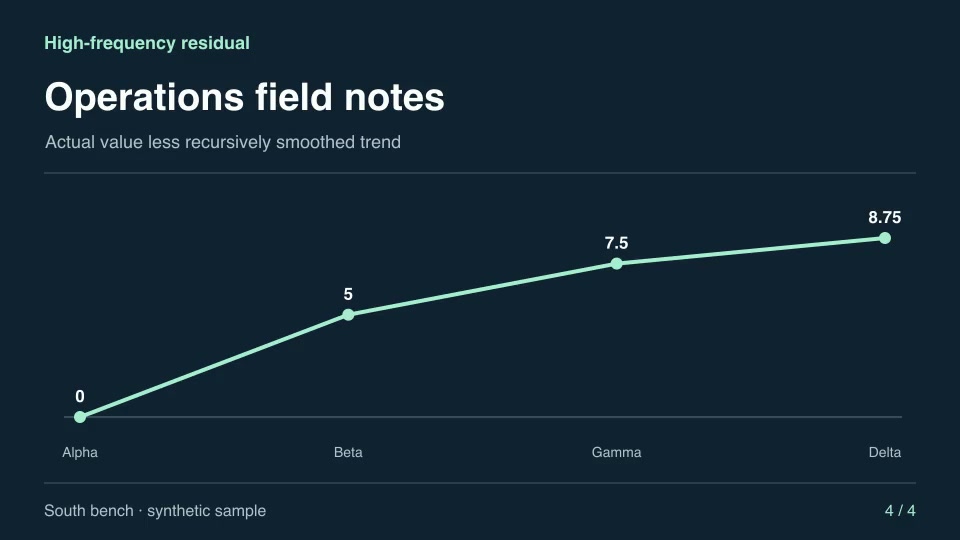
Motion graphics & 3DProHigh-frequency residualSeparate abrupt changes from the slowly varying level with a one-pole high-pass filter.Component16:9 · 0:04Verified: CodexOpen skill
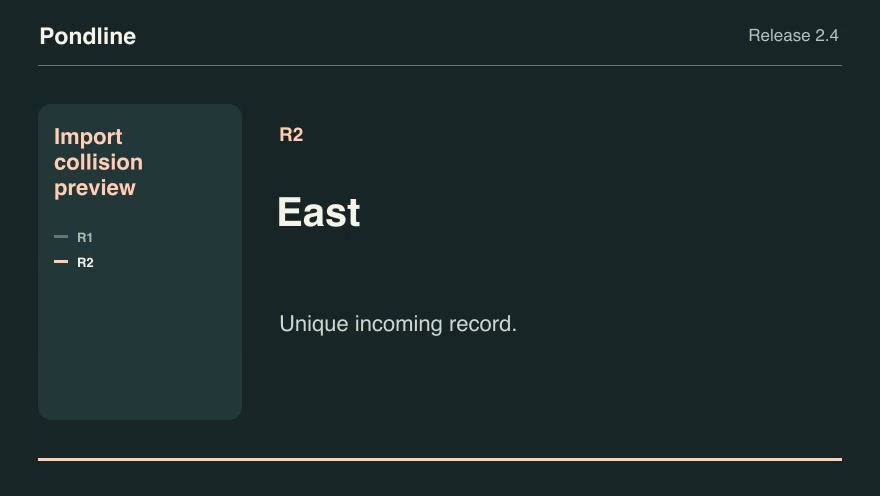
Software demosProImport collision previewGroup incoming records by external ID and apply the chosen collision policy before showing the import result.Component16:9 · 0:07Verified: CodexOpen skill
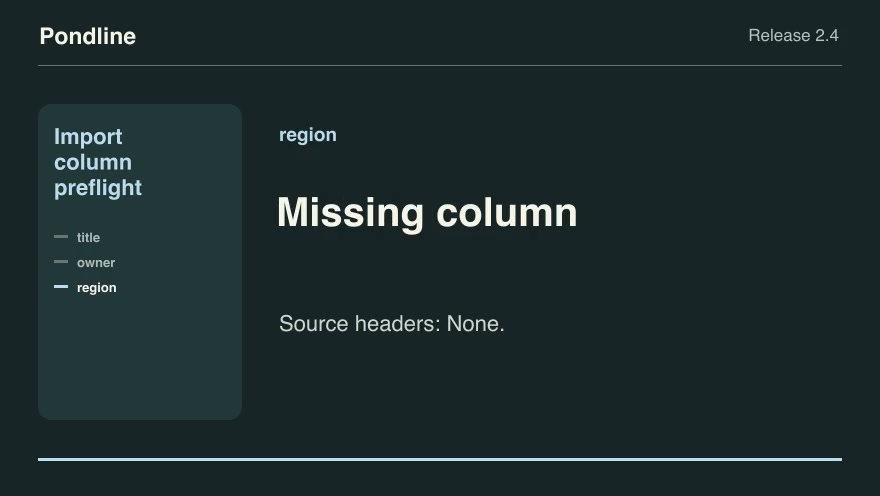
Product launchesProImport column preflightShow whether an incoming CSV header can satisfy the product's required fields through an approved alias map.Component16:9 · 0:09Verified: CodexOpen skill
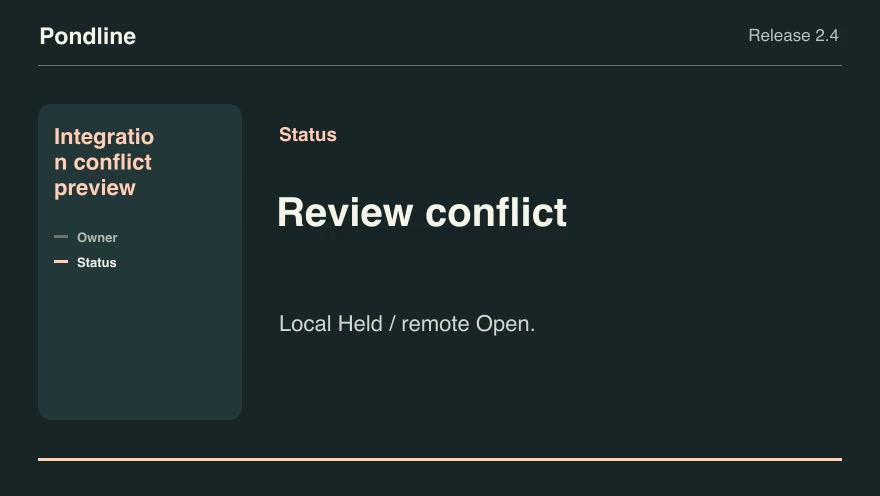
Product launchesProIntegration conflict previewCompare local and remote edits against a common baseline and show which values can sync automatically.Component16:9 · 0:07Verified: CodexOpen skill
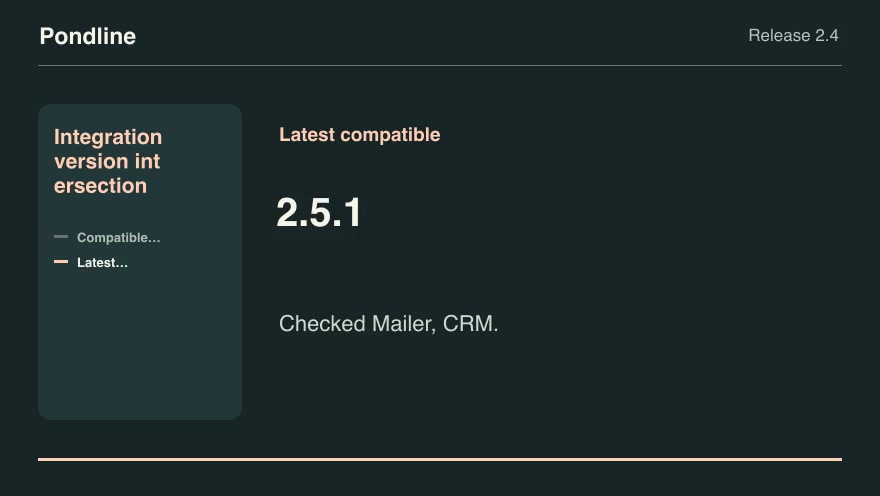
Product launchesProIntegration version intersectionFind product releases that satisfy every active integration's explicit version range and choose the latest compatible build.Component16:9 · 0:07Verified: CodexOpen skill

Before you run a skill

Common requirements in this collection. Each skill page lists its exact versions.

  • Python 3.9 or later
  • librsvg with rsvg-convert on your PATH
  • FFmpeg with the libx264 encoder on your PATH
  • Local tools only. No provider accounts or metered rendering.
  • Python 3.9+, FFmpeg with libx264, and librsvg available locally.

How to make it with a skill

  1. 1Pick and previewWatch the default and customized renders, then check the inputs and requirements.
  2. 2Install the ZIP or connect MCPFree skills download without an account. Your agent can also install them over MCP.
  3. 3Render with your inputsRun the included example first, then swap in your own screens, text, data or footage.

Questions

Do I need an account to try founders skills?

No. 5 skills are free to download without an account. Pro skills need an active membership.

Where does the video render?

On your own machine or agent environment, using the tools listed on each skill. Motioncase does not charge for rendering; external tool costs are separate.

Can I change the look and the content?

Yes. Every package includes an editable project and a second, customized example that shows which inputs to change.