
Video skills by use case
Social promos & offers
Explain an offer, a bundle or a delivery promise in a few seconds, then reframe it for vertical feeds.
- Skills
- 25
- Free
- 0
- Complete workflows
- 7
Complete workflows
Packages that take your inputs to a finished render.
- Social adsProProduct offer spotBuild a vertical five-second promotion from your product image, exact offer, currency, price and call to action.Complete workflow9:16 · 0:05Verified: CodexOpen skill
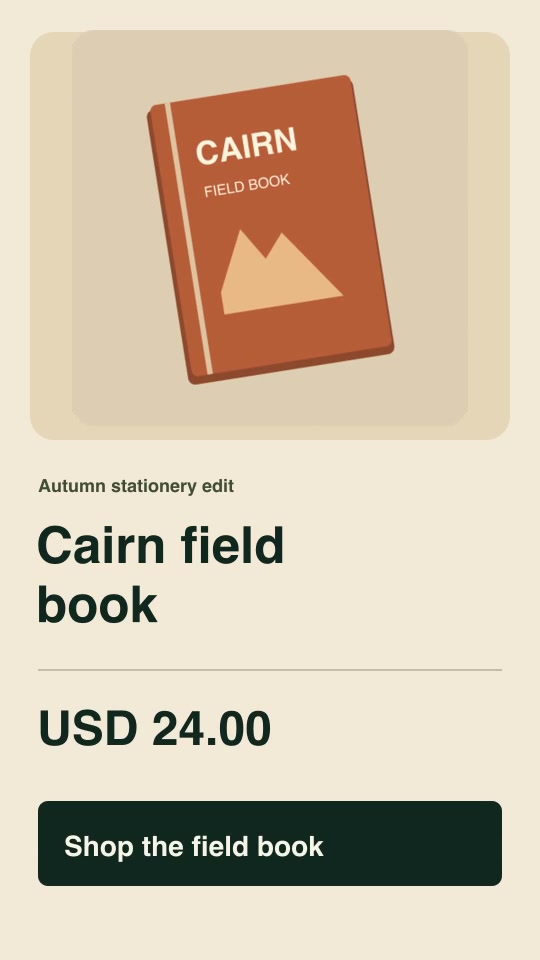
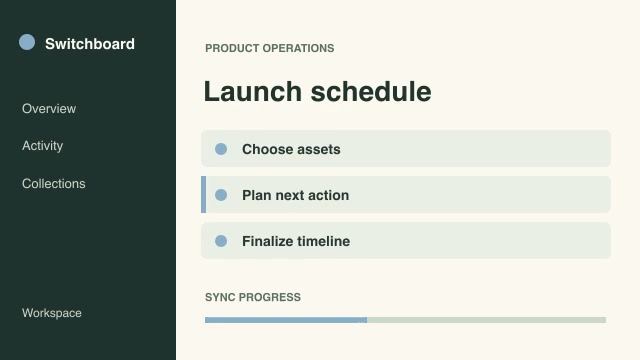
- Social adsProCut to beat markersPlace shot changes at supplied musical or editorial beat frames and offset each source to its own designated starting moment.Complete workflow16:9 · 0:04Verified: CodexOpen skill
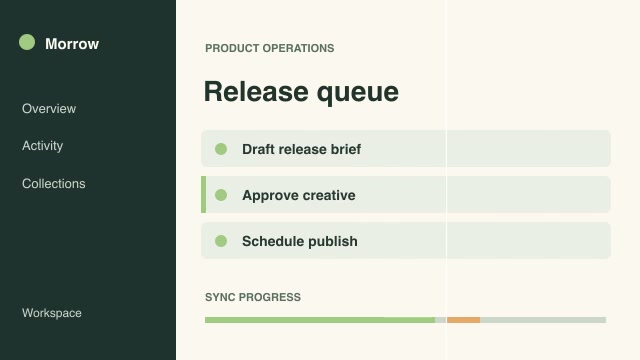
- Social adsProEvent-aligned comparison wipeLine up the same product action in two recordings and reveal their differences with a moving full-height wipe.Complete workflow16:9 · 0:03Verified: CodexOpen skill
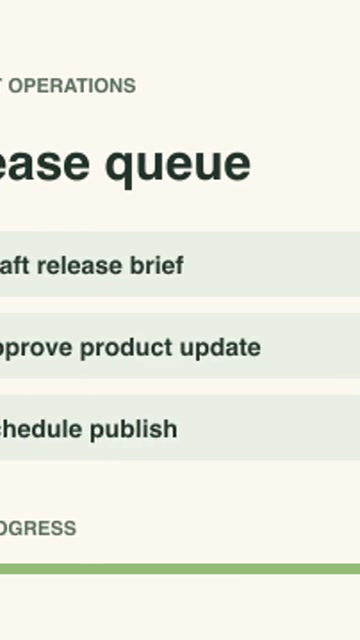
- Social adsProMoving portrait cropMove a vertical crop window between two supplied focal positions so the action stays framed across a wide recording.Complete workflow9:16 · 0:04Verified: CodexOpen skill
- Social adsProPlatform safe-area reviewPlace action-safe and text-safe boundaries on a review copy so an editor can check whether essential details fit both guides.Complete workflow16:9 · 0:04Verified: CodexOpen skill
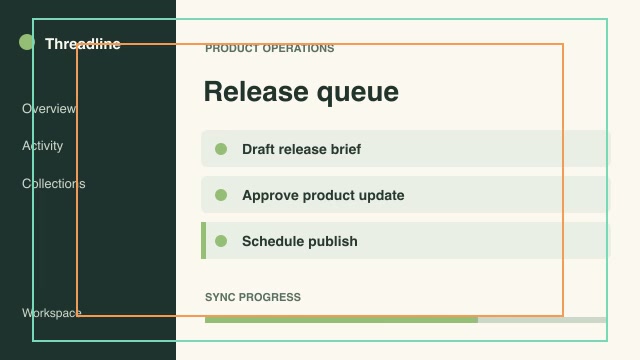
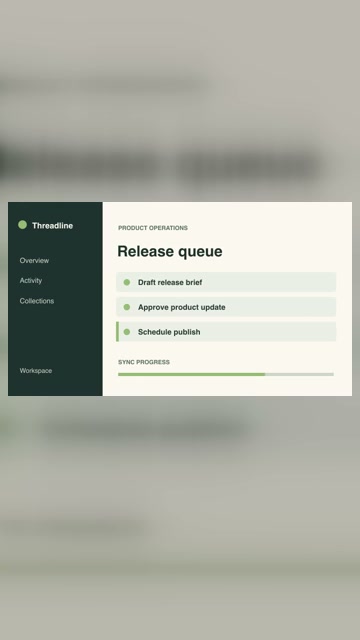
- Social adsProPortrait reframe with contextFit a landscape demo into a vertical deliverable without clipping its interface, filling the background from the recording itself.Complete workflow9:16 · 0:04Verified: CodexOpen skill
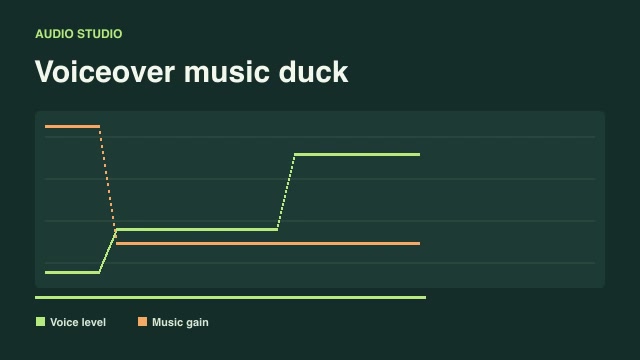
- Social adsProVoiceover music duckMix separate narration and music tracks while lowering the music under audible speech and visualizing the applied gain.Complete workflow16:9 · 0:03Verified: CodexOpen skill
Before you run a skill
Common requirements in this collection. Each skill page lists its exact versions.
- Python 3.9+, FFmpeg with libx264, and librsvg available locally.
- No provider account required.
How to make it with a skill
- 1Pick and previewWatch the default and customized renders, then check the inputs and requirements.
- 2Install the ZIP or connect MCPFree skills download without an account. Your agent can also install them over MCP.
- 3Render with your inputsRun the included example first, then swap in your own screens, text, data or footage.
Questions
Do I need an account to try social promos & offers skills?
Every skill here is part of Pro. Preview each render publicly, then subscribe to download.
Where does the video render?
On your own machine or agent environment, using the tools listed on each skill. Motioncase does not charge for rendering; external tool costs are separate.
Can I change the look and the content?
Yes. Every package includes an editable project and a second, customized example that shows which inputs to change.