Aller au contenu du tableau de bord
Motioncase

Video skills by use case

Product launches

Turn release notes, rollout plans and product details into a short announcement your audience can follow.

Skills
41
Free
1
Complete workflows
3
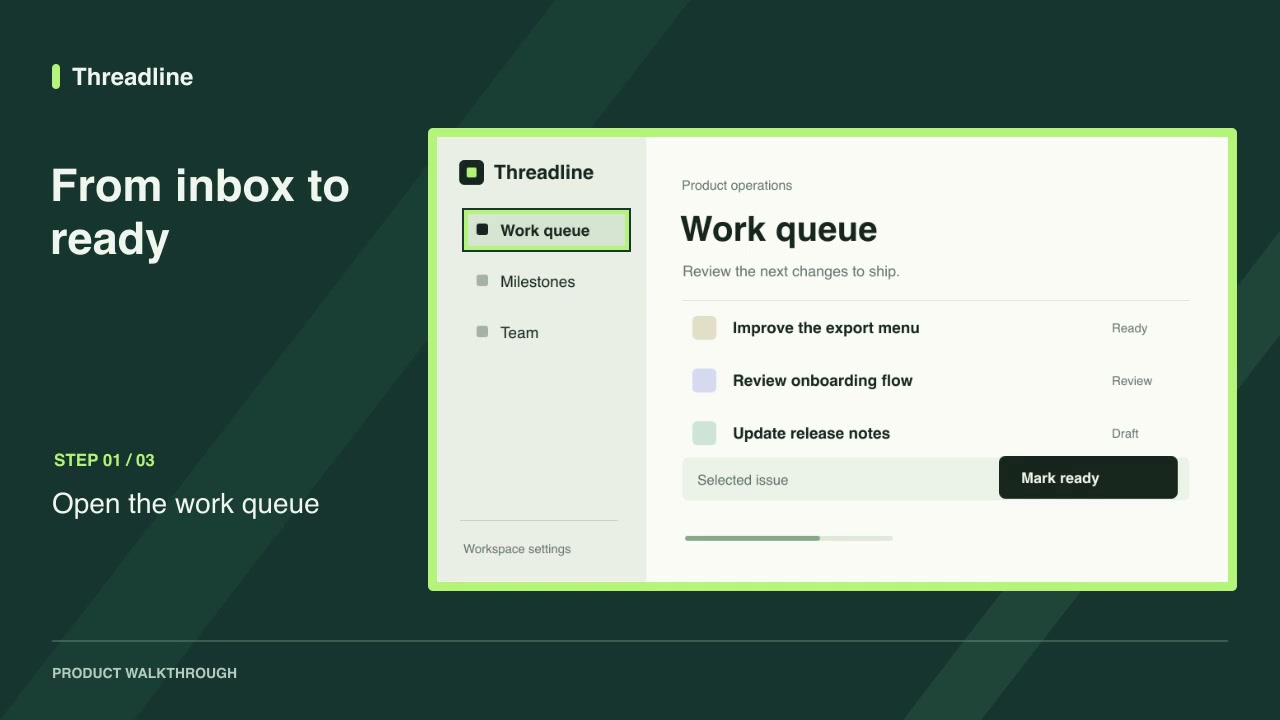
Free · Software demos · 0:09Screenshot walkthroughDownload ZIP

Complete workflows

Packages that take your inputs to a finished render.

View all
More filters

Product launches

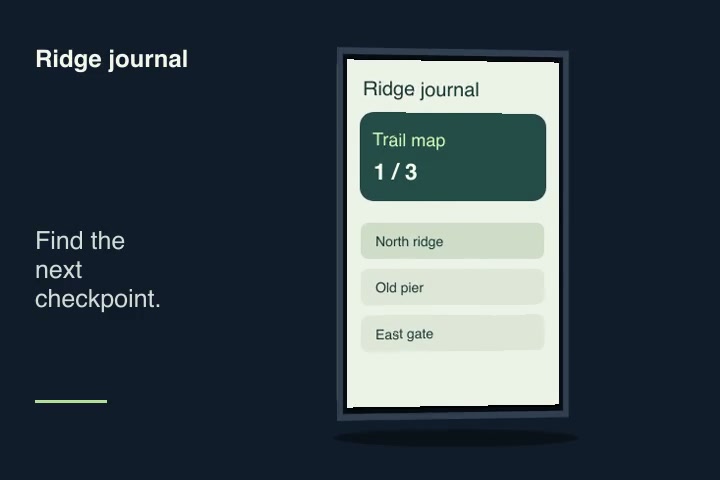
Software demosFreeScreenshot walkthroughTurn product screenshots into a guided video with step labels and a timed highlight on each control.Complete workflow16:9 · 0:09Verified: CodexOpen skill
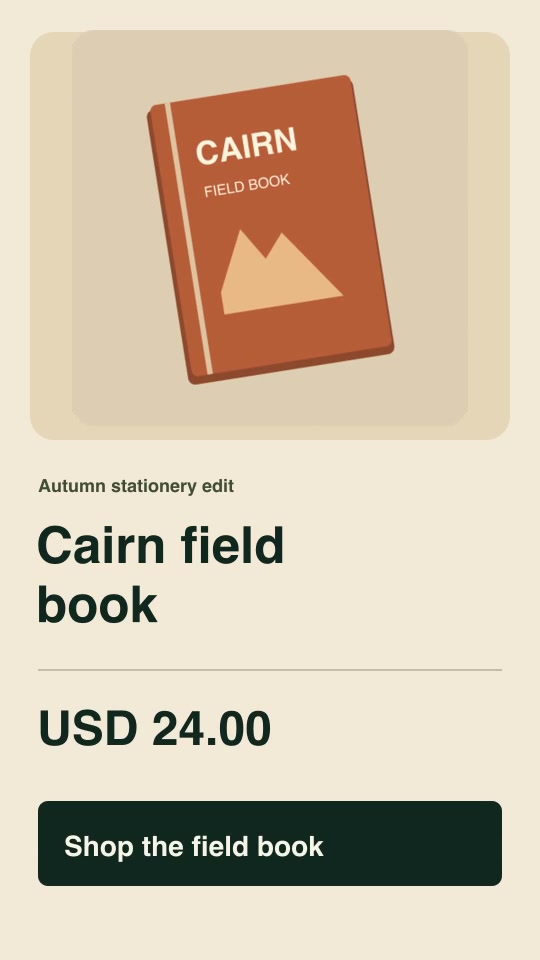
Social adsProProduct offer spotBuild a vertical five-second promotion from your product image, exact offer, currency, price and call to action.Complete workflow9:16 · 0:05Verified: CodexOpen skill
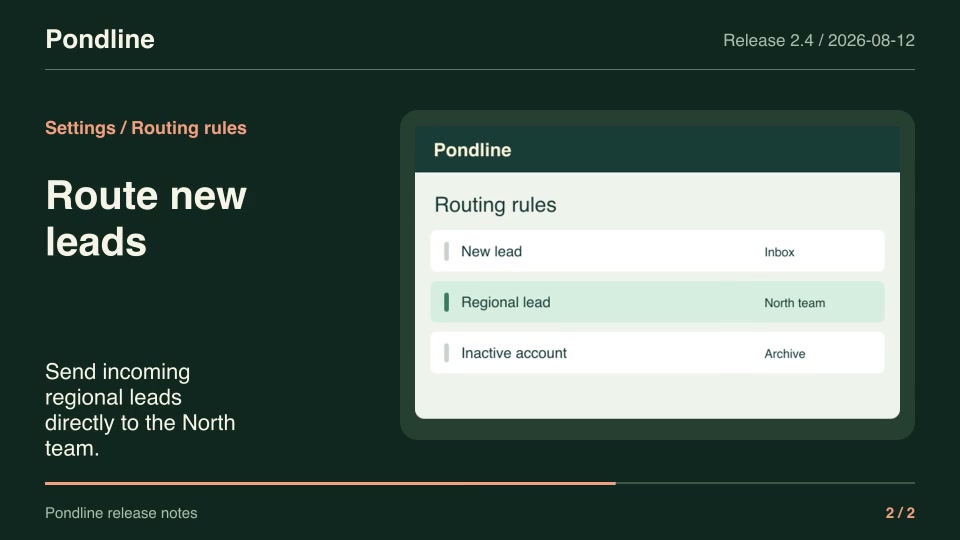
Product launchesProRelease-note videoTurn two approved release notes and their matching product screenshots into a seven-second announcement.Complete workflow16:9 · 0:07Verified: CodexOpen skill
Motion graphics & 3DPro3D screen showcaseMap a screenshot or short screen recording onto an original unbranded device with an editable camera turn.Component3:2 · 0:04Verified: CodexOpen skill
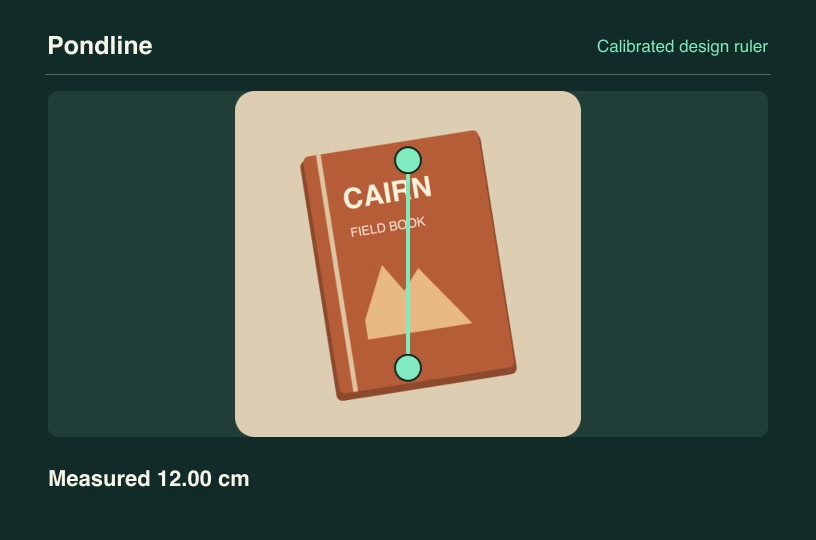
Product launchesProCalibrated design rulerUse a known reference segment to measure a second feature in a real product drawing and animate both dimensions.Component3:2 · 0:04Verified: CodexOpen skill
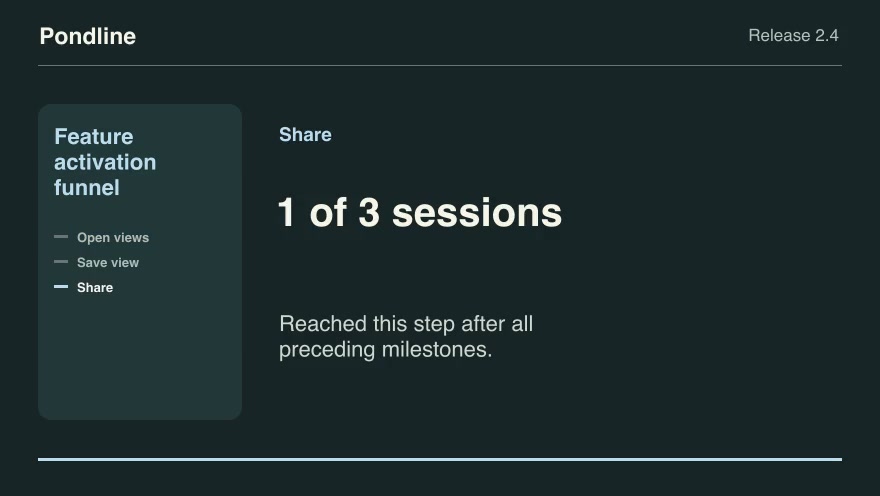
Product launchesProFeature activation funnelTrace a product’s ordered activation milestones per anonymous session and show where completion stops.Component16:9 · 0:09Verified: CodexOpen skill
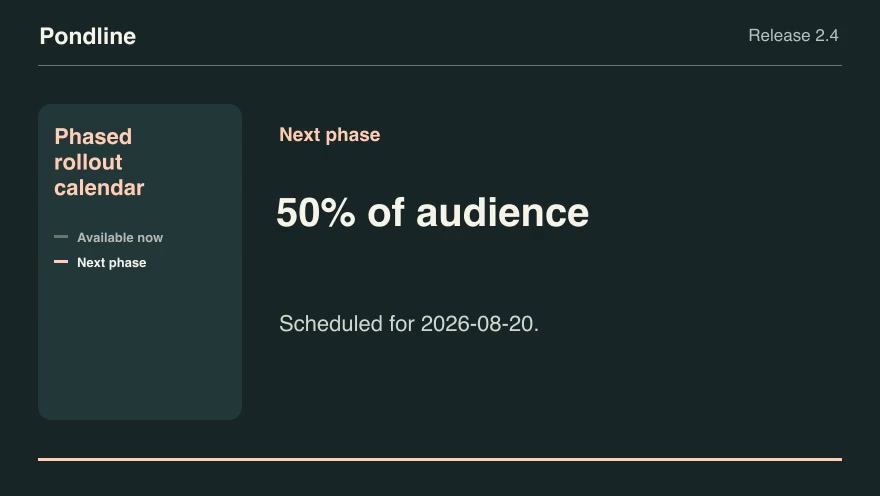
Product launchesProPhased rollout calendarTurn a phased rollout schedule into the currently released share and the next dated increase.Component16:9 · 0:07Verified: CodexOpen skill
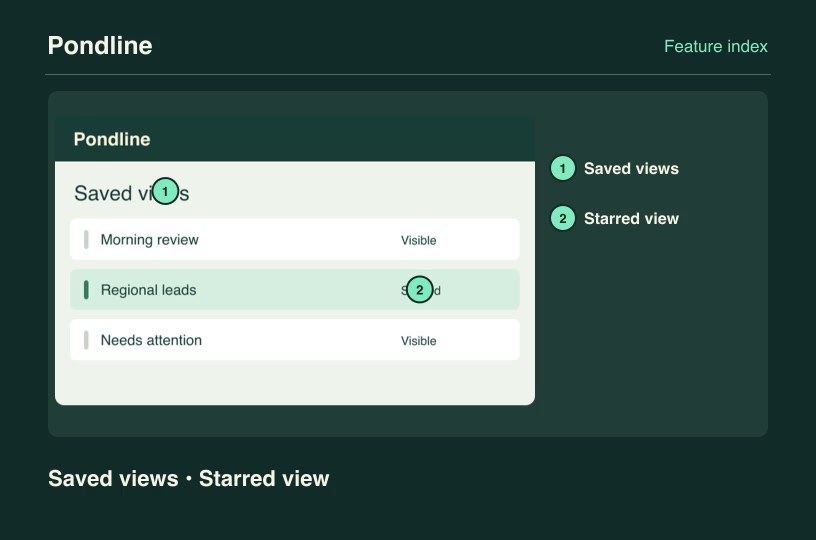
Software demosProAnnotated feature mapTurn a screenshot into a numbered feature index while preserving the actual position of every named product control.Component3:2 · 0:04Verified: CodexOpen skill
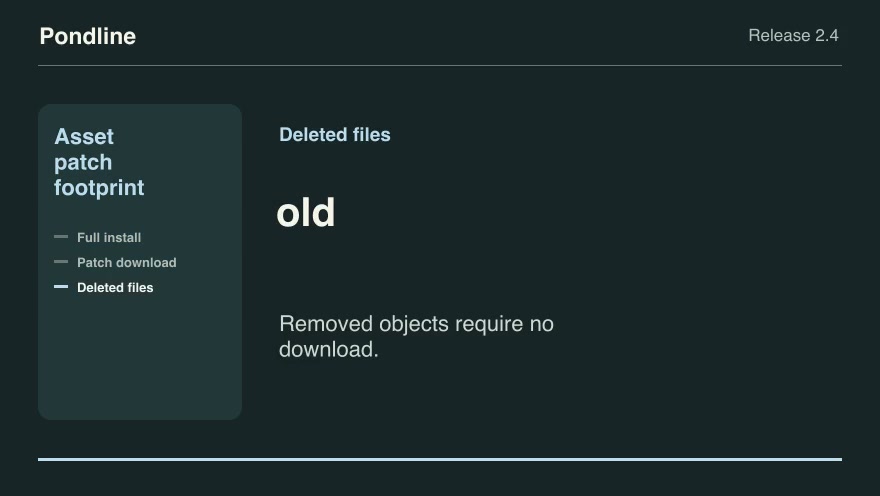
Product launchesProAsset patch footprintExplain the bytes a customer needs for a differential update by comparing release object hashes.Component16:9 · 0:09Verified: CodexOpen skill
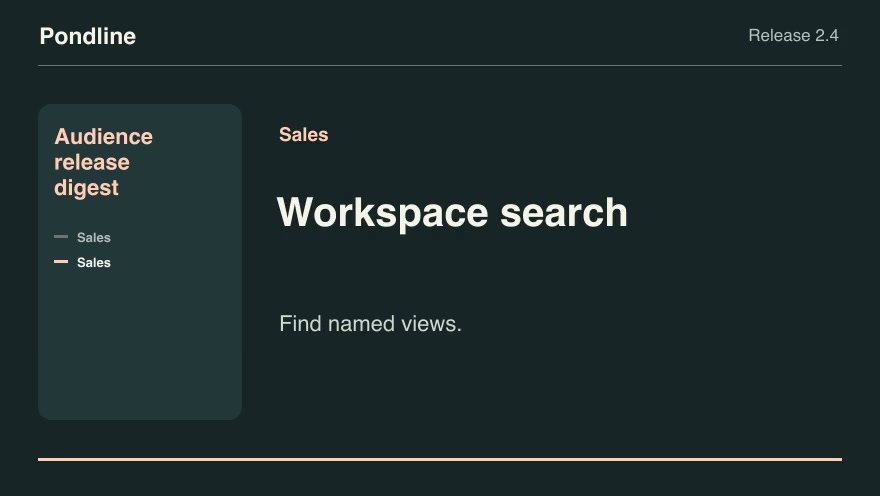
Product launchesProAudience release digestCut a customer-specific release digest from a tagged change list using the selected audience and public notes.Component16:9 · 0:07Verified: CodexOpen skill
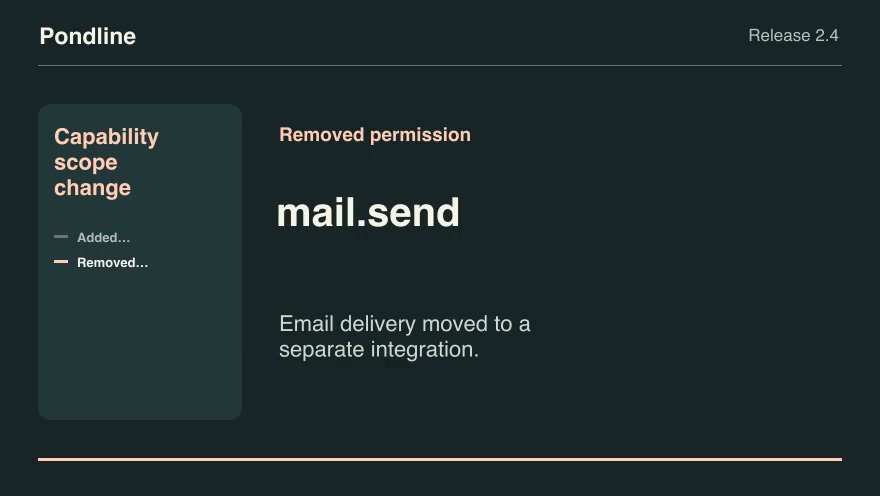
Product launchesProCapability scope changeExplain newly requested and removed permission scopes between two product versions.Component16:9 · 0:07Verified: CodexOpen skill
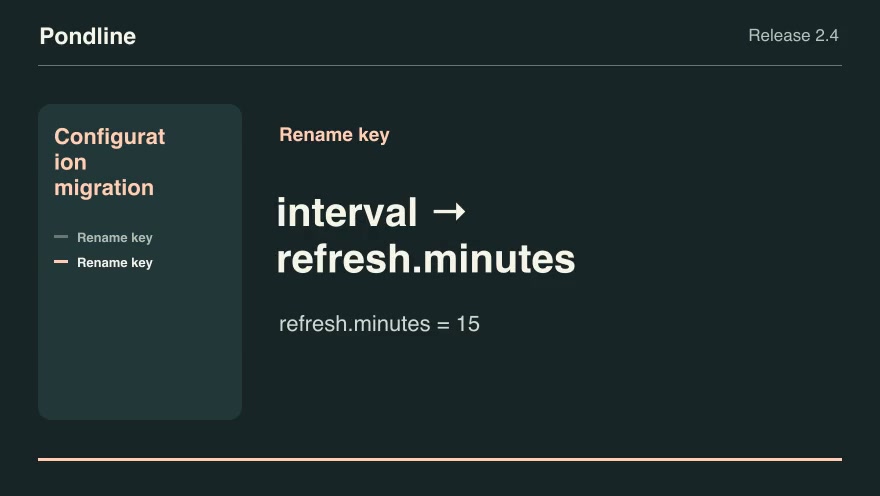
Product launchesProConfiguration migrationShow how to migrate replaced configuration keys while preserving the actual customer values.Component16:9 · 0:07Verified: CodexOpen skill
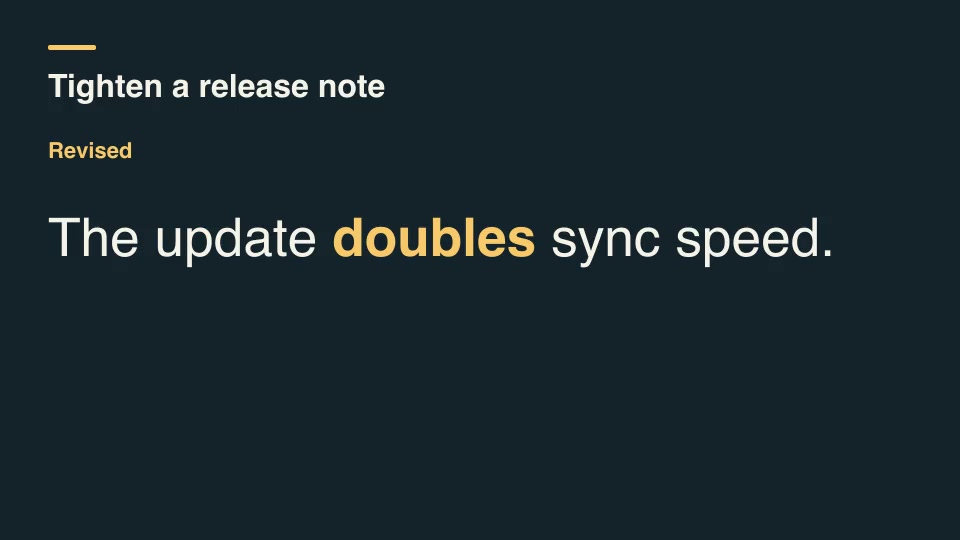
Kinetic typographyProCopyedit diff revealCompare two lines of copy, identify added and removed words, and reveal the revised line with the changed words highlighted.Component16:9 · 0:04Verified: CodexOpen skill
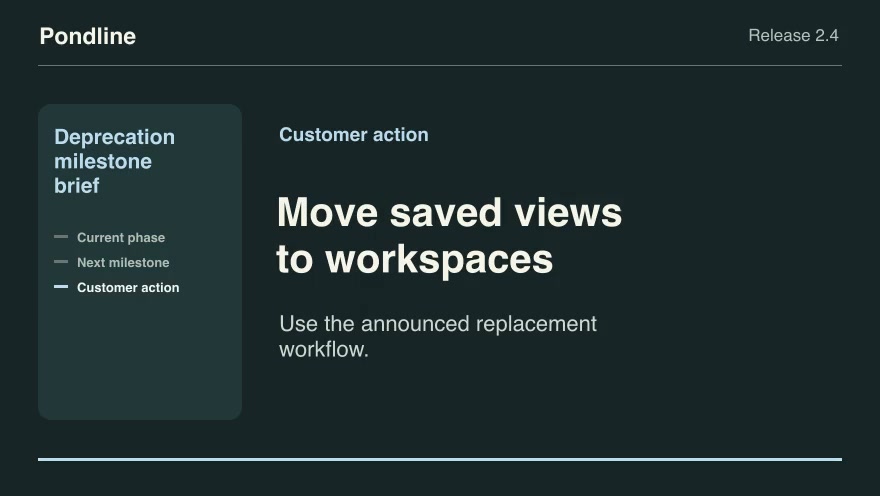
Product launchesProDeprecation milestone briefPlace an as-of date on the announced warning, read-only and retirement timeline, then identify the next customer action.Component16:9 · 0:09Verified: CodexOpen skill
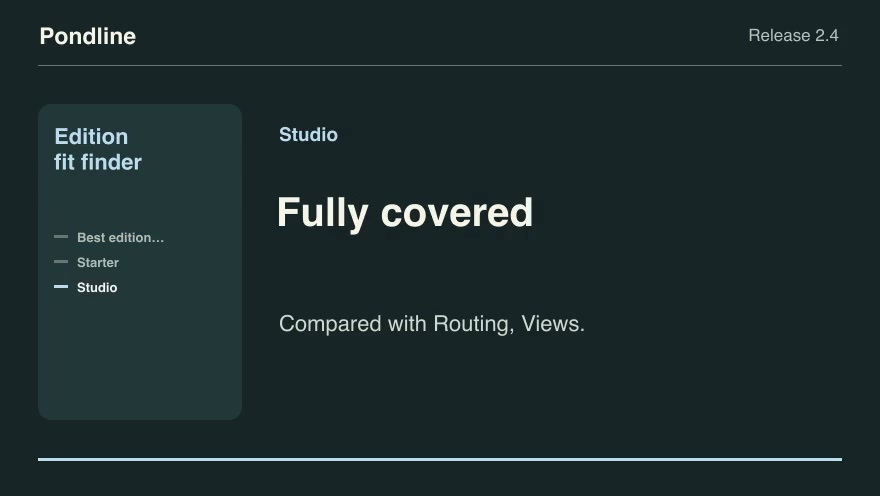
Product launchesProEdition fit finderTurn the requested features into the least expensive published edition that includes all of them, and name the missing features for other editions.Component16:9 · 0:09Verified: CodexOpen skill
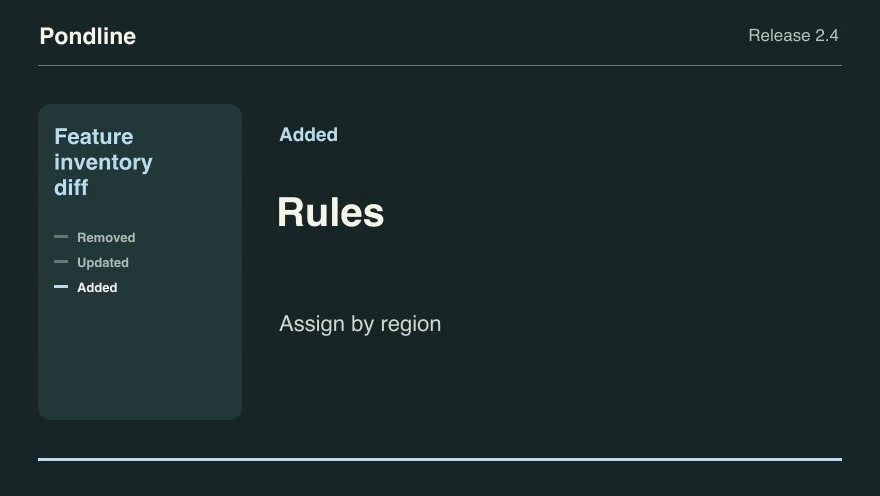
Product launchesProFeature inventory diffBuild a release announcement by comparing the previous and current feature descriptions.Component16:9 · 0:09Verified: CodexOpen skill
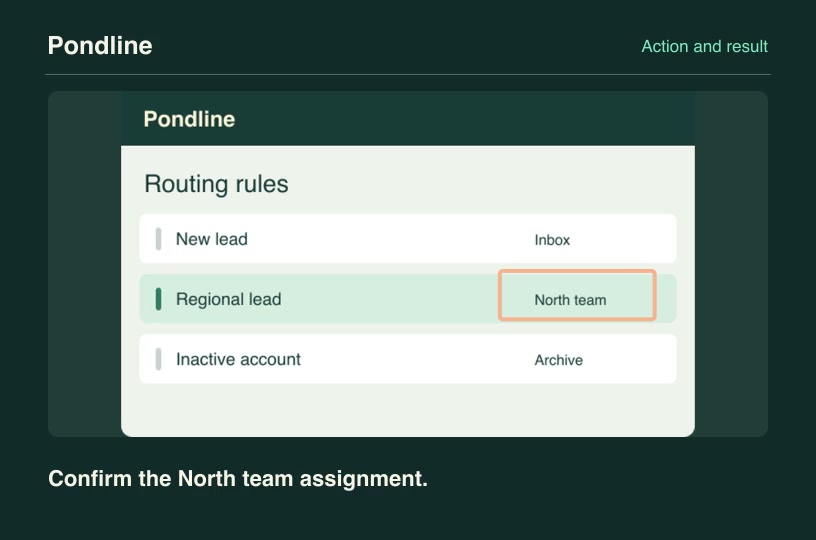
Software demosProFeature state confirmationShow a deliberate tap on a control, cut to its corresponding result screenshot and identify the verified response.Component3:2 · 0:04Verified: CodexOpen skill
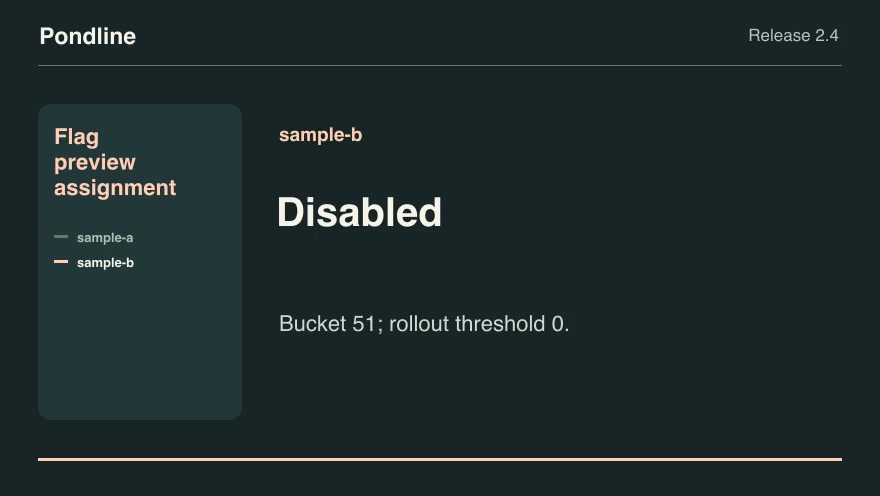
Product launchesProFlag preview assignmentReproduce the product's deterministic feature-flag assignment for anonymized preview identities, including explicit overrides.Component16:9 · 0:07Verified: CodexOpen skill
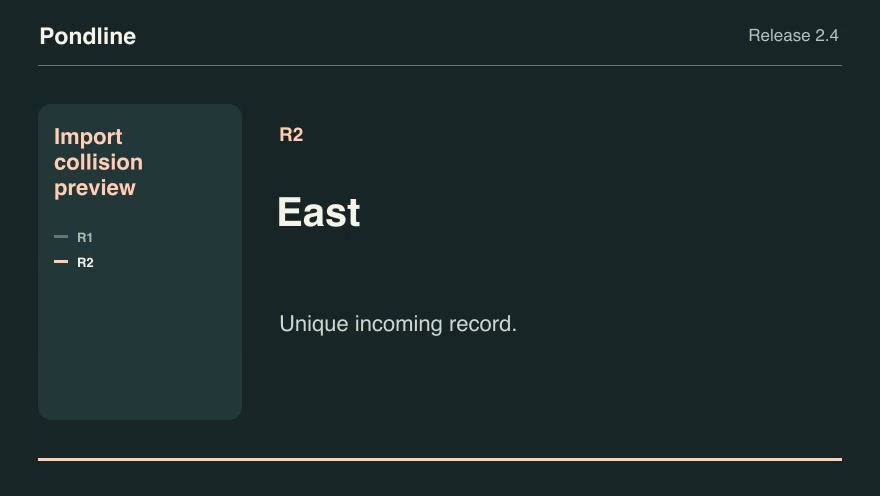
Software demosProImport collision previewGroup incoming records by external ID and apply the chosen collision policy before showing the import result.Component16:9 · 0:07Verified: CodexOpen skill
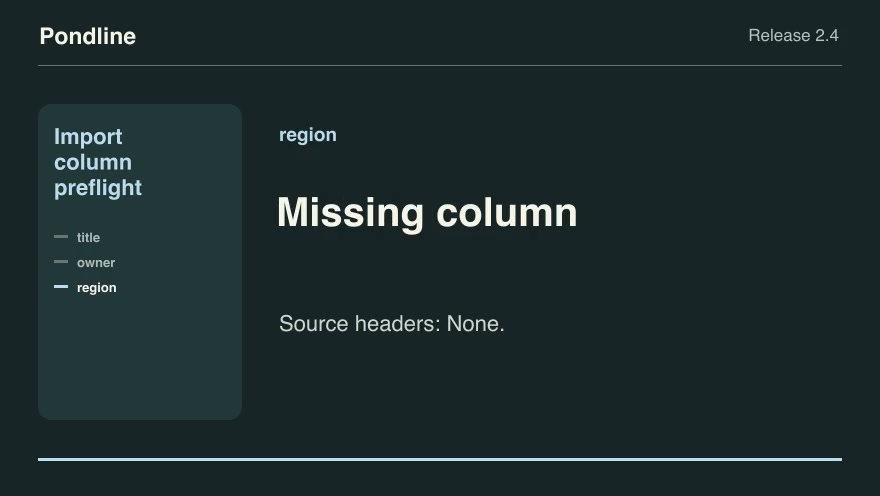
Product launchesProImport column preflightShow whether an incoming CSV header can satisfy the product's required fields through an approved alias map.Component16:9 · 0:09Verified: CodexOpen skill
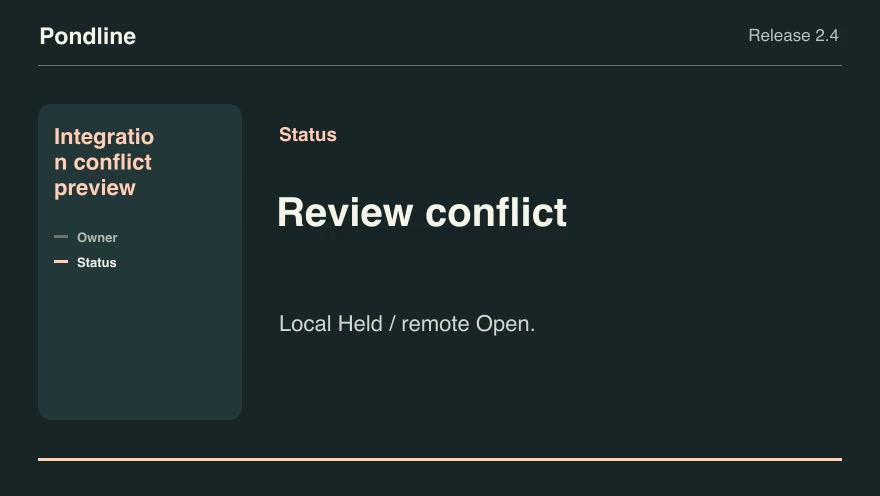
Product launchesProIntegration conflict previewCompare local and remote edits against a common baseline and show which values can sync automatically.Component16:9 · 0:07Verified: CodexOpen skill
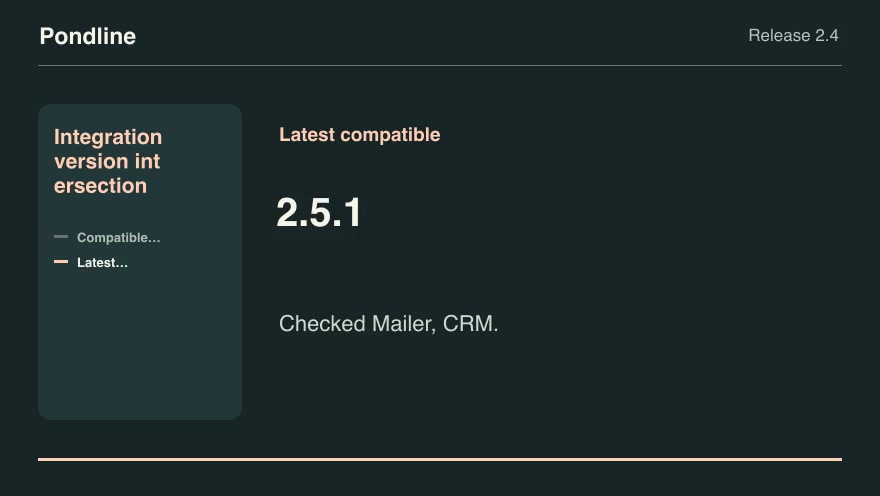
Product launchesProIntegration version intersectionFind product releases that satisfy every active integration's explicit version range and choose the latest compatible build.Component16:9 · 0:07Verified: CodexOpen skill
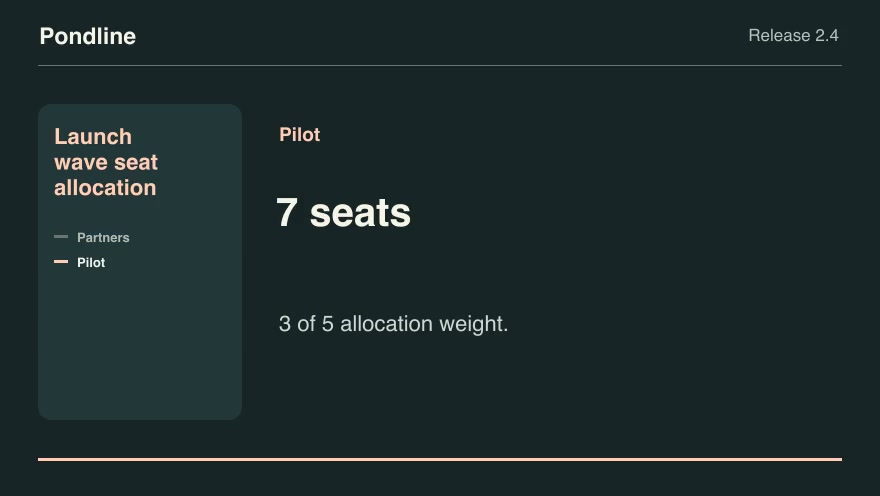
Product launchesProLaunch wave seat allocationApportion a limited invitation wave across named customer cohorts using largest remainders and deterministic tie breaks.Component16:9 · 0:07Verified: CodexOpen skill
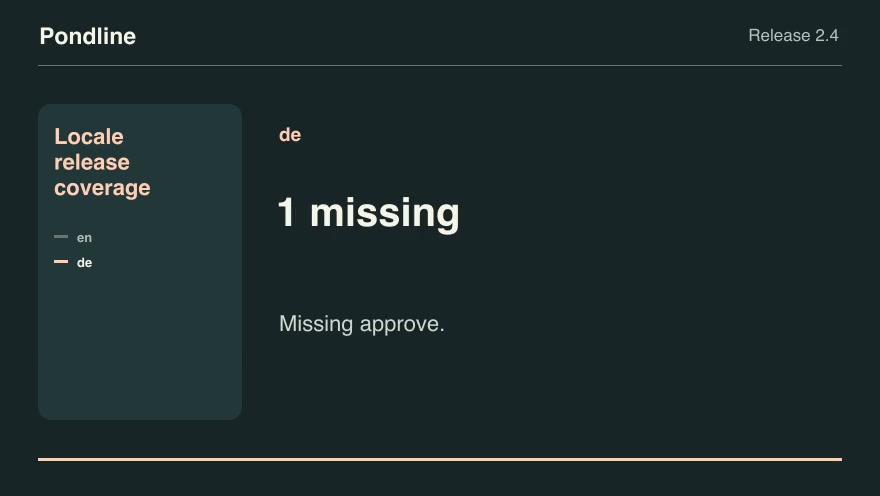
Product launchesProLocale release coverageHighlight missing public strings before enabling a new product locale.Component16:9 · 0:07Verified: CodexOpen skill

Before you run a skill

Common requirements in this collection. Each skill page lists its exact versions.

  • Python 3.9 or later
  • librsvg with rsvg-convert on your PATH
  • FFmpeg with the libx264 encoder on your PATH
  • Local tools only. No provider accounts or metered rendering.
  • Python 3.9+, FFmpeg with libx264, and librsvg available locally.

How to make it with a skill

  1. 1Pick and previewWatch the default and customized renders, then check the inputs and requirements.
  2. 2Install the ZIP or connect MCPFree skills download without an account. Your agent can also install them over MCP.
  3. 3Render with your inputsRun the included example first, then swap in your own screens, text, data or footage.

Questions

Do I need an account to try product launches skills?

No. 1 skill is free to download without an account. Pro skills need an active membership.

Where does the video render?

On your own machine or agent environment, using the tools listed on each skill. Motioncase does not charge for rendering; external tool costs are separate.

Can I change the look and the content?

Yes. Every package includes an editable project and a second, customized example that shows which inputs to change.