Aller au contenu du tableau de bord
Motioncase

Video skills by use case

Captions & subtitles

Time captions to speech, highlight words, check reading rate and keep bilingual text aligned.

Skills
14
Free
1
Complete workflows
2
Free · Kinetic typography · 0:03Word-highlight captionsDownload ZIP

Complete workflows

Packages that take your inputs to a finished render.

View all
More filters

Captions & subtitles

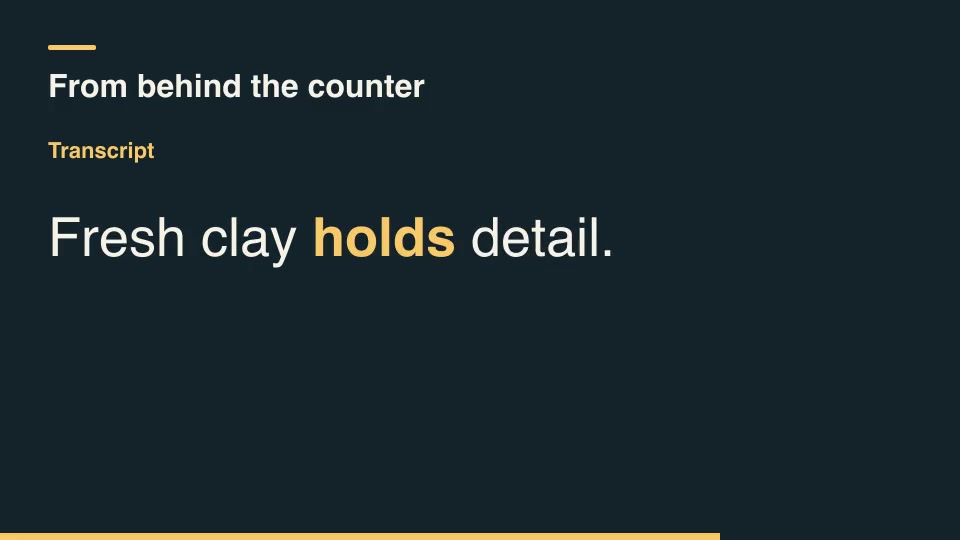
Kinetic typographyFreeWord-highlight captionsHighlight each spoken word at its supplied start and end time while keeping the whole line visible. Silent gaps leave every word neutral.Component16:9 · 0:03Verified: CodexOpen skill
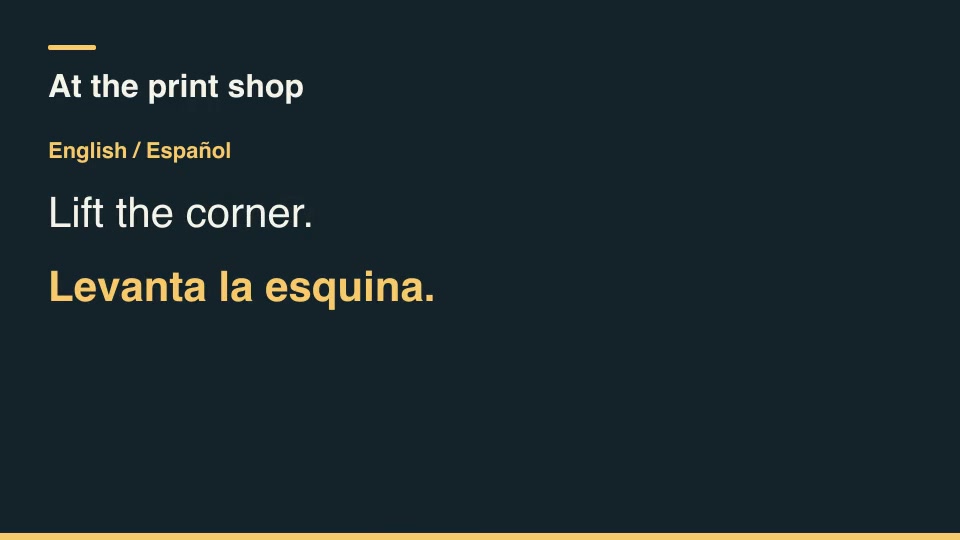
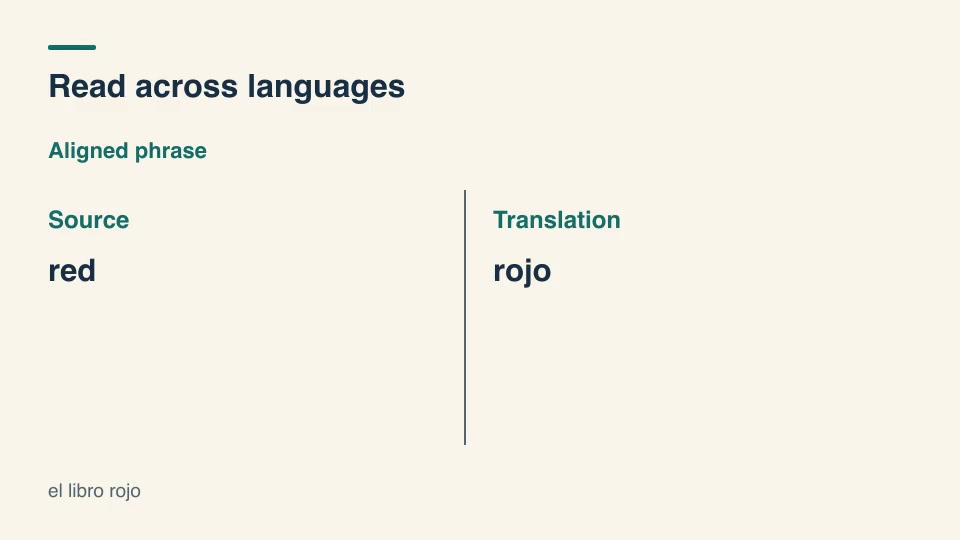
Kinetic typographyProBilingual subtitle cardsKeep source and translated subtitles together throughout each timed cue, with independent language labels.Component16:9 · 0:03Verified: CodexOpen skill
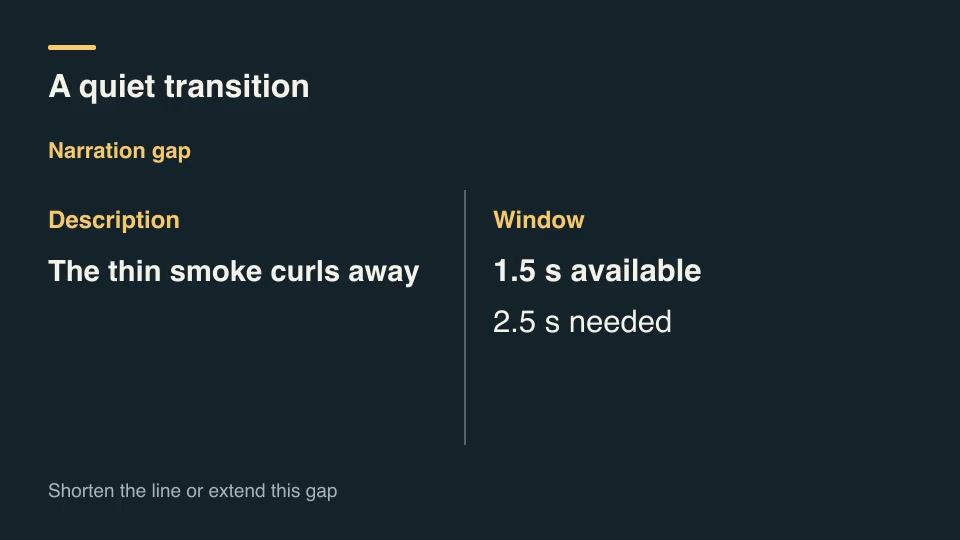
Kinetic typographyProAudio description gap fitFit narration lines into the available silent windows at a chosen reading rate and identify lines needing a longer gap.Component16:9 · 0:03Verified: CodexOpen skill
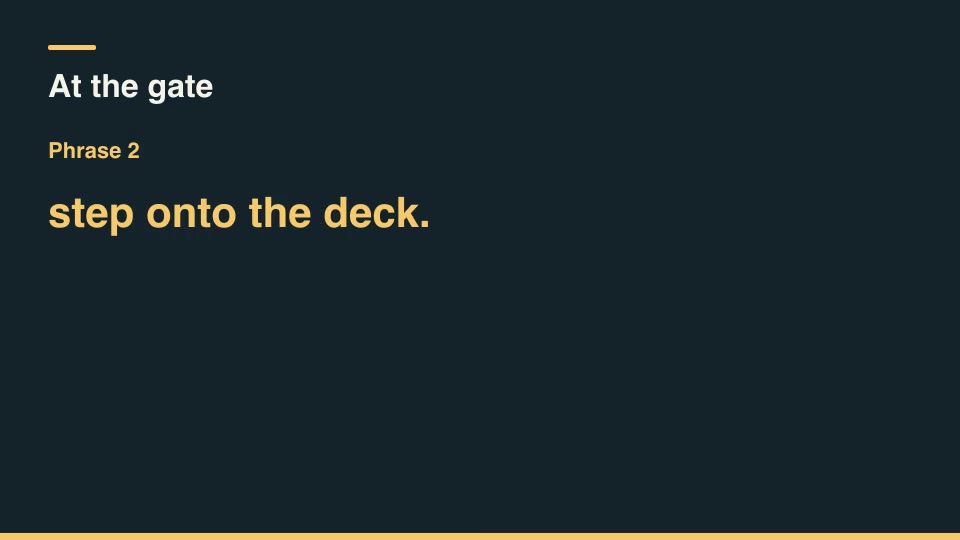
Kinetic typographyProCaption phrase breakerCut a transcript into short reading phrases at punctuation or an editor's word ceiling and allocate time from reading speed.Component16:9 · 0:03Verified: CodexOpen skill
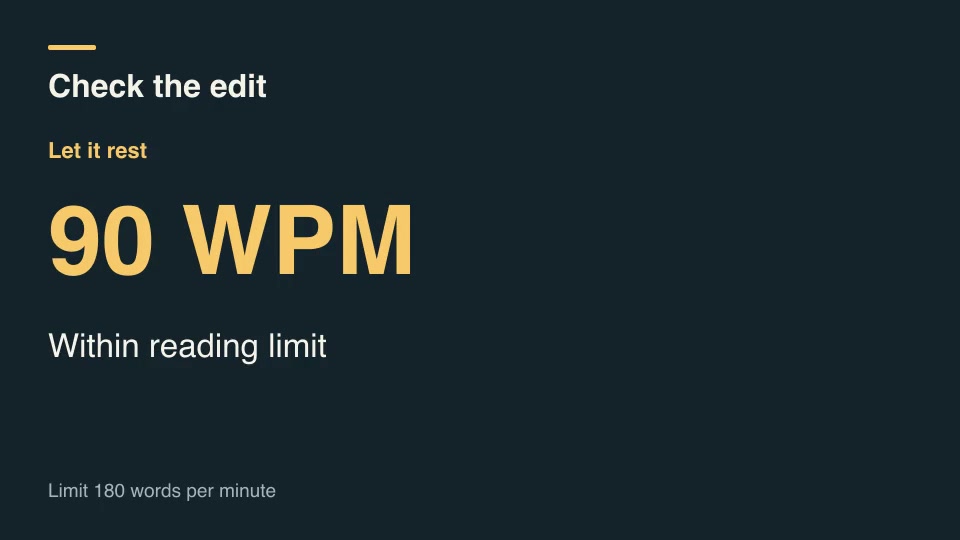
Kinetic typographyProCaption reading rate checkFlag subtitle cues whose reading rate exceeds the editor's threshold and show the extra display time each flagged cue needs.Component16:9 · 0:03Verified: CodexOpen skill
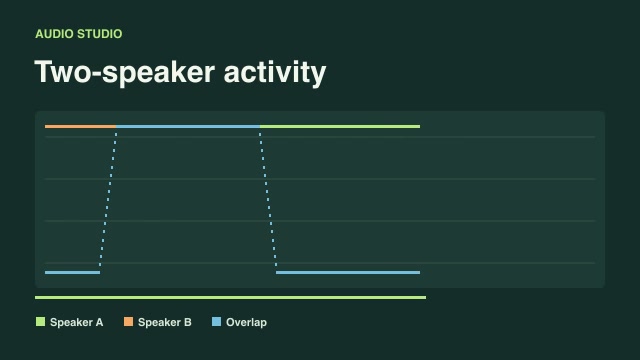
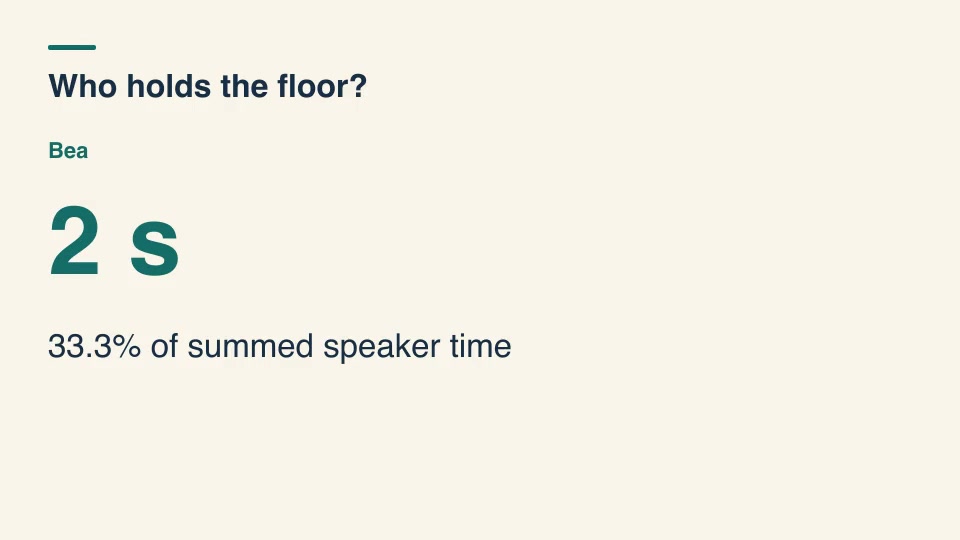
Kinetic typographyProDialogue time share titlesMeasure each speaker's voiced time from labeled cue intervals, merging overlaps within a speaker before displaying the results.Component16:9 · 0:03Verified: CodexOpen skill
Kinetic typographyProOverlapping dialogue captionsTime two independent dialogue lanes so simultaneous lines remain visible and interruptions preserve both speakers.Component16:9 · 0:02Verified: CodexOpen skill
Kinetic typographyProParallel text word alignmentLink selected source word groups to corresponding target groups, including many-to-one translations and changed word order.Component16:9 · 0:02Verified: CodexOpen skill
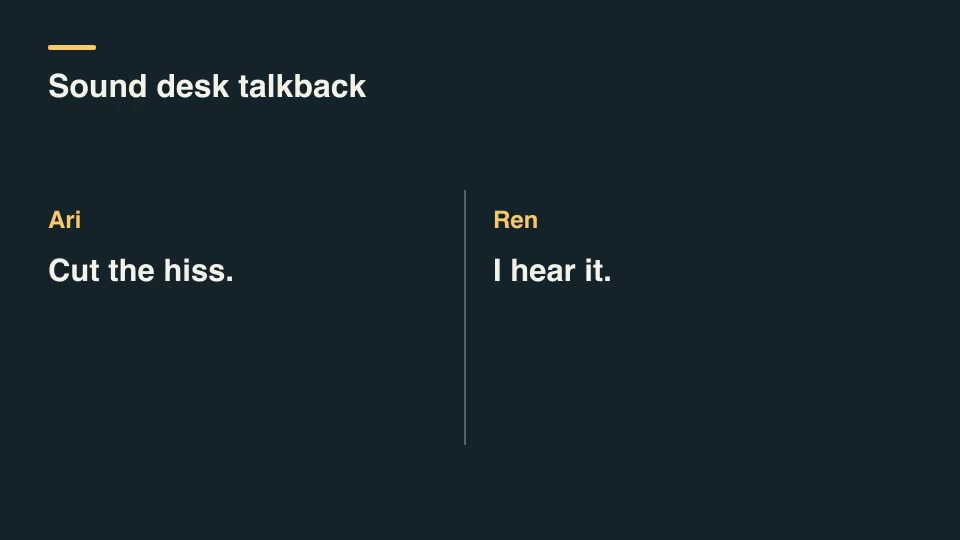
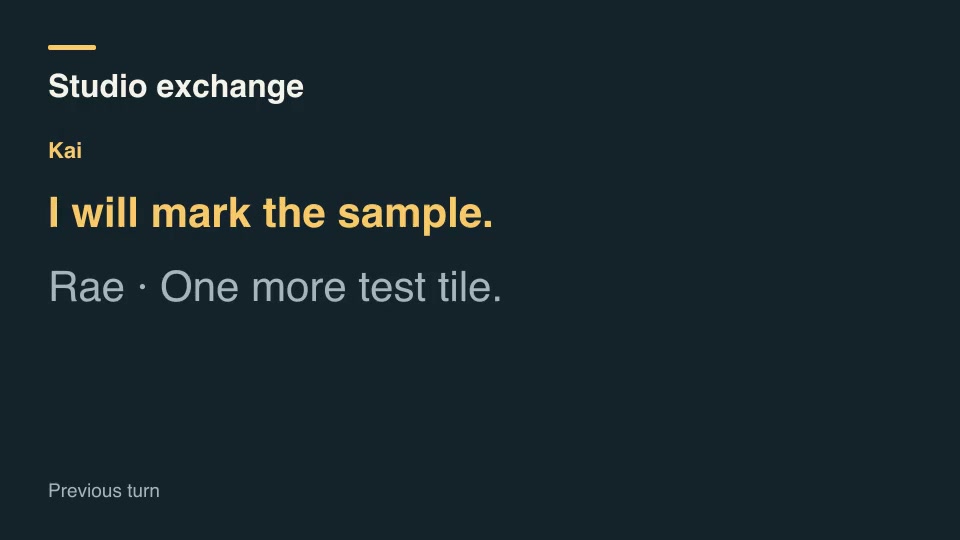
Kinetic typographyProSpeaker-turn transcriptStage a conversation one turn at a time, showing the active speaker and keeping the previous reply visible for context.Component16:9 · 0:05Verified: CodexOpen skill
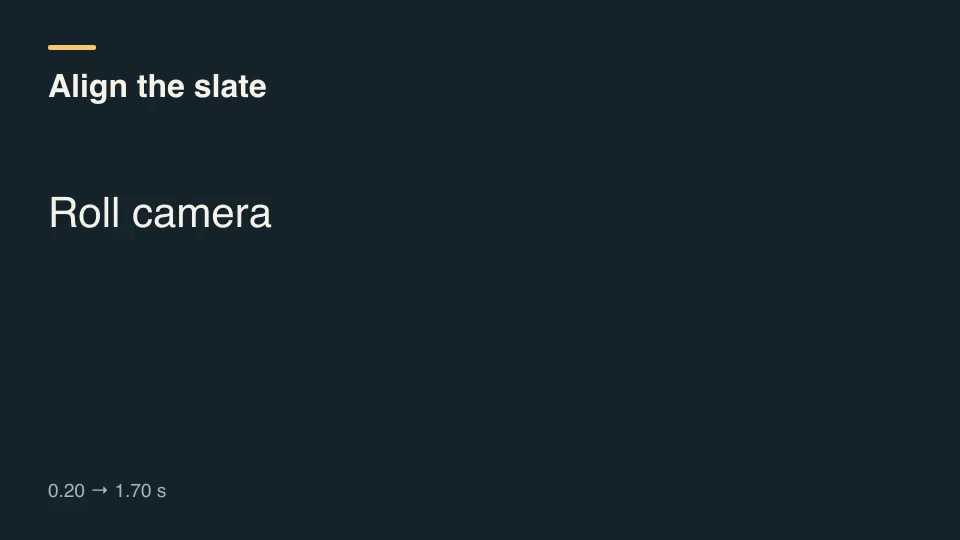
Kinetic typographyProSubtitle slip correctionApply a signed sync offset to timed subtitles, trim cues at the media boundary and drop cues shifted entirely out of view.Component16:9 · 0:02Verified: CodexOpen skill
Kinetic typographyProTranscript cut reconformMove caption cues onto an edited timeline by subtracting removed intervals and clipping cue fragments crossing a cut.Component16:9 · 0:03Verified: CodexOpen skill
Kinetic typographyProTranscript pull-quote selectorExtract a contiguous spoken excerpt by exact word positions and reveal its speaker and source time span.Component16:9 · 0:03Verified: CodexOpen skill
Clear search and filters

Before you run a skill

Common requirements in this collection. Each skill page lists its exact versions.

  • Python 3.9+, FFmpeg with libx264, and librsvg available locally.
  • No provider account required.

How to make it with a skill

  1. 1Pick and previewWatch the default and customized renders, then check the inputs and requirements.
  2. 2Install the ZIP or connect MCPFree skills download without an account. Your agent can also install them over MCP.
  3. 3Render with your inputsRun the included example first, then swap in your own screens, text, data or footage.

Questions

Do I need an account to try captions & subtitles skills?

No. 1 skill is free to download without an account. Pro skills need an active membership.

Where does the video render?

On your own machine or agent environment, using the tools listed on each skill. Motioncase does not charge for rendering; external tool costs are separate.

Can I change the look and the content?

Yes. Every package includes an editable project and a second, customized example that shows which inputs to change.