
Video skills by role
Product marketers
Keep every release, feature page and campaign on the same tested visual system.
- Skills
- 88
- Free
- 2
- Complete workflows
- 14
Complete workflows
Packages that take your inputs to a finished render.
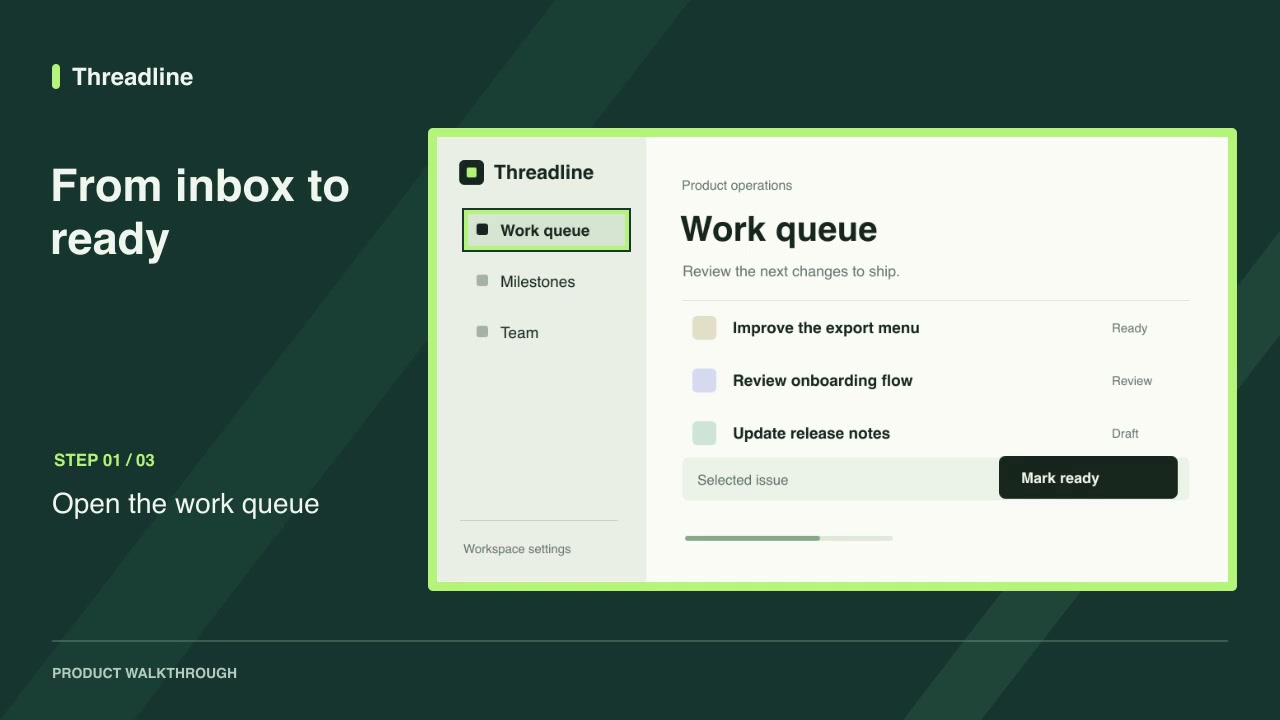
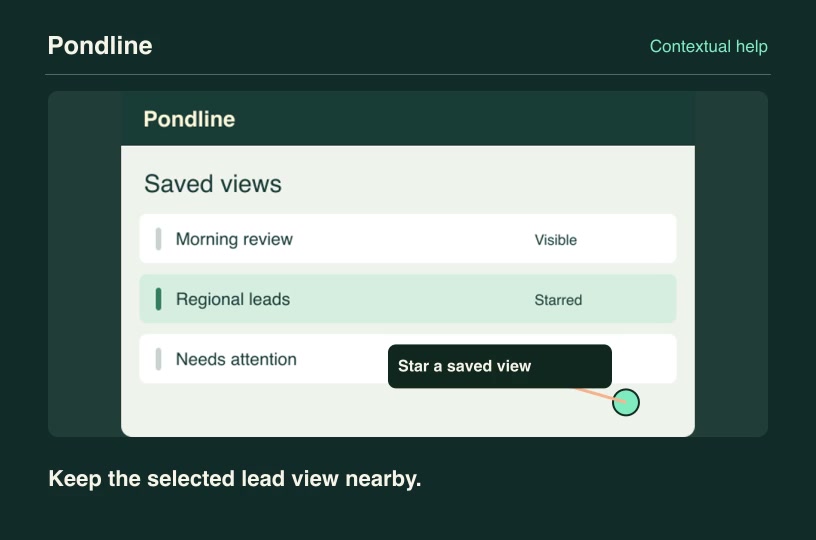
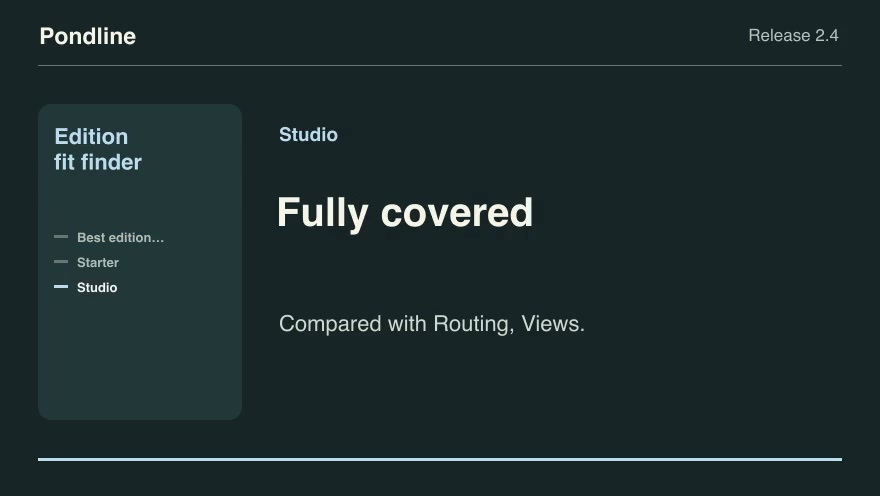
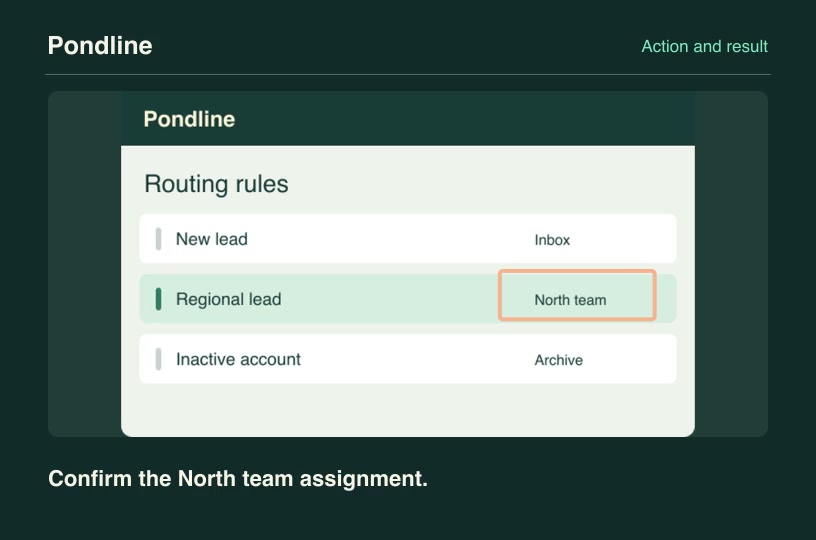
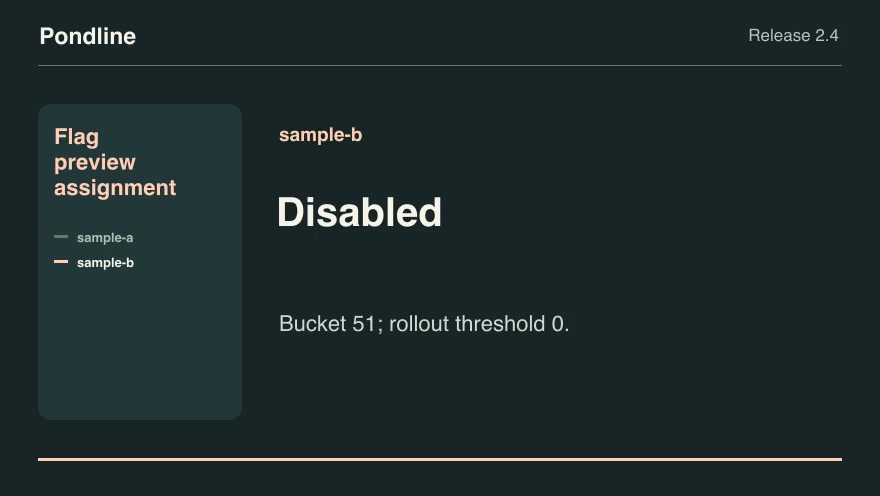
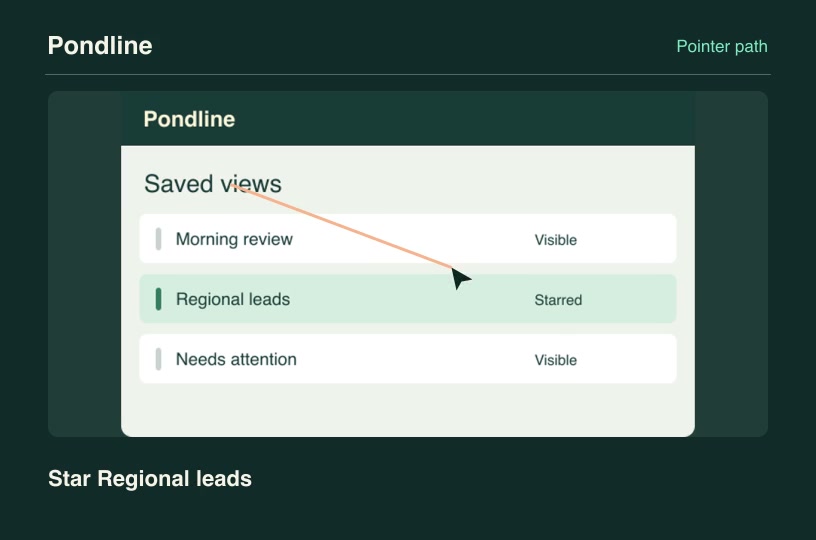
- Software demosFreeScreenshot walkthroughTurn product screenshots into a guided video with step labels and a timed highlight on each control.Complete workflow16:9 · 0:09Verified: CodexOpen skill
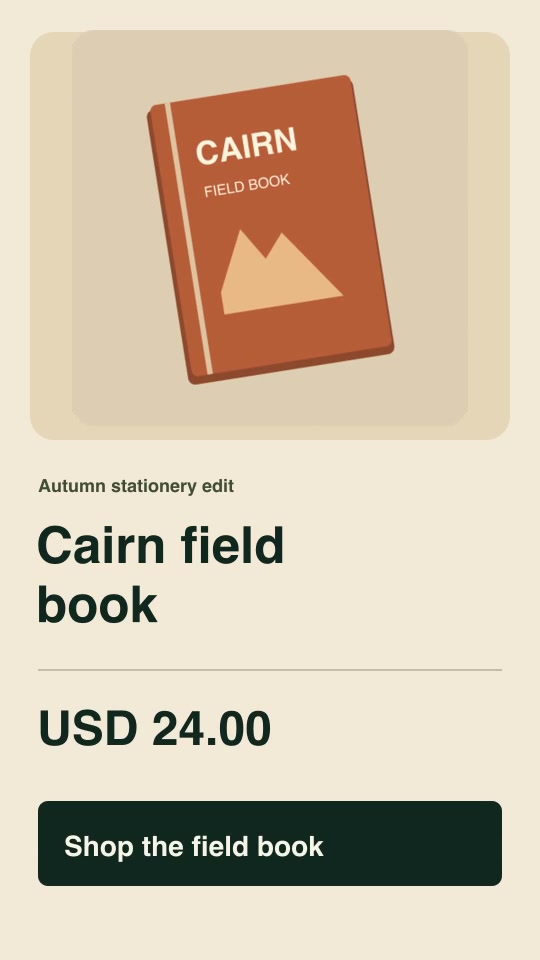
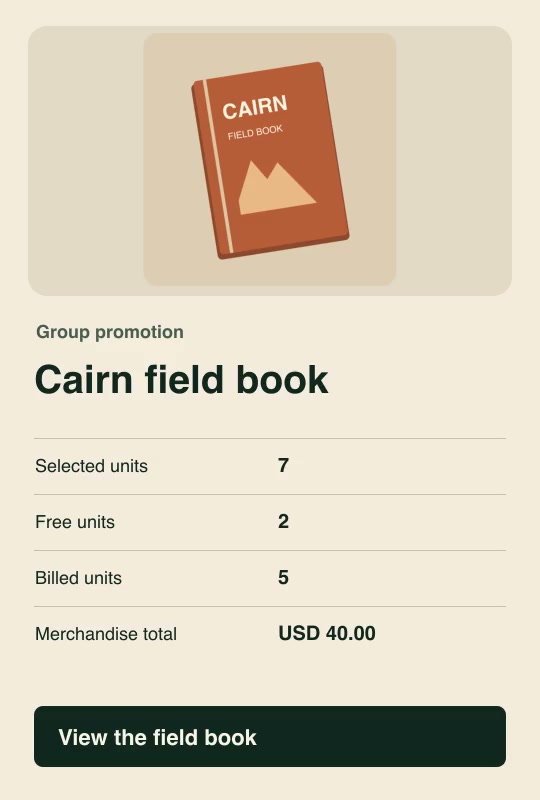
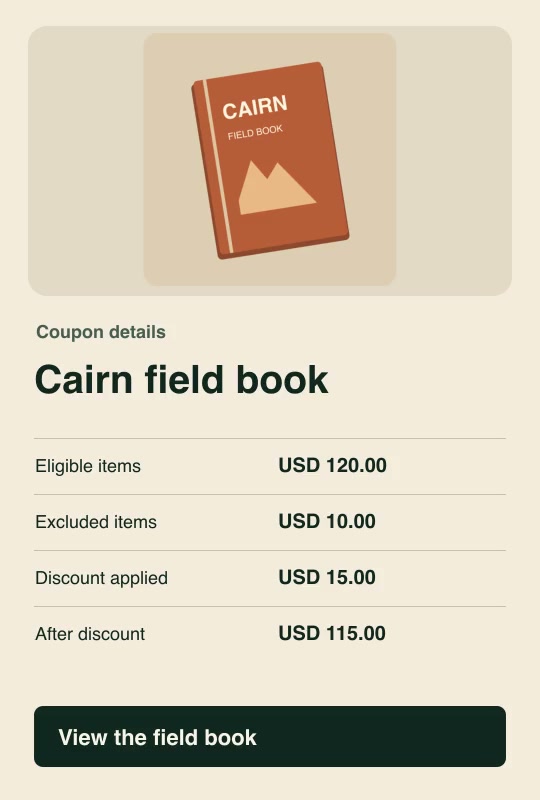
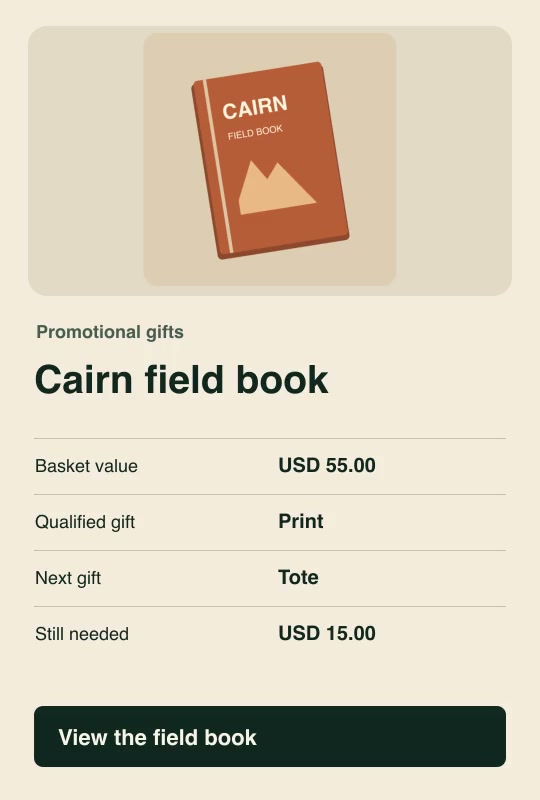
- Social adsProProduct offer spotBuild a vertical five-second promotion from your product image, exact offer, currency, price and call to action.Complete workflow9:16 · 0:05Verified: CodexOpen skill
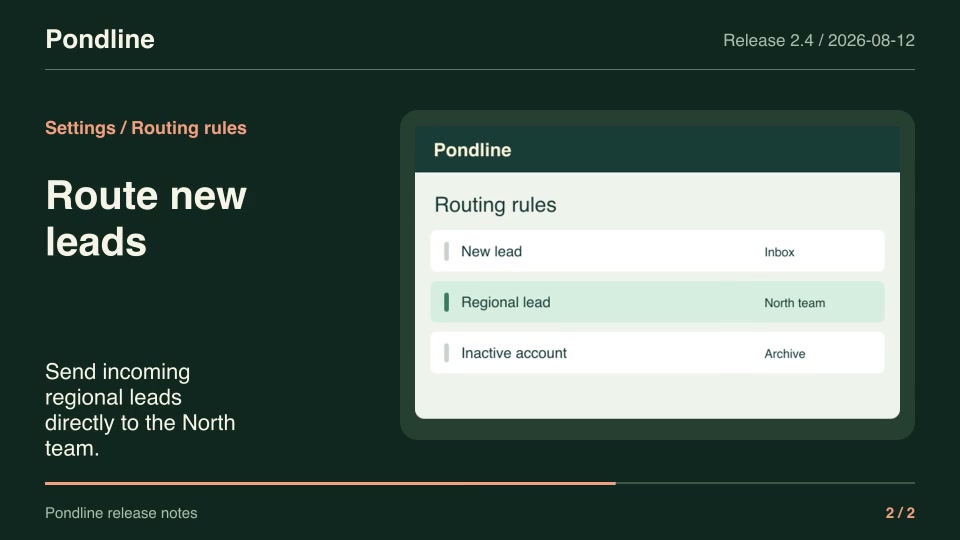
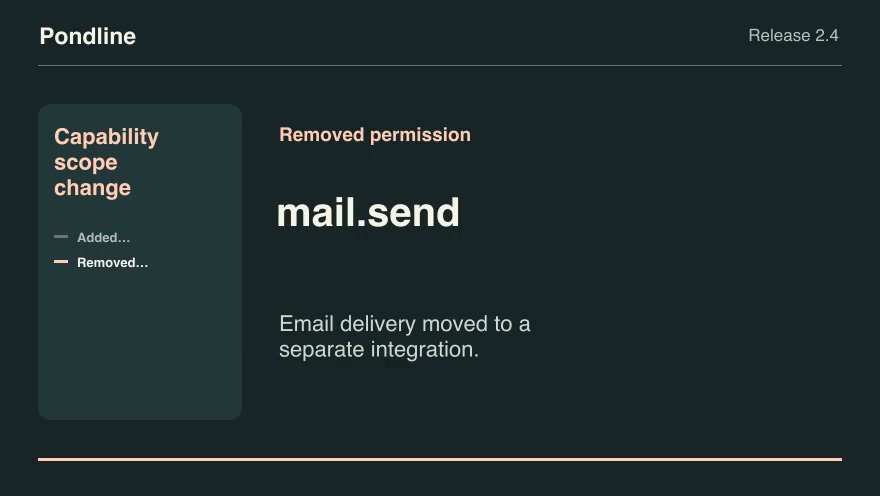
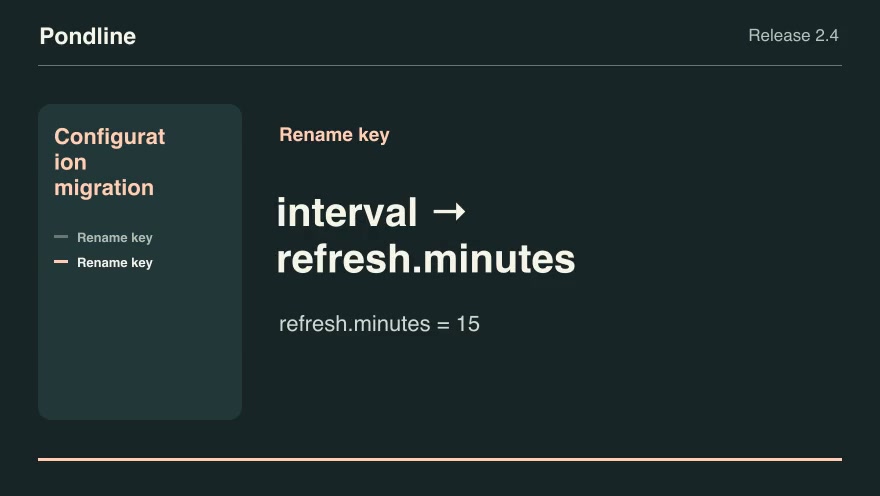
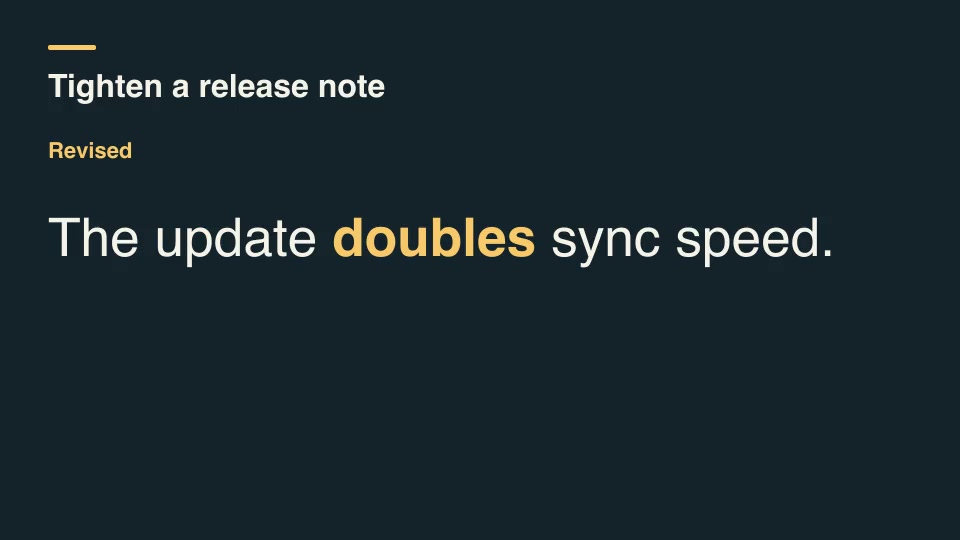
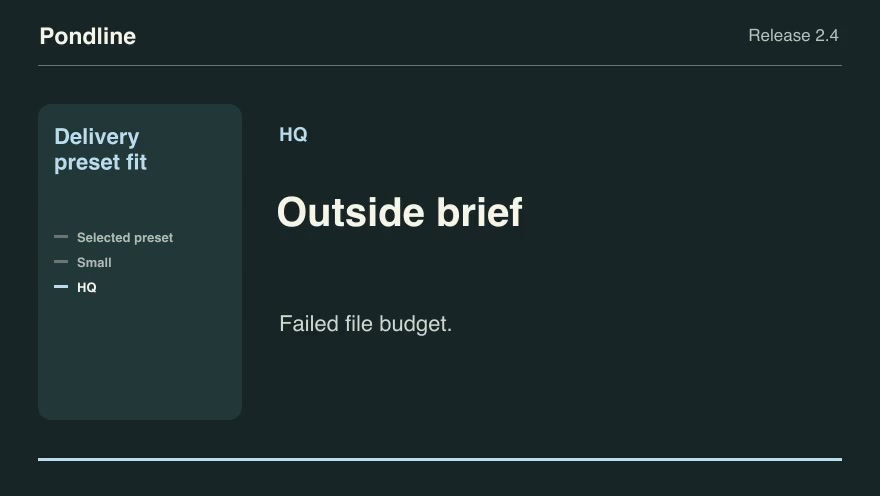
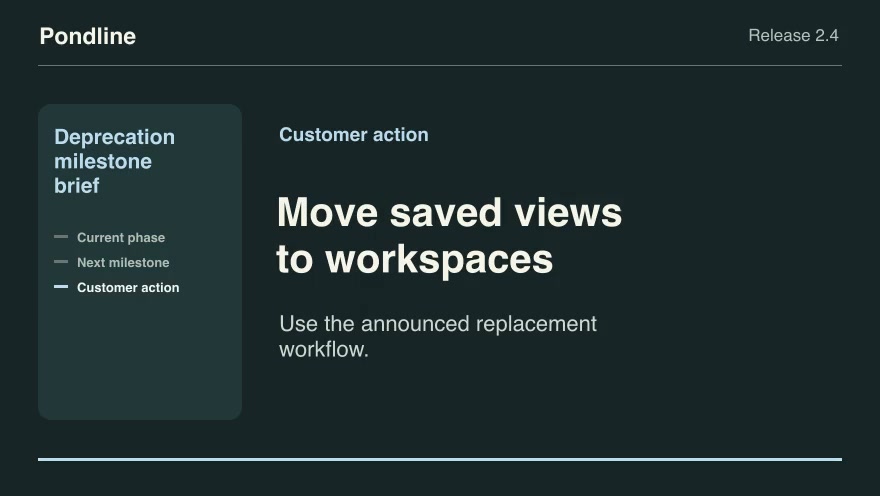
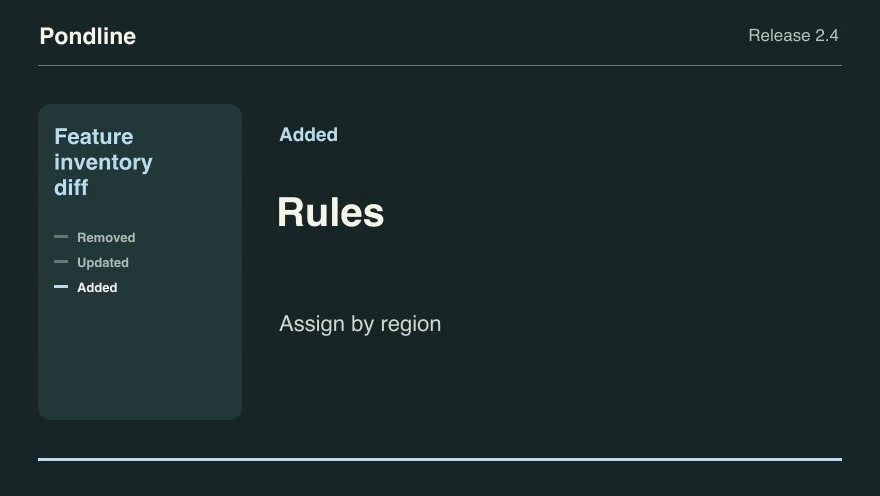
- Product launchesProRelease-note videoTurn two approved release notes and their matching product screenshots into a seven-second announcement.Complete workflow16:9 · 0:07Verified: CodexOpen skill
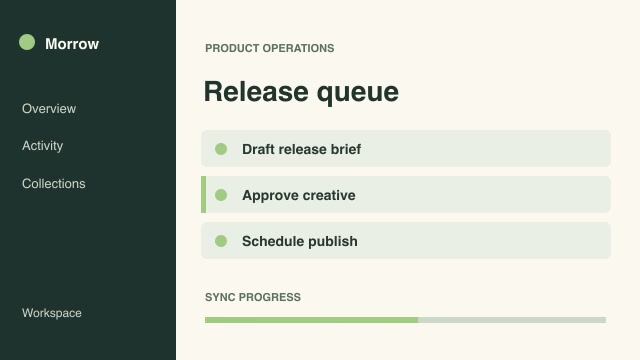
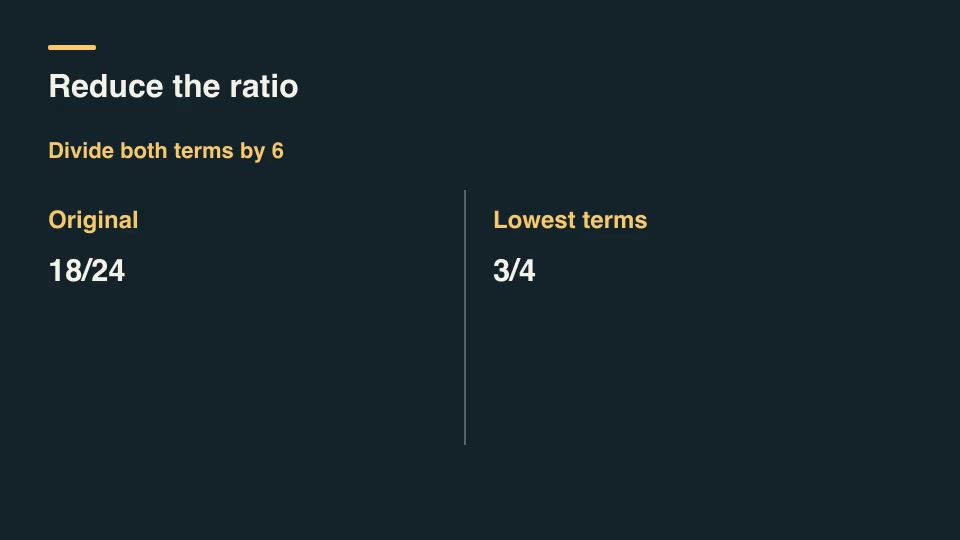
- ExplainersFreeFreeze-frame control focusPause a recorded process on a chosen frame, outline the exact control, then resume at the next original frame.Complete workflow16:9 · 0:06Verified: CodexOpen skill
- Software demosProControl magnifierMagnify a small control alongside its original context and mark its source rectangle throughout a tutorial.Complete workflow16:9 · 0:04Verified: CodexOpen skill
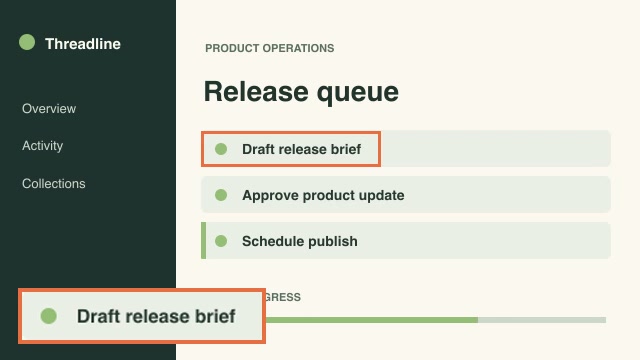
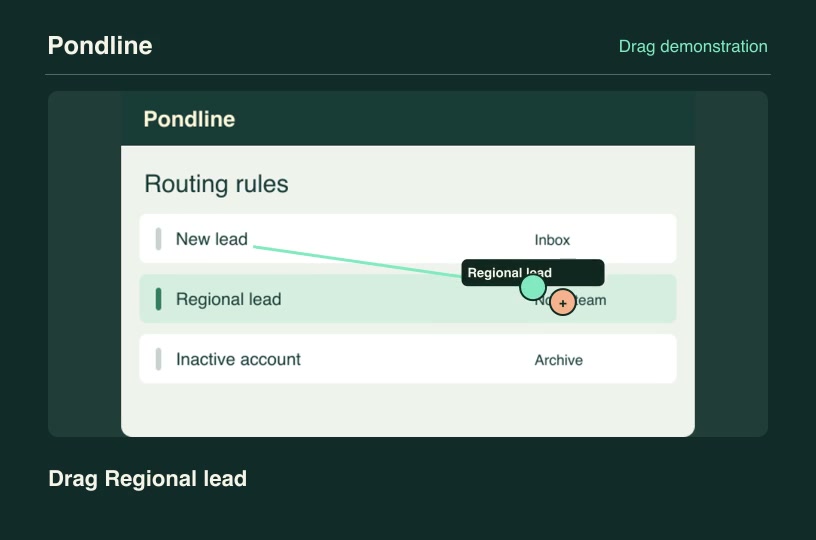
- Social adsProCut to beat markersPlace shot changes at supplied musical or editorial beat frames and offset each source to its own designated starting moment.Complete workflow16:9 · 0:04Verified: CodexOpen skill
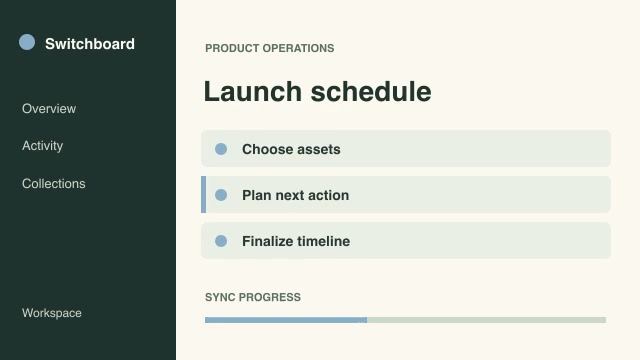
- Social adsProEvent-aligned comparison wipeLine up the same product action in two recordings and reveal their differences with a moving full-height wipe.Complete workflow16:9 · 0:03Verified: CodexOpen skill
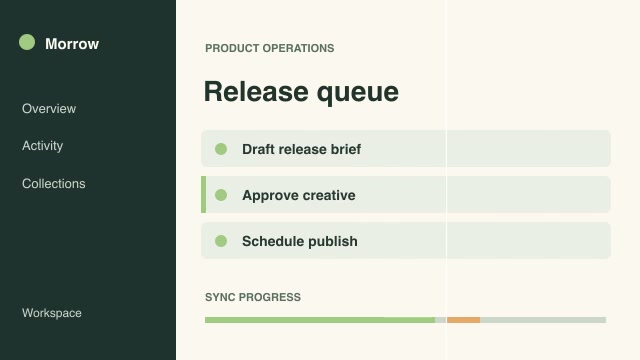
- Software demosProInterface change heatmapCompare matched product recordings and isolate areas whose pixels changed beyond a chosen tolerance.Complete workflow16:9 · 0:04Verified: CodexOpen skill
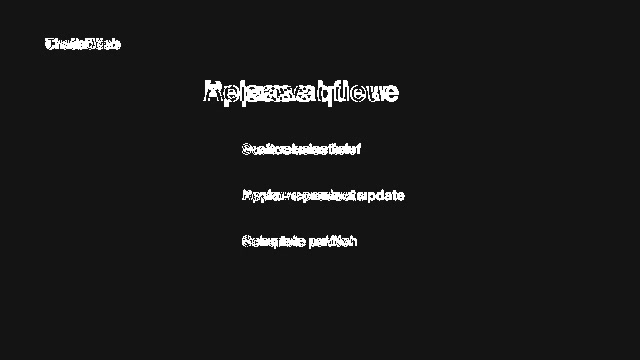
- Social adsProMoving portrait cropMove a vertical crop window between two supplied focal positions so the action stays framed across a wide recording.Complete workflow9:16 · 0:04Verified: CodexOpen skill
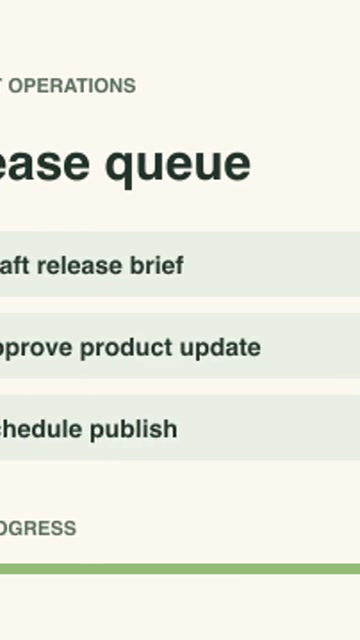
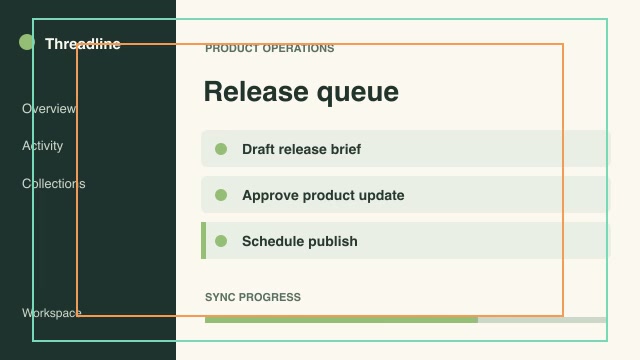
- Social adsProPlatform safe-area reviewPlace action-safe and text-safe boundaries on a review copy so an editor can check whether essential details fit both guides.Complete workflow16:9 · 0:04Verified: CodexOpen skill
Skills for product marketers
88 skills
Before you run a skill
Common requirements in this collection. Each skill page lists its exact versions.
- Python 3.9 or later
- librsvg with rsvg-convert on your PATH
- FFmpeg with the libx264 encoder on your PATH
- Local tools only. No provider accounts or metered rendering.
- Python 3.9+, FFmpeg with libx264, and librsvg available locally.
How to make it with a skill
- 1Pick and previewWatch the default and customized renders, then check the inputs and requirements.
- 2Install the ZIP or connect MCPFree skills download without an account. Your agent can also install them over MCP.
- 3Render with your inputsRun the included example first, then swap in your own screens, text, data or footage.
Questions
Do I need an account to try product marketers skills?
No. 2 skills are free to download without an account. Pro skills need an active membership.
Where does the video render?
On your own machine or agent environment, using the tools listed on each skill. Motioncase does not charge for rendering; external tool costs are separate.
Can I change the look and the content?
Yes. Every package includes an editable project and a second, customized example that shows which inputs to change.