Zum Dashboard-Inhalt springen
Motioncase

Video skills by use case

Lessons & practice

Walk learners through a method one step at a time, from long division to syllables and flashcards.

Skills
34
Free
1
Complete workflows
0
Free · Kinetic typography · 0:06Retrieval practice flashcardDownload ZIP
More filters

Lessons & practice

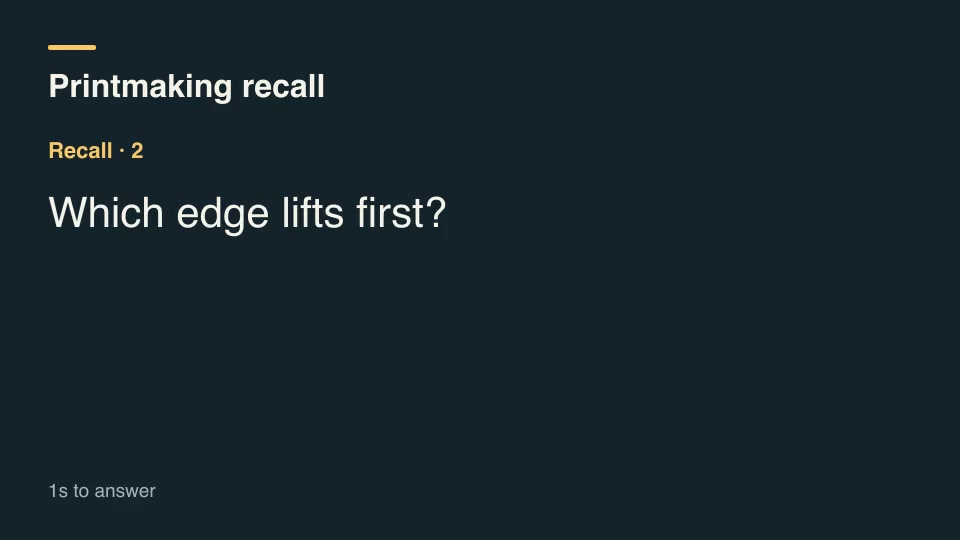
Kinetic typographyFreeRetrieval practice flashcardShow each question for its own recall interval, count down the final beats, and reveal its paired answer.Component16:9 · 0:06Verified: CodexOpen skill
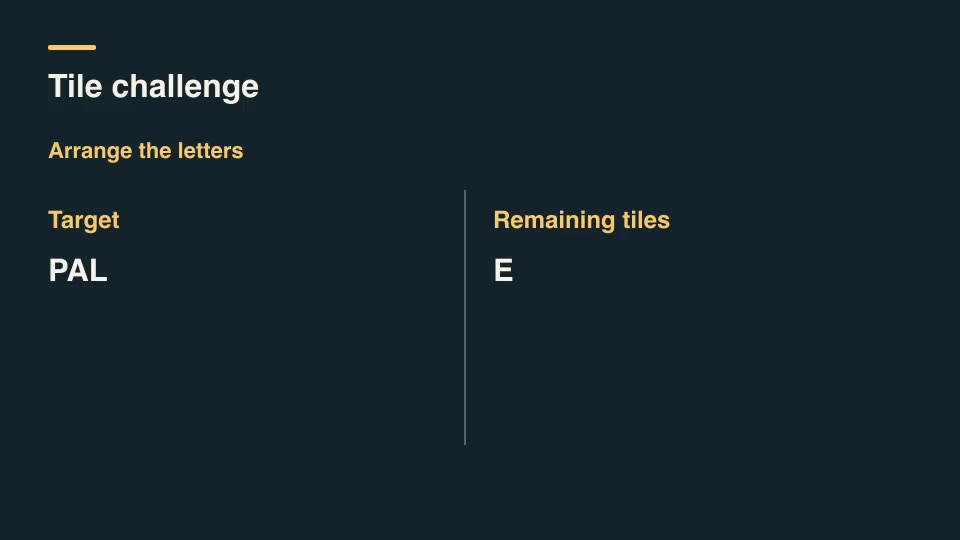
Kinetic typographyProAnagram tile solutionMove letters from a scrambled bank into a target word one tile at a time, tracking duplicate letters independently.Component16:9 · 0:03Verified: CodexOpen skill
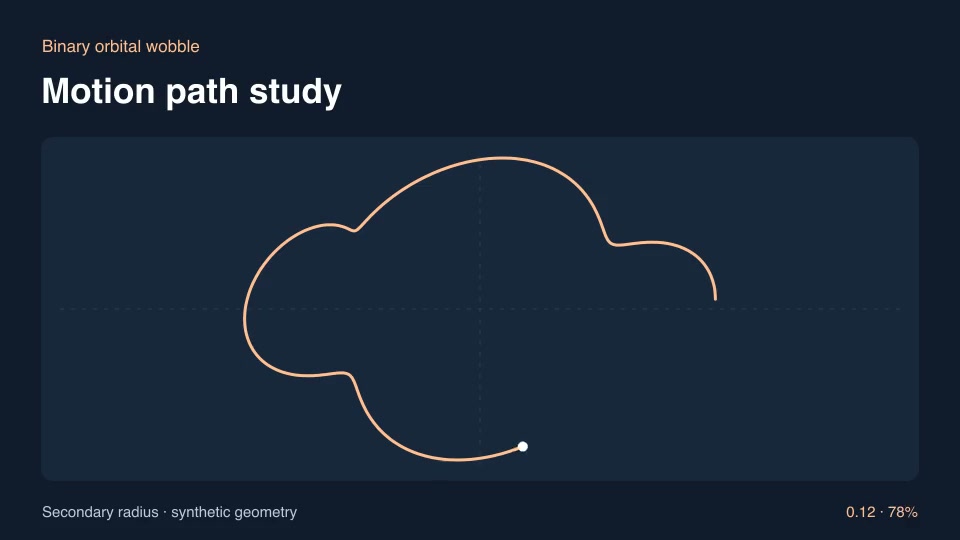
ExplainersProBinary orbital wobbleDraw the projected wobble of a body moving around a common orbiting center.Component16:9 · 0:03Verified: CodexOpen skill
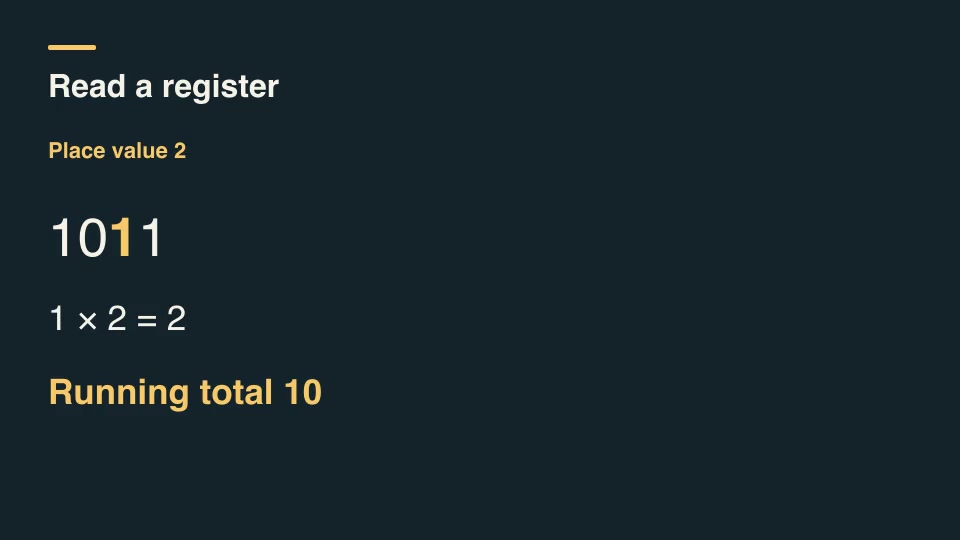
Kinetic typographyProBinary place-value revealRead a binary number from left to right, label each place value and accumulate the resulting decimal total.Component16:9 · 0:03Verified: CodexOpen skill
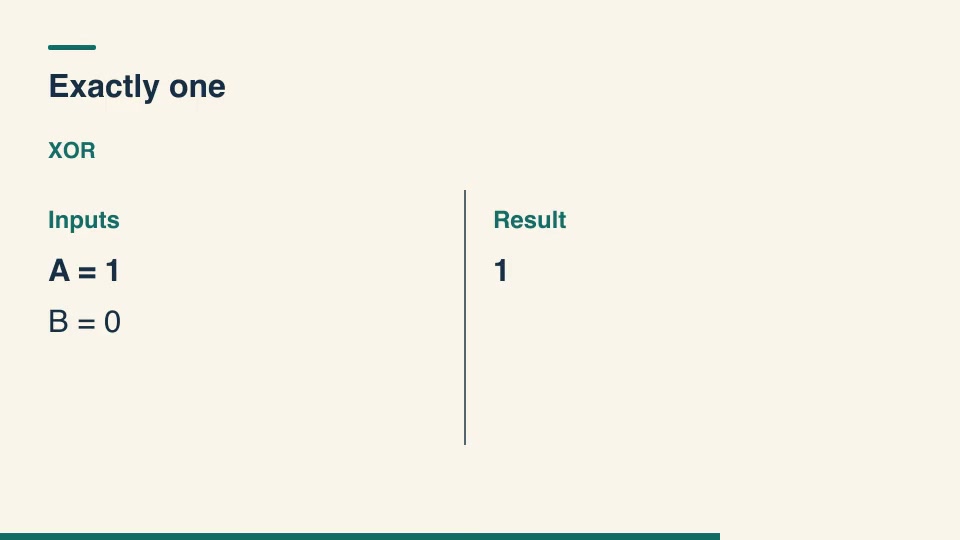
Kinetic typographyProBoolean truth table cardsEvaluate every input pair of a chosen two-input logical operator and build its output sequence one row at a time.Component16:9 · 0:04Verified: CodexOpen skill
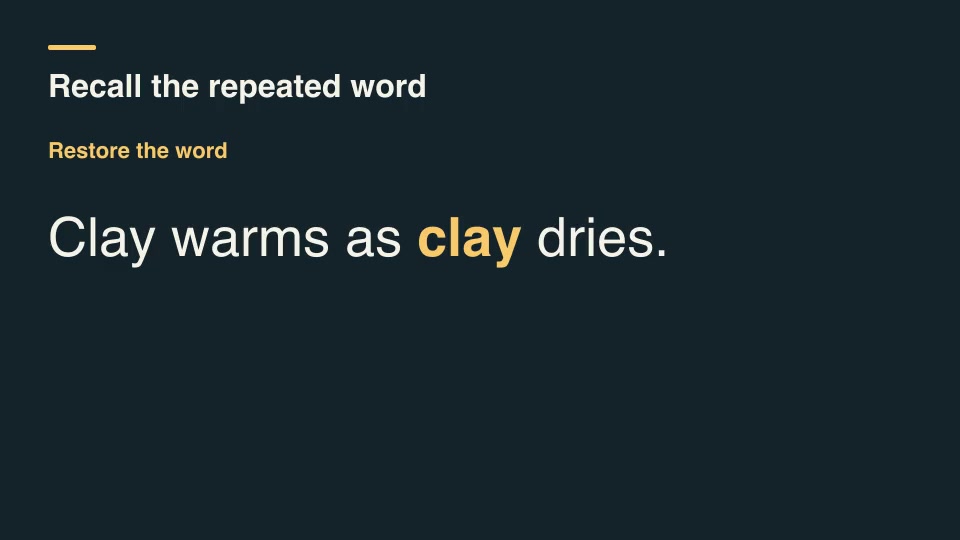
Kinetic typographyProCloze word recallHide a specific occurrence of a word in a sentence, hold for recall, then reveal that word in its original context.Component16:9 · 0:04Verified: CodexOpen skill
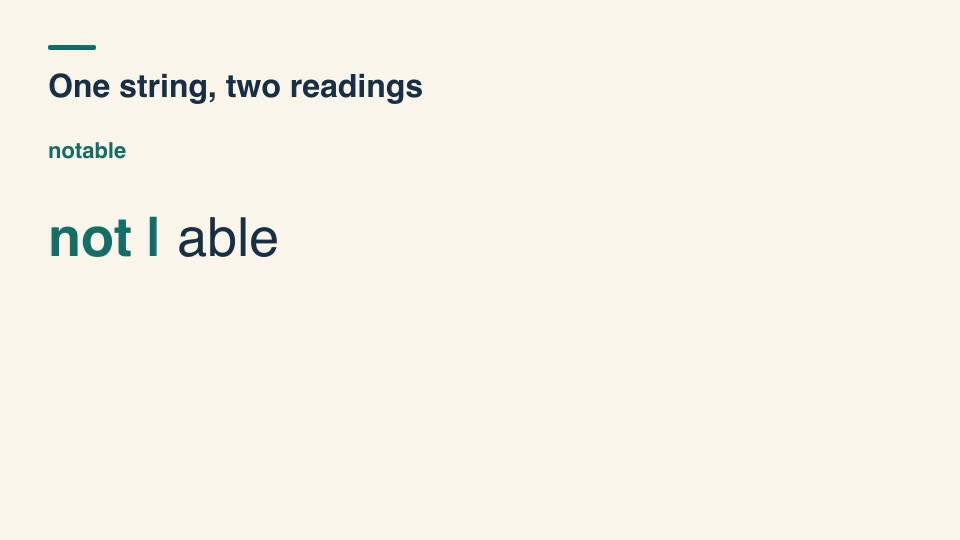
Kinetic typographyProCompound segmentation optionsEnumerate dictionary-backed ways to segment an unspaced expression and reveal where different boundaries change the reading.Component16:9 · 0:03Verified: CodexOpen skill
Kinetic typographyProCrossword crossing checkCompare proposed across and down entries at their selected crossing letters and flag inconsistent intersections.Component16:9 · 0:04Verified: CodexOpen skill
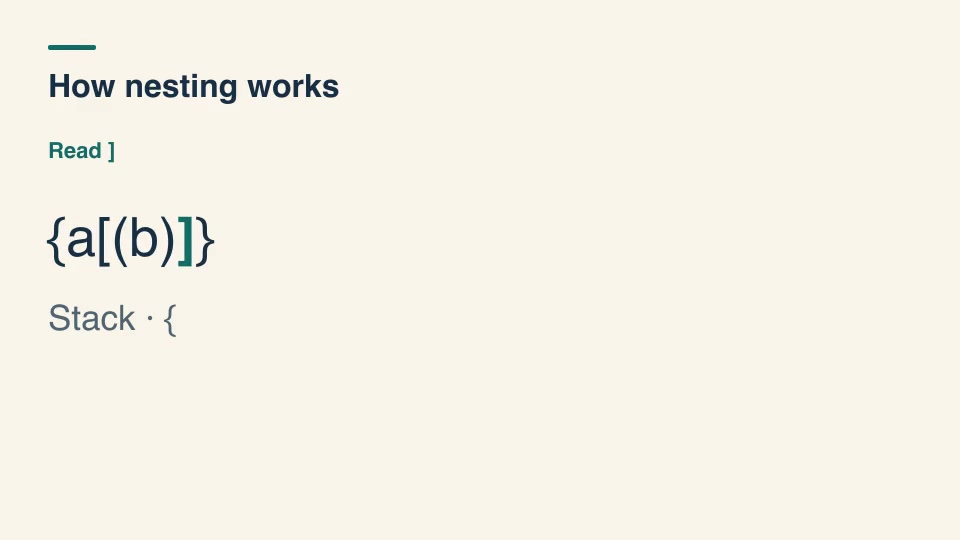
Kinetic typographyProDelimiter stack walkTrace nested delimiters using a visible stack, showing matched positions or the first unexpected closing symbol.Component16:9 · 0:07Verified: CodexOpen skill
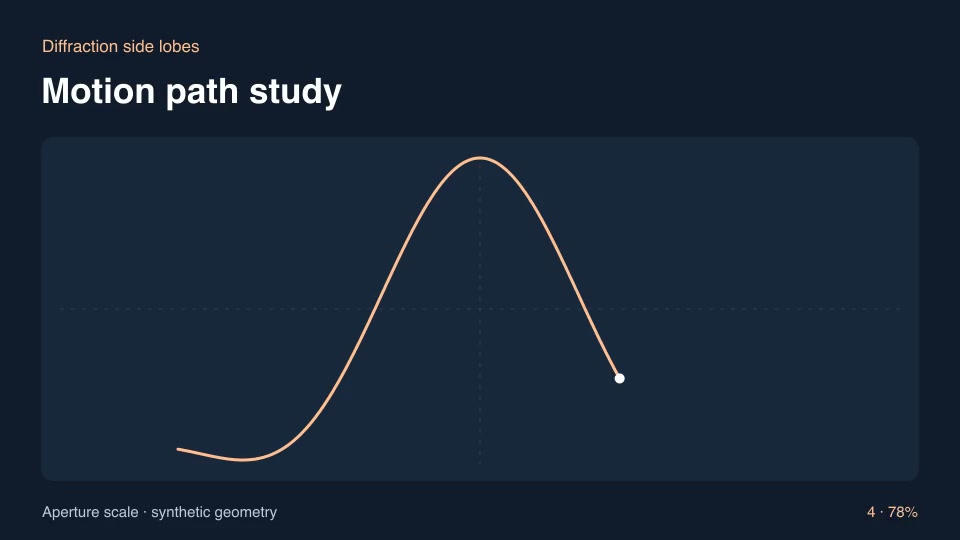
ExplainersProDiffraction side lobesRender a central diffraction peak and secondary lobes around a configurable aperture width.Component16:9 · 0:03Verified: CodexOpen skill
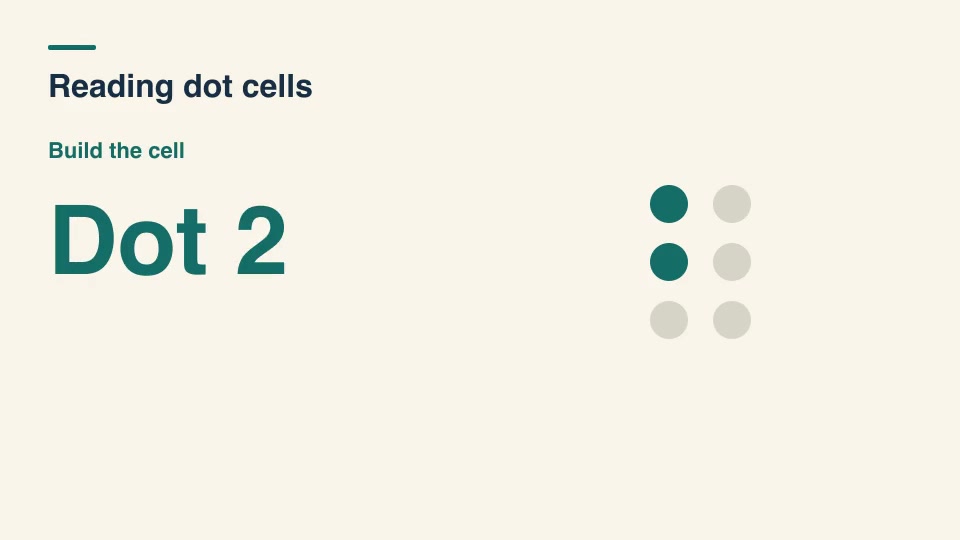
Kinetic typographyProDot cell reading lessonBuild a six-dot Braille cell from an instructor-supplied dot list, identify each dot by its standard position, then reveal its assigned label.Component16:9 · 0:04Verified: CodexOpen skill
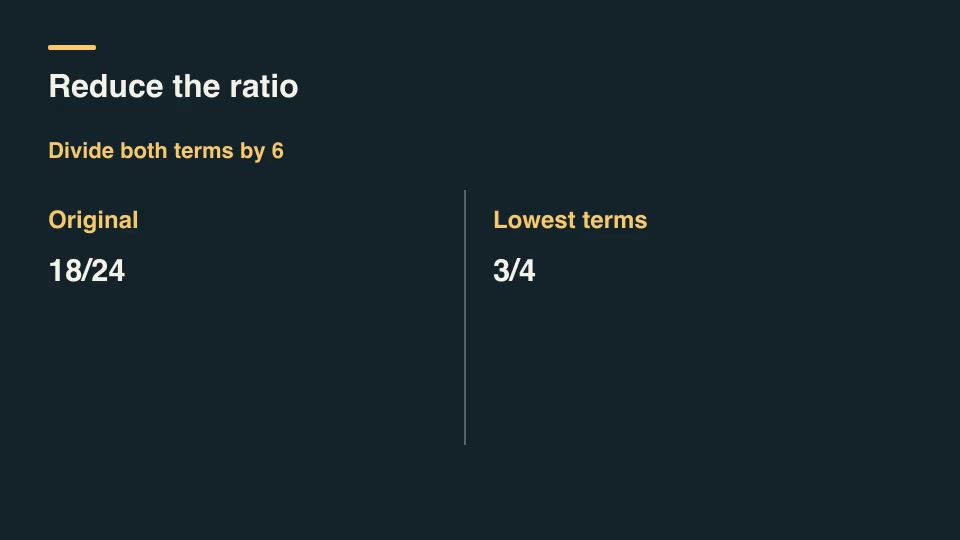
Kinetic typographyProFraction reduction walkthroughShow each Euclidean remainder step and the common divisor used to reduce a fraction to lowest terms.Component16:9 · 0:03Verified: CodexOpen skill
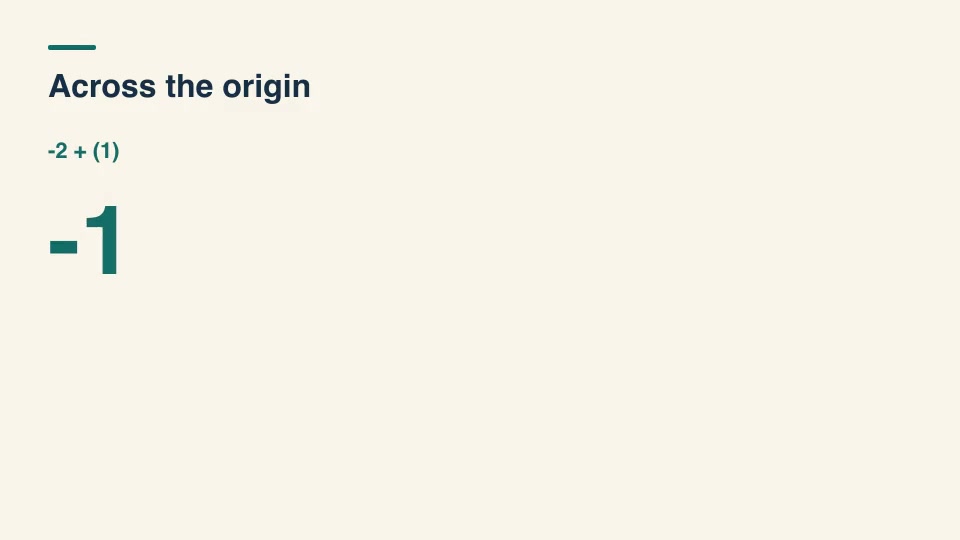
Kinetic typographyProInteger zero crossingAnimate a running signed total and explicitly split steps that cross zero so learners can see both sides of the number line.Component16:9 · 0:05Verified: CodexOpen skill
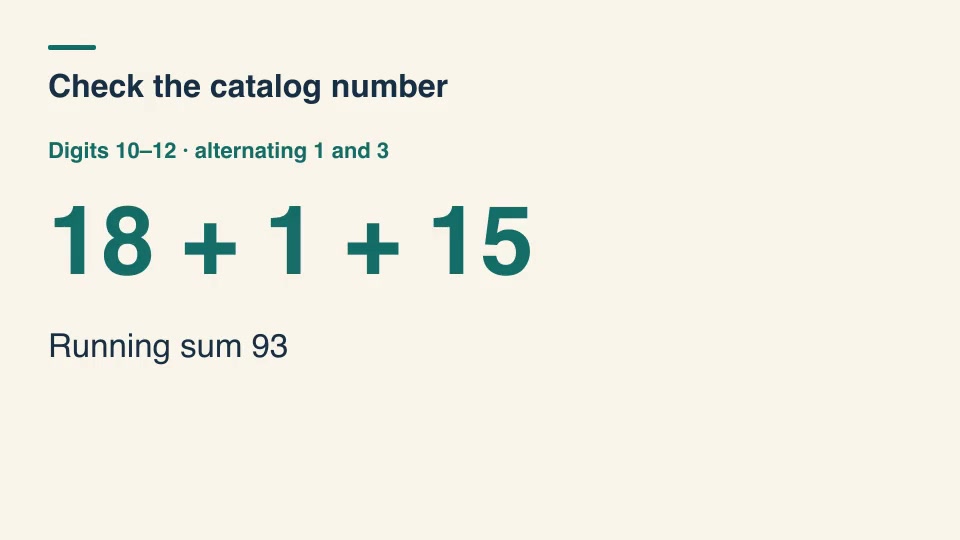
Kinetic typographyProISBN check-digit lessonCalculate an ISBN-13 check digit from its first twelve digits, then compare it with the supplied last digit.Component16:9 · 0:05Verified: CodexOpen skill
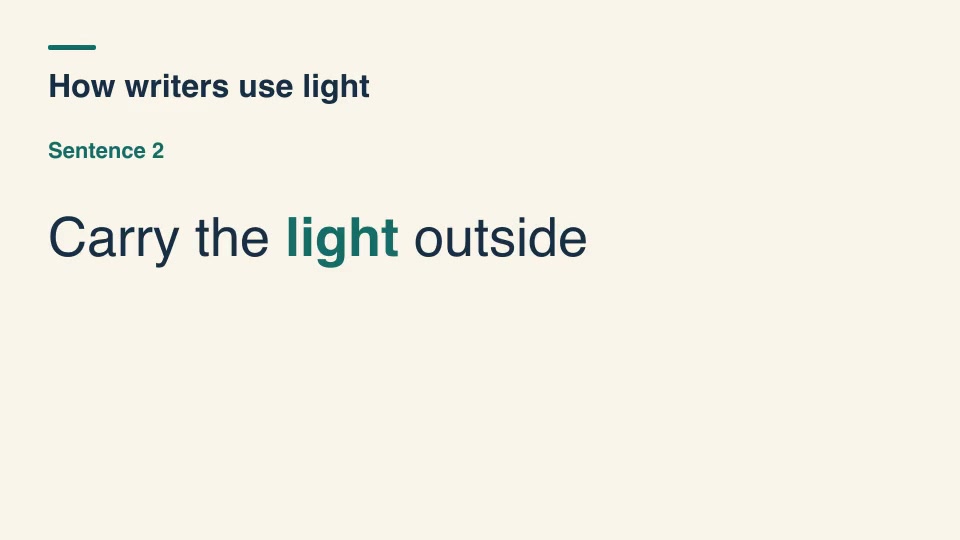
Kinetic typographyProKeyword concordance cardsFind every whole-word occurrence of a keyword and show its immediate left and right context, keeping sentence references visible.Component16:9 · 0:03Verified: CodexOpen skill
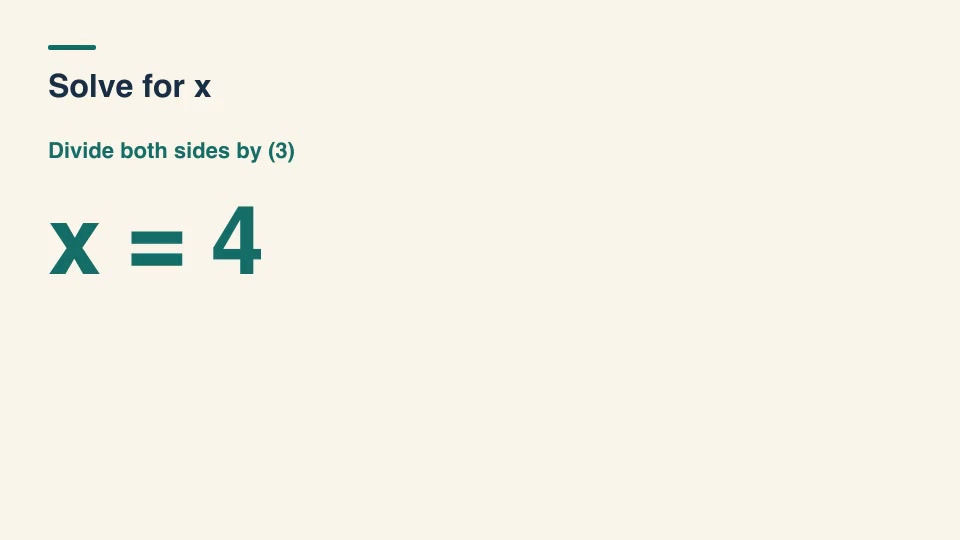
Kinetic typographyProLinear equation isolationReverse addition and multiplication on both sides of a linear equation and show its exact rational solution.Component16:9 · 0:04Verified: CodexOpen skill
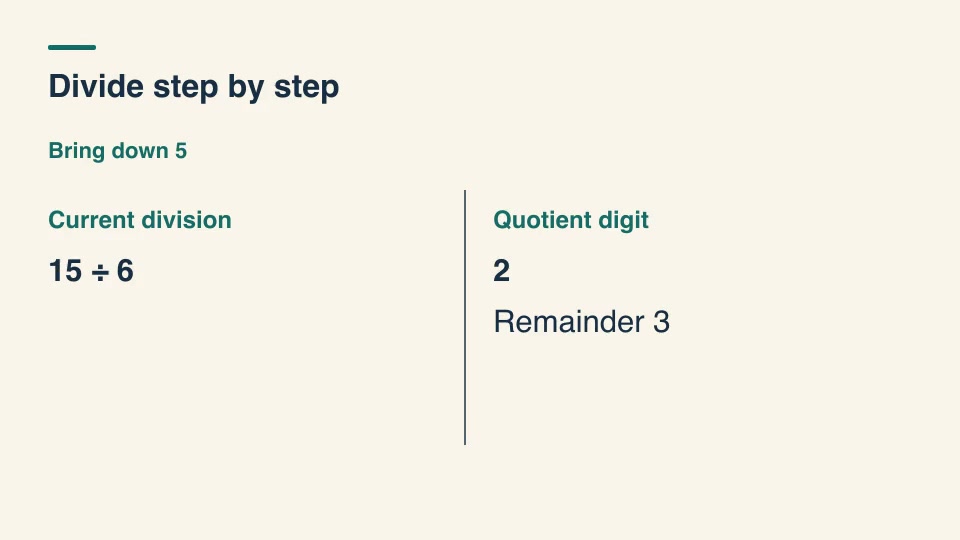
Kinetic typographyProLong division bringdownsBring each dividend digit down, record the current quotient digit and carry its remainder into the next step.Component16:9 · 0:04Verified: CodexOpen skill
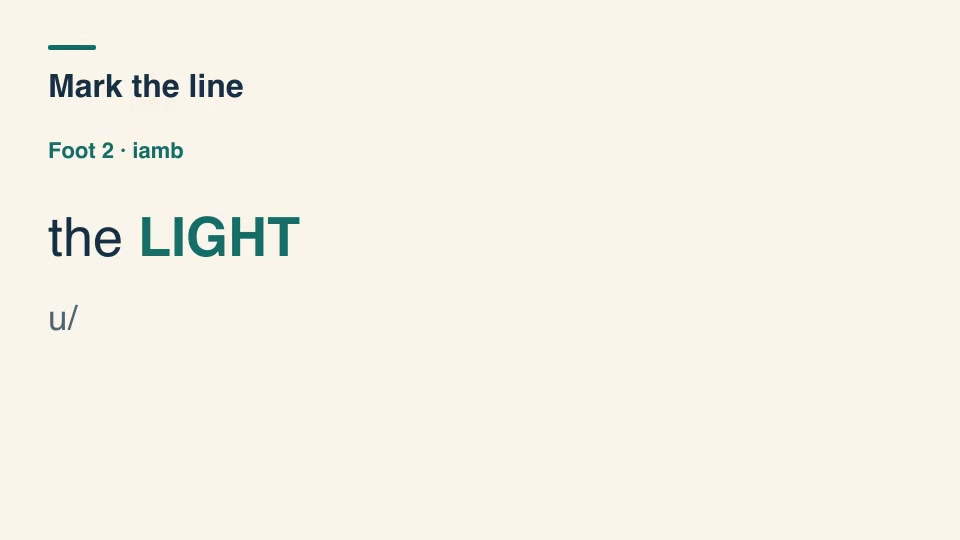
Kinetic typographyProMetrical foot scansionGroup editorially marked syllables into metrical feet and label regular stress patterns alongside exceptions.Component16:9 · 0:02Verified: CodexOpen skill
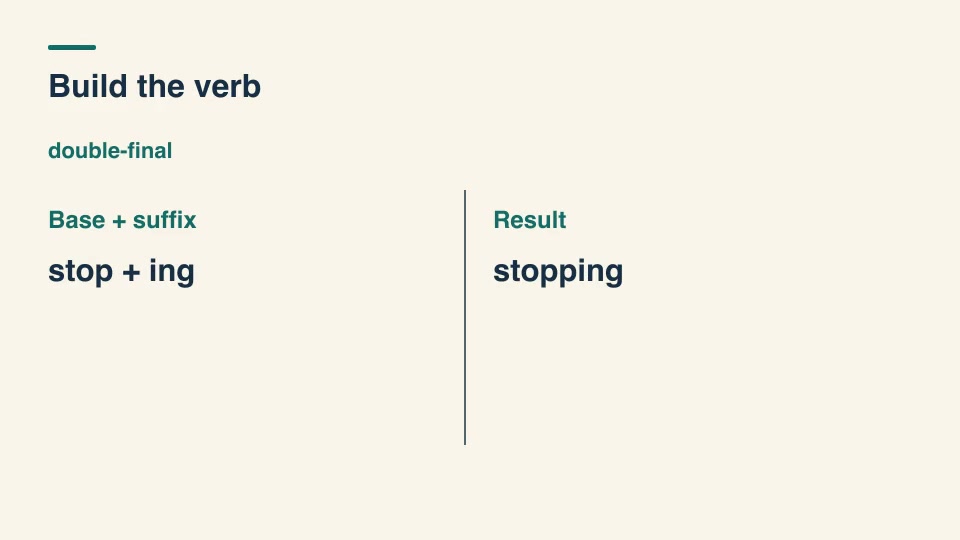
Kinetic typographyProMorphology suffix assemblyShow how a word changes when an editor applies a specified suffixing rule, including final-e deletion, y-to-i changes and final consonant doubling.Component16:9 · 0:03Verified: CodexOpen skill
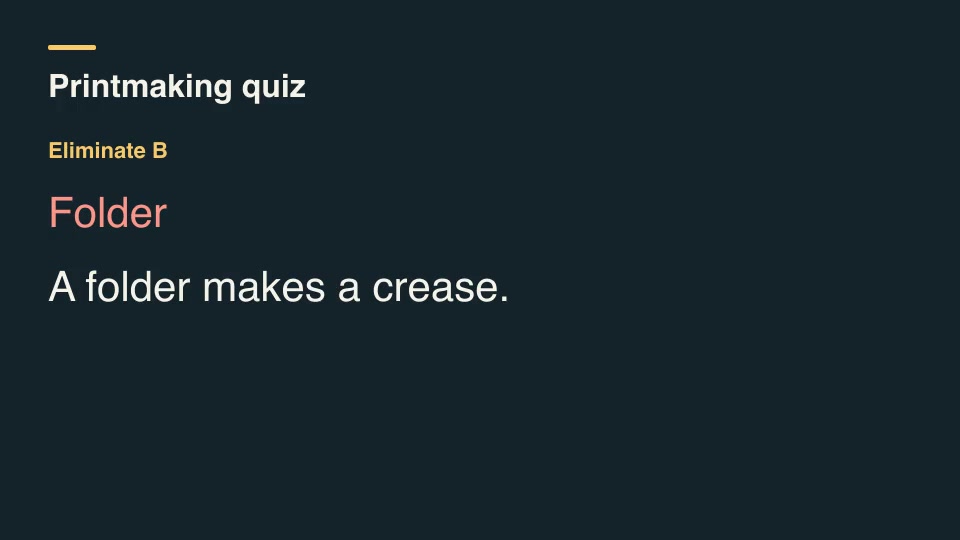
Kinetic typographyProMultiple-choice eliminationEliminate incorrect answer labels in a declared order, explain each elimination and hold on the remaining answer.Component16:9 · 0:05Verified: CodexOpen skill
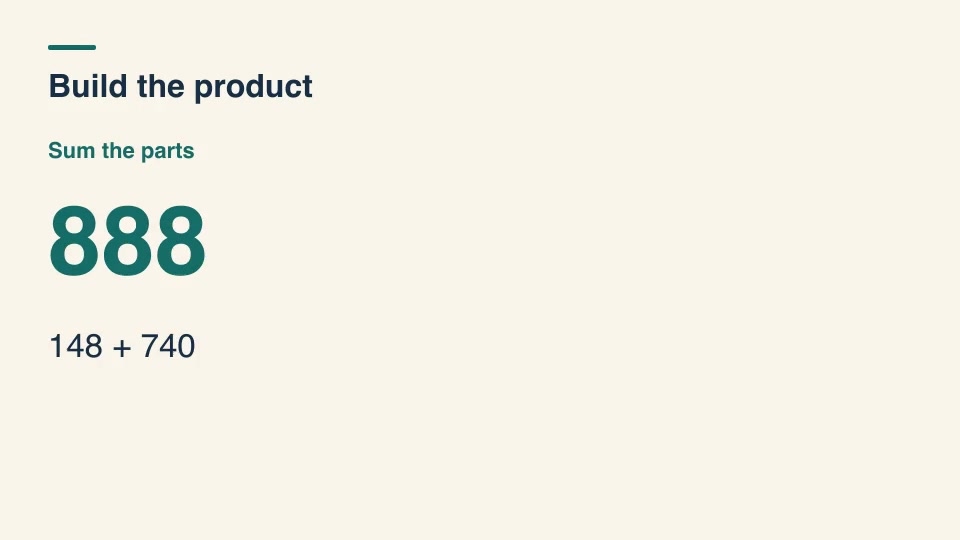
Kinetic typographyProMultiplication partial productsBuild a written multiplication from digit-place partial products, showing each shift before adding the final result.Component16:9 · 0:04Verified: CodexOpen skill
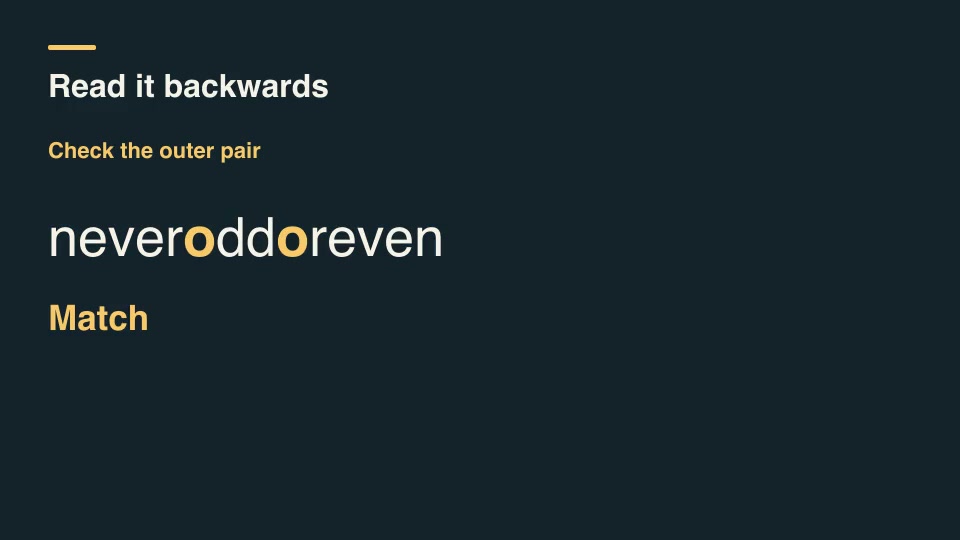
Kinetic typographyProPalindrome pair checkCompare matching letters from the ends toward the middle and stop at the first mismatch, ignoring punctuation and case.Component16:9 · 0:07Verified: CodexOpen skill
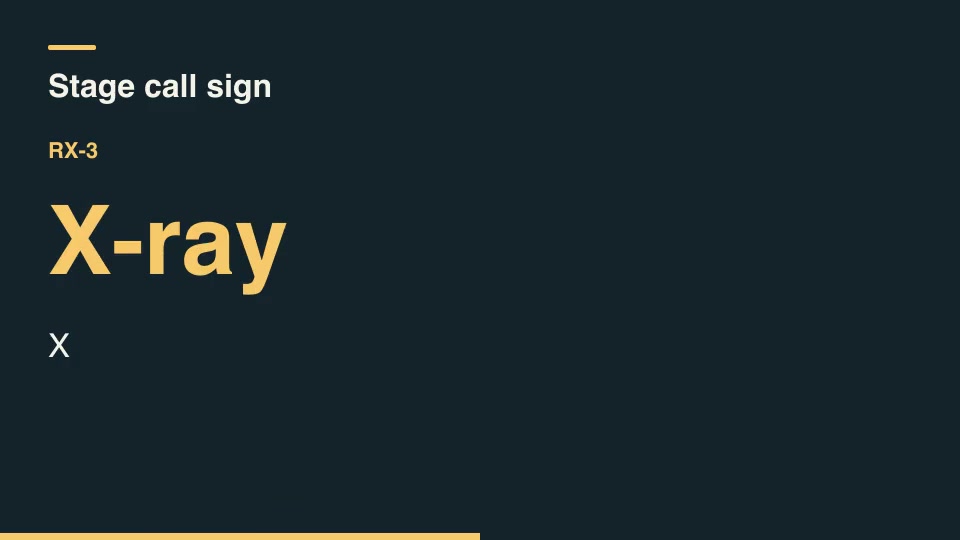
Kinetic typographyProRadio spelling titleSpell an alphanumeric identifier using the ICAO spelling alphabet, distinguishing numeric digits and grouping separators.Component16:9 · 0:02Verified: CodexOpen skill
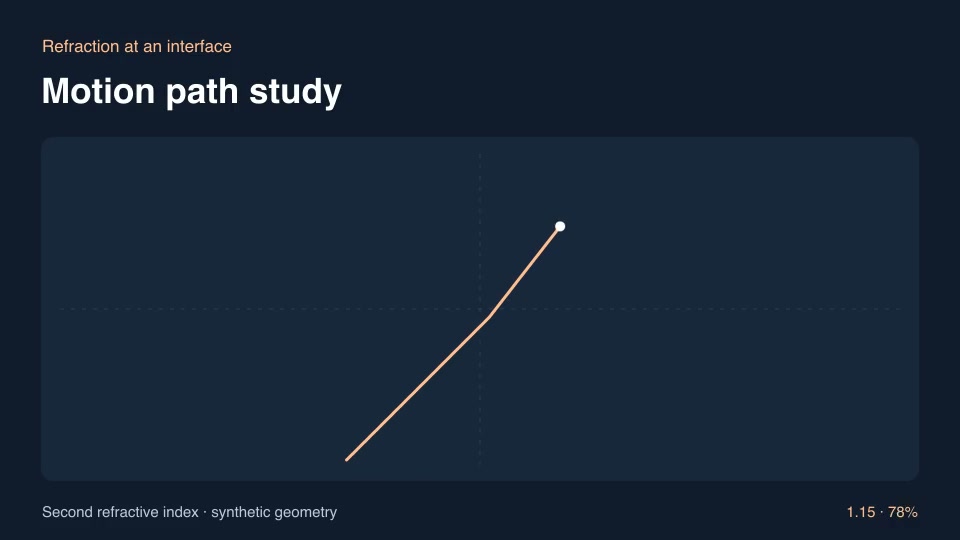
ExplainersProRefraction at an interfaceShow a ray bending across a medium boundary as the refractive index changes.Component16:9 · 0:03Verified: CodexOpen skill

Before you run a skill

Common requirements in this collection. Each skill page lists its exact versions.

  • Python 3.9+, FFmpeg with libx264, and librsvg available locally.
  • No provider account required.

How to make it with a skill

  1. 1Pick and previewWatch the default and customized renders, then check the inputs and requirements.
  2. 2Install the ZIP or connect MCPFree skills download without an account. Your agent can also install them over MCP.
  3. 3Render with your inputsRun the included example first, then swap in your own screens, text, data or footage.

Questions

Do I need an account to try lessons & practice skills?

No. 1 skill is free to download without an account. Pro skills need an active membership.

Where does the video render?

On your own machine or agent environment, using the tools listed on each skill. Motioncase does not charge for rendering; external tool costs are separate.

Can I change the look and the content?

Yes. Every package includes an editable project and a second, customized example that shows which inputs to change.