

Free
$0
No charge
Free video skills
- Free packages with example inputs
- Public video previews and source credits
- Render with your own software
Product launch videos
150 editable scenes for every beat of a launch. Describe what you ship, add your screens and numbers, and render it on your own machine.
Formats: 16:9 landscape, 9:16 vertical, 3:2 landscape, 2:3 portrait
Storyboard
A tight launch runs 30–45 seconds with one scene per beat. Pick a scene for each step.
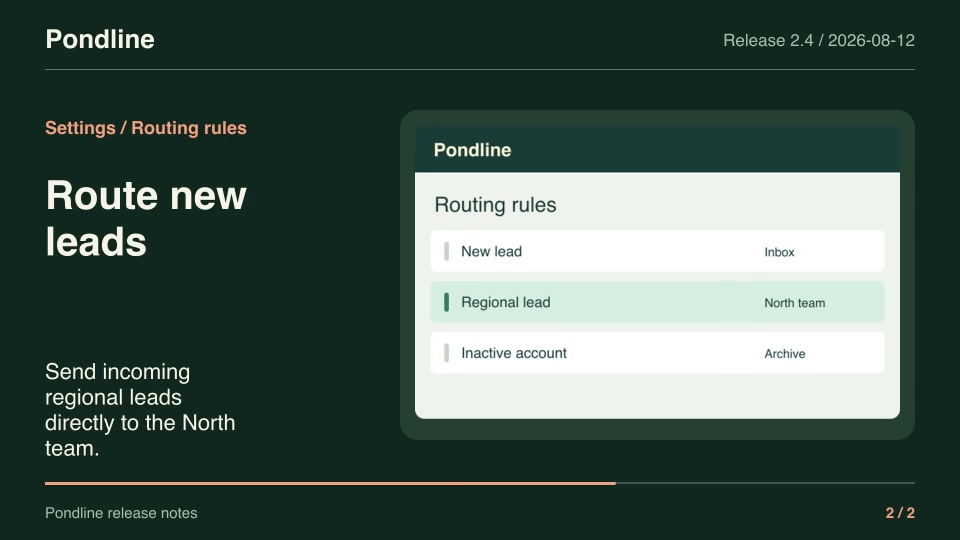
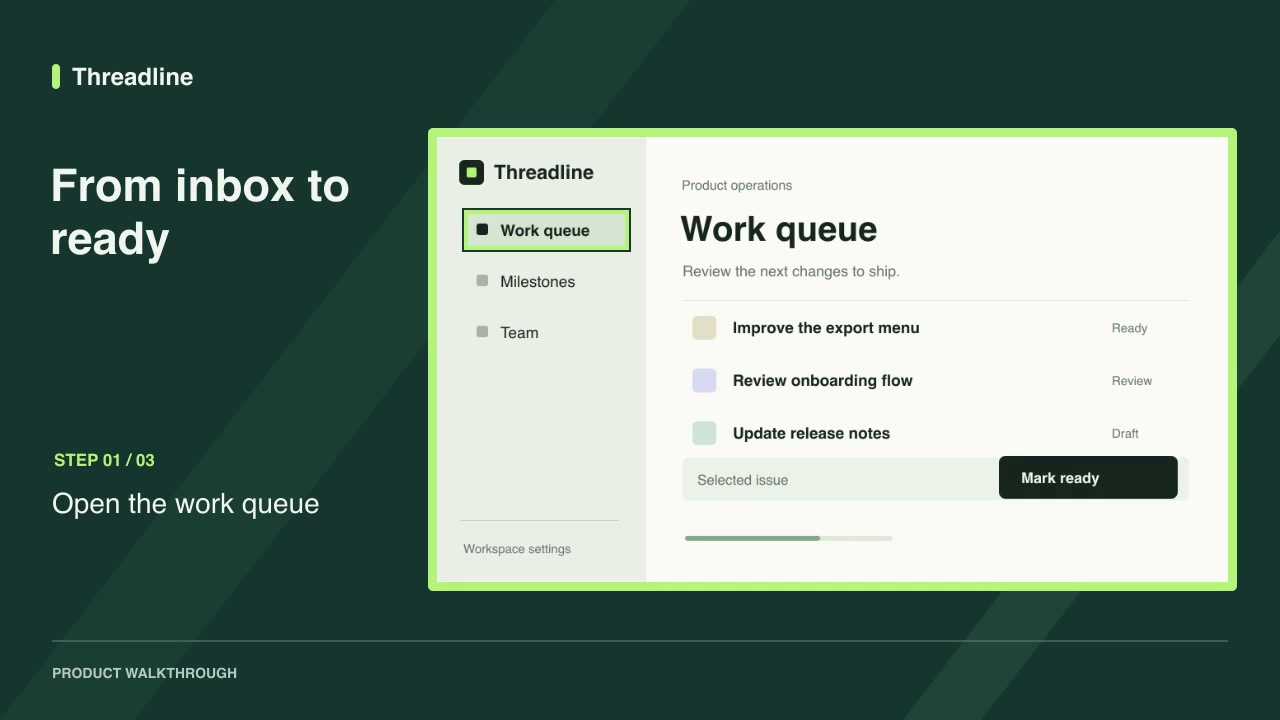
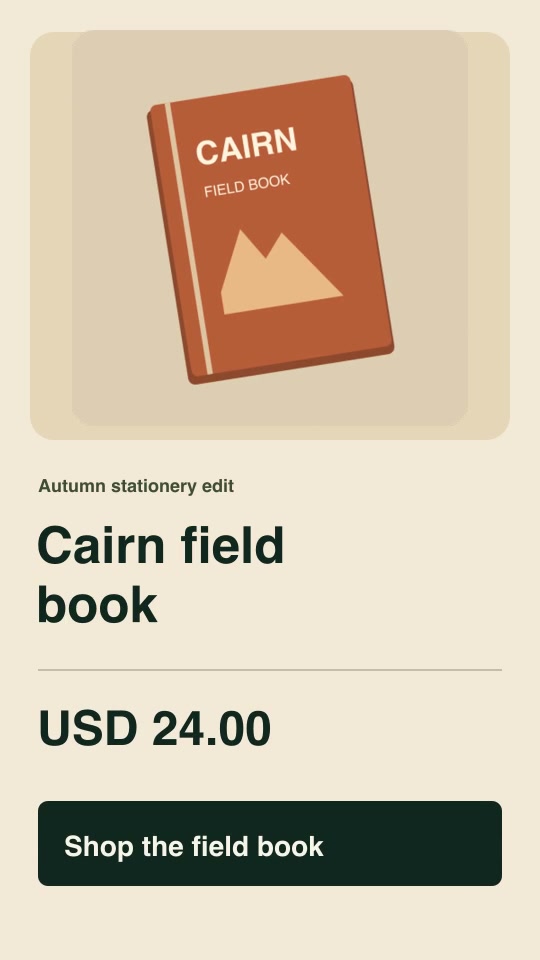
Download, render the example and swap in your product.
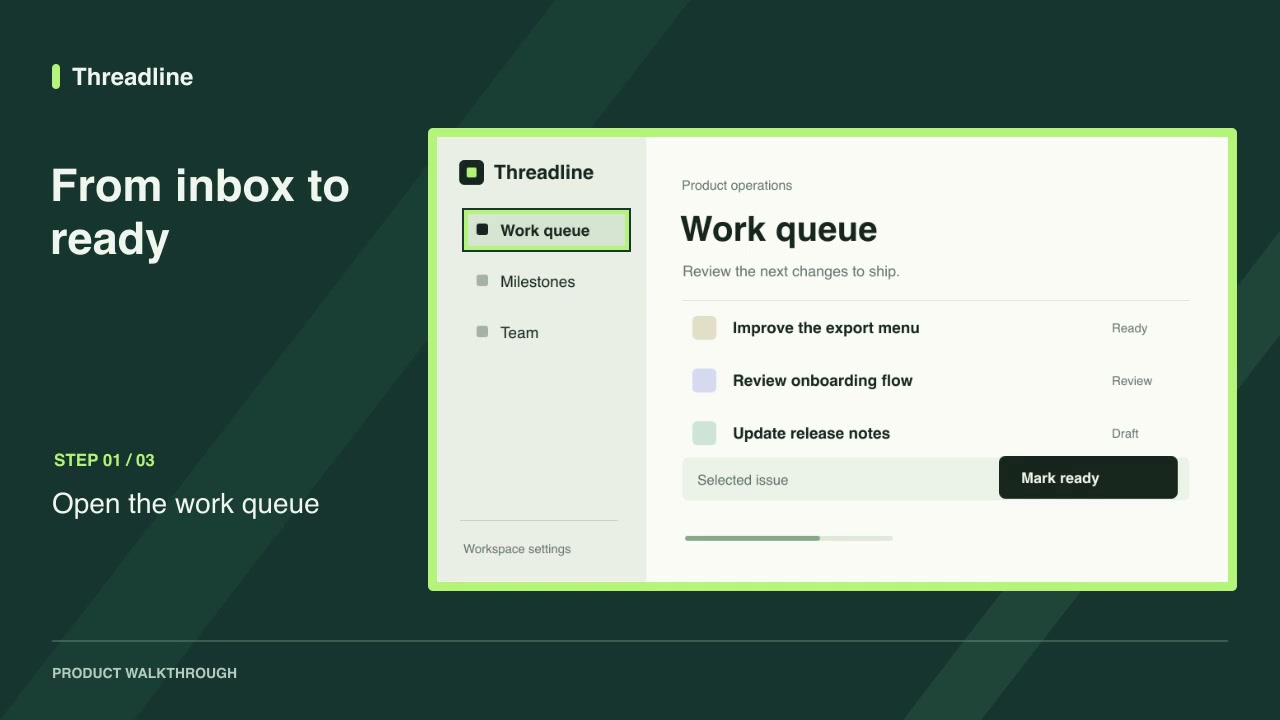
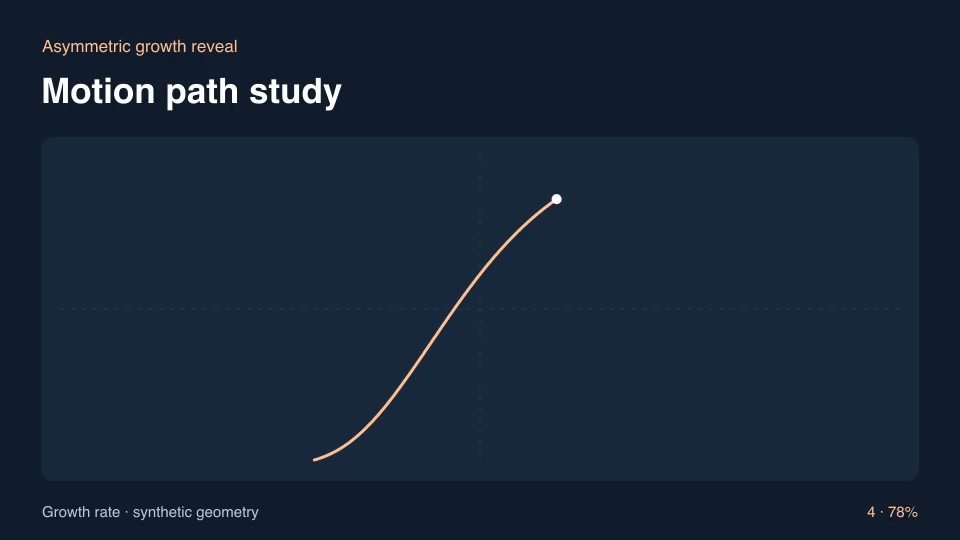
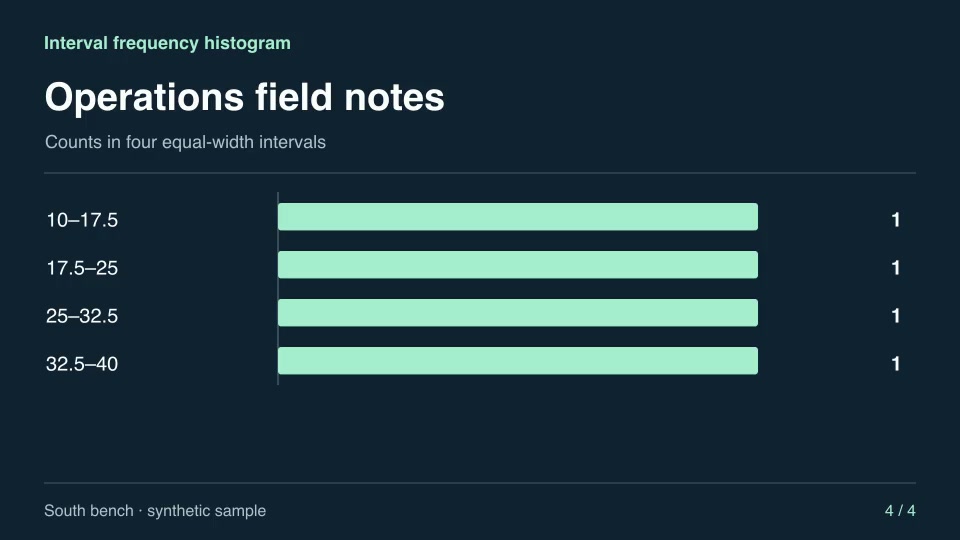
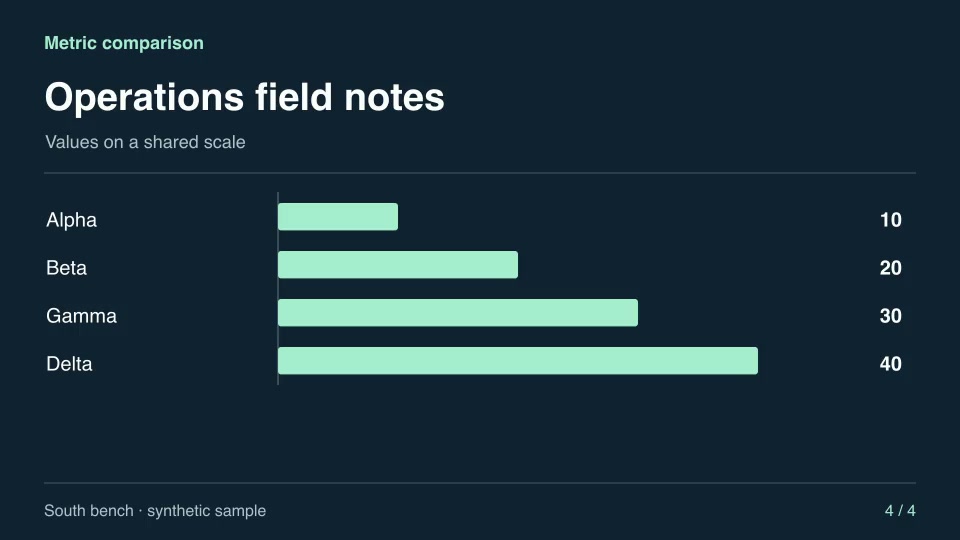
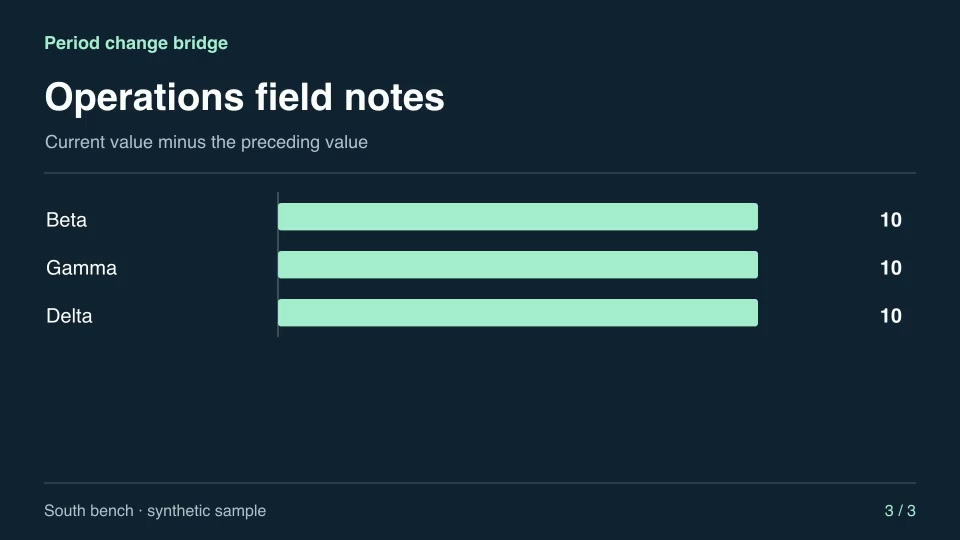
Every product launch skill, filterable by family, access, aspect ratio and role.
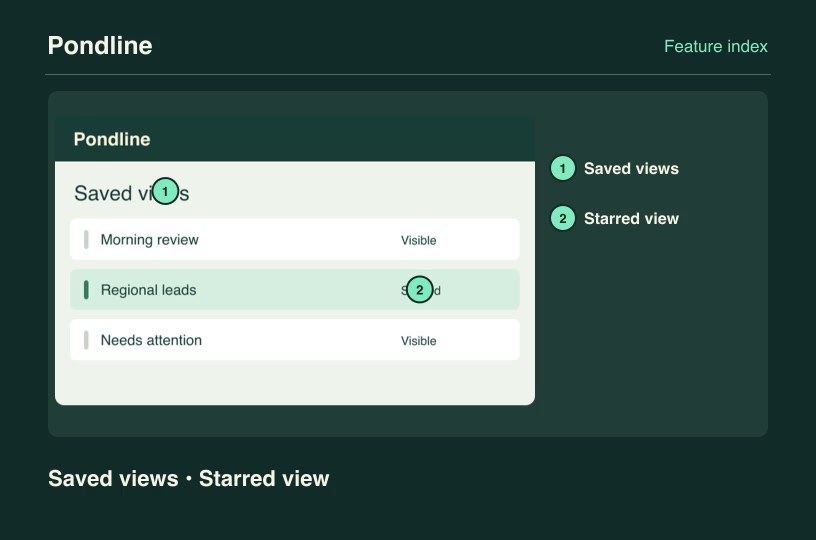
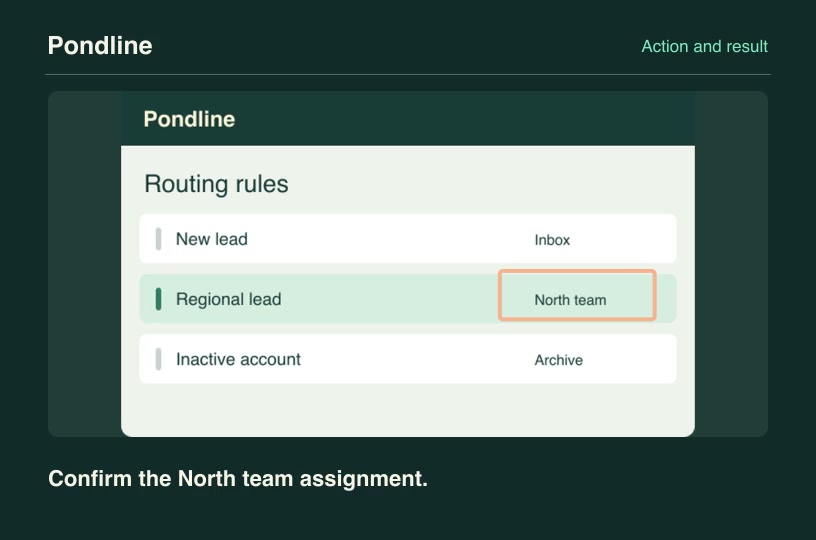
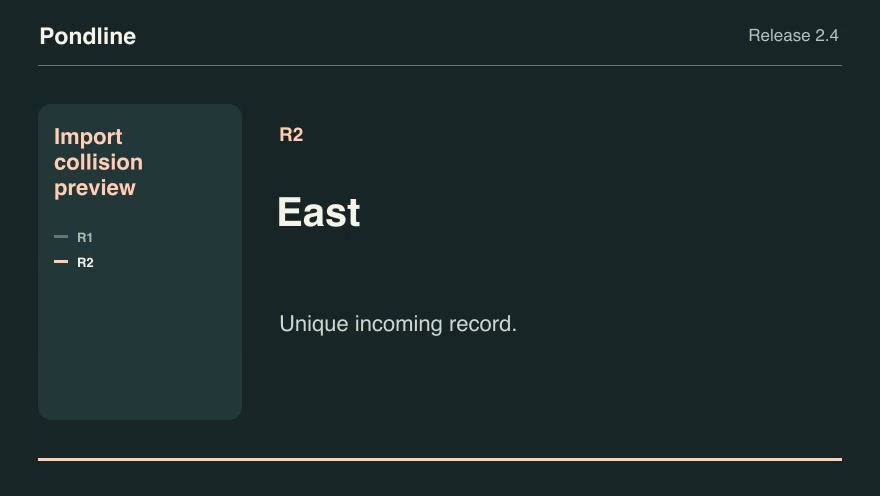
Most launch posts work at 30 to 45 seconds: one scene per beat. Each skill page lists its rendered duration so you can plan the cut.
No. Each skill renders from an editable project with your text, screenshots and numbers. You can still bring the MP4 into your editor.
Most launch scenes accept an accent color and your own screenshots. The customized render on each skill page shows what you can change.
Yes. Free launch-related skills download without an account. Pro unlocks the full catalog with one subscription.
Start with free skills. Subscribe to Pro for new releases or buy founding access with one payment.
No charge
Regular monthly price $19.90/mo
$158.00 billed yearly
Billed monthly
Renews annually until canceled. Pro includes newly published skills and updates through the end of each paid term. Payments are non-refundable except where required by law. External software and rendering costs are separate.
Renews monthly until canceled. Pro includes newly published skills and updates through the end of each paid term. Payments are non-refundable except where required by law. External software and rendering costs are separate.
One-time payment
One payment grants ongoing Pro access, including newly published skills and updates, with no renewal charge. Payments are non-refundable except where required by law. External software and rendering costs are separate.
Prices are in USD. Applicable taxes are shown at checkout. Agent, model and rendering costs are separate. Read the terms of use and refund policy.