
Video skills by use case
Explainers & diagrams
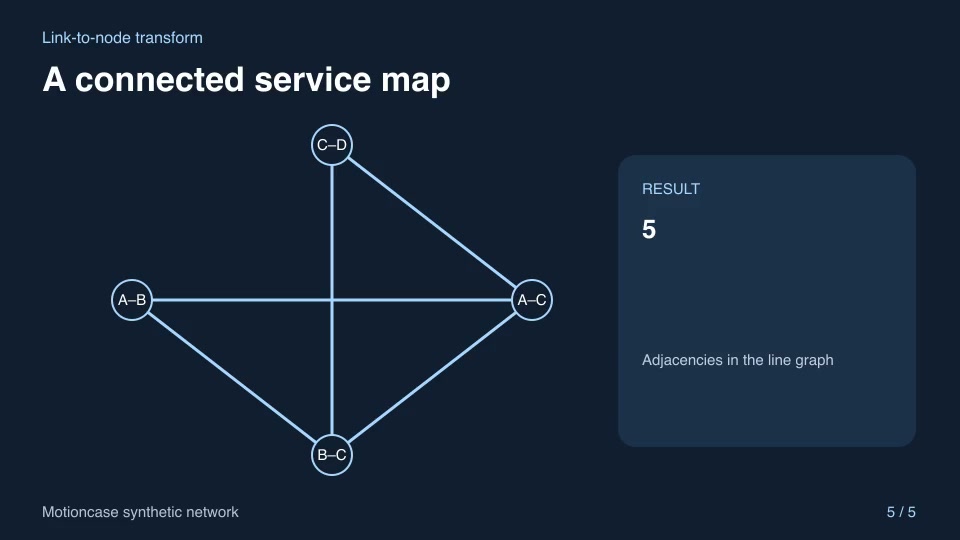
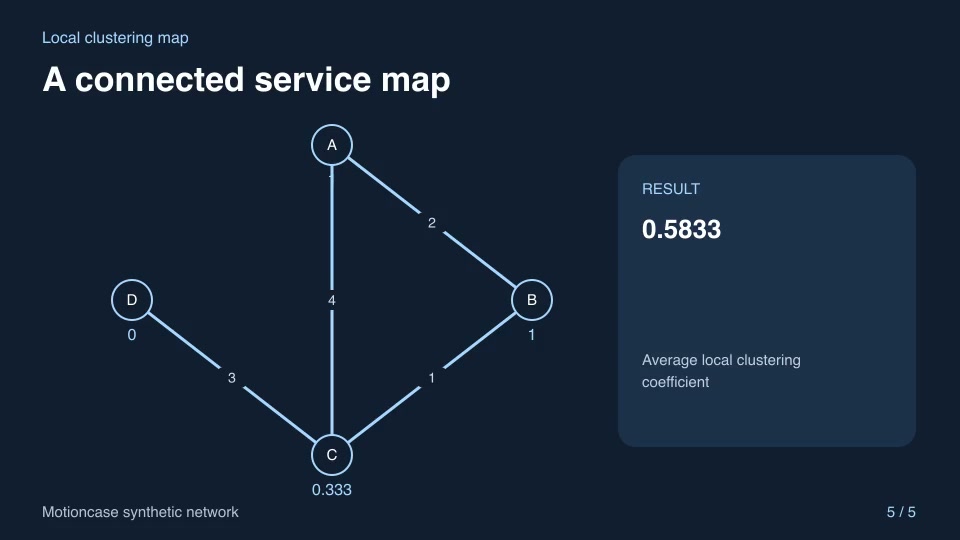
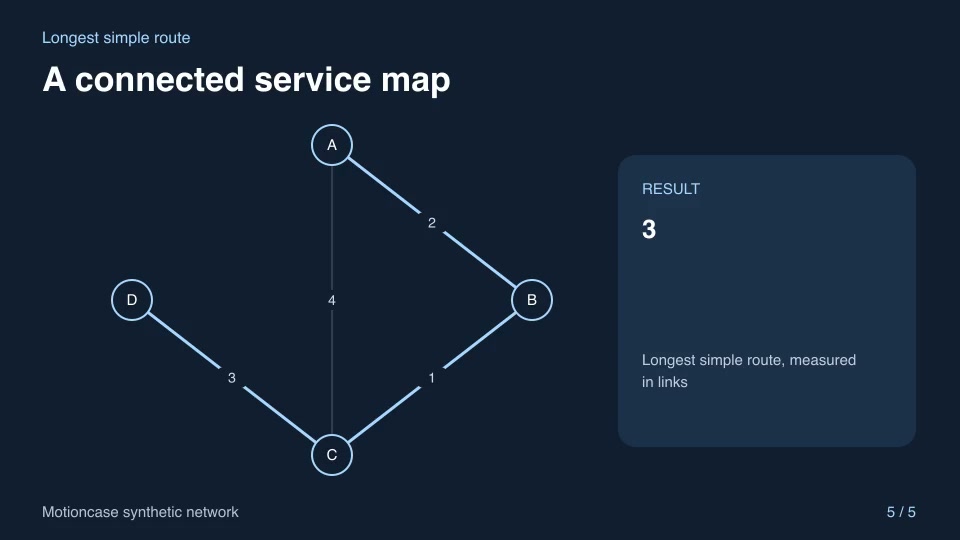
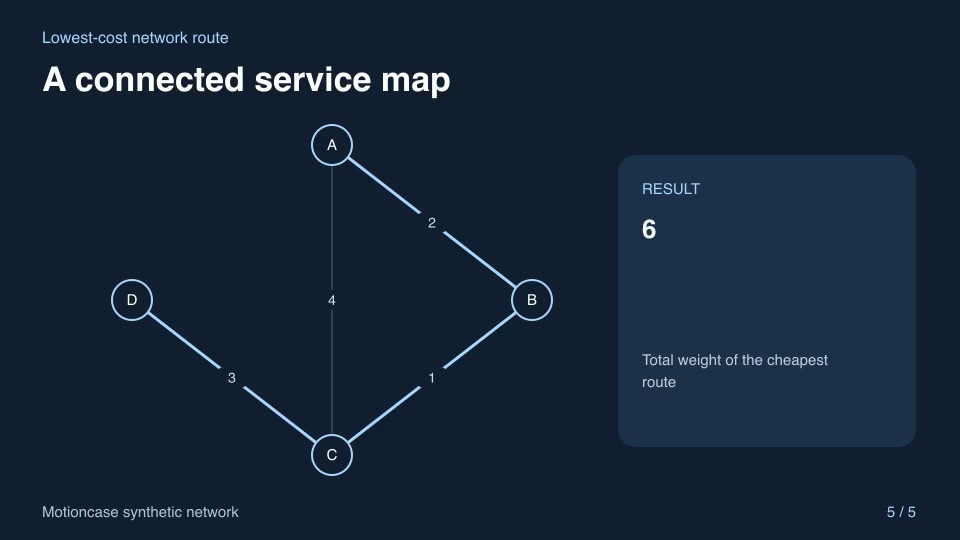
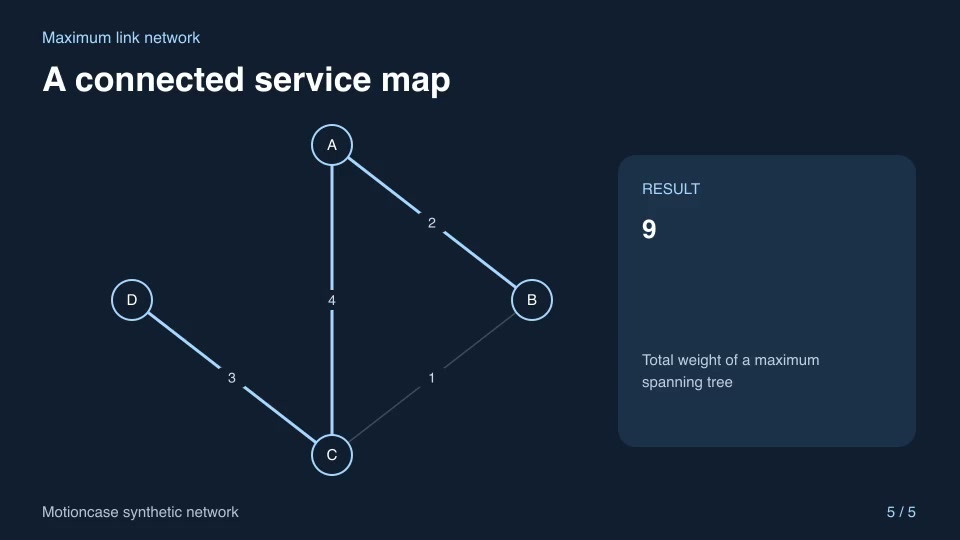
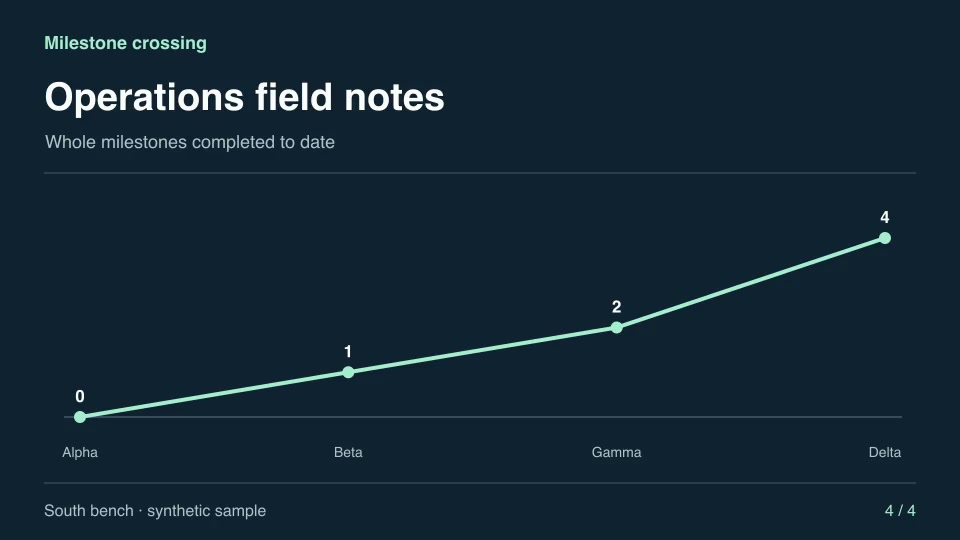
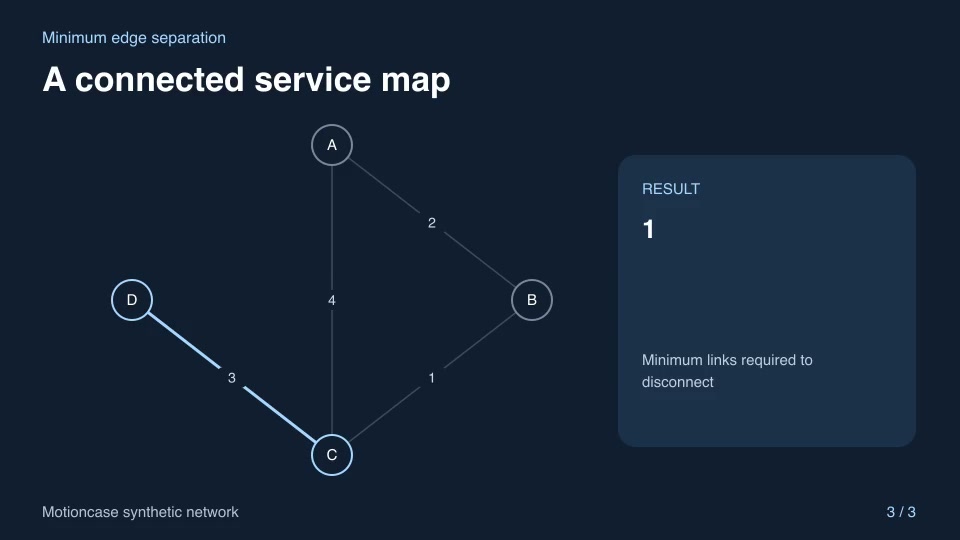
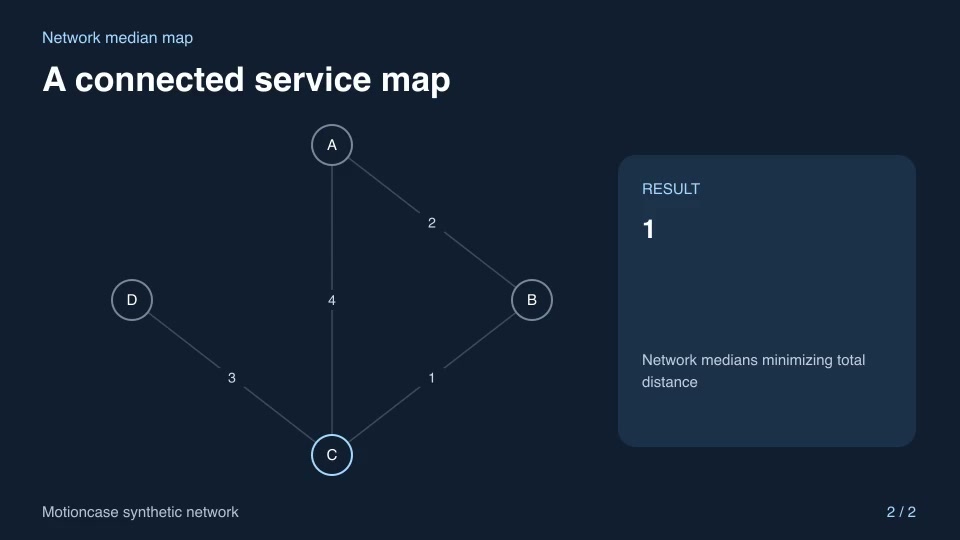
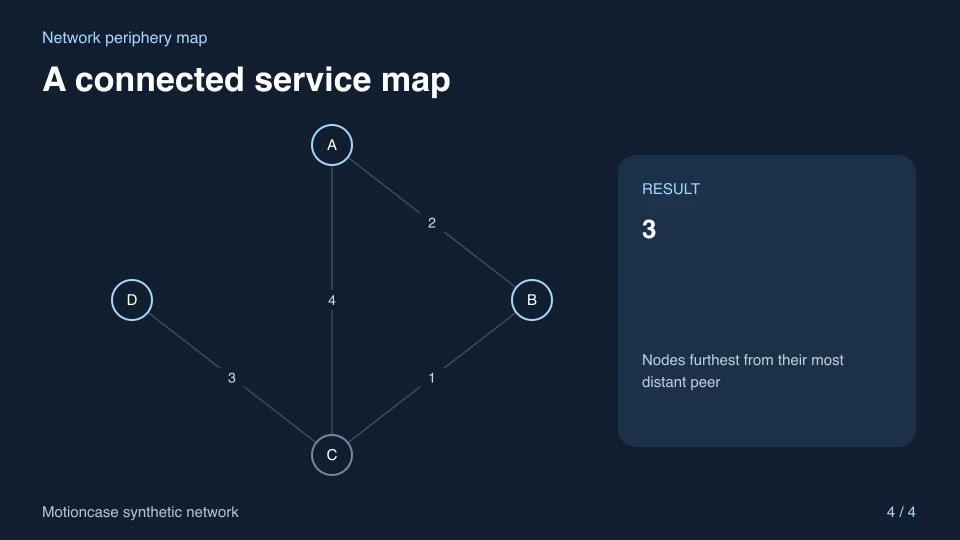
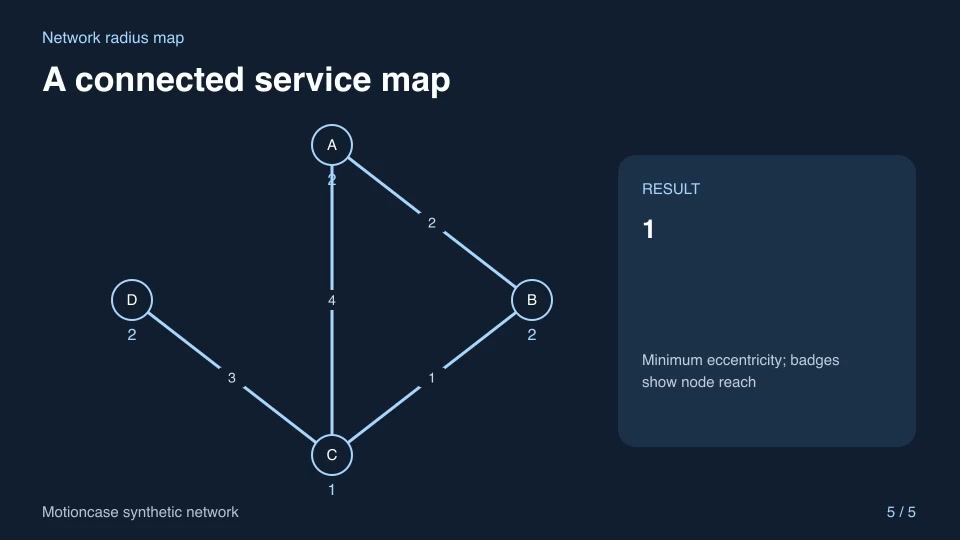
Show how parts connect, how a route is chosen or how a system behaves with a clear visual sequence.
- Skills
- 114
- Free
- 7
- Complete workflows
- 9
Complete workflows
Packages that take your inputs to a finished render.
- ExplainersFreeFreeze-frame control focusPause a recorded process on a chosen frame, outline the exact control, then resume at the next original frame.Complete workflow16:9 · 0:06Verified: CodexOpen skill
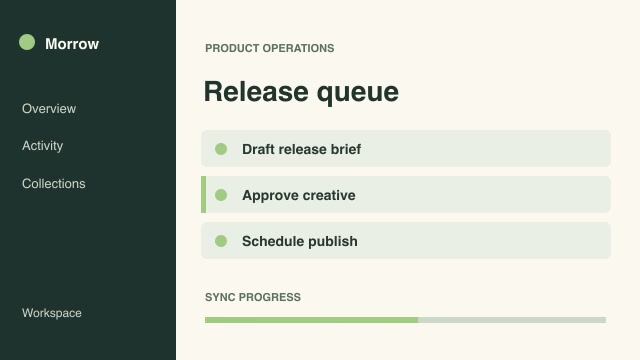
- ExplainersProGuided document readingGuide the viewer through a filmed product sheet by dimming text outside the current reading row according to a supplied cue sheet.Complete workflow16:9 · 0:04Verified: CodexOpen skill

- Motion graphics & 3DProLuminance waveform reviewAlign each source frame with a spatial luminance waveform so an editor can inspect brightness across the image.Complete workflow16:9 · 0:04Verified: CodexOpen skill

- Motion graphics & 3DProOscilloscope waveformShow the actual waveform shape within each audio block so a viewer can see the oscillation and hear the corresponding sound.Complete workflow16:9 · 0:03Verified: CodexOpen skill
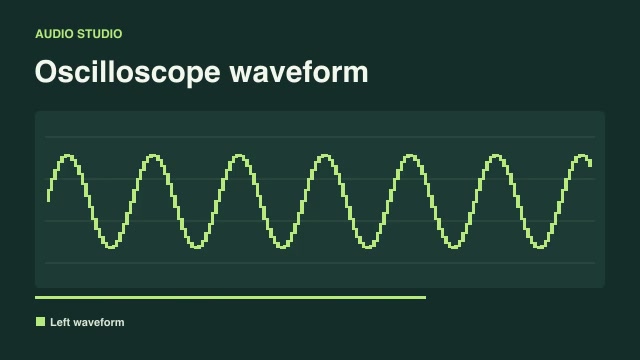
- ExplainersProPitched-note guideTrace the strongest of a specified set of reference notes and mark note changes in a rehearsal clip.Complete workflow16:9 · 0:03Verified: CodexOpen skill
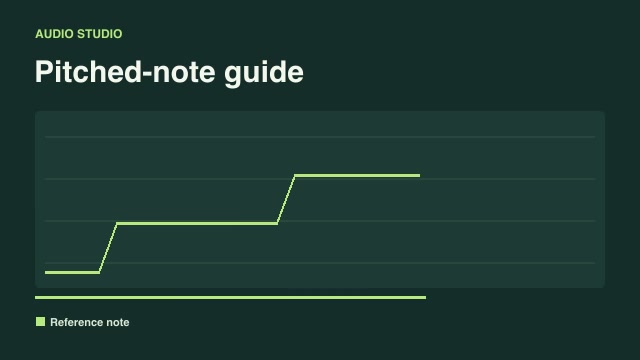
- ExplainersProShow skipped time in an editRemove a time interval and insert a visible elapsed-time marker at the seam so the audience can follow a shortened demonstration.Complete workflow16:9 · 0:03Verified: CodexOpen skill
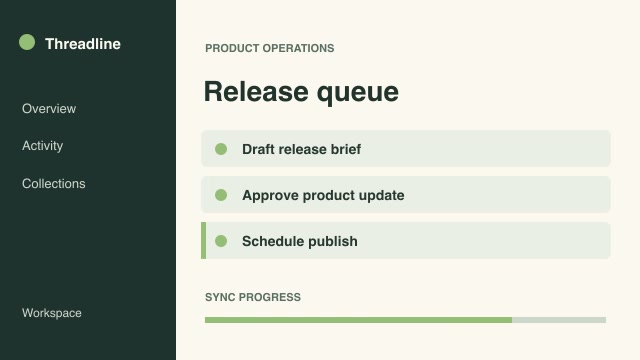
- ExplainersProSolve a process backwardsTurn a finished result into a reverse-step explainer by playing selected process stages in reverse stage order while preserving forward motion within each stage.Complete workflow16:9 · 0:03Verified: CodexOpen skill
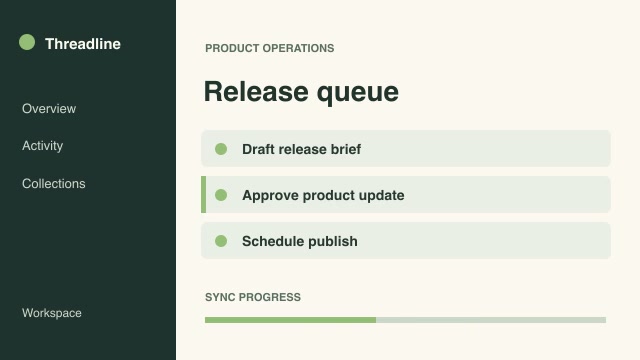
- ExplainersProThree-moment filmstripShow three time-offset windows of a single capture simultaneously so viewers can compare successive stages of a process.Complete workflow16:9 · 0:02Verified: CodexOpen skill
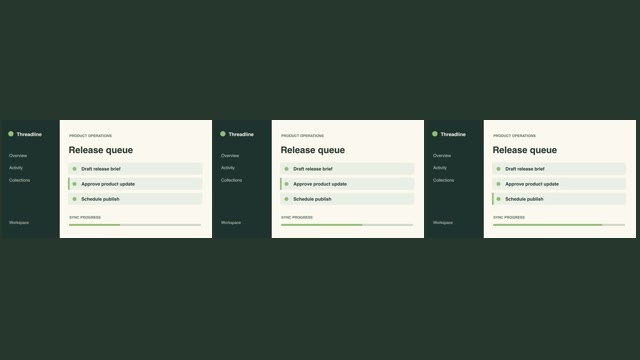
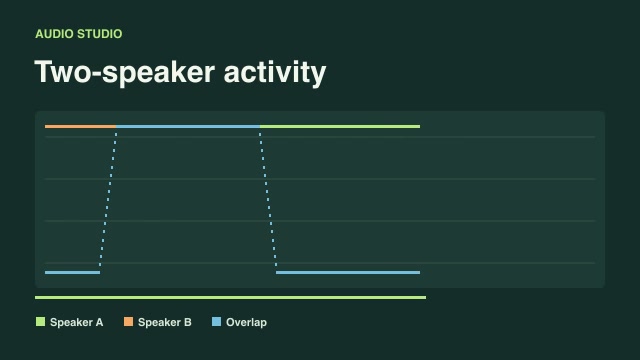
- ExplainersProTwo-speaker activityTurn two isolated voice recordings into a visual map of speaker turns, overlapping speech and empty gaps.Complete workflow16:9 · 0:03Verified: CodexOpen skill
Explainers & diagrams
92 skills
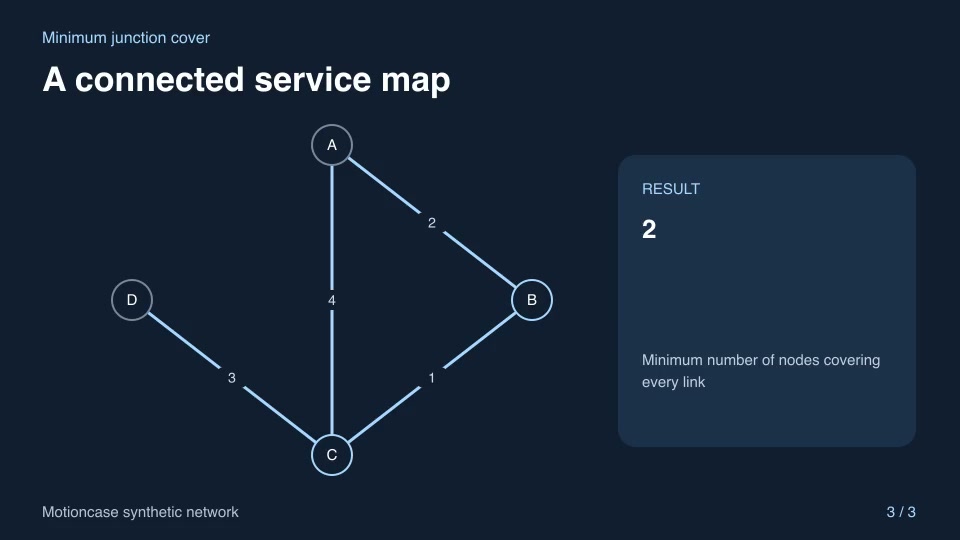
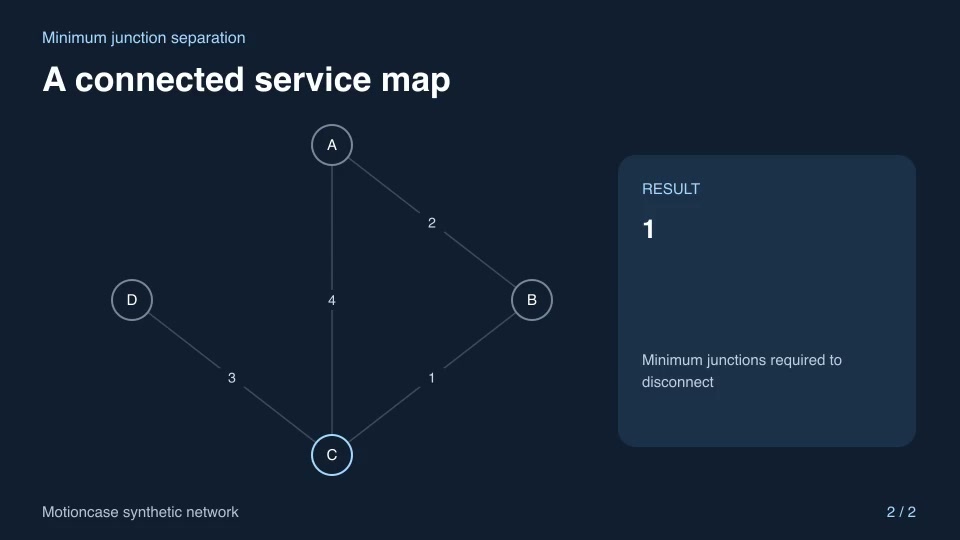
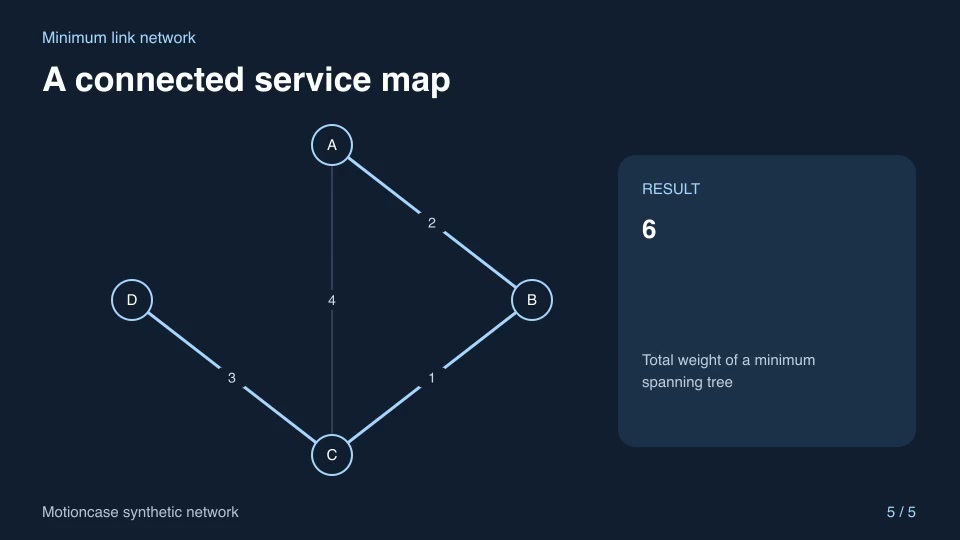
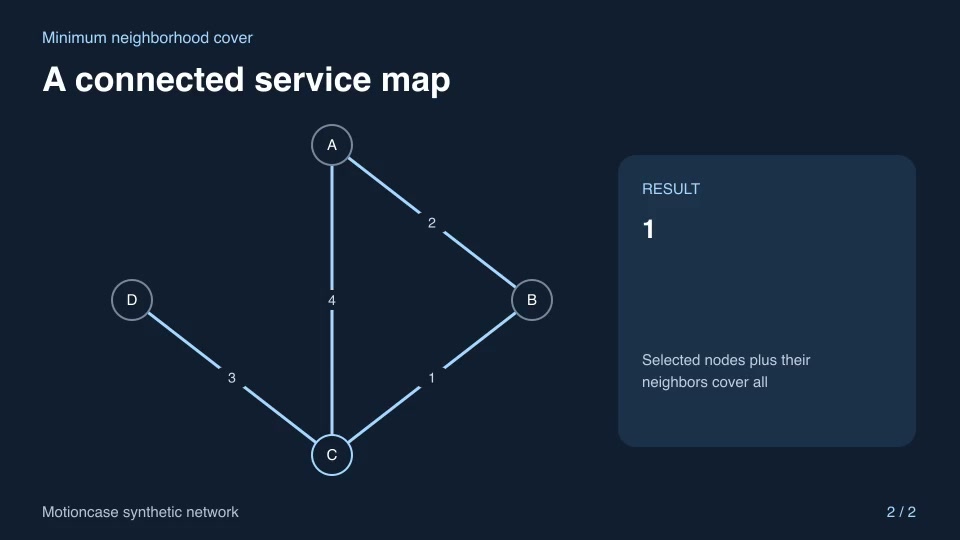
Before you run a skill
Common requirements in this collection. Each skill page lists its exact versions.
- Python 3.9+, FFmpeg with libx264, and librsvg available locally.
- No provider account required.
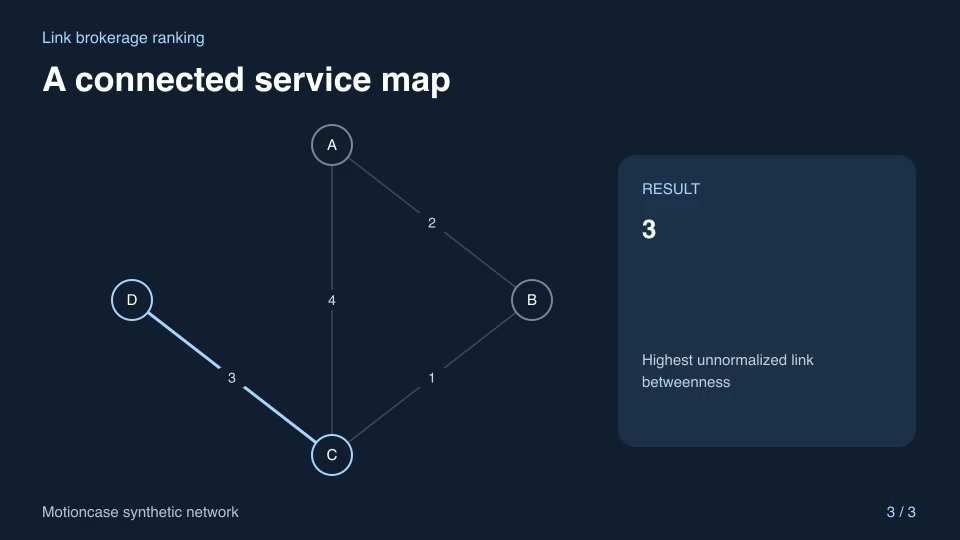
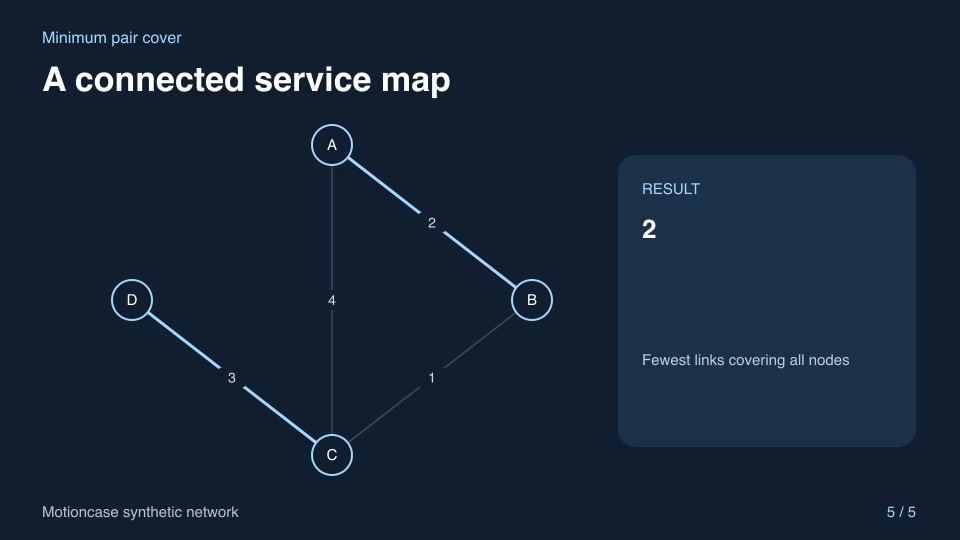
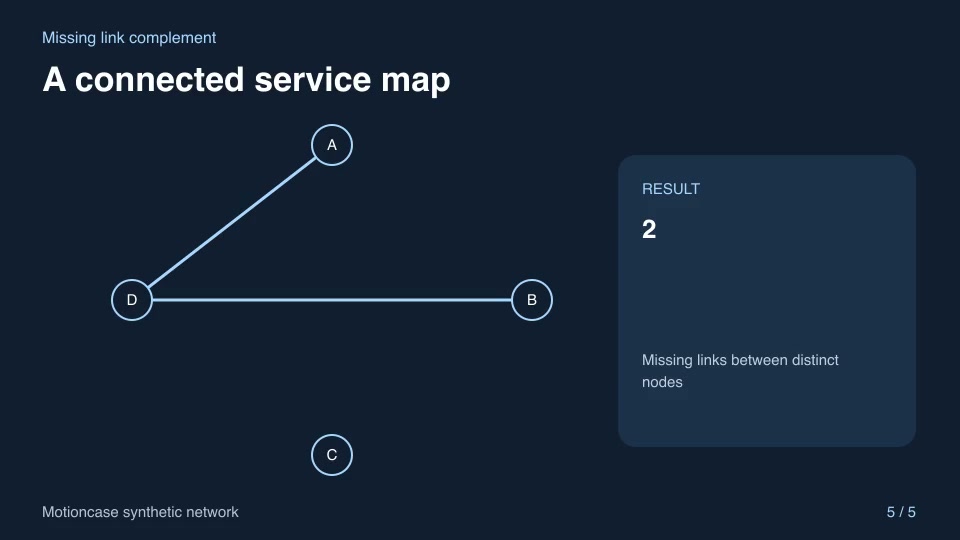
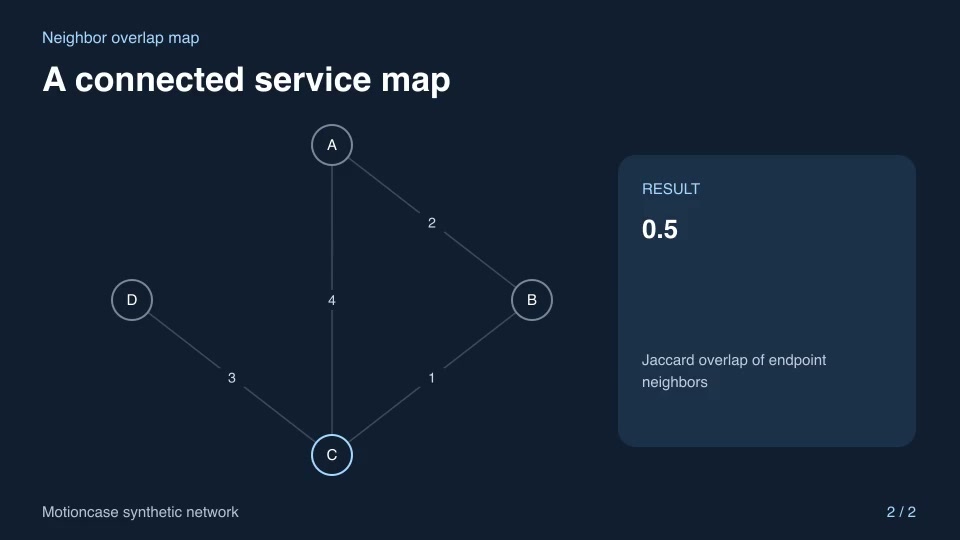
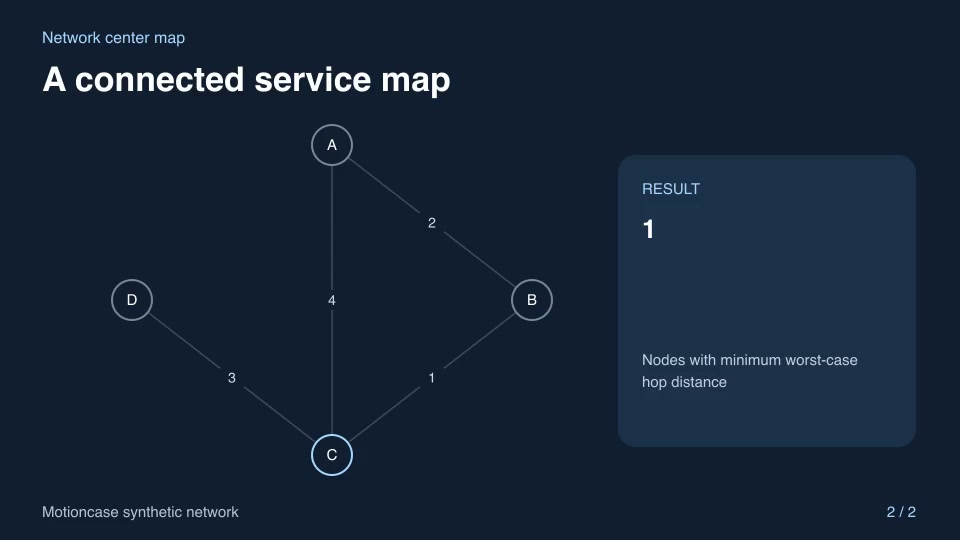
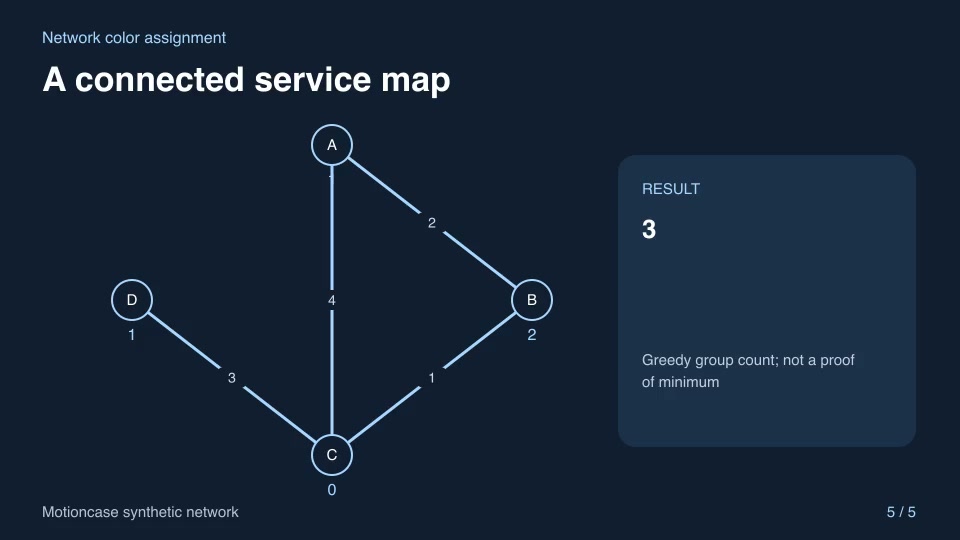
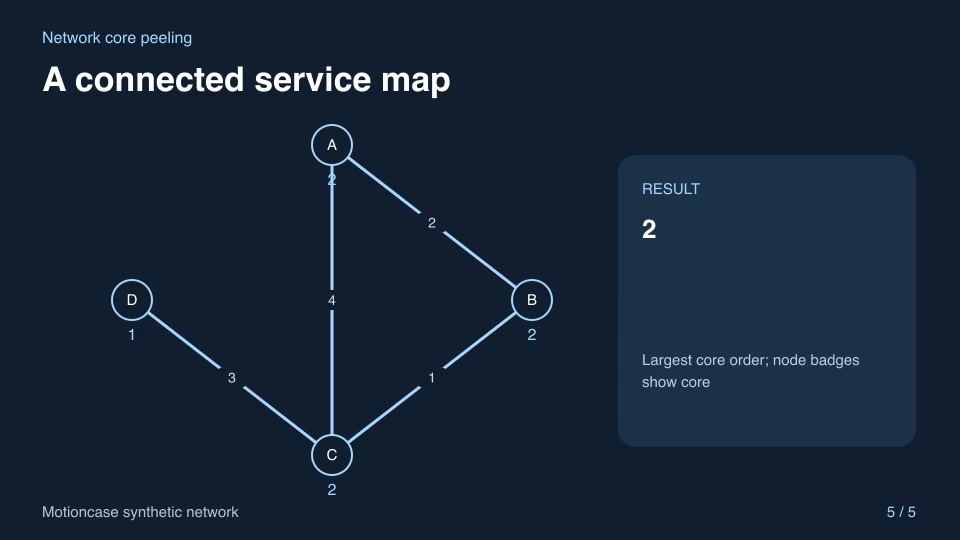
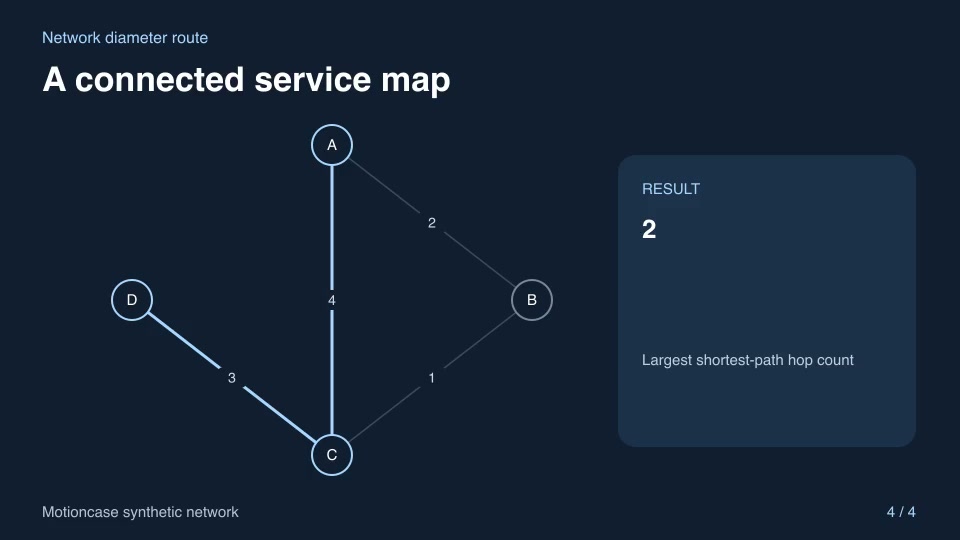
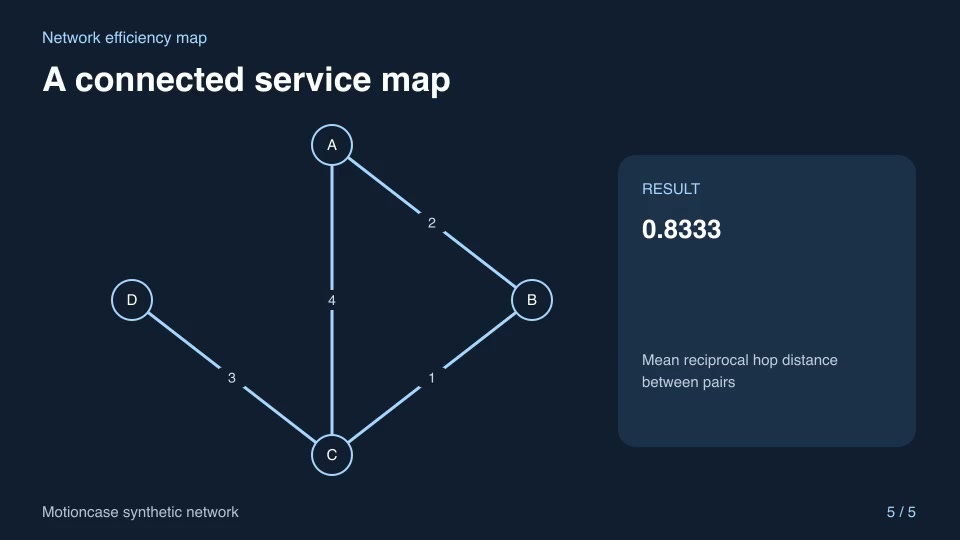
- Python 3.11+ and networkx==3.5, FFmpeg with libx264, and librsvg available locally.
How to make it with a skill
- 1Pick and previewWatch the default and customized renders, then check the inputs and requirements.
- 2Install the ZIP or connect MCPFree skills download without an account. Your agent can also install them over MCP.
- 3Render with your inputsRun the included example first, then swap in your own screens, text, data or footage.
Questions
Do I need an account to try explainers & diagrams skills?
No. 7 skills are free to download without an account. Pro skills need an active membership.
Where does the video render?
On your own machine or agent environment, using the tools listed on each skill. Motioncase does not charge for rendering; external tool costs are separate.
Can I change the look and the content?
Yes. Every package includes an editable project and a second, customized example that shows which inputs to change.