
Video skills by role
Content creators
Add captions, titles, explainers and overlays to your videos without rebuilding them each time.
- Skills
- 184
- Free
- 8
- Complete workflows
- 33
Complete workflows
Packages that take your inputs to a finished render.
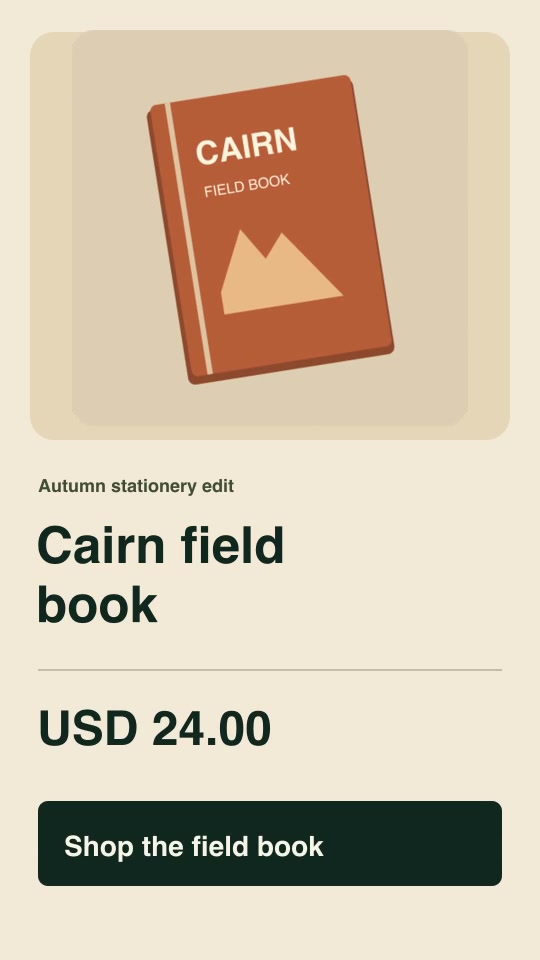
- Social adsProProduct offer spotBuild a vertical five-second promotion from your product image, exact offer, currency, price and call to action.Complete workflow9:16 · 0:05Verified: CodexOpen skill
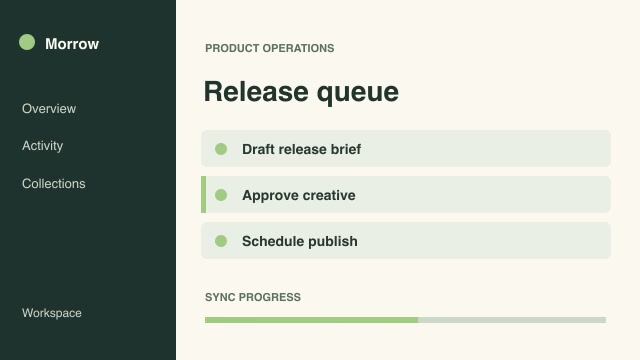
- ExplainersFreeFreeze-frame control focusPause a recorded process on a chosen frame, outline the exact control, then resume at the next original frame.Complete workflow16:9 · 0:06Verified: CodexOpen skill
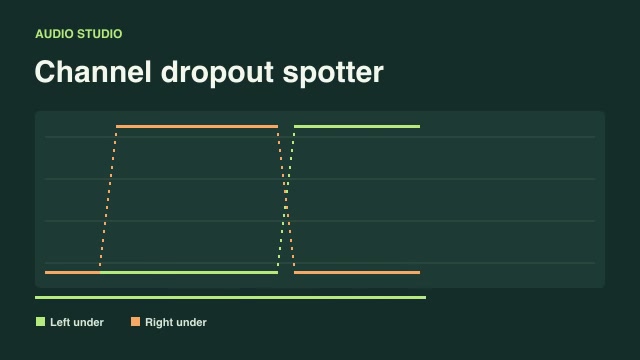
- Motion graphics & 3DProChannel dropout spotterFlag frames where one stereo channel falls unexpectedly below the other and distinguish them from quiet passages.Complete workflow16:9 · 0:03Verified: CodexOpen skill
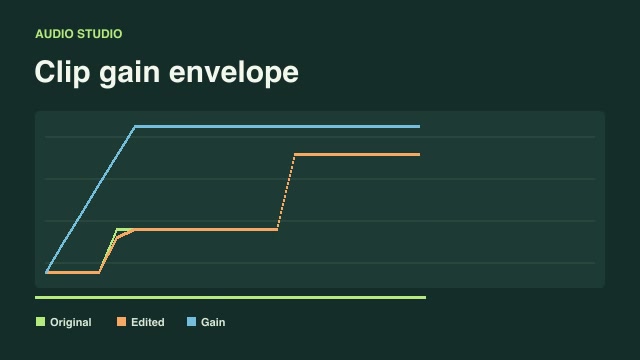
- Motion graphics & 3DProClip gain envelopeApply editable fade-in and fade-out envelopes to podcast or music clips and render a synchronized before-and-after level guide.Complete workflow16:9 · 0:03Verified: CodexOpen skill
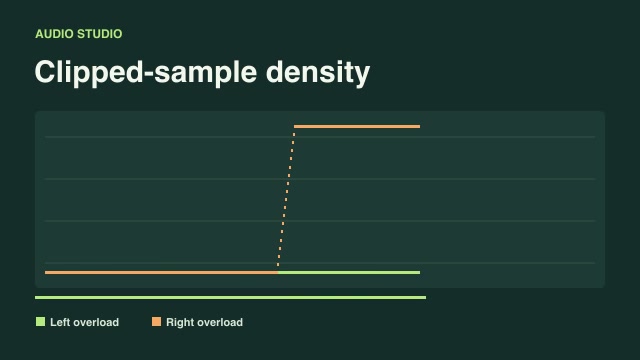
- Motion graphics & 3DProClipped-sample densityLocate overloaded portions of a recording by measuring how many samples cross the clipping threshold in each time block.Complete workflow16:9 · 0:03Verified: CodexOpen skill
- Social adsProCut to beat markersPlace shot changes at supplied musical or editorial beat frames and offset each source to its own designated starting moment.Complete workflow16:9 · 0:04Verified: CodexOpen skill
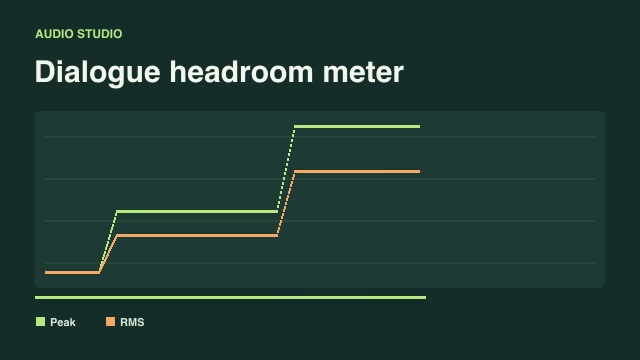
- Motion graphics & 3DProDialogue headroom meterCompare stereo sample peaks and average signal level over time to spot narration that runs out of recording headroom.Complete workflow16:9 · 0:03Verified: CodexOpen skill
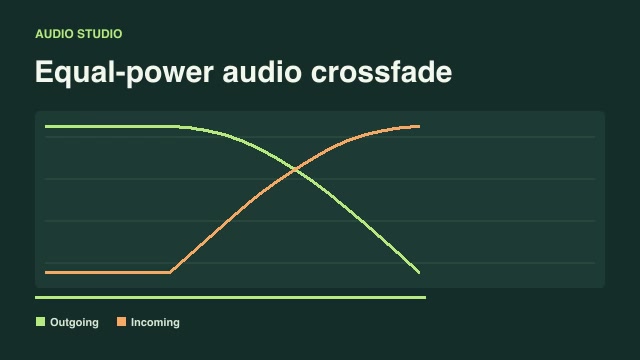
- Motion graphics & 3DProEqual-power audio crossfadeTransition between two synchronized audio takes with an equal-power curve and plot the outgoing and incoming mix gains.Complete workflow16:9 · 0:03Verified: CodexOpen skill
- Social adsProEvent-aligned comparison wipeLine up the same product action in two recordings and reveal their differences with a moving full-height wipe.Complete workflow16:9 · 0:03Verified: CodexOpen skill
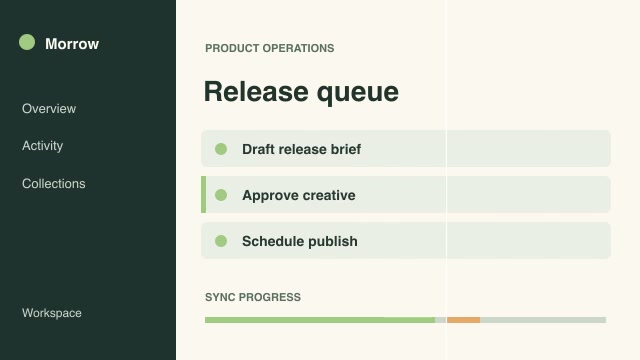
- ExplainersProGuided document readingGuide the viewer through a filmed product sheet by dimming text outside the current reading row according to a supplied cue sheet.Complete workflow16:9 · 0:04Verified: CodexOpen skill

Skills for content creators
107 skills
Before you run a skill
Common requirements in this collection. Each skill page lists its exact versions.
- Python 3.9+, FFmpeg with libx264, and librsvg available locally.
- No provider account required.
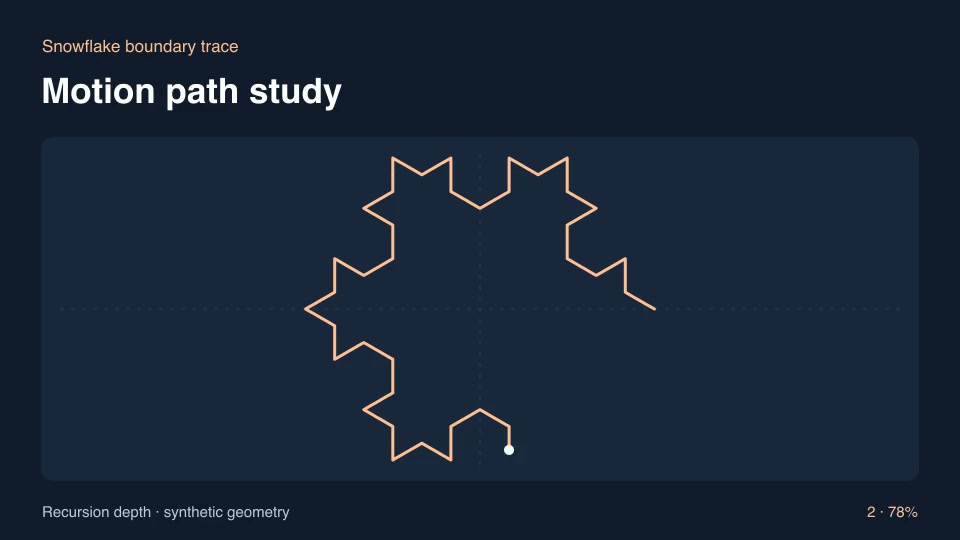
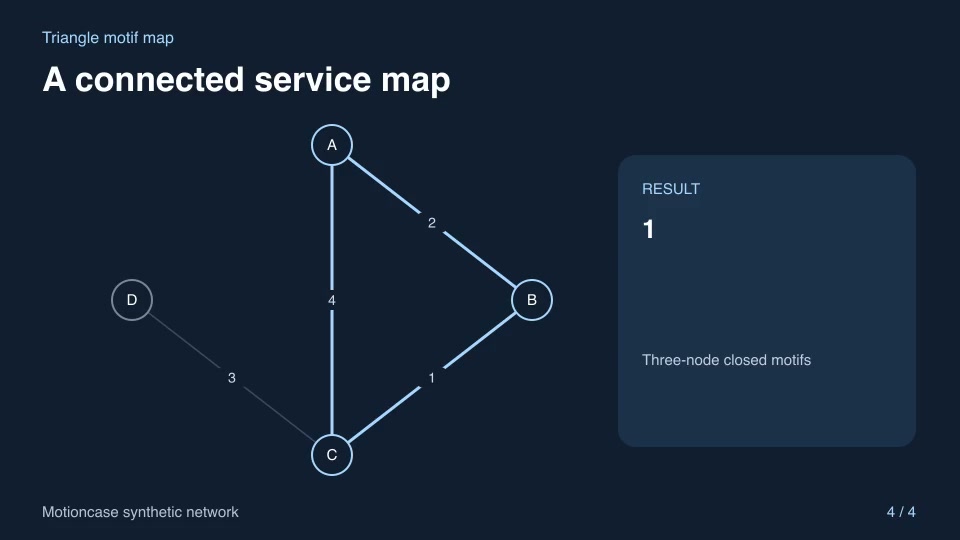
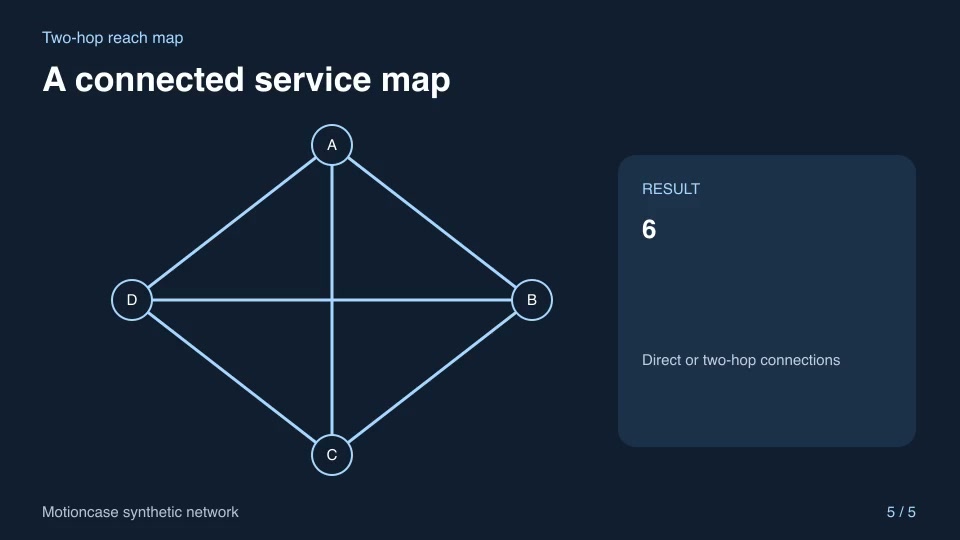
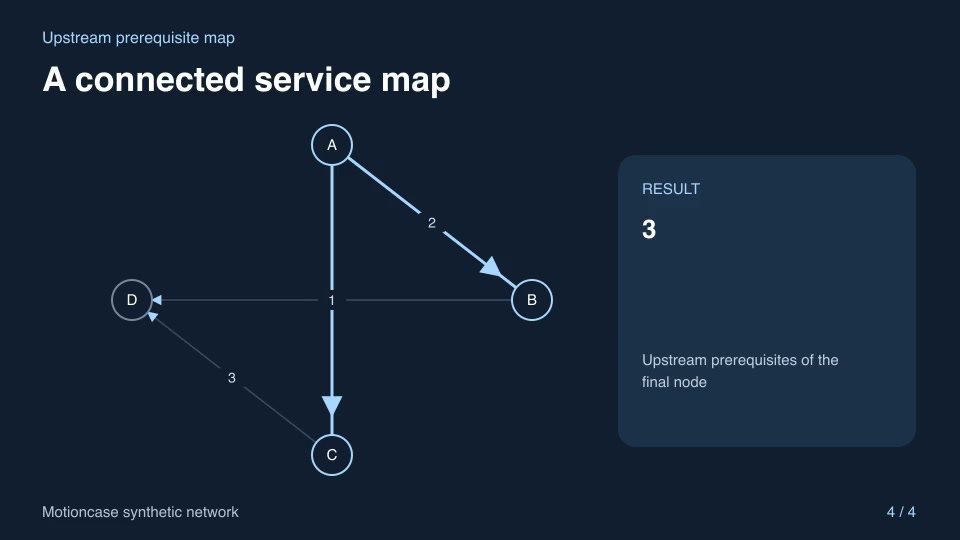
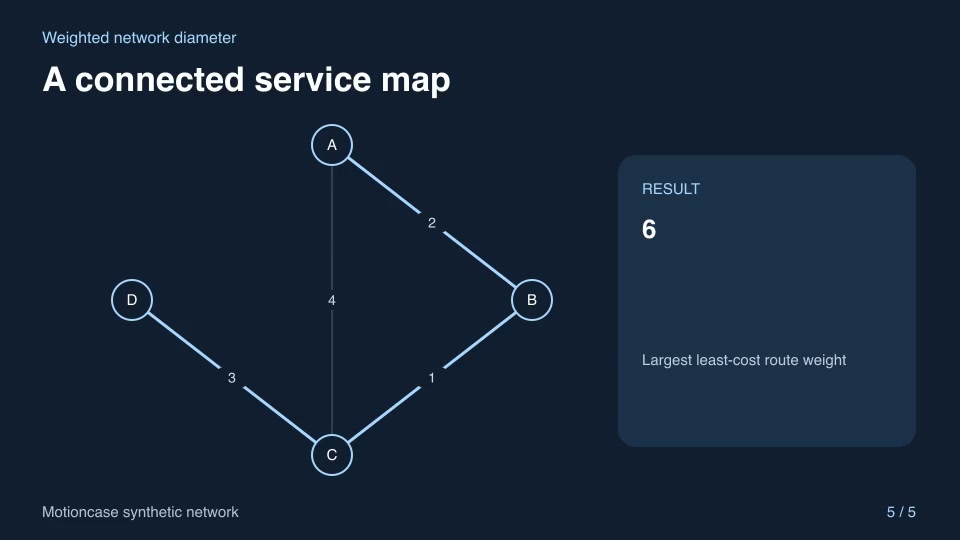
- Python 3.11+ and networkx==3.5, FFmpeg with libx264, and librsvg available locally.
How to make it with a skill
- 1Pick and previewWatch the default and customized renders, then check the inputs and requirements.
- 2Install the ZIP or connect MCPFree skills download without an account. Your agent can also install them over MCP.
- 3Render with your inputsRun the included example first, then swap in your own screens, text, data or footage.
Questions
Do I need an account to try content creators skills?
No. 8 skills are free to download without an account. Pro skills need an active membership.
Where does the video render?
On your own machine or agent environment, using the tools listed on each skill. Motioncase does not charge for rendering; external tool costs are separate.
Can I change the look and the content?
Yes. Every package includes an editable project and a second, customized example that shows which inputs to change.