
Software demosPro
Accelerated wait in a demo
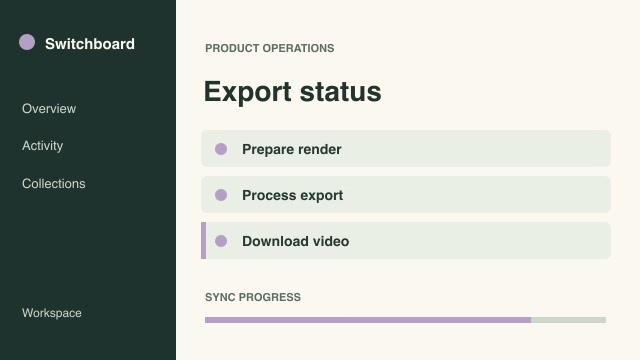
Compress a wait state by a precise speed factor while keeping the preceding action and final result at their recorded pace.
Find a workflow by the video you need to make. Preview the result and check what you’ll need to run it.
Compress a wait state by a precise speed factor while keeping the preceding action and final result at their recorded pace.
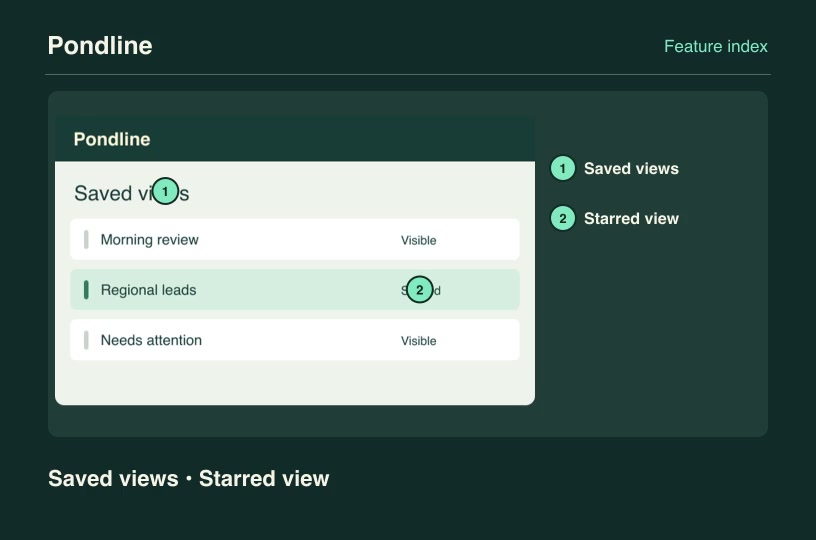
Turn a screenshot into a numbered feature index while preserving the actual position of every named product control.
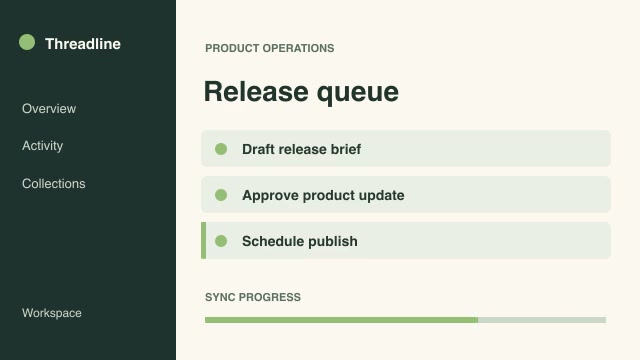
Cover a selected section of the main recording with B-roll, then return to the original program at the correct moment.
Choose the brightest genuinely visible frame inside each source interval and hold the selected moments as a review reel.
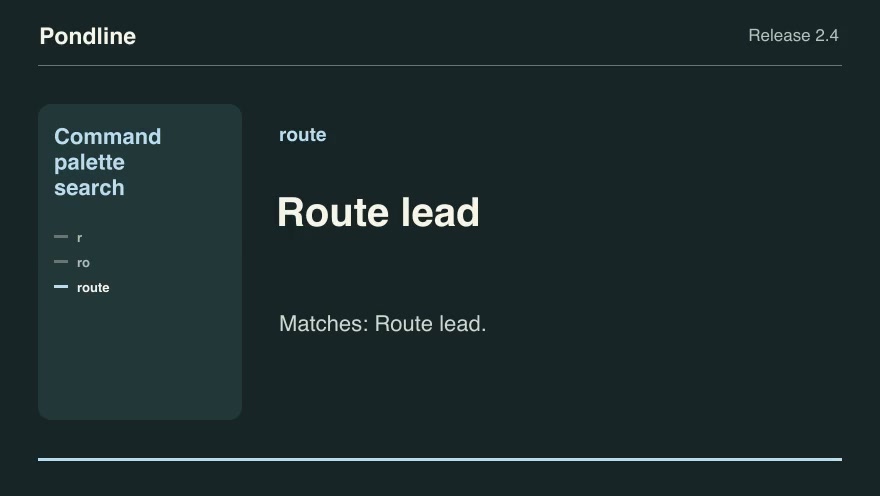
Show the command palette results for progressively typed query prefixes, ranking title matches ahead of keyword-only matches.
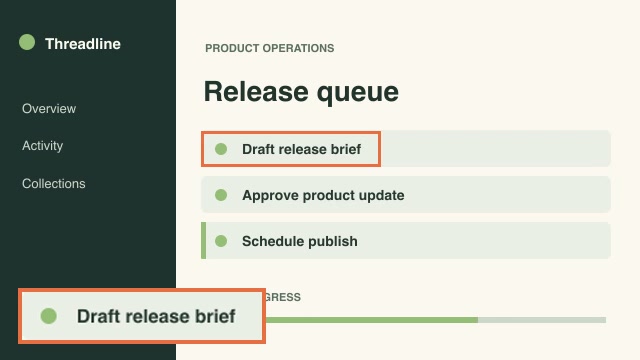
Magnify a small control alongside its original context and mark its source rectangle throughout a tutorial.
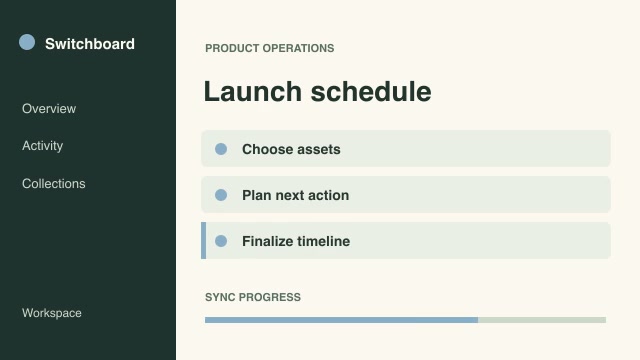
Select camera angles at exact program frames while preserving continuous synchronized time across all recordings.
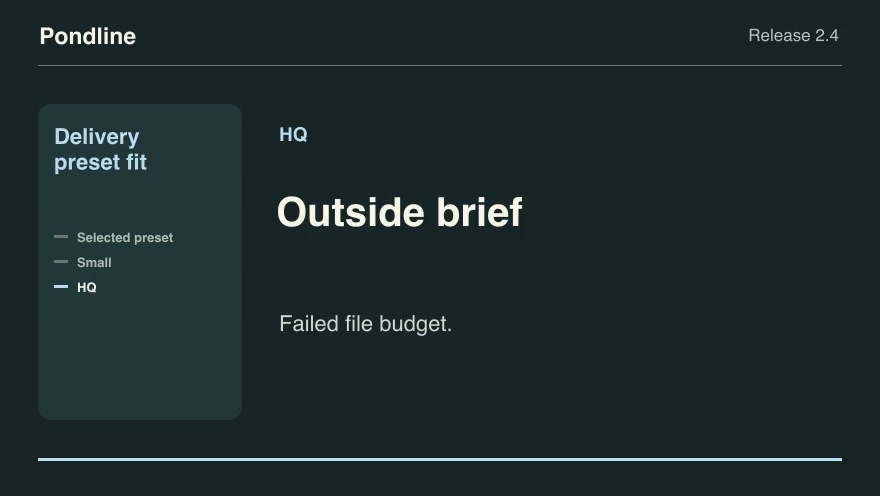
Select edit/export presets that meet the brief's codec, frame size and file-size limits, then show the smallest eligible result.
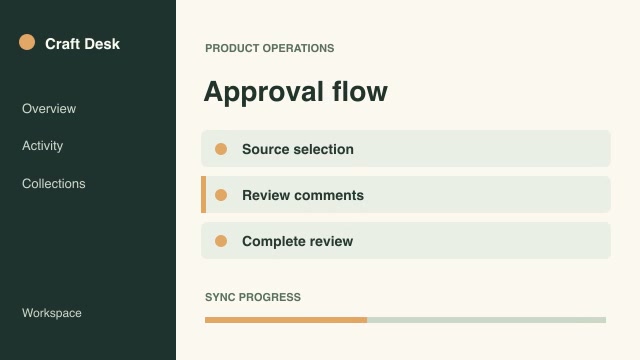
Build one continuous edit from two takes by blending the overlapping outgoing and incoming frames over an exact duration.
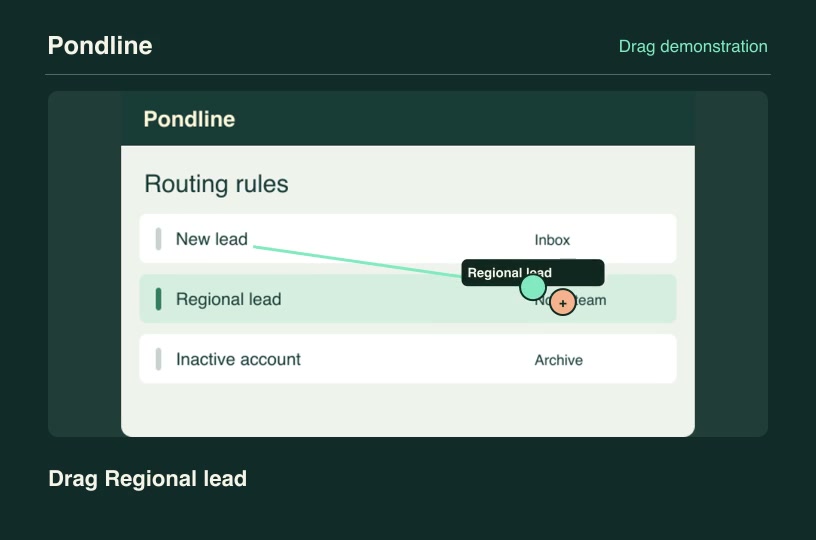
Illustrate a drag-and-drop gesture from a supplied source to a true destination in a product screenshot.
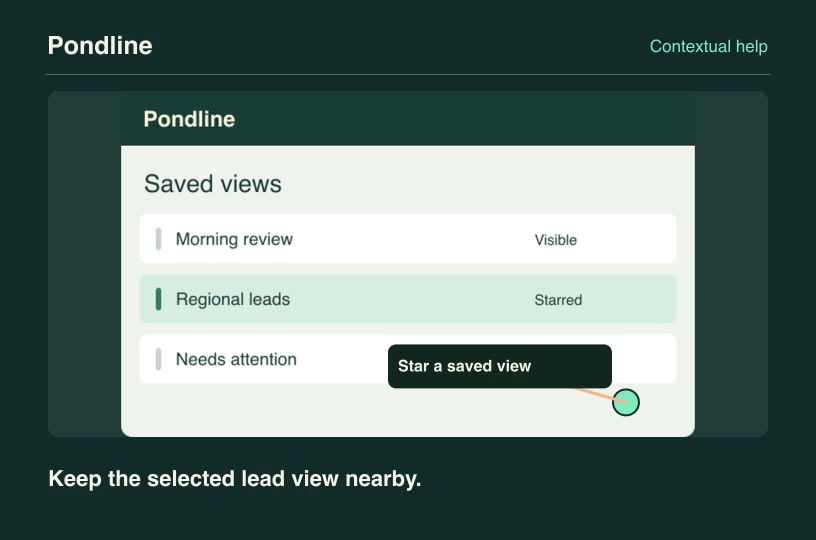
Anchor a readable tooltip to a real control and automatically move the callout inward at a screen edge.
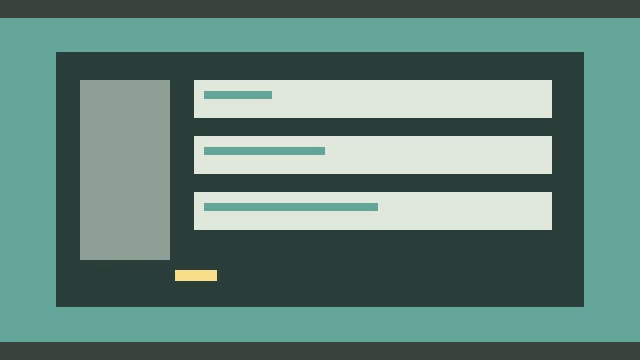
Locate horizontal black bars using a representative frame and export the cropped picture without distorting its aspect ratio.
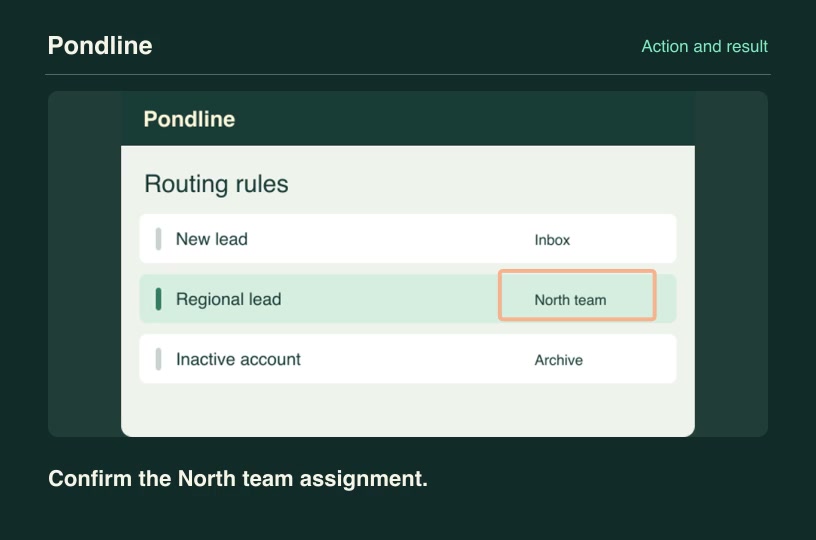
Show a deliberate tap on a control, cut to its corresponding result screenshot and identify the verified response.
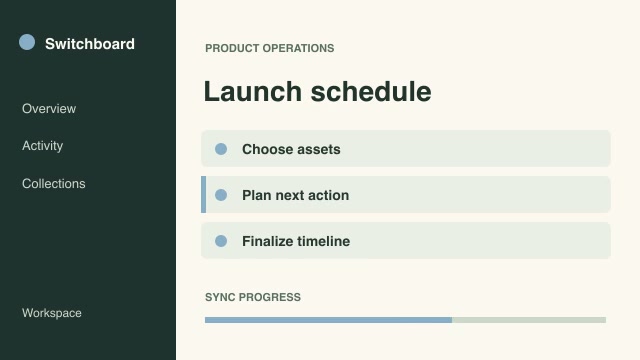
Allocate a fixed video length across source clips according to editorial weights and center each excerpt on a chosen moment.
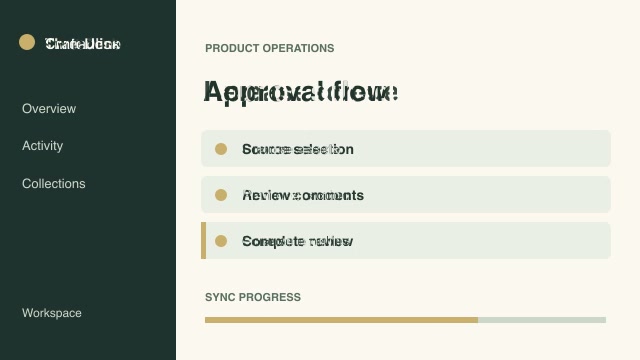
Let the luminance of a third moving clip selectively reveal a foreground recording over a background.
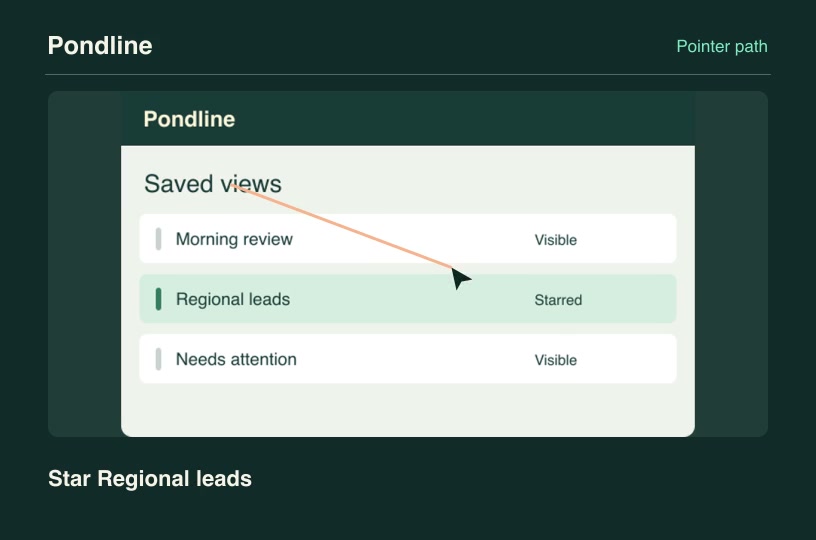
Direct a cursor along the ordered controls in a screenshot while each authored action label appears.
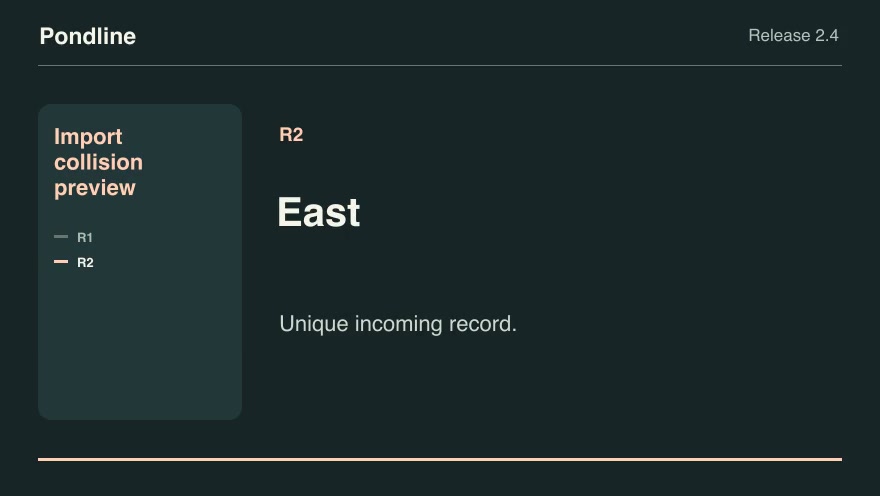
Group incoming records by external ID and apply the chosen collision policy before showing the import result.
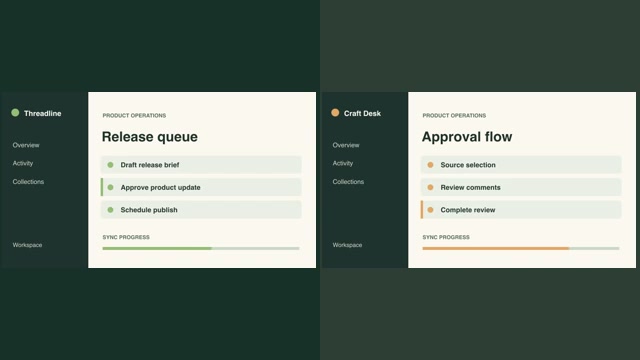
Pair a full input capture with its result without cropping either image and align the second clip to a chosen start frame.
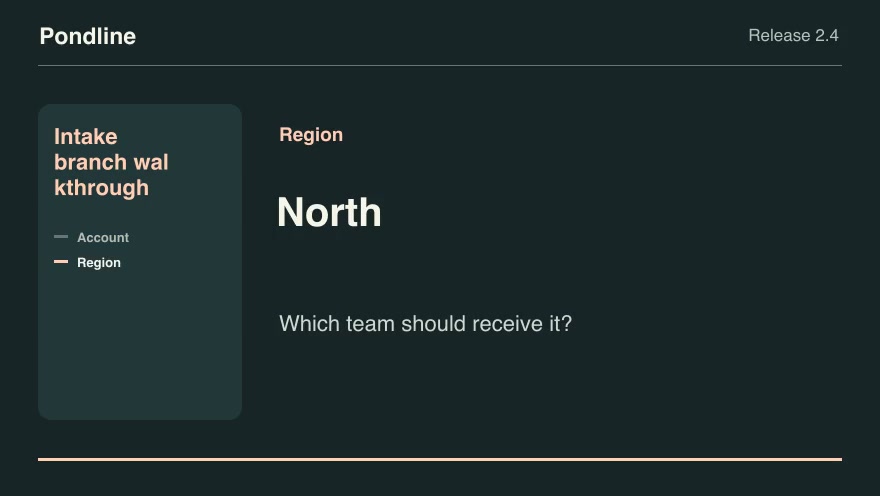
Trace a customer's answers through an actual conditional form and display only the questions that the selected branches reach.
Compare matched product recordings and isolate areas whose pixels changed beyond a chosen tolerance.
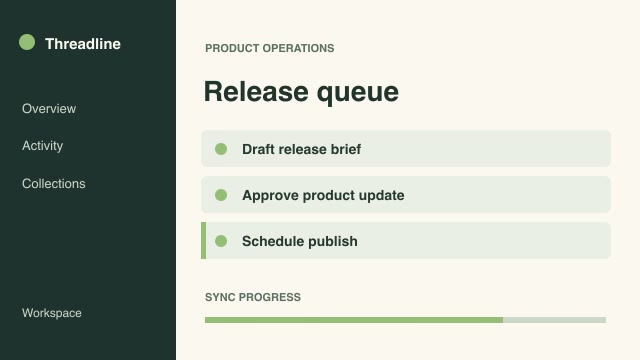
Move marked events to specified output timestamps using piecewise retiming, so a demo can follow a preplanned narration.
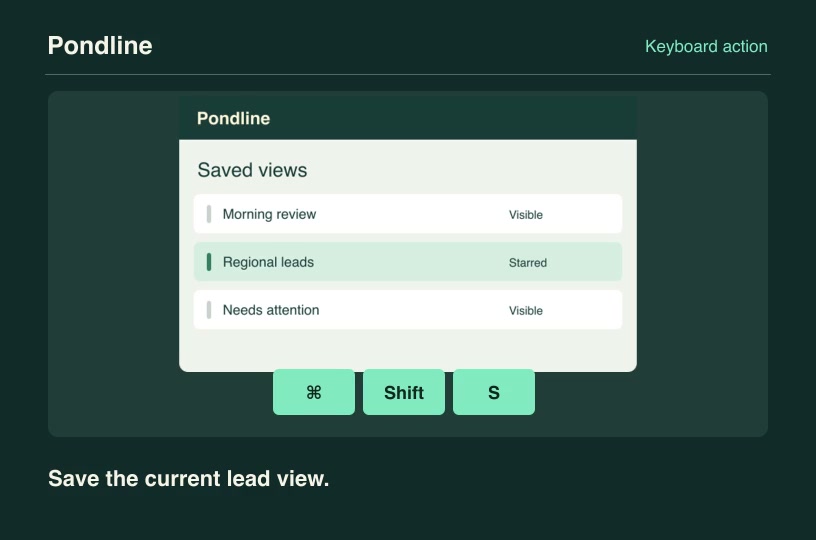
Translate an ordered shortcut into clear platform-specific keycaps alongside the product screen it controls.
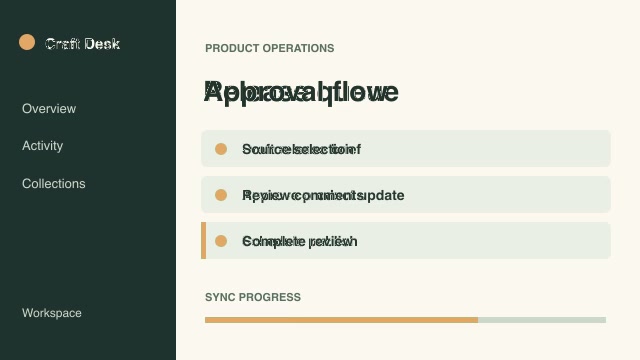
Remove a selected backdrop color from an overlay recording and composite the remaining subject onto a different scene.
Measure active-picture brightness in a reference take, then correct a second take toward that level for a consistent sequence.