Aller au contenu du tableau de bord
Motioncase

Video skills by use case

Data stories & charts

Bring a handful of numbers to life with running totals, rankings, distributions and trend lines.

Skills
61
Free
4
Complete workflows
0
Free · Explainers · 0:03Asymmetric growth revealDownload ZIP
More filters

Data stories & charts

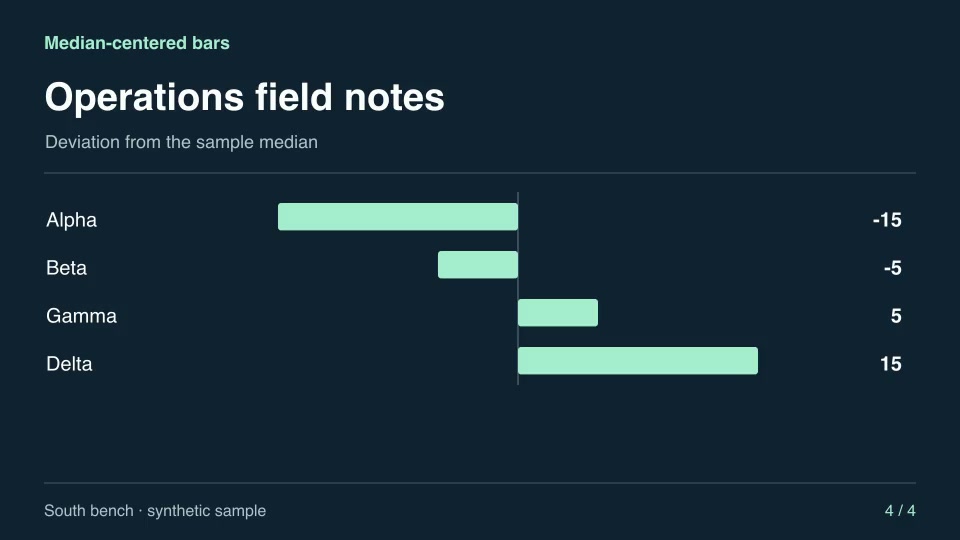
Motion graphics & 3DProMedian-centered barsContrast individual readings against the group’s median to show above- and below-center cases.Component16:9 · 0:04Verified: CodexOpen skill
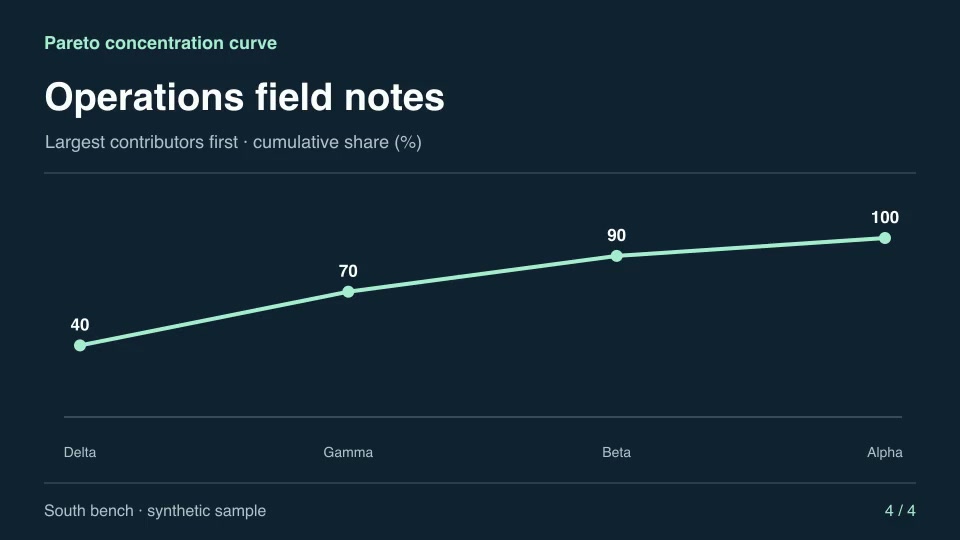
Motion graphics & 3DProPareto concentration curveRank contributions and trace the cumulative share captured by each successive category.Component16:9 · 0:04Verified: CodexOpen skill
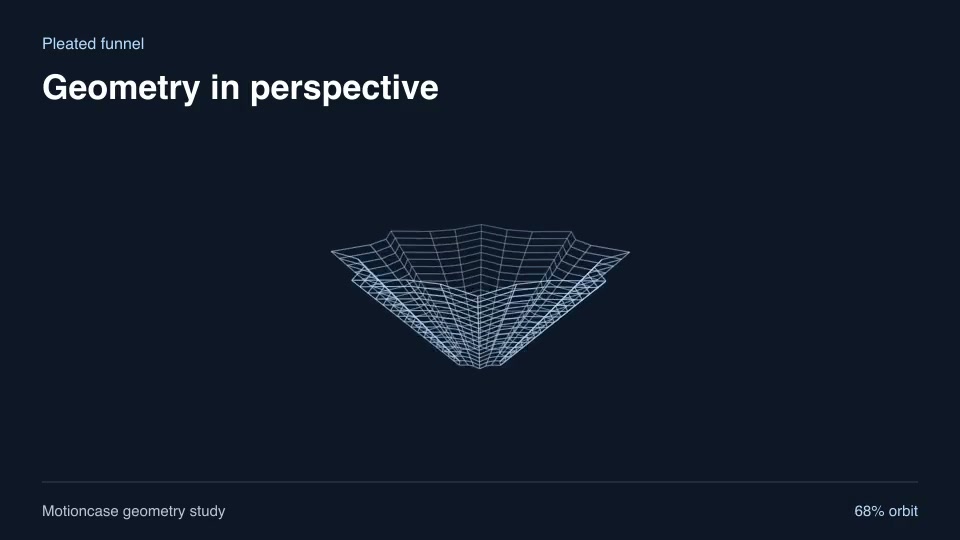
Motion graphics & 3DProPleated funnelReveal a fluted funnel with radial pleats that narrow toward its opening.Component16:9 · 0:02Verified: CodexOpen skill
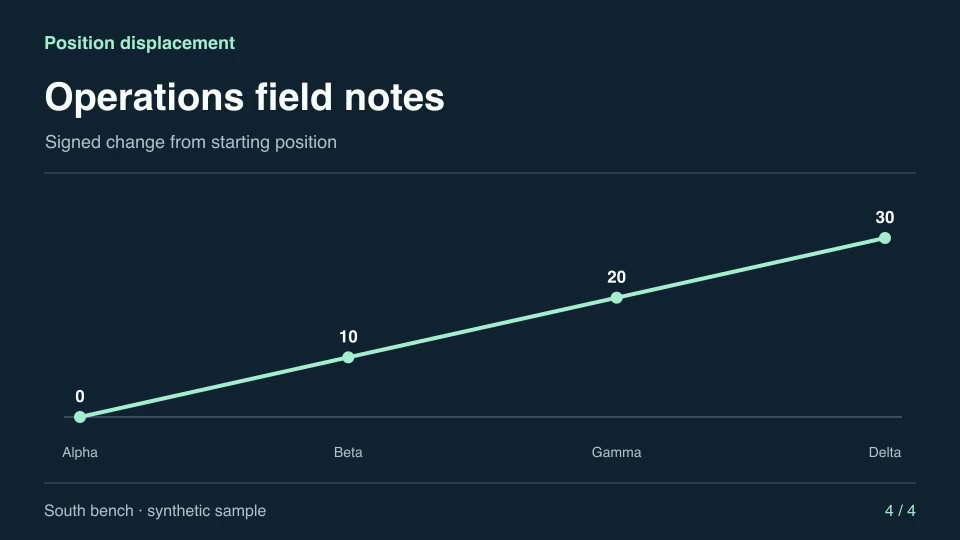
Motion graphics & 3DProPosition displacementCompare each measured position with the starting point and preserve direction.Component16:9 · 0:04Verified: CodexOpen skill
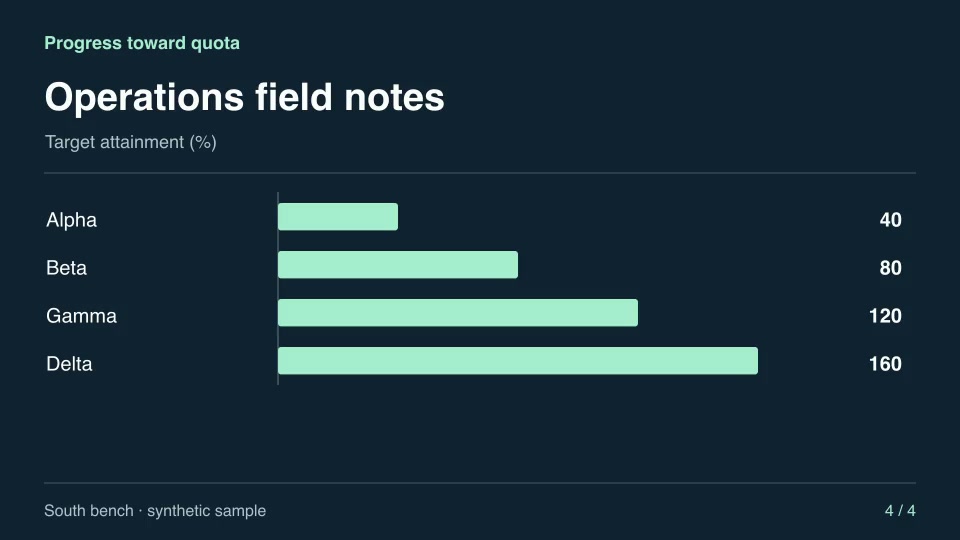
Motion graphics & 3DProProgress toward quotaReport the share of a positive quota reached by each labeled measurement.Component16:9 · 0:04Verified: CodexOpen skill
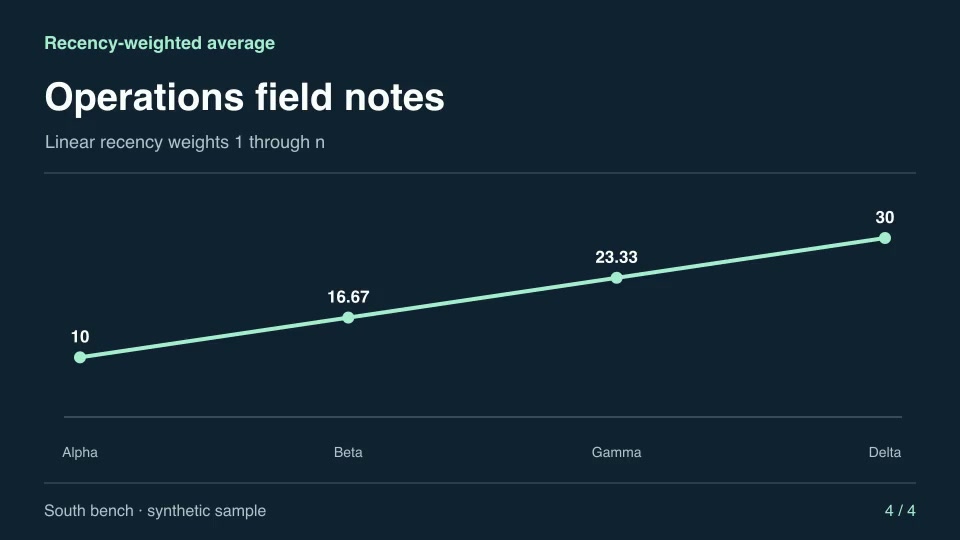
Motion graphics & 3DProRecency-weighted averageCalculate a cumulative average that gives each later observation proportionally more weight.Component16:9 · 0:04Verified: CodexOpen skill
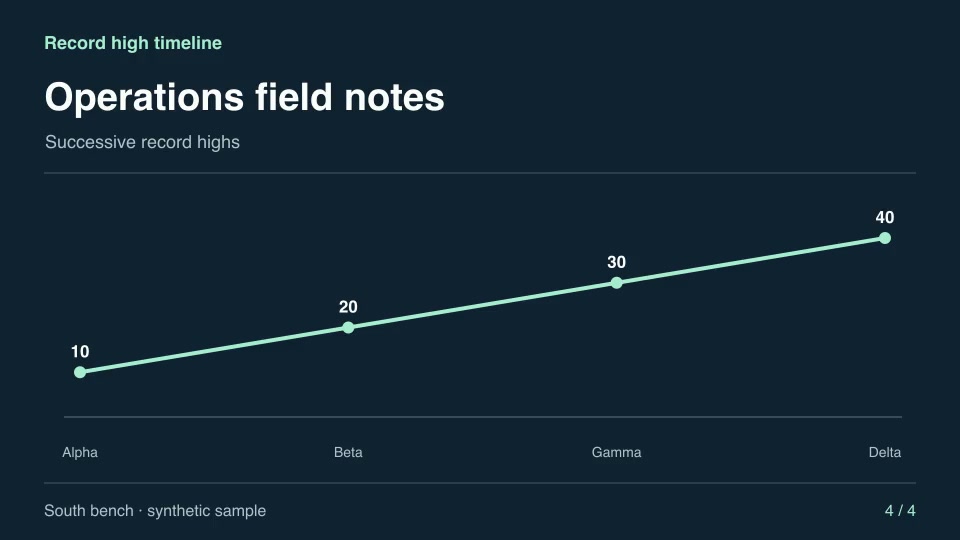
Motion graphics & 3DProRecord high timelineReveal only observations that set a new high, retaining each record’s original label.Component16:9 · 0:04Verified: CodexOpen skill
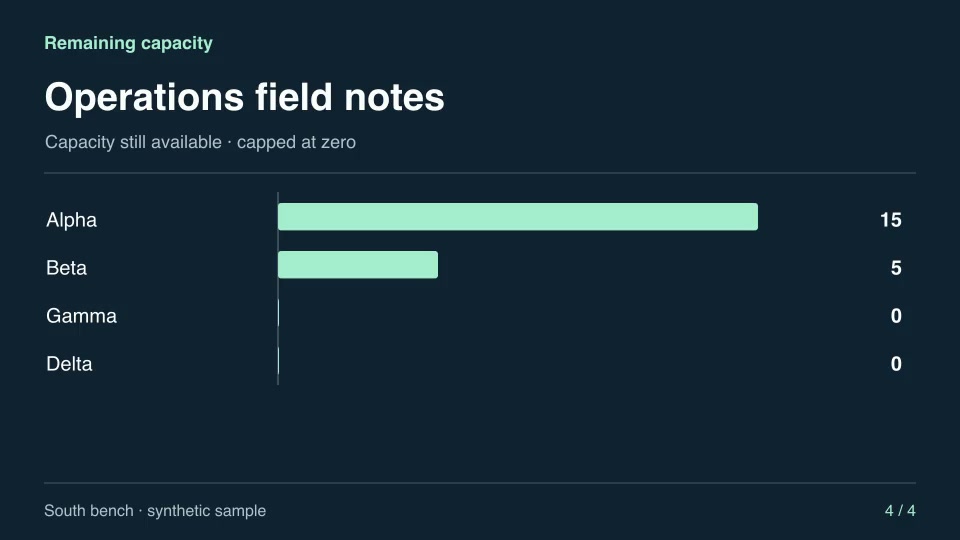
Motion graphics & 3DProRemaining capacityCalculate the positive headroom available in each bucket against a shared limit.Component16:9 · 0:04Verified: CodexOpen skill
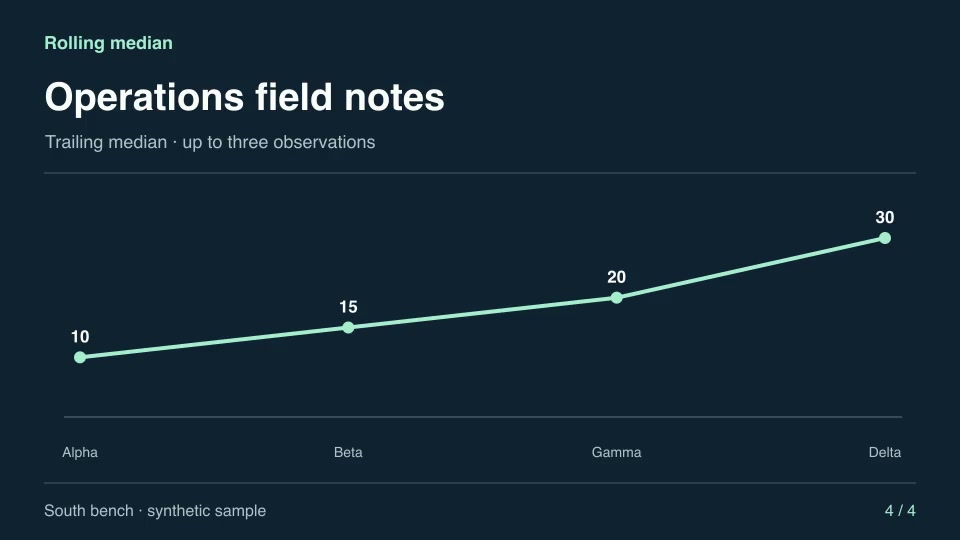
Motion graphics & 3DProRolling medianAnimate a three-observation trailing median to reduce the influence of isolated spikes.Component16:9 · 0:04Verified: CodexOpen skill
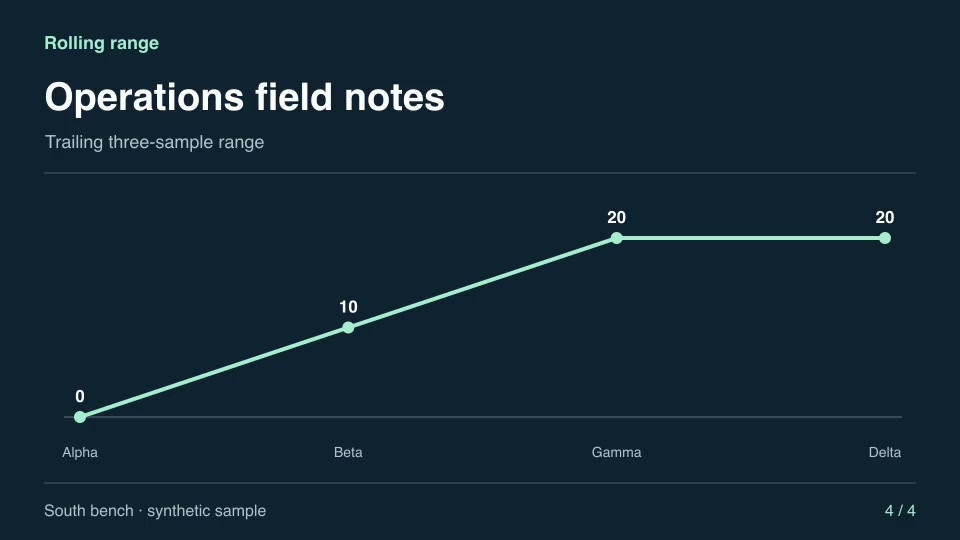
Motion graphics & 3DProRolling rangeShow the difference between the maximum and minimum in each trailing three-sample window.Component16:9 · 0:04Verified: CodexOpen skill
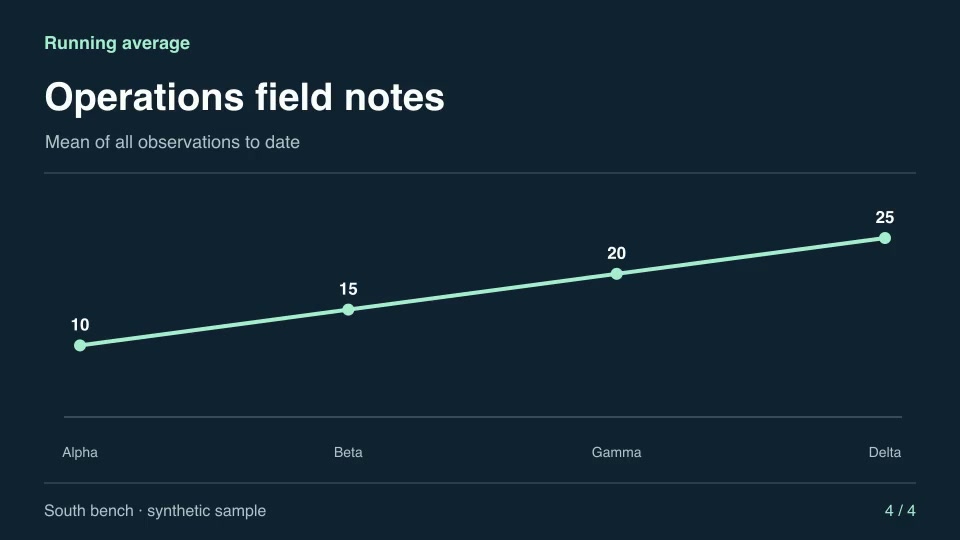
Motion graphics & 3DProRunning averageTrace how the estimated mean evolves as each observation arrives.Component16:9 · 0:04Verified: CodexOpen skill
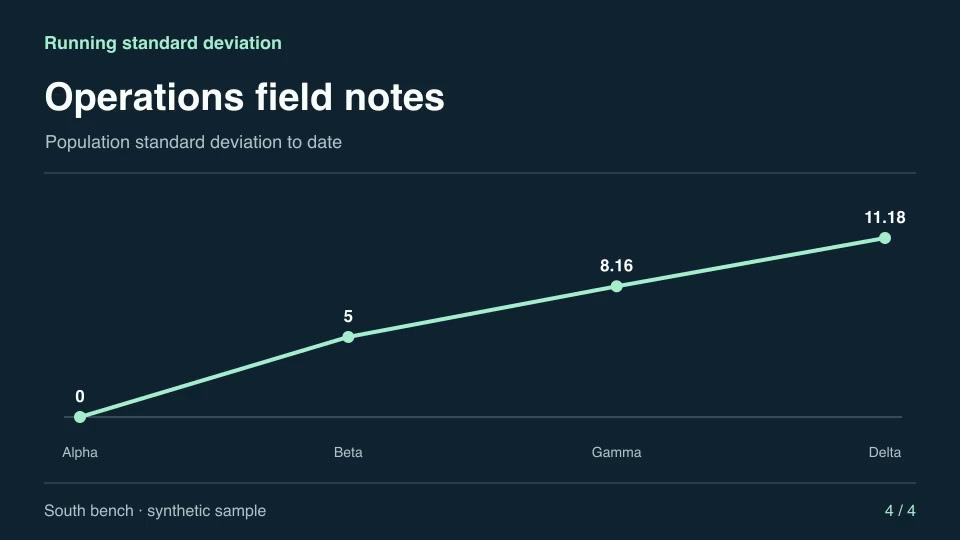
Motion graphics & 3DProRunning standard deviationTrack population variability as each new sample joins the series.Component16:9 · 0:04Verified: CodexOpen skill
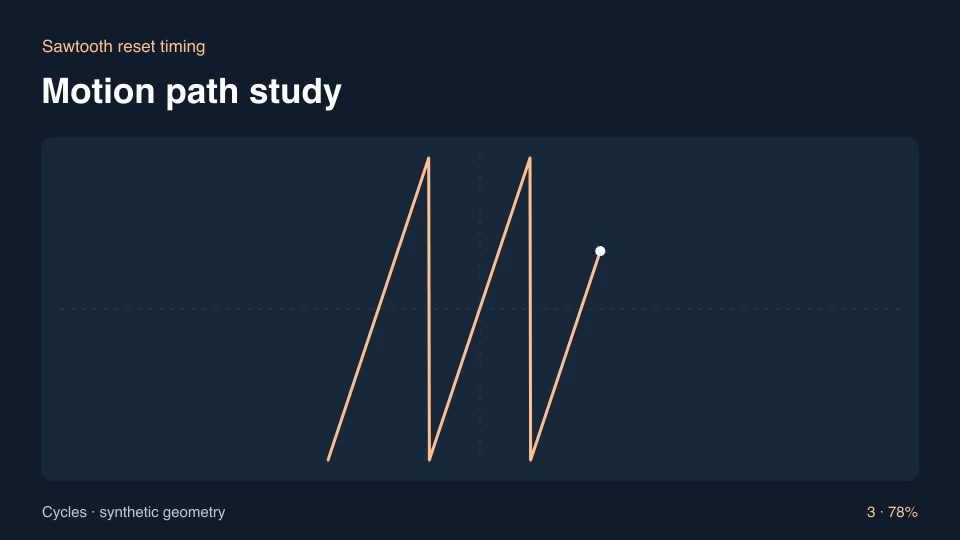
Motion graphics & 3DProSawtooth reset timingReveal a linear accumulation followed by periodic resets for a timing diagram.Component16:9 · 0:03Verified: CodexOpen skill
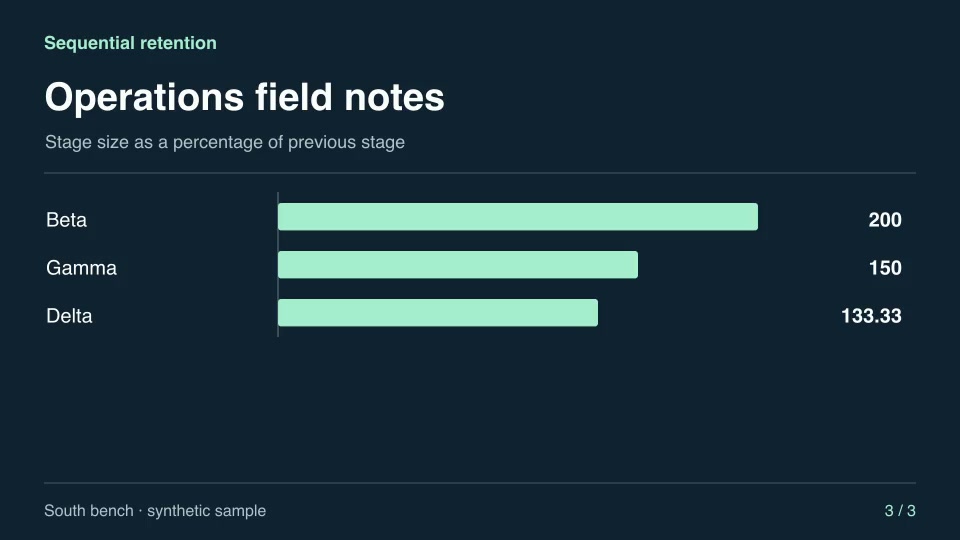
Motion graphics & 3DProSequential retentionCompute how much of the prior stage remains as observations move through a process.Component16:9 · 0:04Verified: CodexOpen skill
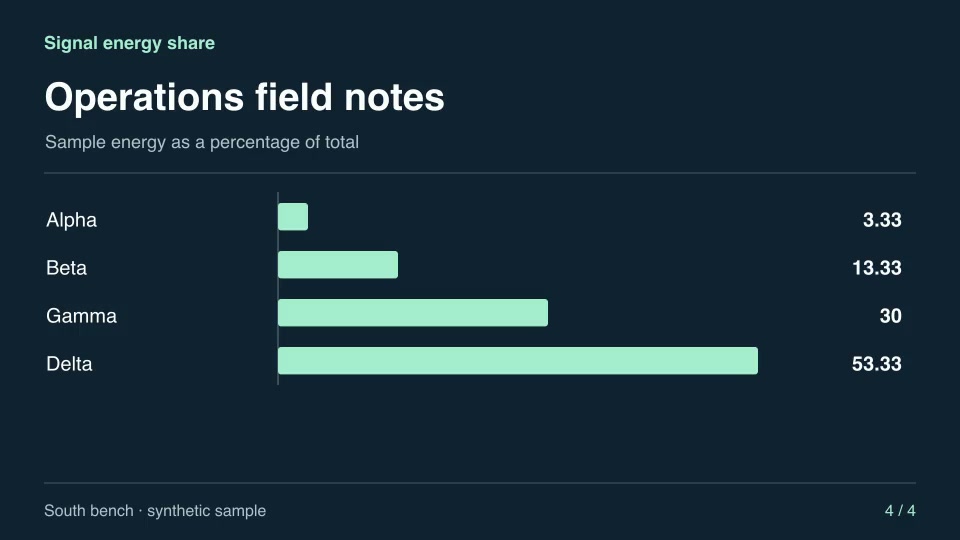
Motion graphics & 3DProSignal energy shareCalculate the fraction of total squared signal energy carried by each sample.Component16:9 · 0:04Verified: CodexOpen skill
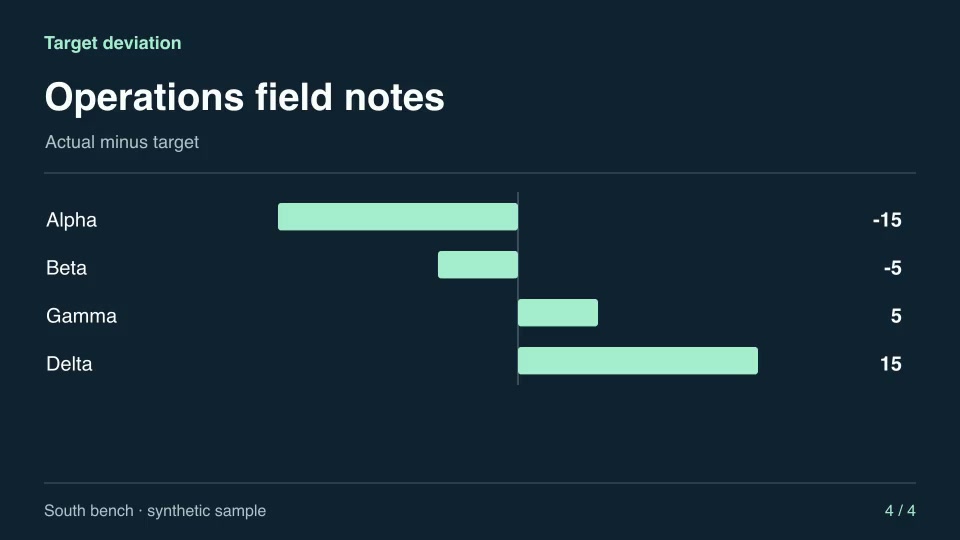
Motion graphics & 3DProTarget deviationShow which categories overshot or missed a supplied target and by how much.Component16:9 · 0:04Verified: CodexOpen skill
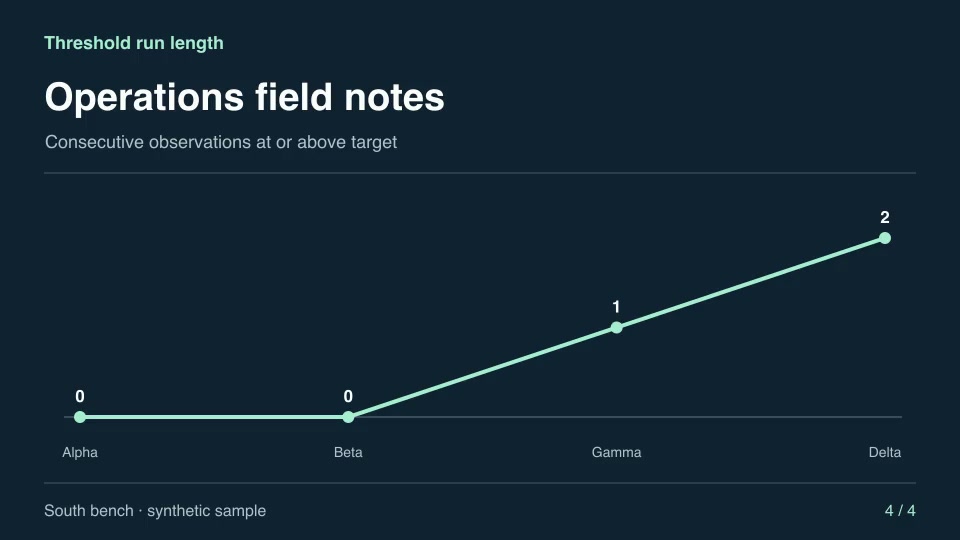
Motion graphics & 3DProThreshold run lengthShow the length of the current consecutive run of readings meeting a target.Component16:9 · 0:04Verified: CodexOpen skill
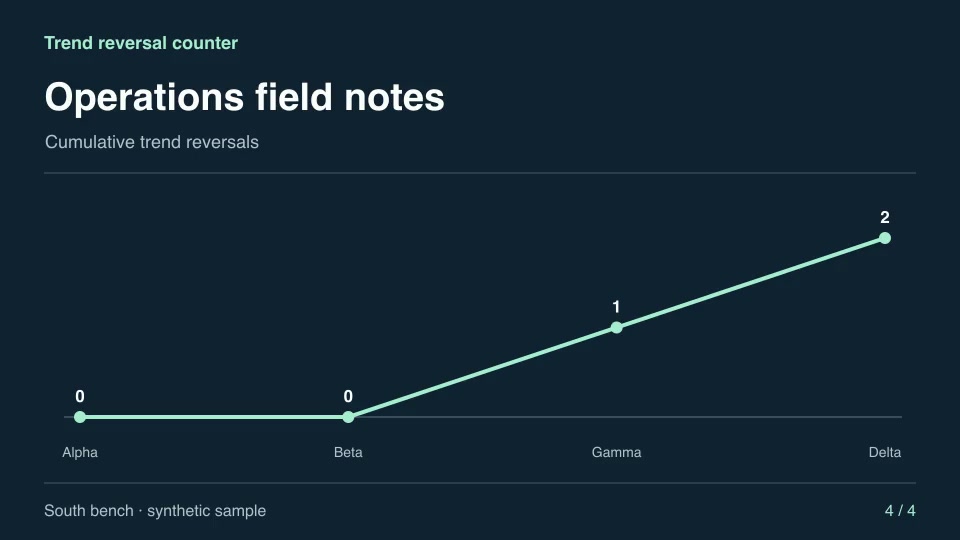
Motion graphics & 3DProTrend reversal counterCount changes of direction in a sampled series while ignoring flat intervals.Component16:9 · 0:04Verified: CodexOpen skill
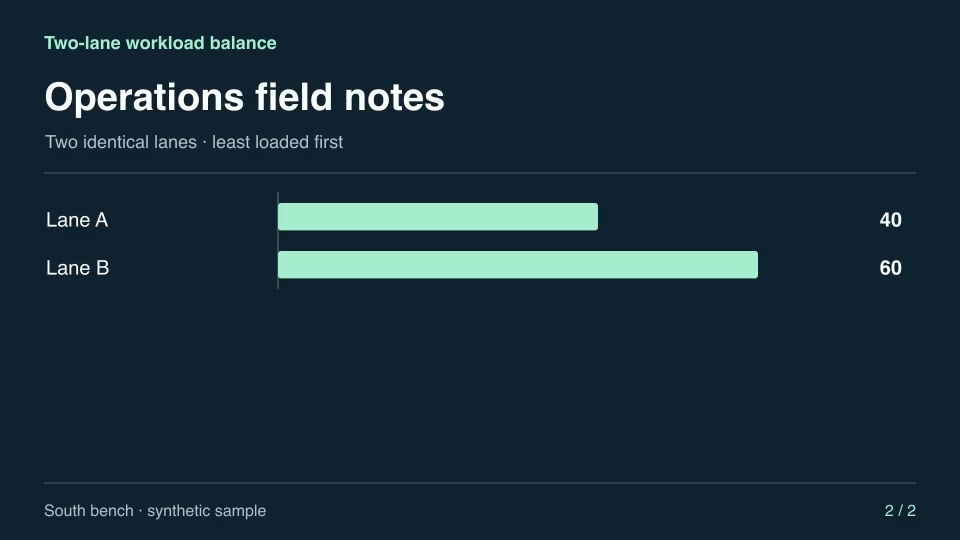
Motion graphics & 3DProTwo-lane workload balanceAssign each incoming task to the least-loaded of two lanes and show the resulting lane loads.Component16:9 · 0:03Verified: CodexOpen skill
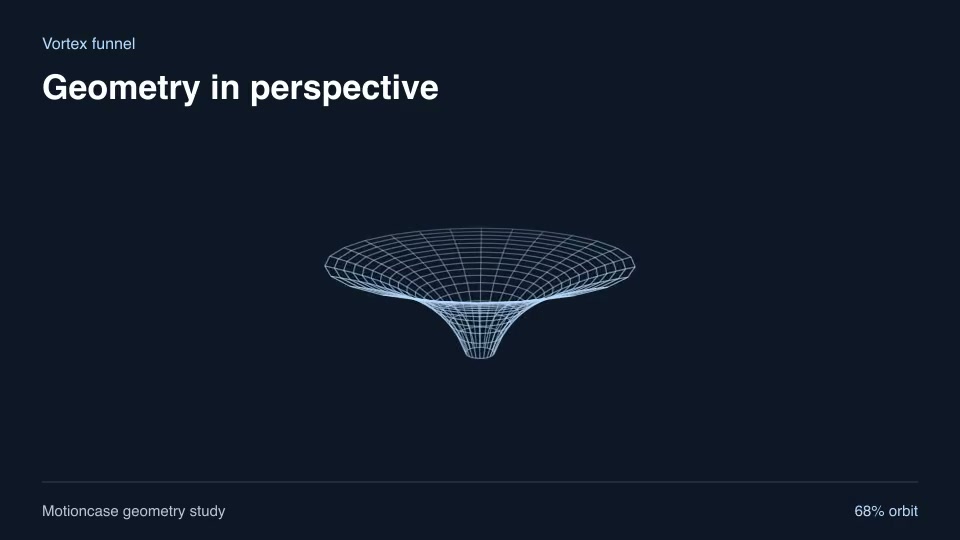
Motion graphics & 3DProVortex funnelIllustrate a deep rotational funnel with a bounded central opening.Component16:9 · 0:02Verified: CodexOpen skill
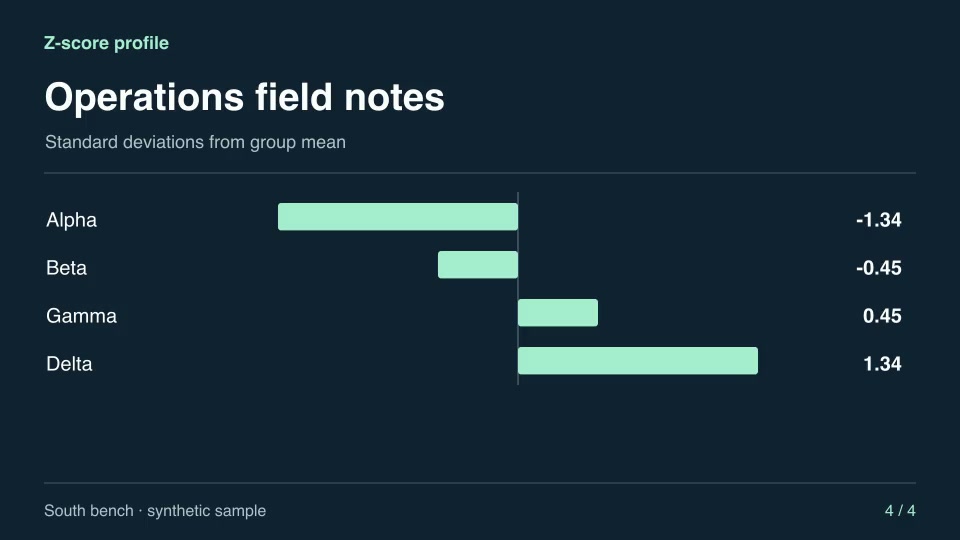
Motion graphics & 3DProZ-score profileStandardize a measurement series into population standard deviations for side-by-side comparison.Component16:9 · 0:04Verified: CodexOpen skill
Clear search and filters

Before you run a skill

Common requirements in this collection. Each skill page lists its exact versions.

  • Python 3.9+, FFmpeg with libx264, and librsvg available locally.
  • No provider account required.

How to make it with a skill

  1. 1Pick and previewWatch the default and customized renders, then check the inputs and requirements.
  2. 2Install the ZIP or connect MCPFree skills download without an account. Your agent can also install them over MCP.
  3. 3Render with your inputsRun the included example first, then swap in your own screens, text, data or footage.

Questions

Do I need an account to try data stories & charts skills?

No. 4 skills are free to download without an account. Pro skills need an active membership.

Where does the video render?

On your own machine or agent environment, using the tools listed on each skill. Motioncase does not charge for rendering; external tool costs are separate.

Can I change the look and the content?

Yes. Every package includes an editable project and a second, customized example that shows which inputs to change.