
Video skills by use case
3D & generative motion
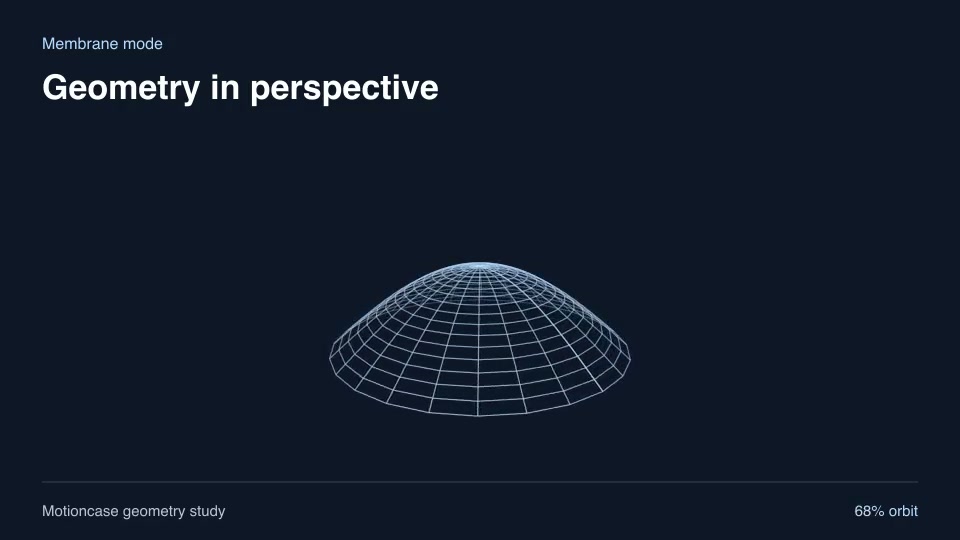
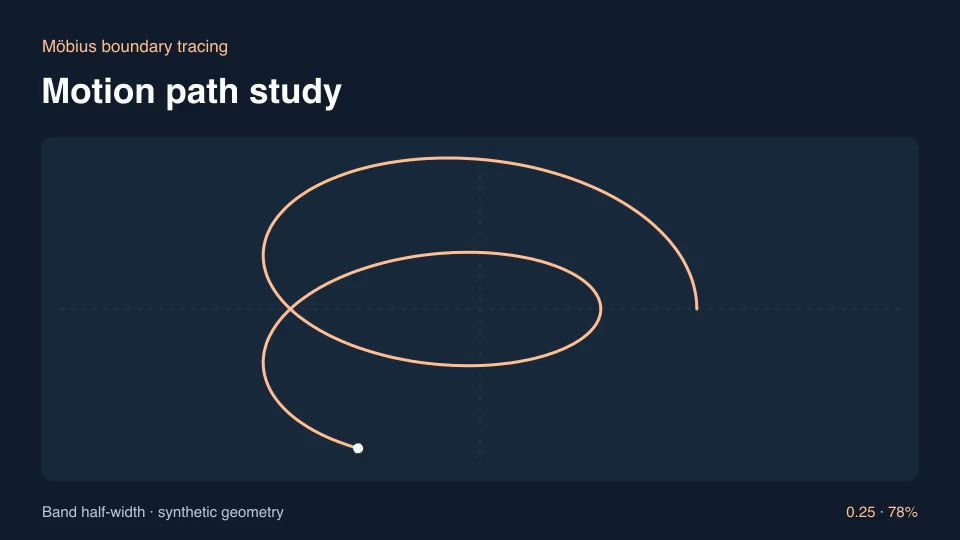
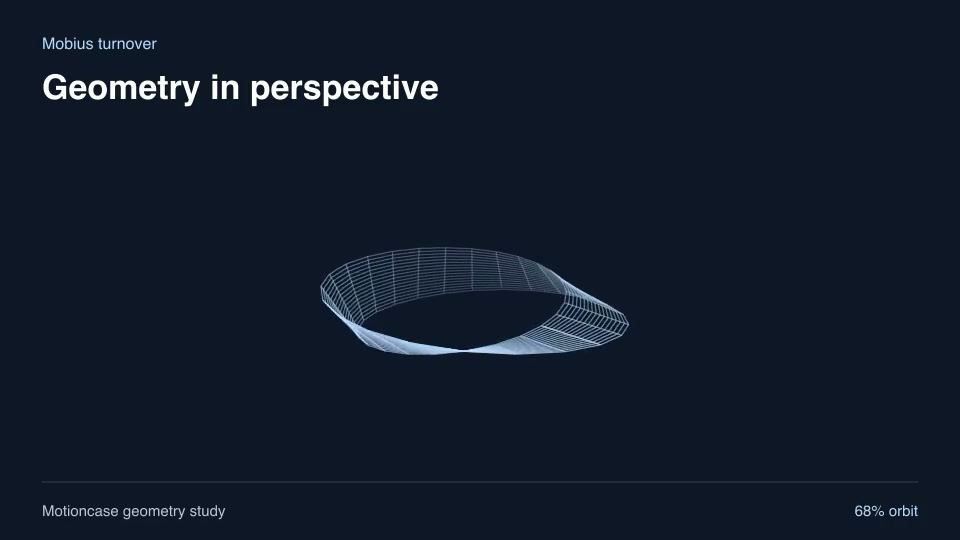
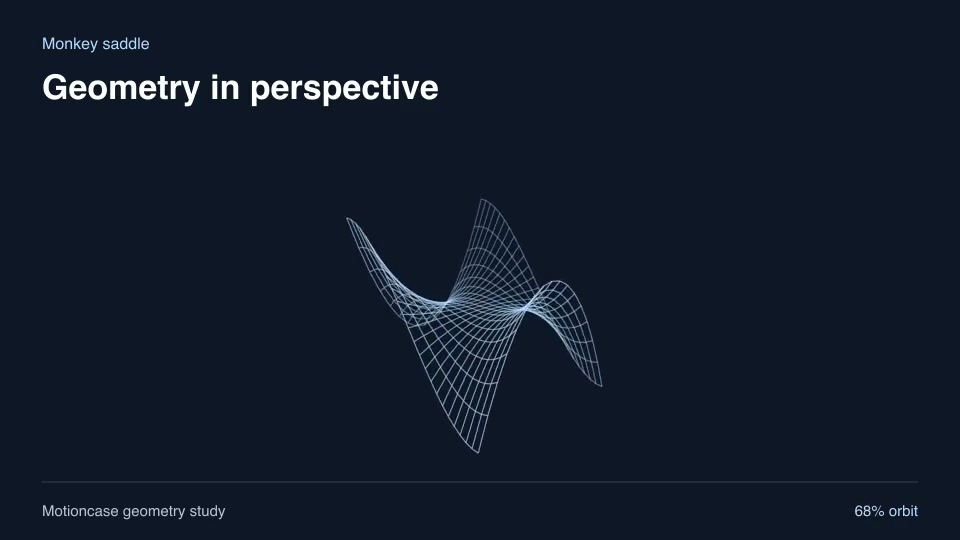
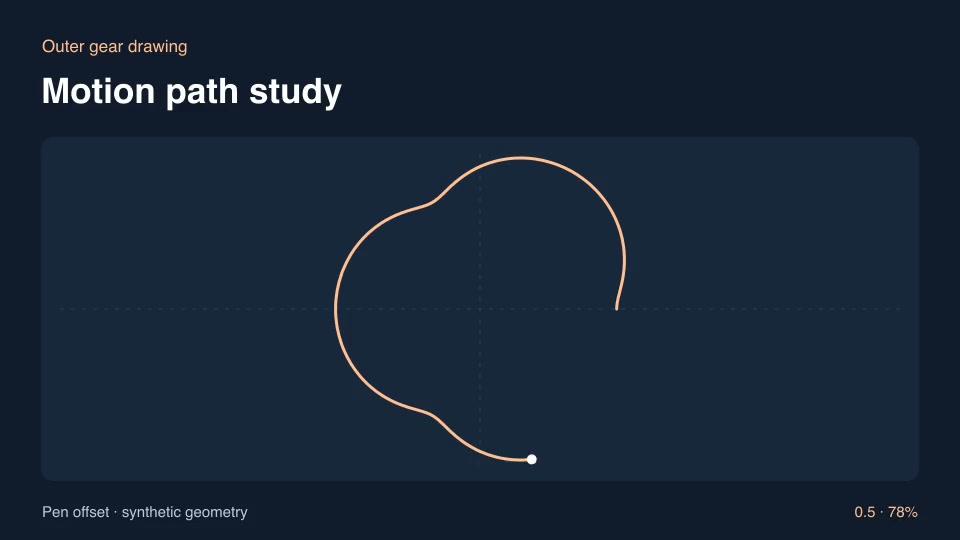
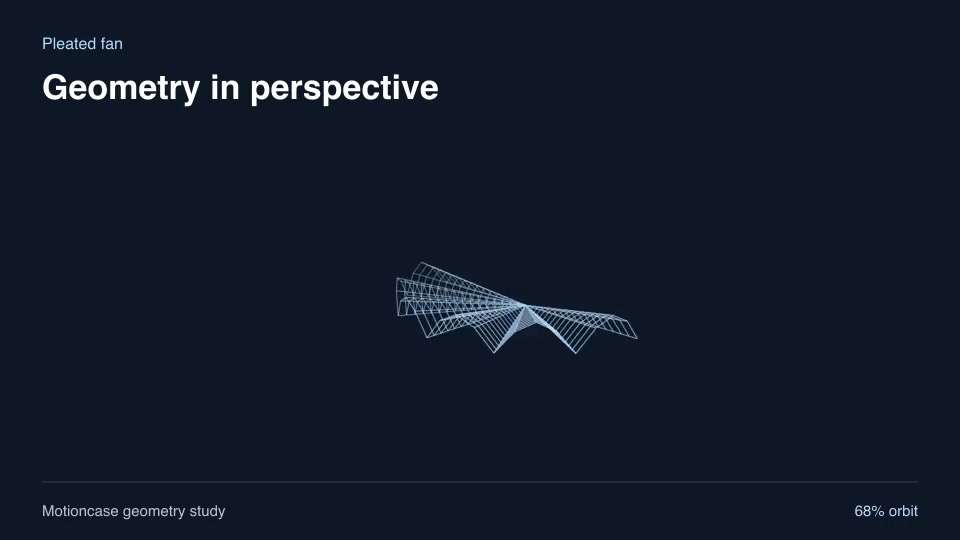
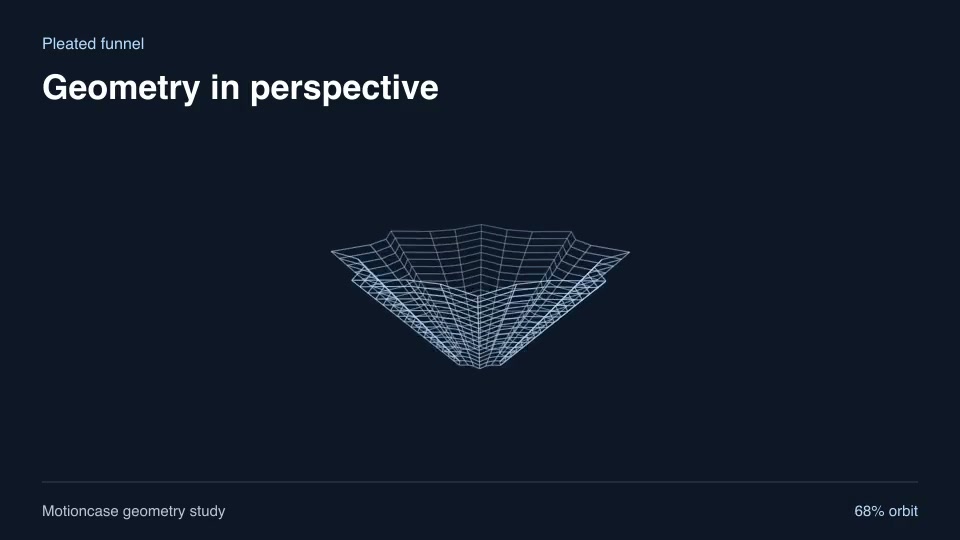
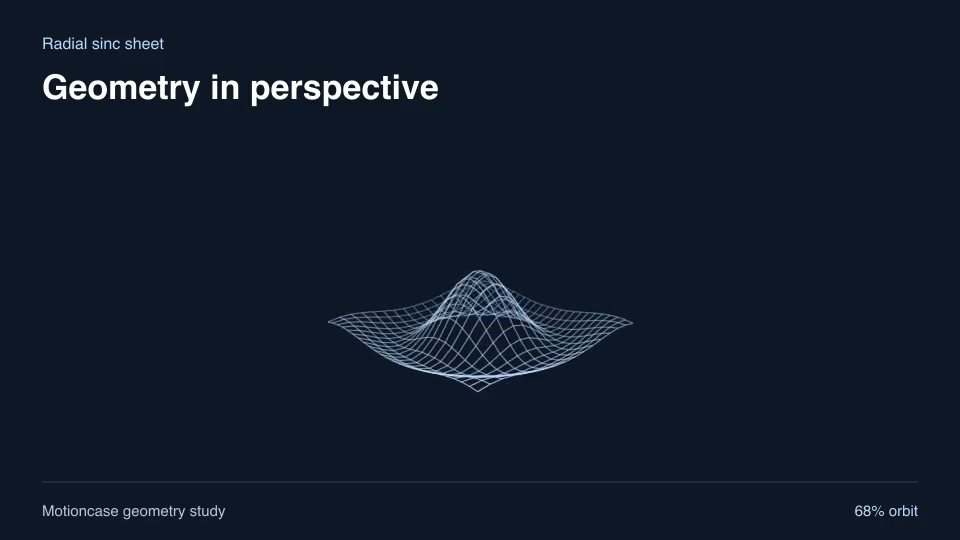
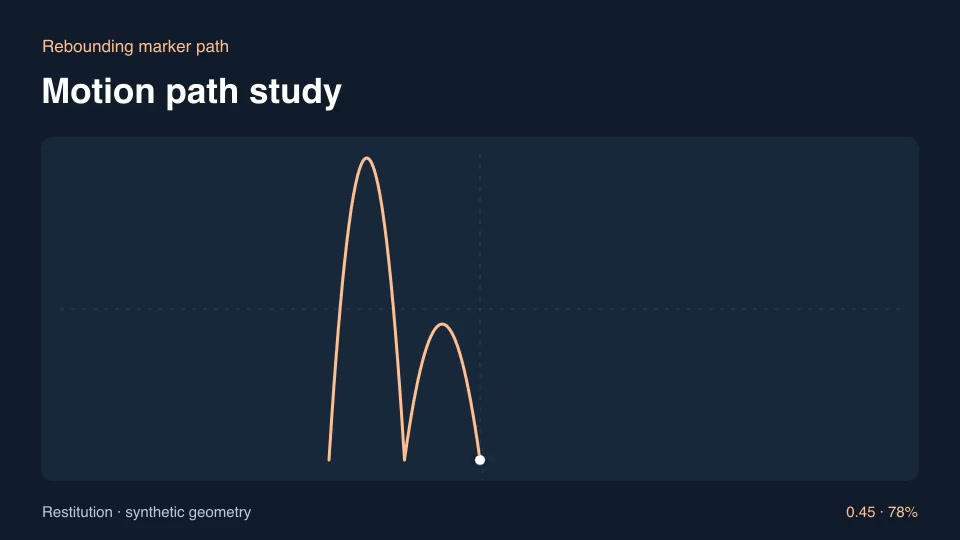
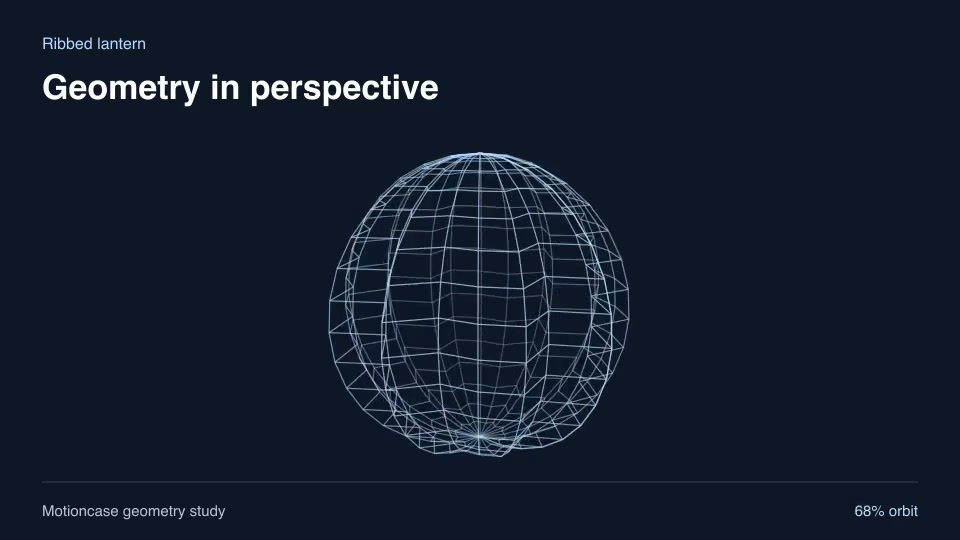
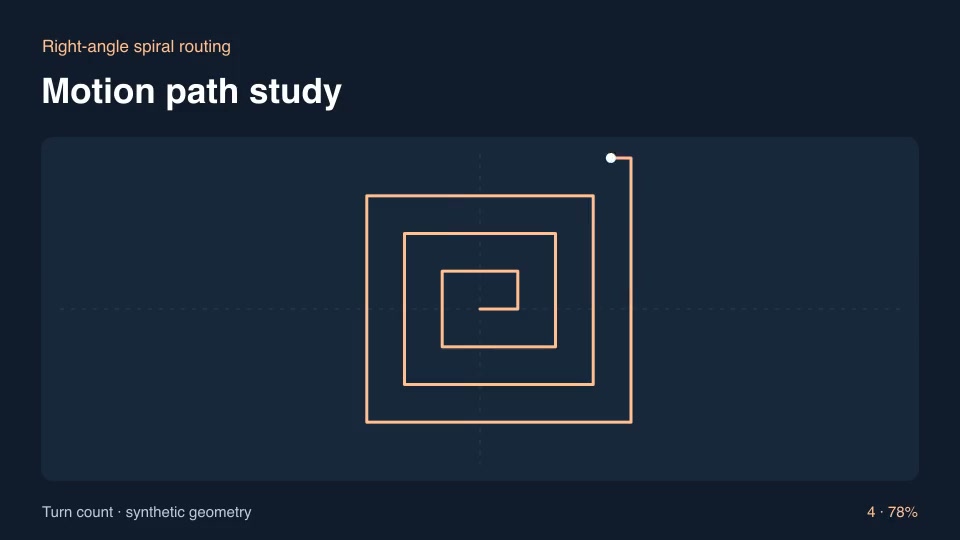
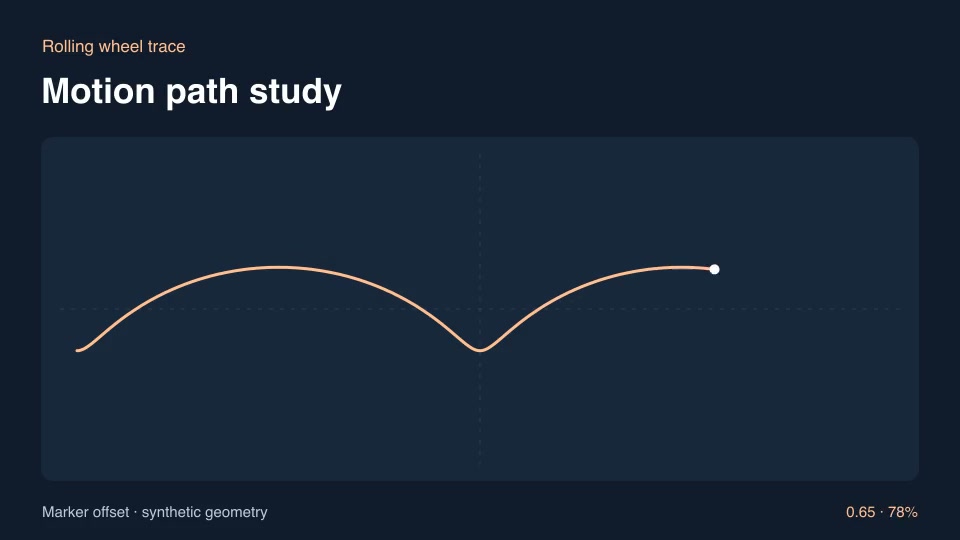
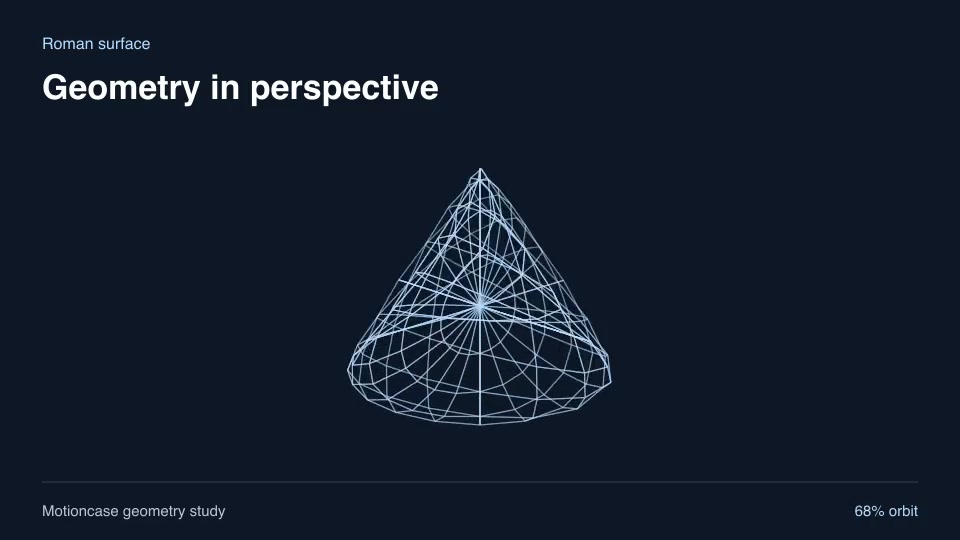
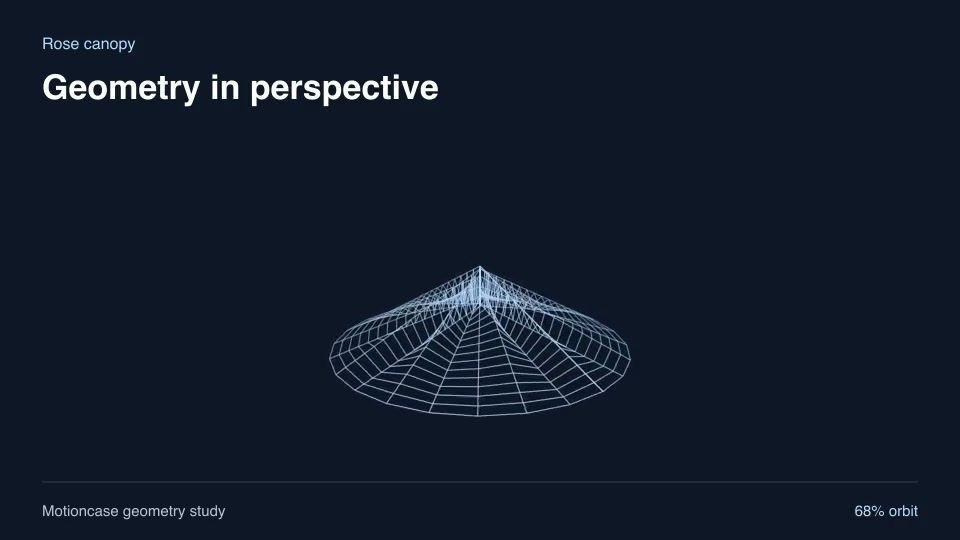
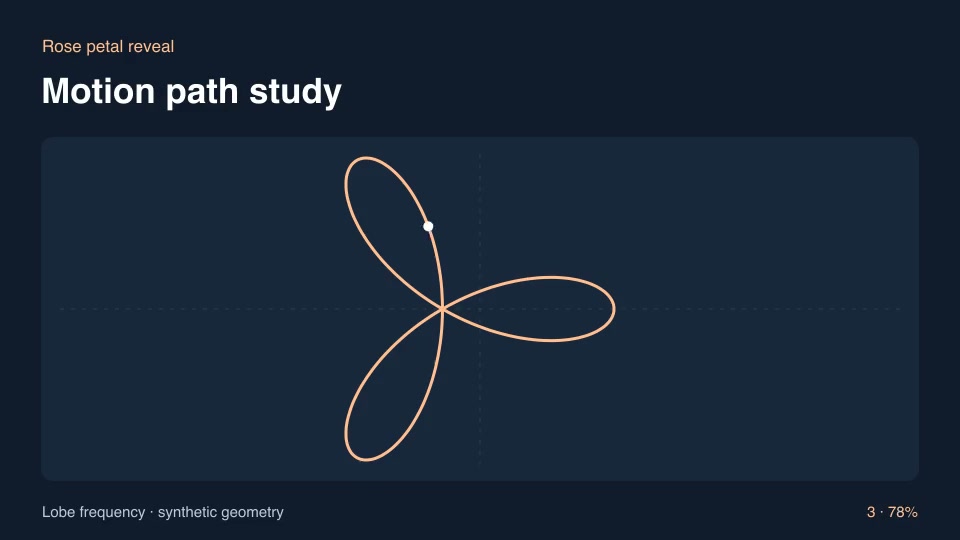
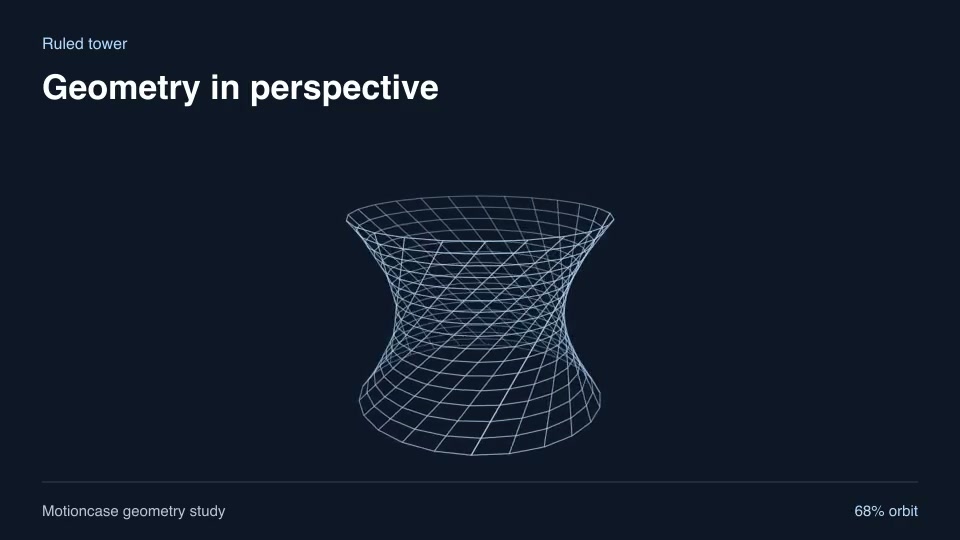
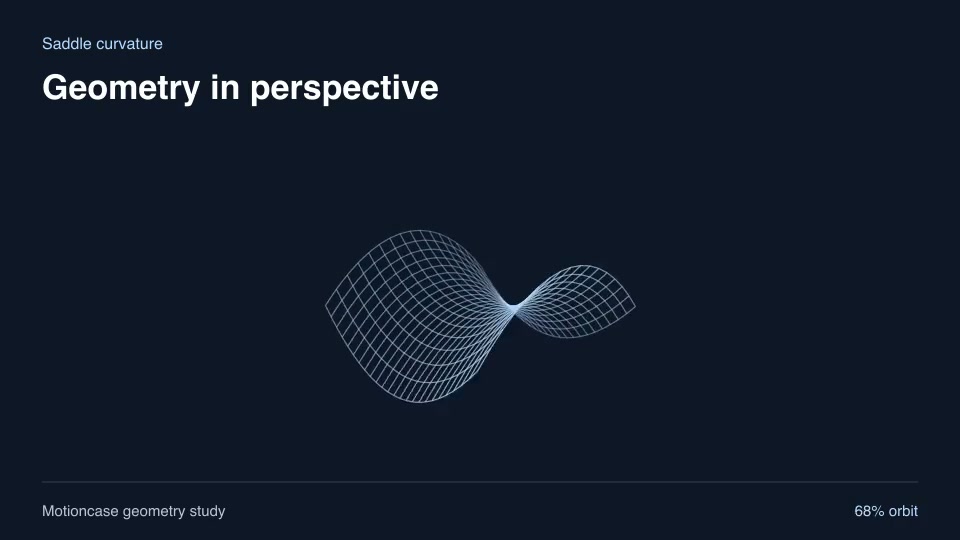
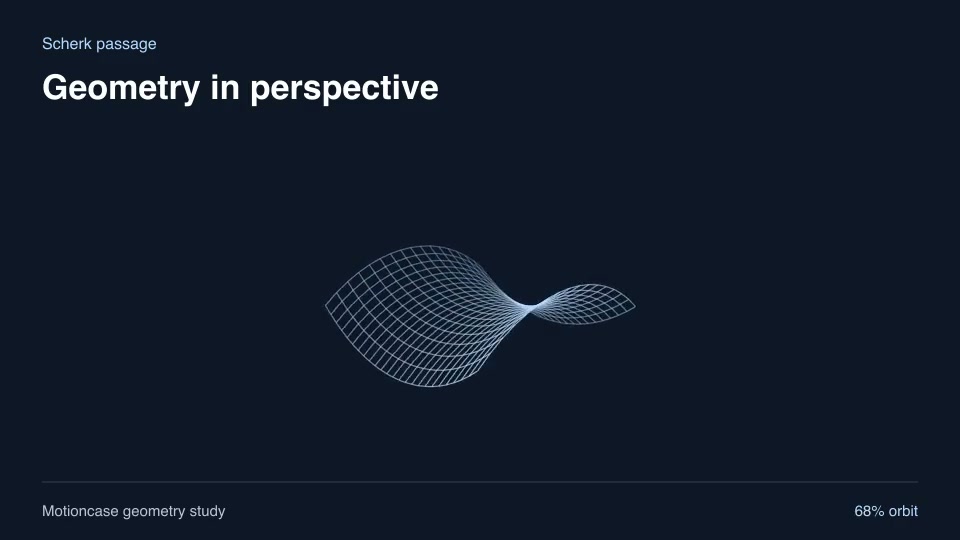
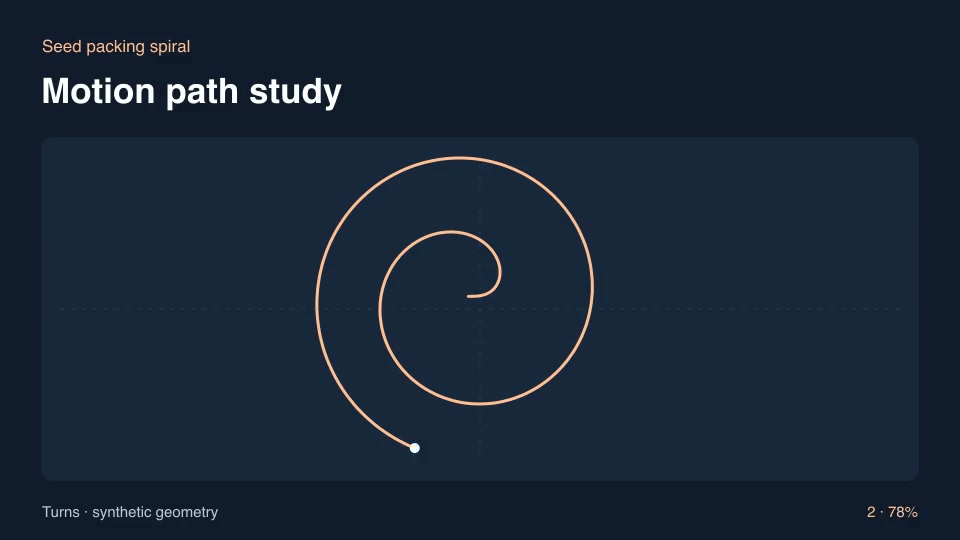
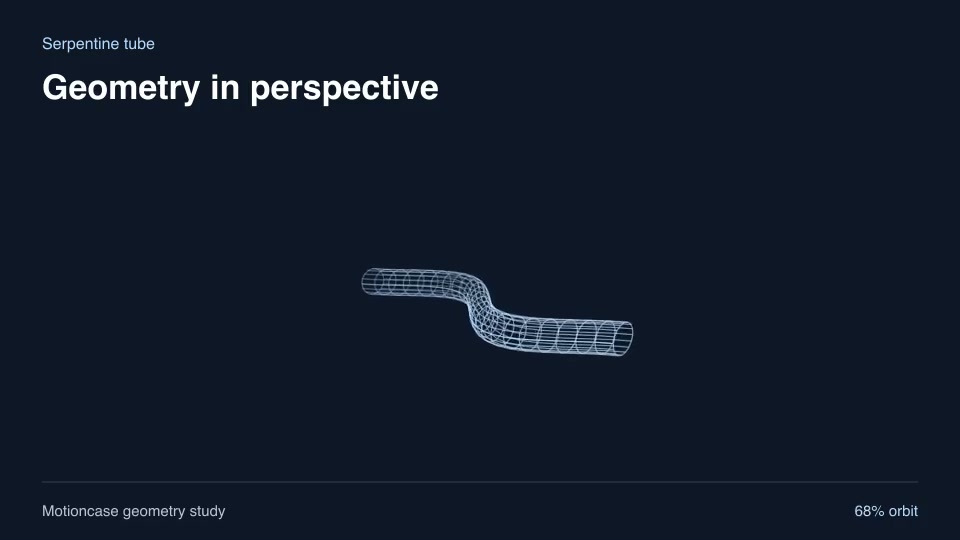
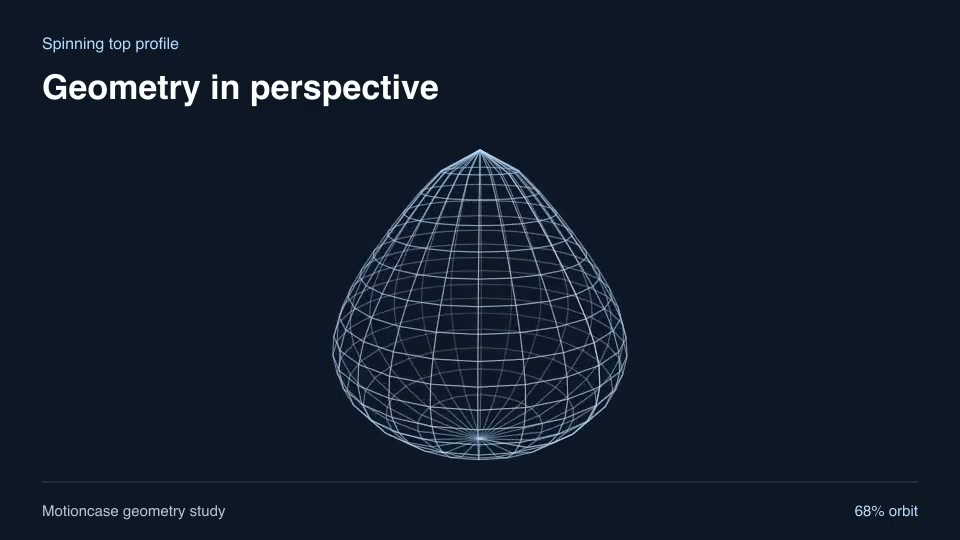
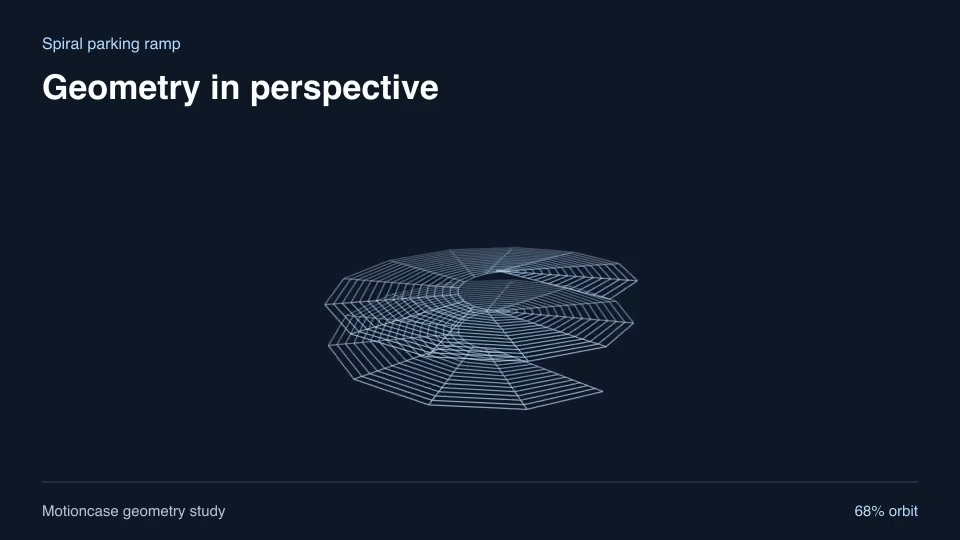
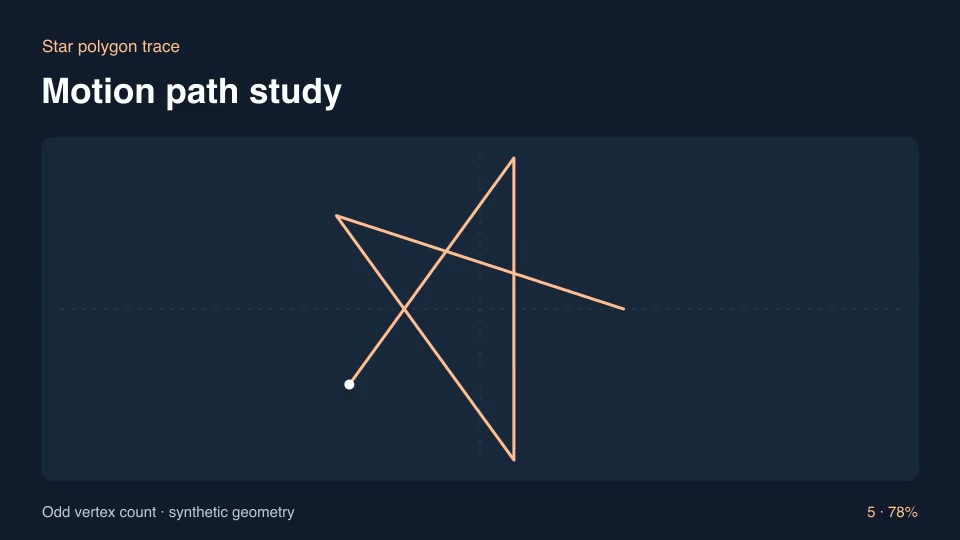
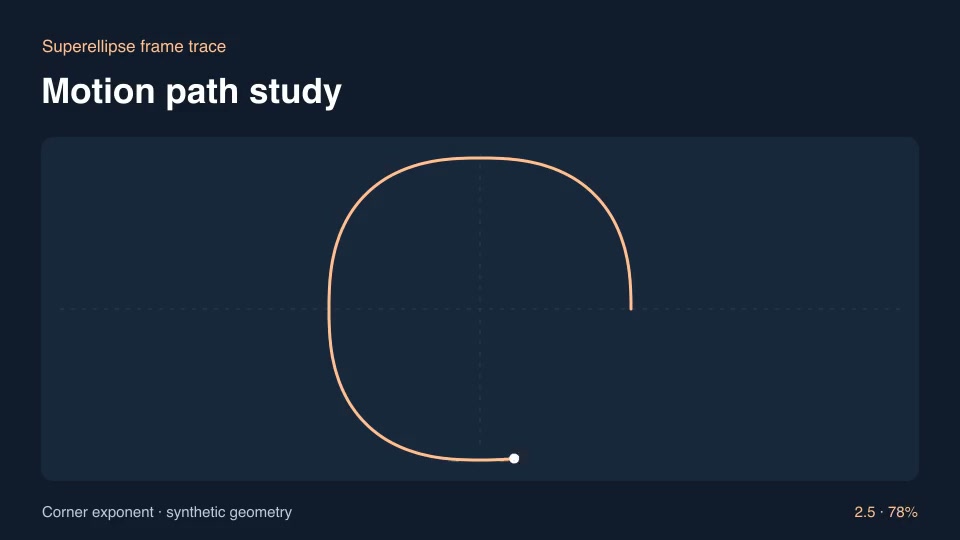
Add a striking shot with editable 3D surfaces, spirals, gears and generative curves.
- Skills
- 67
- Free
- 4
- Complete workflows
- 0
3D & generative motion
60 skills
Before you run a skill
Common requirements in this collection. Each skill page lists its exact versions.
- Python 3.9+, FFmpeg with libx264, and librsvg available locally.
- No provider account required.
How to make it with a skill
- 1Pick and previewWatch the default and customized renders, then check the inputs and requirements.
- 2Install the ZIP or connect MCPFree skills download without an account. Your agent can also install them over MCP.
- 3Render with your inputsRun the included example first, then swap in your own screens, text, data or footage.
Questions
Do I need an account to try 3d & generative motion skills?
No. 4 skills are free to download without an account. Pro skills need an active membership.
Where does the video render?
On your own machine or agent environment, using the tools listed on each skill. Motioncase does not charge for rendering; external tool costs are separate.
Can I change the look and the content?
Yes. Every package includes an editable project and a second, customized example that shows which inputs to change.