Zum Dashboard-Inhalt springen
Motioncase

Video skills by role

Founders

Ship a launch film, a product demo and a metric story yourself, with a workflow you can rerun next release.

Skills
97
Free
5
Complete workflows
3
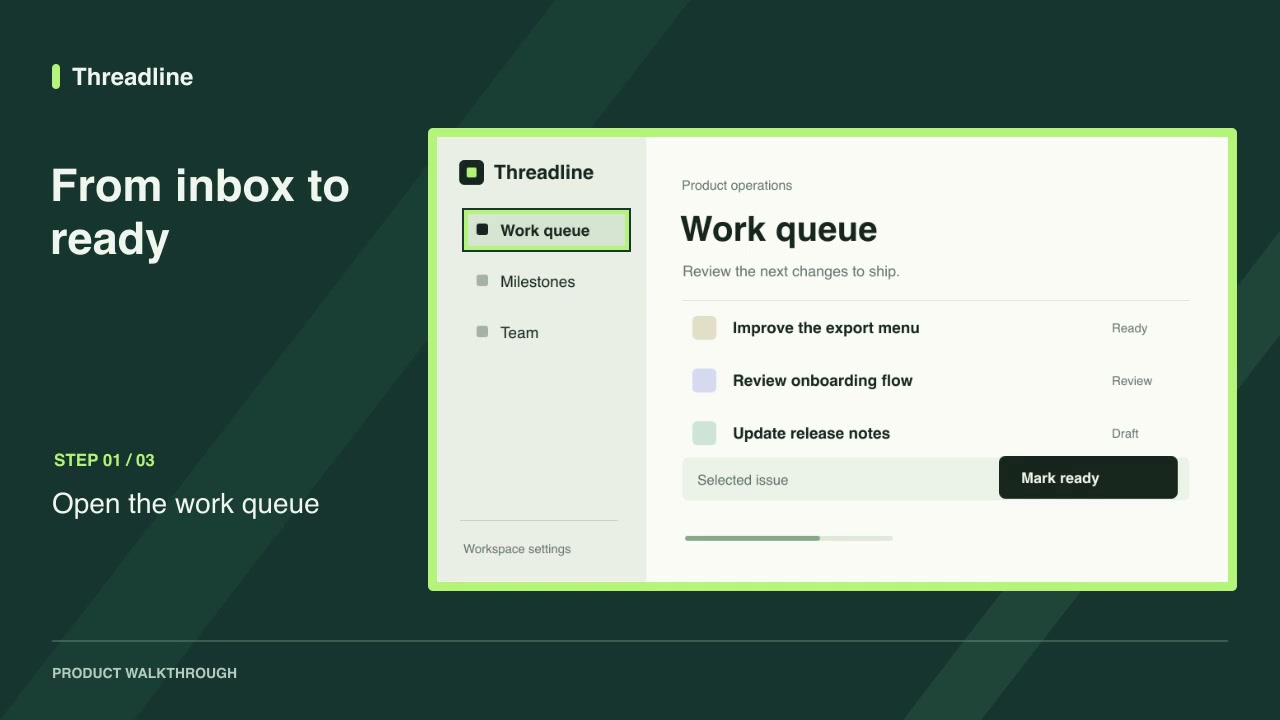
Free · Software demos · 0:09Screenshot walkthroughDownload ZIP

Complete workflows

Packages that take your inputs to a finished render.

View all
More filters

Skills for founders

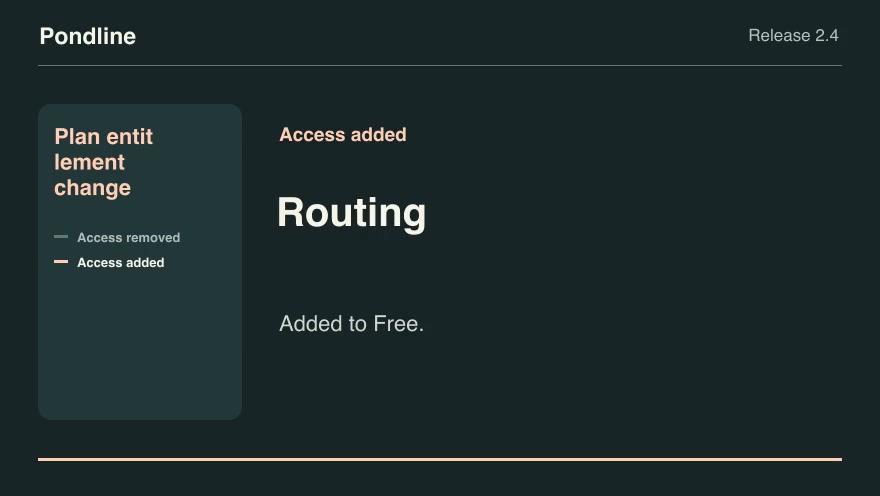
Product launchesProPlan entitlement changeCompare the old and new plan lists for each feature and show precisely which customer tiers gain or lose access.Component16:9 · 0:07Verified: CodexOpen skill
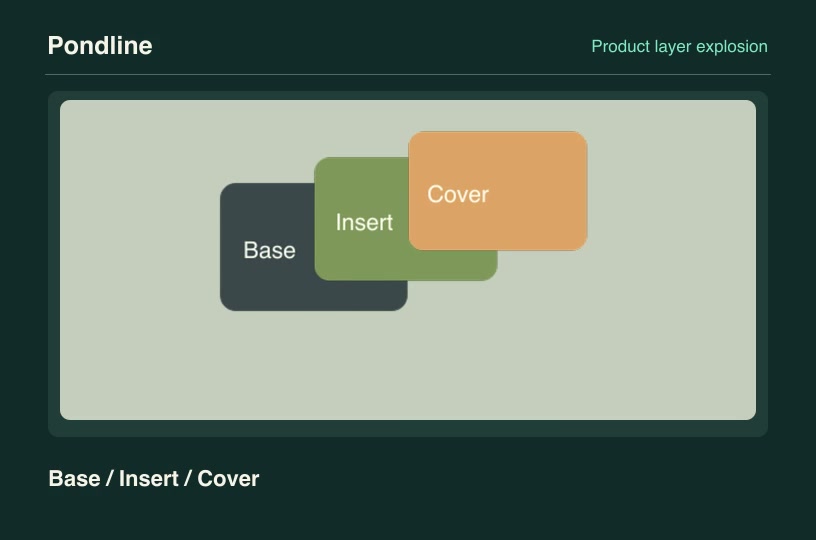
Product launchesProProduct layer explosionSeparate transparent customer product layers along independent vectors, then reassemble them in their declared depth order.Component3:2 · 0:04Verified: CodexOpen skill
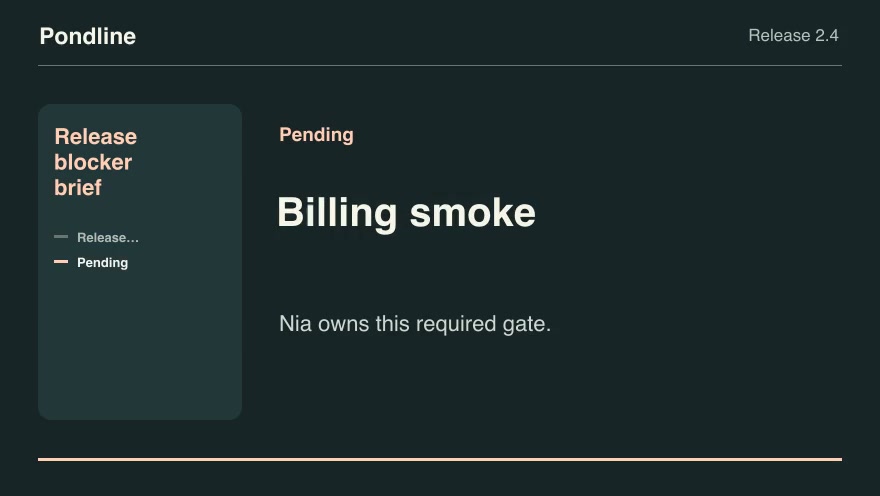
Product launchesProRelease blocker briefConvert a launch gate checklist into a concise owner-by-owner release decision.Component16:9 · 0:07Verified: CodexOpen skill
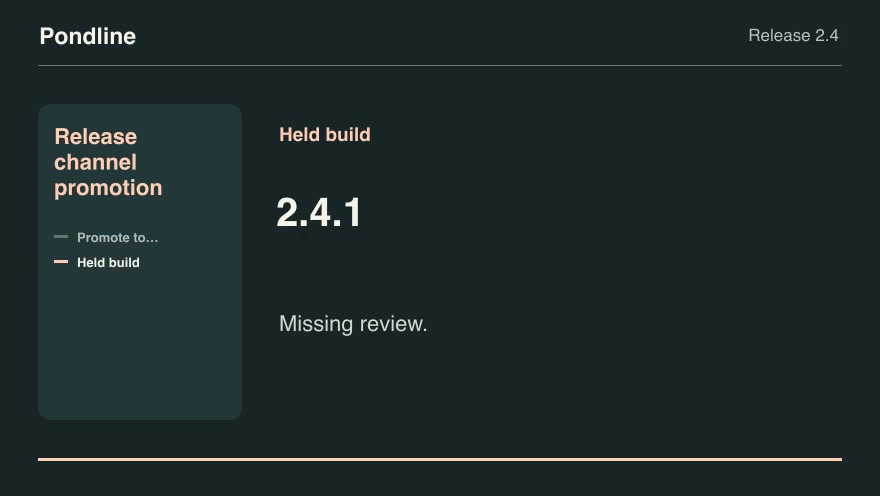
Product launchesProRelease channel promotionSelect the highest eligible tested build for a channel and show which required checks blocked newer candidates.Component16:9 · 0:07Verified: CodexOpen skill
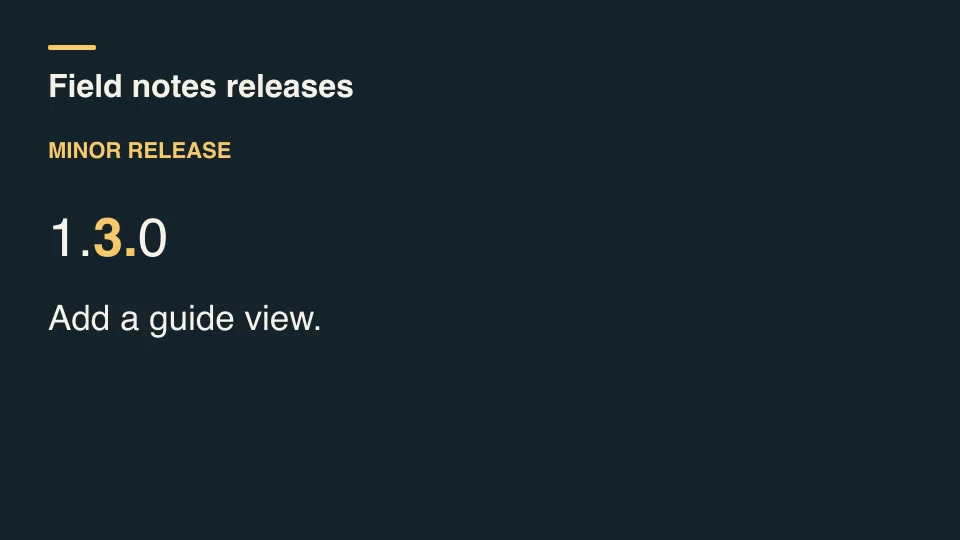
Kinetic typographyProRelease version titleCompare successive semantic versions, classify each increment, and display the changed version segment alongside its release note.Component16:9 · 0:03Verified: CodexOpen skill
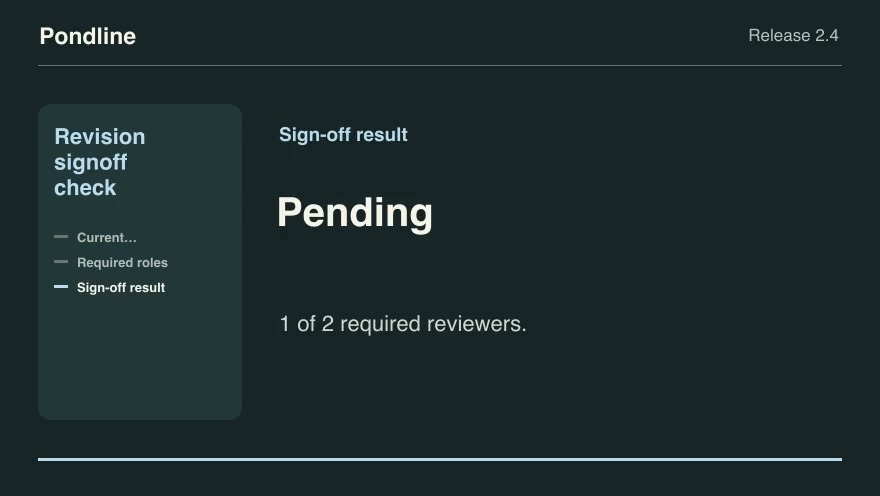
Product launchesProRevision signoff checkCount only approvals of the current product revision and identify the roles and quorum still needed to publish.Component16:9 · 0:09Verified: CodexOpen skill
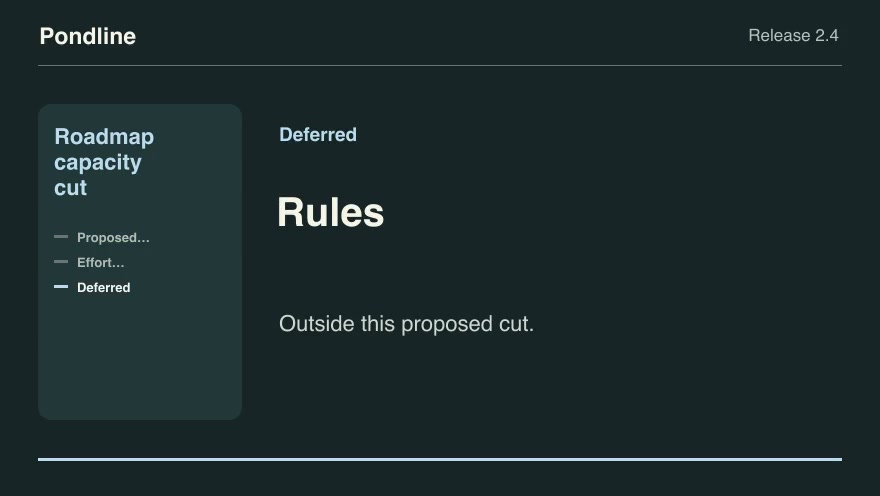
Product launchesProRoadmap capacity cutSelect the highest-scoring feasible set of proposed features within a release budget and explain the cut line.Component16:9 · 0:09Verified: CodexOpen skill
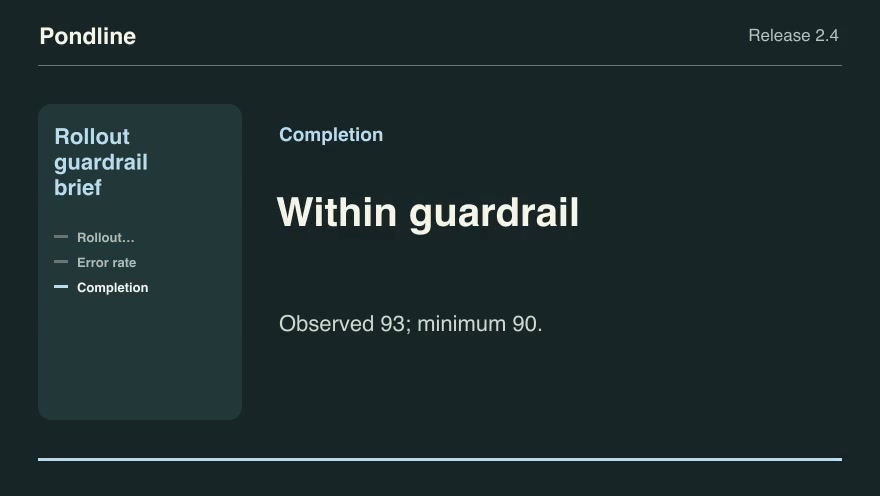
Product launchesProRollout guardrail briefExplain whether observed release health crosses the exact thresholds previously set by the release team.Component16:9 · 0:09Verified: CodexOpen skill
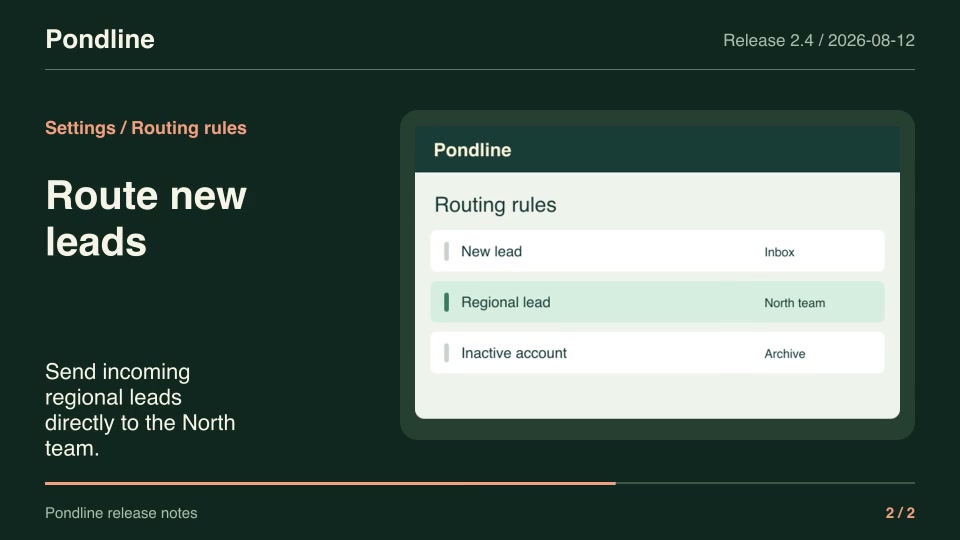
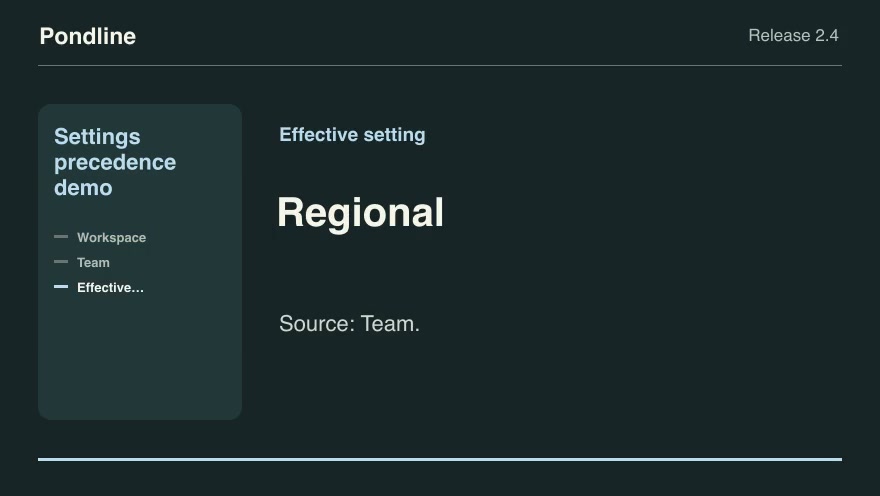
Product launchesProSettings precedence demoReveal the effective value and its source when workspace, team and user configuration layers overlap.Component16:9 · 0:09Verified: CodexOpen skill
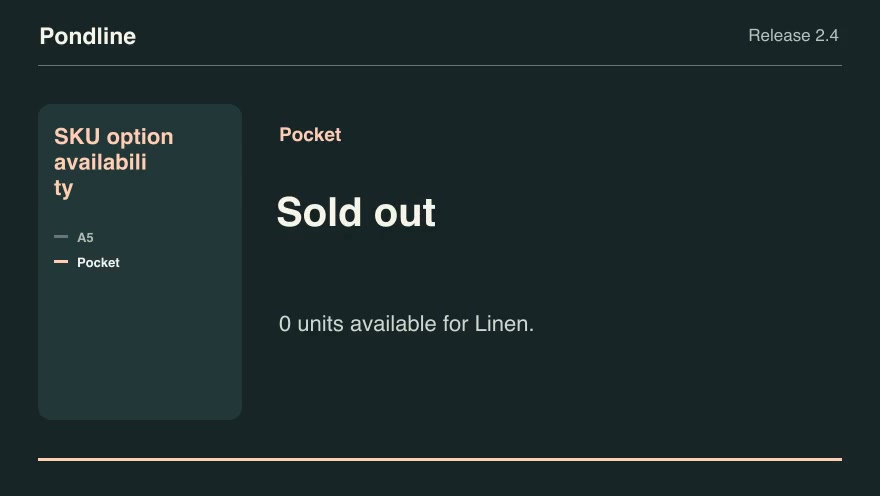
Product launchesProSKU option availabilityShow exactly which product options remain orderable after the buyer chooses a material, finish or edition.Component16:9 · 0:07Verified: CodexOpen skill
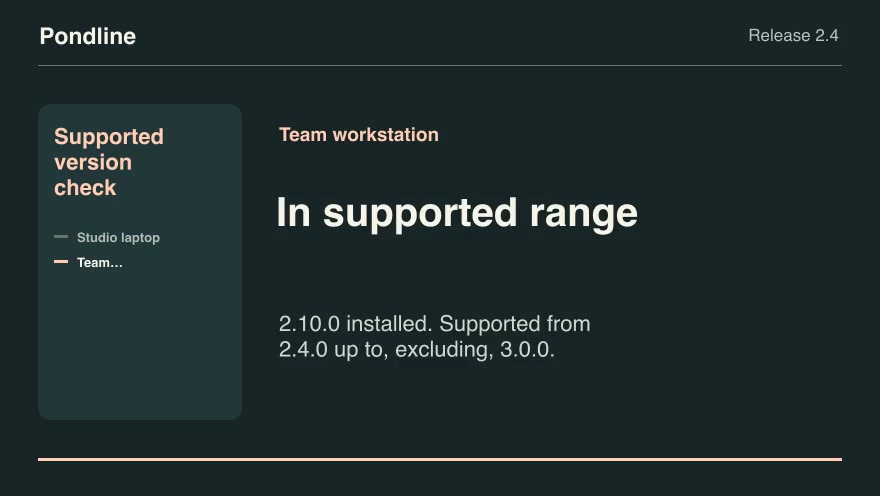
Product launchesProSupported version checkClassify installed client versions against a release's inclusive minimum and exclusive upper bound.Component16:9 · 0:07Verified: CodexOpen skill
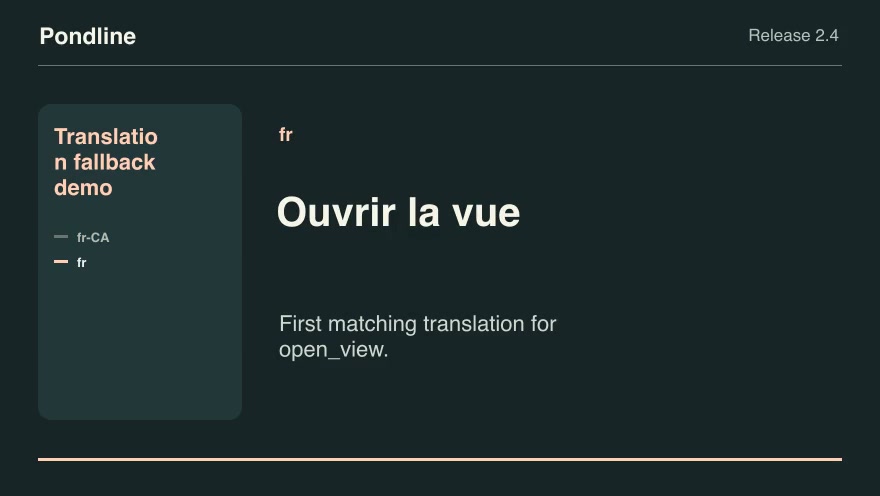
Product launchesProTranslation fallback demoExplain which verified translation a product actually shows as it walks an ordered fallback chain.Component16:9 · 0:07Verified: CodexOpen skill
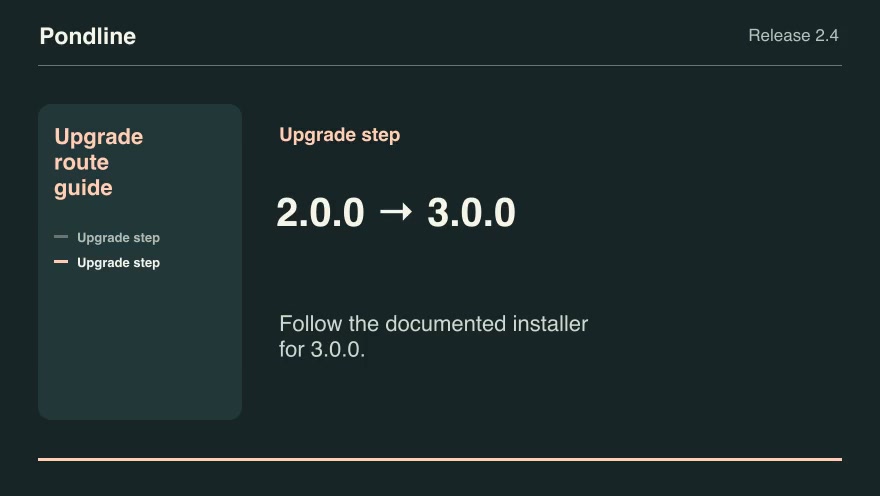
Product launchesProUpgrade route guideFind the fewest supported upgrade steps between two product versions and render each approved transition.Component16:9 · 0:07Verified: CodexOpen skill
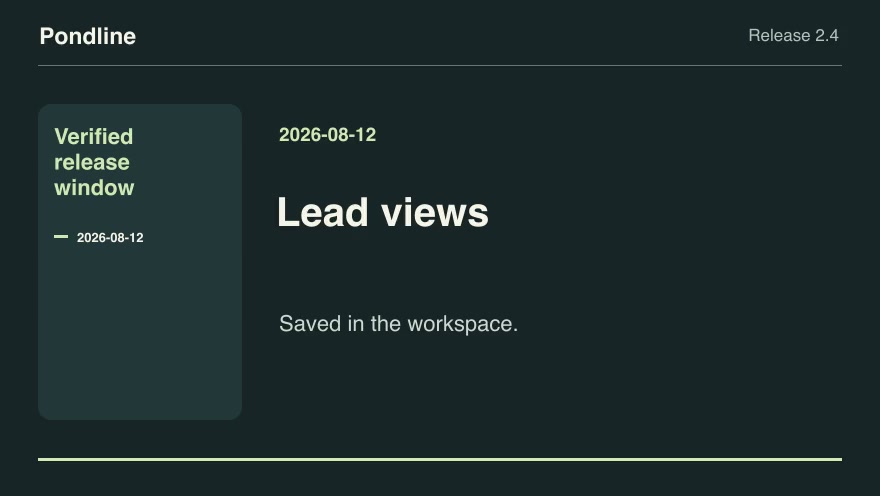
Product launchesProVerified release windowCreate a dated shipped-change reel by selecting only approvals whose release timestamps fall in a half-open reporting window.Component16:9 · 0:05Verified: CodexOpen skill
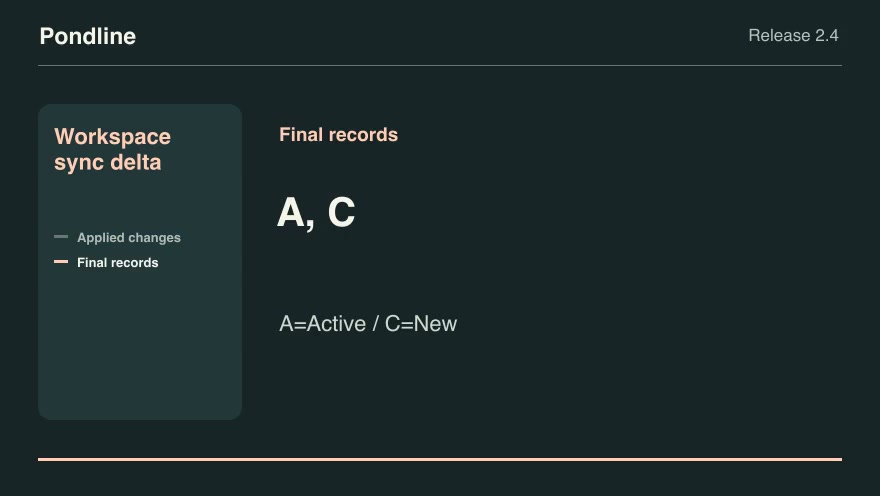
Product launchesProWorkspace sync deltaReplay a sequence of explicitly ordered upserts and deletions and reveal the final synchronized workspace records.Component16:9 · 0:07Verified: CodexOpen skill
Clear search and filters

Before you run a skill

Common requirements in this collection. Each skill page lists its exact versions.

  • Python 3.9 or later
  • librsvg with rsvg-convert on your PATH
  • FFmpeg with the libx264 encoder on your PATH
  • Local tools only. No provider accounts or metered rendering.
  • Python 3.9+, FFmpeg with libx264, and librsvg available locally.

How to make it with a skill

  1. 1Pick and previewWatch the default and customized renders, then check the inputs and requirements.
  2. 2Install the ZIP or connect MCPFree skills download without an account. Your agent can also install them over MCP.
  3. 3Render with your inputsRun the included example first, then swap in your own screens, text, data or footage.

Questions

Do I need an account to try founders skills?

No. 5 skills are free to download without an account. Pro skills need an active membership.

Where does the video render?

On your own machine or agent environment, using the tools listed on each skill. Motioncase does not charge for rendering; external tool costs are separate.

Can I change the look and the content?

Yes. Every package includes an editable project and a second, customized example that shows which inputs to change.