تخطَّ إلى محتوى لوحة التحكم
Motioncase

Video skills by role

Designers

Start from editable parametric motion and tune color, shape and camera to your system.

Skills
67
Free
4
Complete workflows
0
Free · Motion graphics & 3D · 0:02Barrel vaultDownload ZIP
More filters

Skills for designers

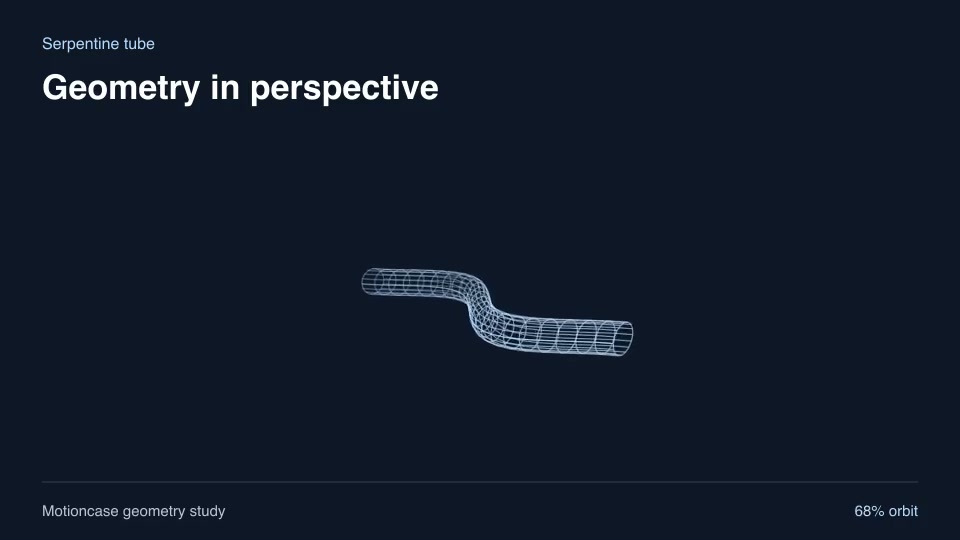
Motion graphics & 3DProSerpentine tubeReveal an undulating tubular route with an editable amplitude.Component16:9 · 0:02Verified: CodexOpen skill
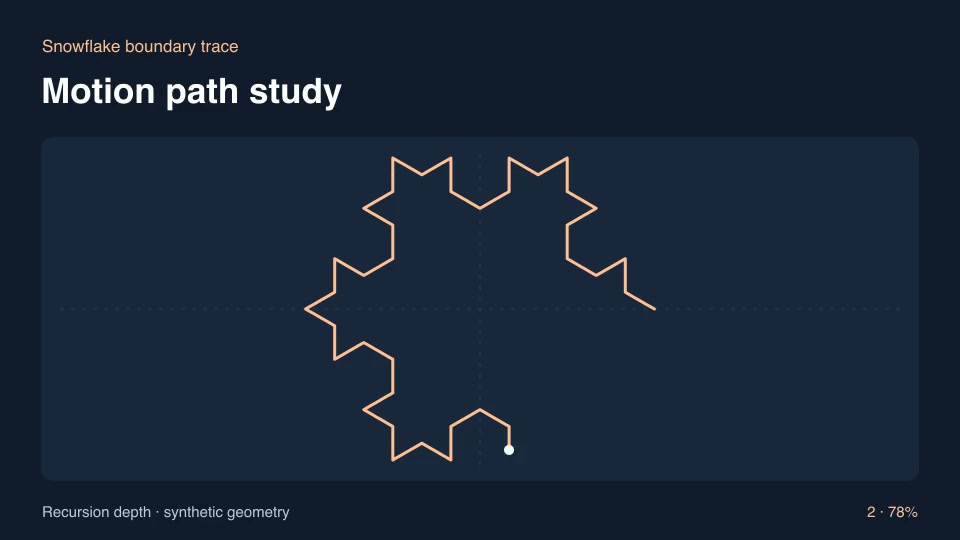
ExplainersProSnowflake boundary traceConstruct and trace a recursively subdivided three-sided snowflake edge.Component16:9 · 0:03Verified: CodexOpen skill
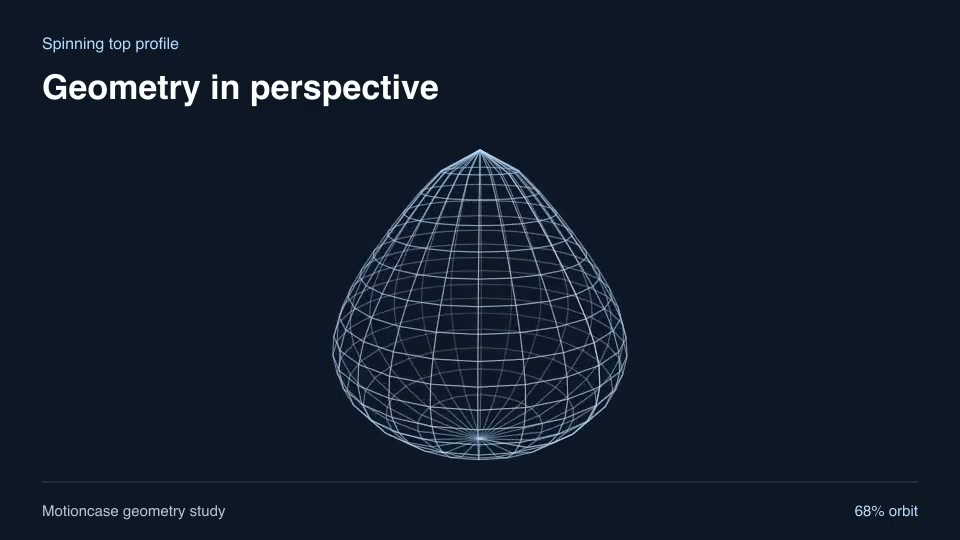
Motion graphics & 3DProSpinning top profileRevolve a shaped profile into a pointed spinning-top object.Component16:9 · 0:02Verified: CodexOpen skill
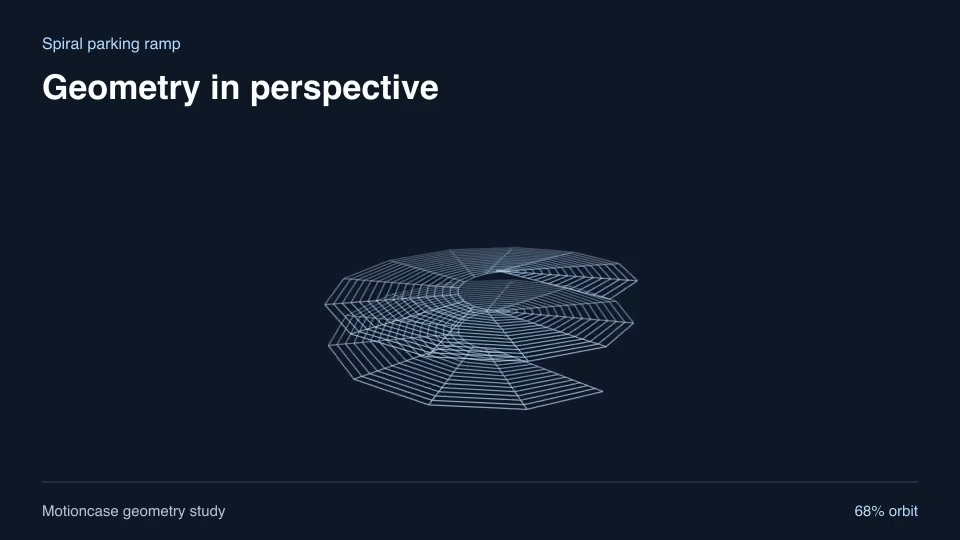
Motion graphics & 3DProSpiral parking rampShow a continuous rising two-turn ramp for an architectural explainer.Component16:9 · 0:02Verified: CodexOpen skill
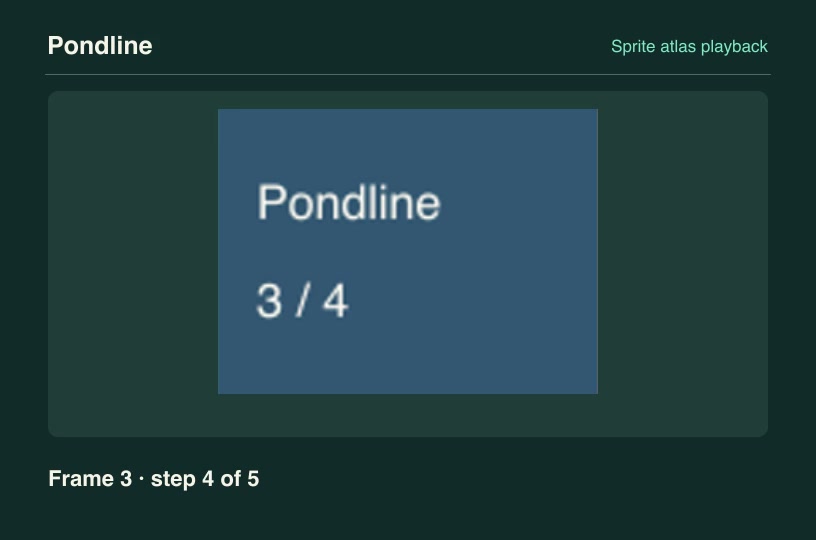
Software demosProSprite atlas playbackExtract a chosen animation order from a regular sprite atlas and render its individual product UI states in time.Component3:2 · 0:04Verified: CodexOpen skill
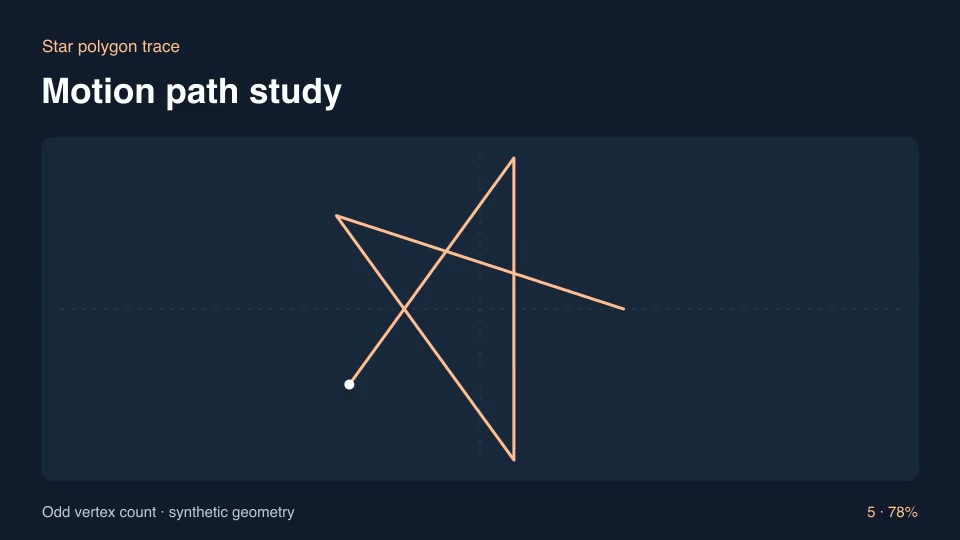
Motion graphics & 3DProStar polygon traceTrace diagonals through regularly spaced vertices to draw a connected star polygon.Component16:9 · 0:03Verified: CodexOpen skill
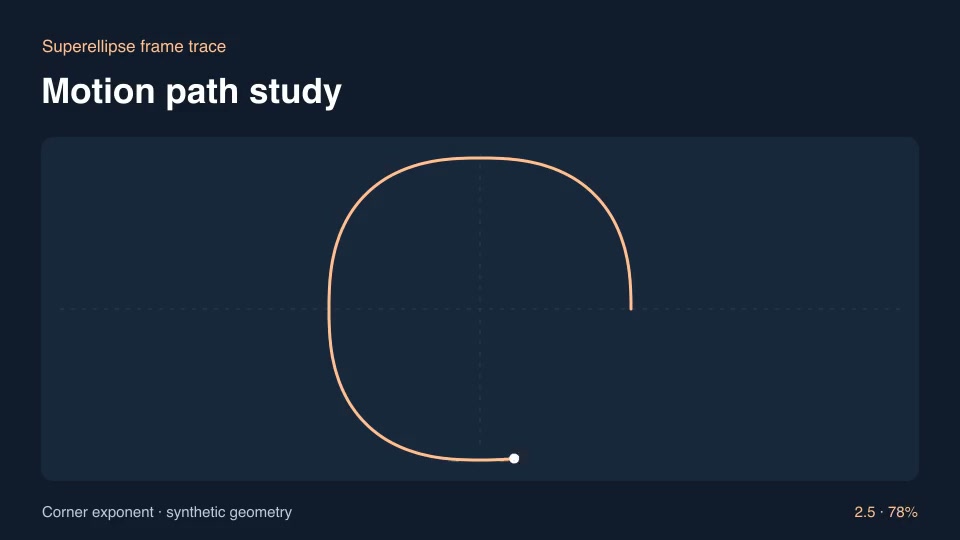
Motion graphics & 3DProSuperellipse frame traceDraw a smooth product-frame outline between oval and rounded-square geometry.Component16:9 · 0:03Verified: CodexOpen skill
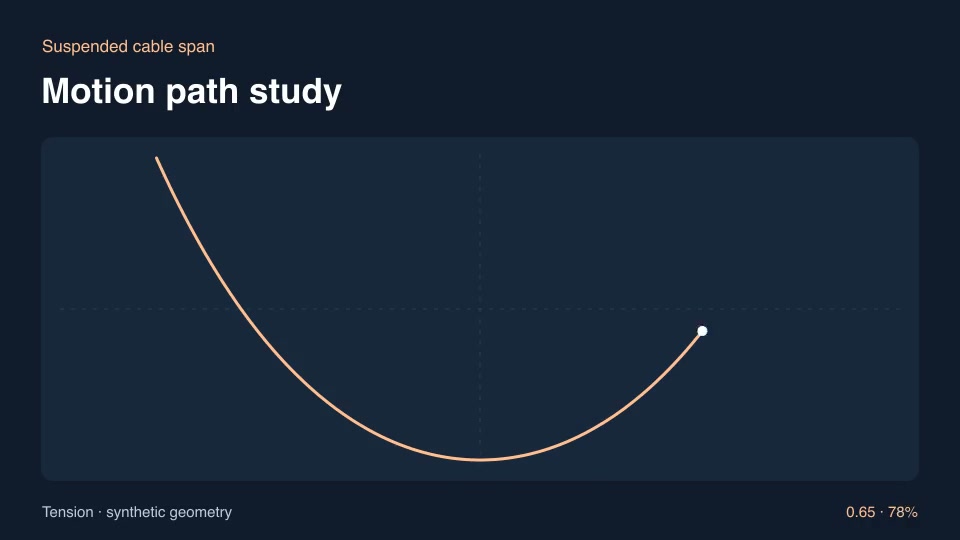
Motion graphics & 3DProSuspended cable spanDraw the curve of a hanging cable and vary the tension parameter.Component16:9 · 0:03Verified: CodexOpen skill
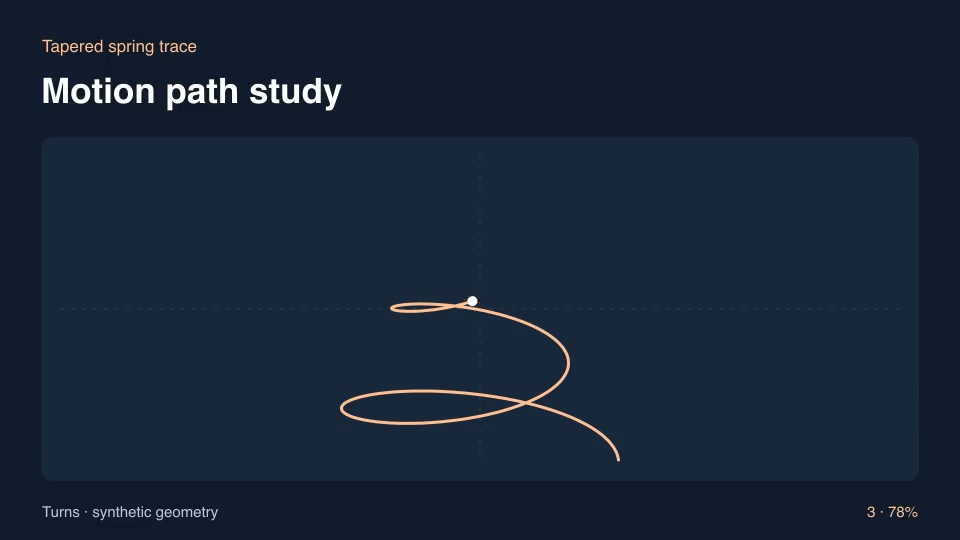
Motion graphics & 3DProTapered spring traceIllustrate a spring tapering to its tip as the coil ascends.Component16:9 · 0:03Verified: CodexOpen skill
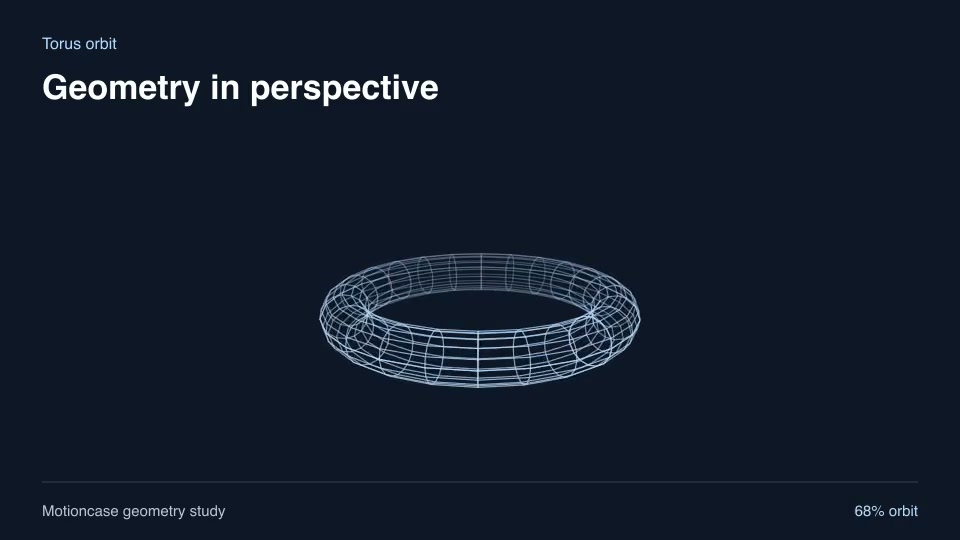
Motion graphics & 3DProTorus orbitShow a closed ring surface rotating in perspective for a topology or loop explanation.Component16:9 · 0:02Verified: CodexOpen skill
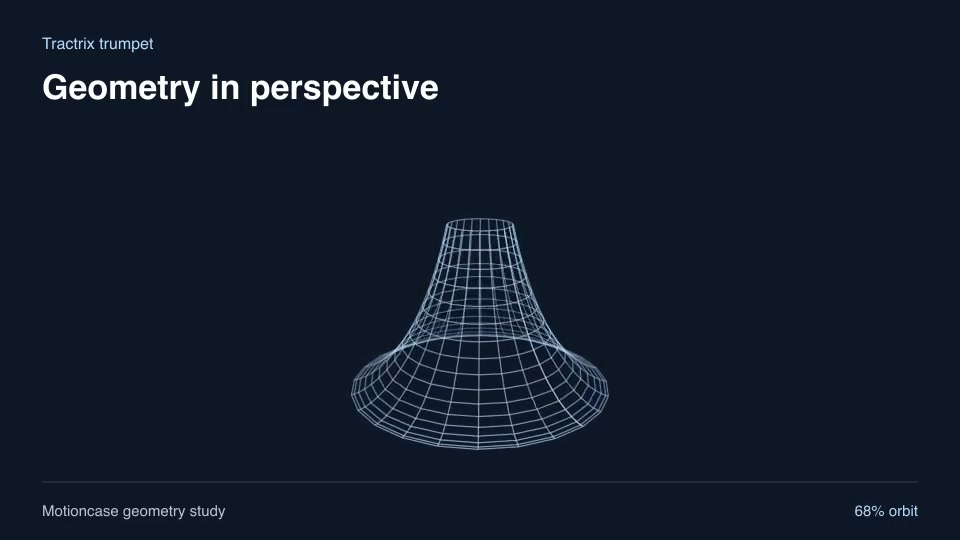
Motion graphics & 3DProTractrix trumpetExplain a tractrix-derived surface of revolution with an extended narrow throat.Component16:9 · 0:02Verified: CodexOpen skill
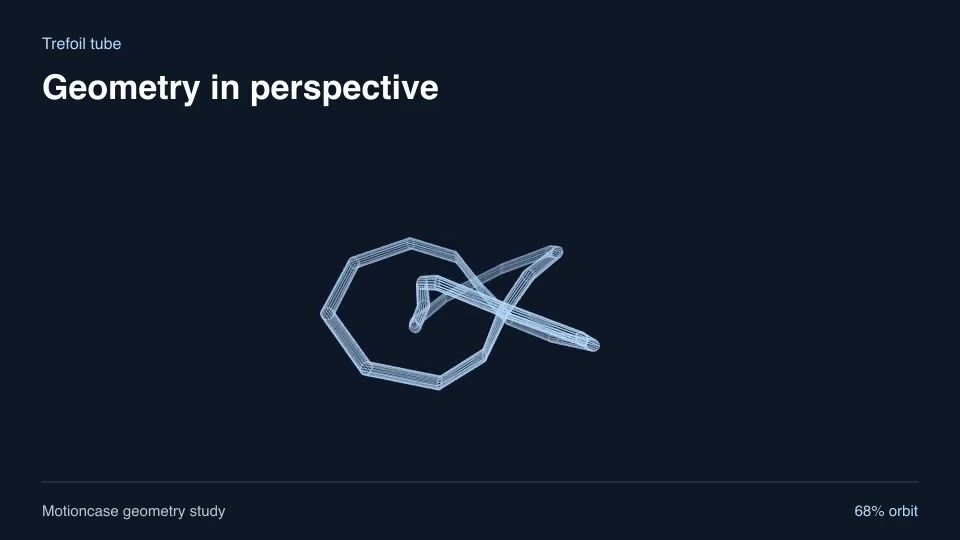
Motion graphics & 3DProTrefoil tubeMake a three-lobed knot with a visible tubular wireframe cross-section.Component16:9 · 0:02Verified: CodexOpen skill
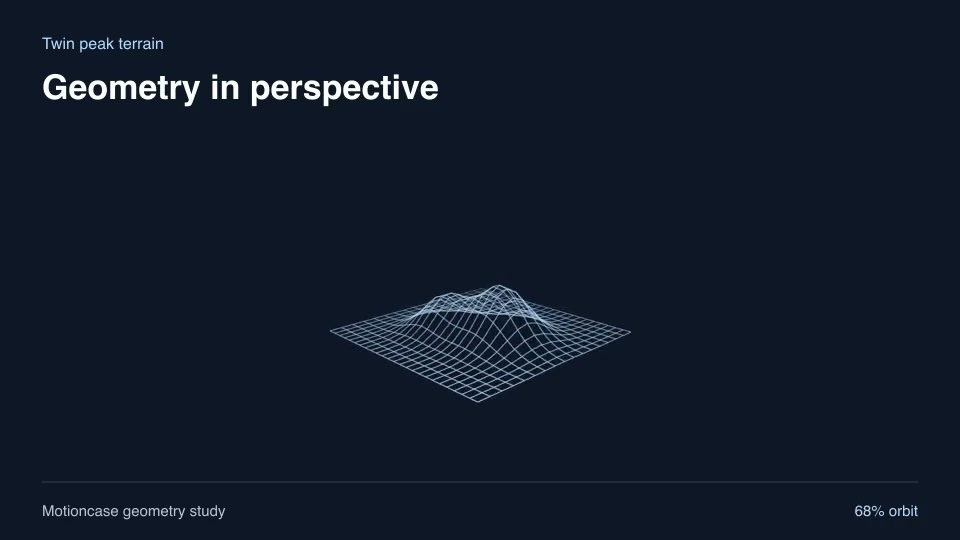
Motion graphics & 3DProTwin peak terrainExplain a two-peak scalar field with editable peak separation.Component16:9 · 0:02Verified: CodexOpen skill
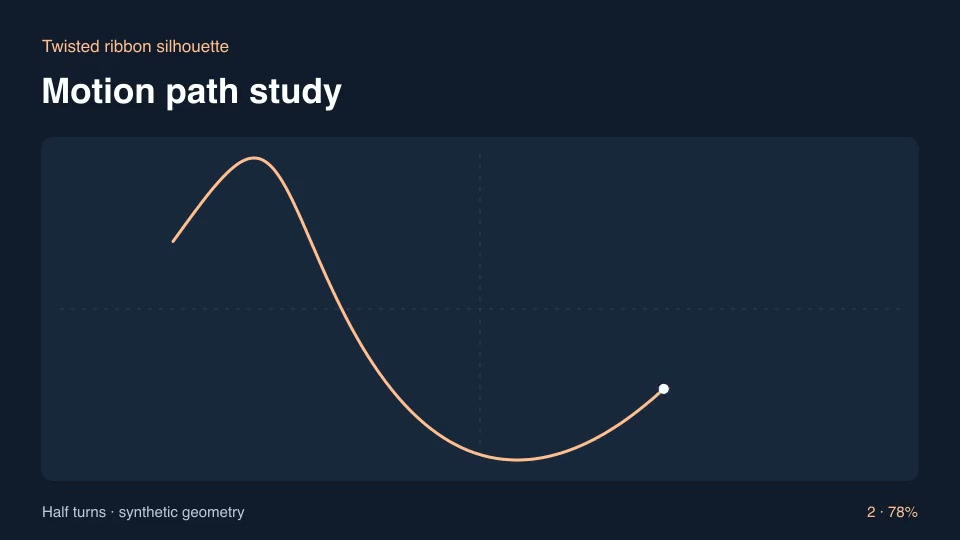
Motion graphics & 3DProTwisted ribbon silhouetteFollow one boundary of a twisted strip in oblique projection and vary its number of half-turns.Component16:9 · 0:03Verified: CodexOpen skill
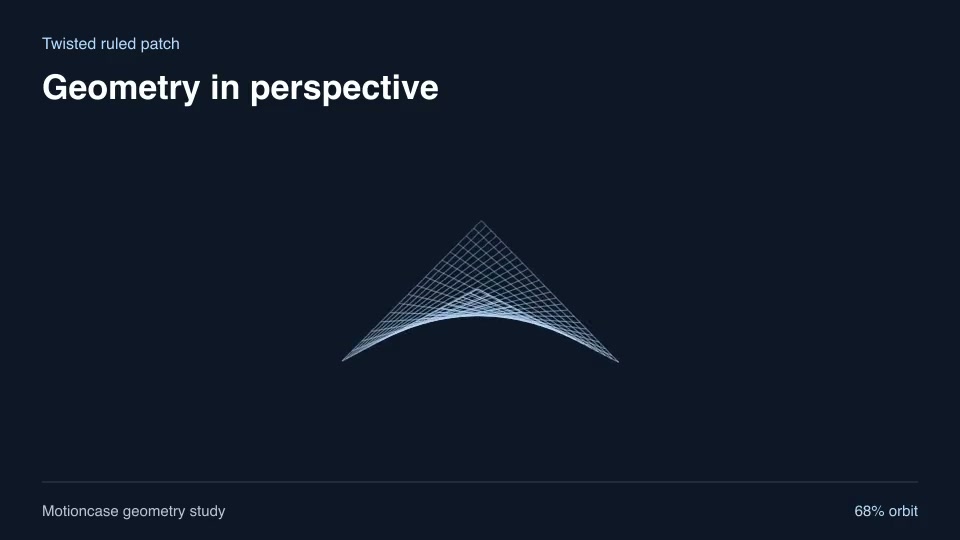
Motion graphics & 3DProTwisted ruled patchExplain a bilinear surface stretched between four alternating-height corners.Component16:9 · 0:02Verified: CodexOpen skill
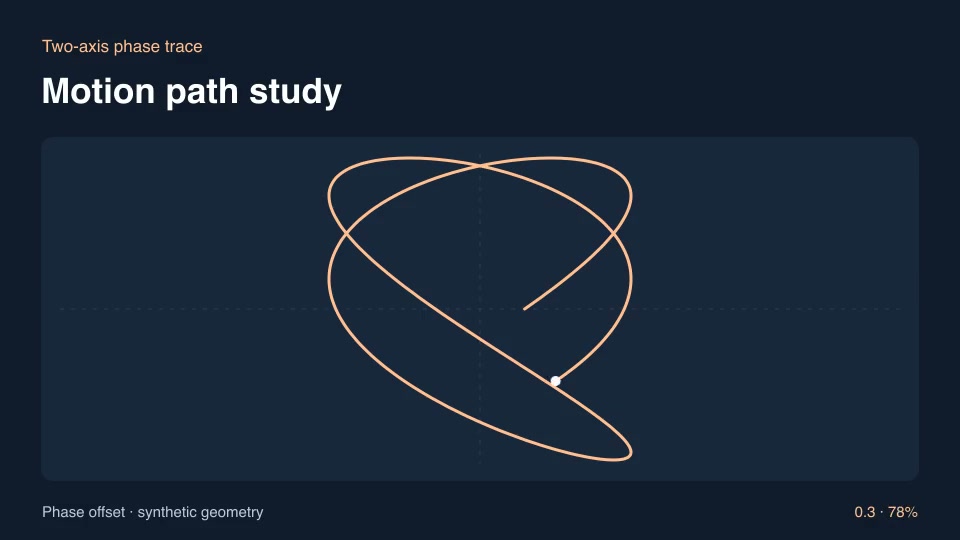
Motion graphics & 3DProTwo-axis phase traceContrast two perpendicular oscillators using a phase-controlled Lissajous figure.Component16:9 · 0:03Verified: CodexOpen skill
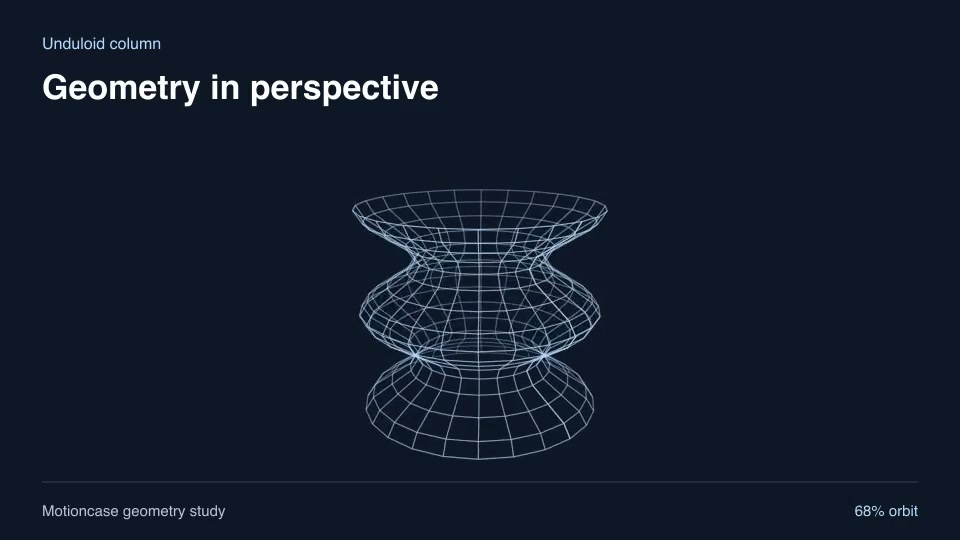
Motion graphics & 3DProUnduloid columnShow a periodically pinched column as a repeating structural component.Component16:9 · 0:02Verified: CodexOpen skill
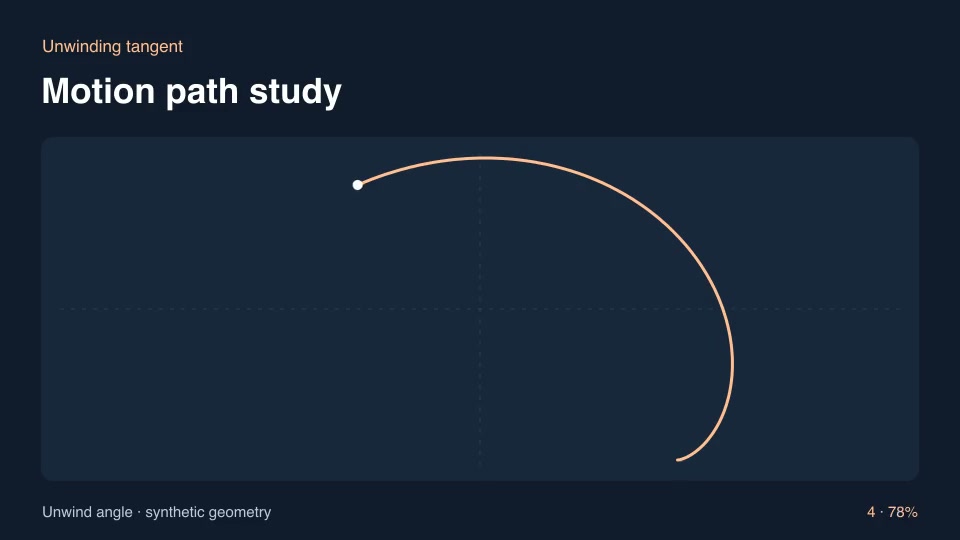
Motion graphics & 3DProUnwinding tangentIllustrate the free end of a taut line unwinding from a circular spool.Component16:9 · 0:03Verified: CodexOpen skill
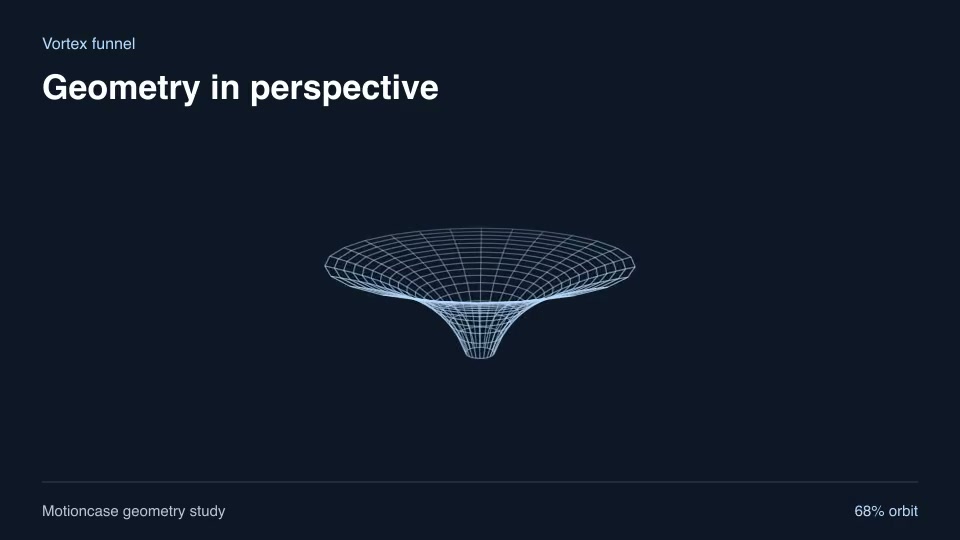
Motion graphics & 3DProVortex funnelIllustrate a deep rotational funnel with a bounded central opening.Component16:9 · 0:02Verified: CodexOpen skill
Clear search and filters

Before you run a skill

Common requirements in this collection. Each skill page lists its exact versions.

  • Python 3.9+, FFmpeg with libx264, and librsvg available locally.
  • No provider account required.

How to make it with a skill

  1. 1Pick and previewWatch the default and customized renders, then check the inputs and requirements.
  2. 2Install the ZIP or connect MCPFree skills download without an account. Your agent can also install them over MCP.
  3. 3Render with your inputsRun the included example first, then swap in your own screens, text, data or footage.

Questions

Do I need an account to try designers skills?

No. 4 skills are free to download without an account. Pro skills need an active membership.

Where does the video render?

On your own machine or agent environment, using the tools listed on each skill. Motioncase does not charge for rendering; external tool costs are separate.

Can I change the look and the content?

Yes. Every package includes an editable project and a second, customized example that shows which inputs to change.